Picking the wrong UAT testing software wastes more than money. It wastes testing cycles, frustrates business users, and produces defect reports that developers cannot act on. The right tool fits your team’s workflow, captures enough context to make defect reports actionable, and stays out of the way for non-technical testers.
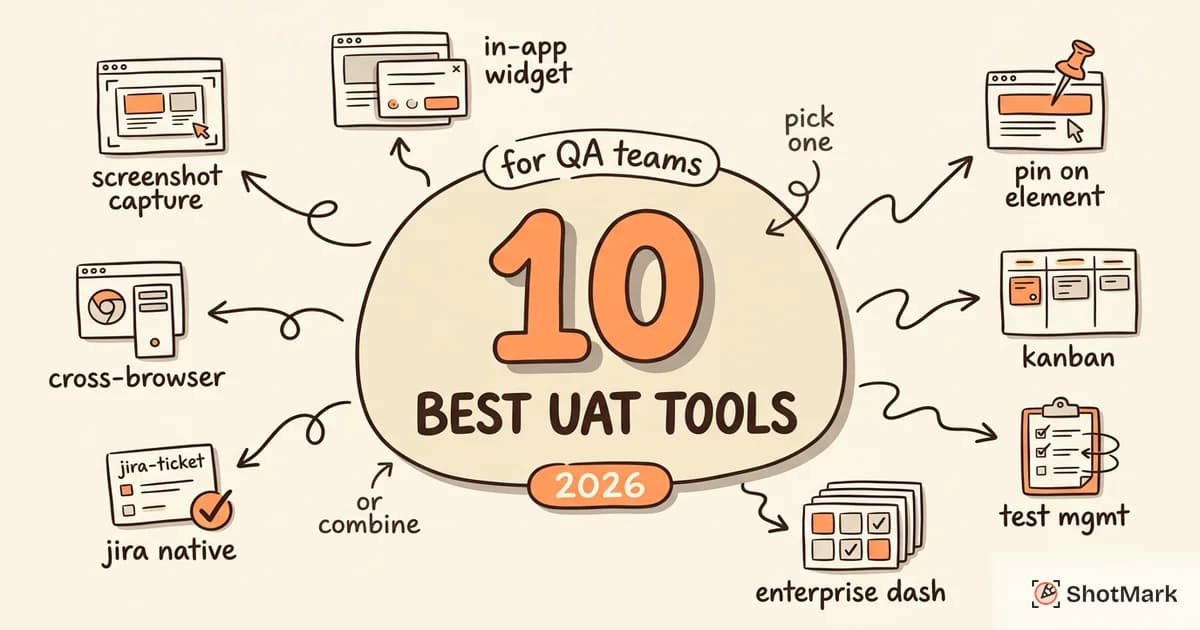
We evaluated 10 user acceptance testing software tools that QA teams actually use in 2026. This is not a list of every tool with “testing” in its name. Each tool here solves a specific UAT problem, from visual bug capture to enterprise test management. If you are new to UAT itself, start with our complete guide to user acceptance testing before choosing a tool.
What to Look for in UAT Testing Software
Before comparing tools, you need to know what matters for UAT specifically. UAT is different from QA testing, and the tooling requirements reflect that difference.
Easy defect capture with full context: UAT testers are business users, not QA engineers. They should not have to manually collect browser versions, console errors, or network request details. The best UAT testing software captures this automatically.
Non-technical user friendliness: If stakeholders need a training session to file a bug, adoption will be low and defect reports will be incomplete. The tool must be approachable for people who do not live in Jira.
Integration with project management tools: Defects found during UAT need to flow into your existing workflow. Jira, Linear, Asana, GitHub Issues. Manual copy-paste between systems creates gaps.
Test case management (or compatibility): Some teams need a tool that handles both test case tracking and defect capture. Others already have a test management platform and need a defect reporter that integrates with it.
Collaboration features: UAT involves multiple testers, QA coordinators, developers, and stakeholders. Comments, status tracking, and notifications keep everyone aligned.
Pricing that fits your team size: Per-user pricing can spiral for larger UAT groups, especially when you include business stakeholders who only test occasionally.
10 Best UAT Testing Software Tools (2026)
1. ShotMark
ShotMark is a visual bug reporting tool built for the exact problem that slows down UAT cycles: unclear defect reports. The browser extension captures a screenshot, console logs, network requests, and browser metadata in a single click. Testers annotate the screenshot to highlight exactly what went wrong, and the report goes directly to Jira, Linear, or GitHub Issues.
For UAT, this solves the biggest bottleneck. Business users click one button, and developers receive a defect report with everything they need to reproduce the issue. No more “it does not work” tickets. No more follow-up questions about browser version or steps to reproduce.
- Key feature: One-click capture with screenshot, console logs, network requests, and metadata
- Best for: QA teams that need full technical context in UAT defect reports
- Integrations: Jira, Linear, GitHub Issues
- Pricing: Free tier available
2. Usersnap
Usersnap provides an in-app feedback widget that collects UAT feedback directly on the page. Testers click a button overlaid on the application, take a screenshot, add notes, and submit. The widget captures browser info and console logs automatically.
Usersnap works well for collecting feedback from non-technical stakeholders who would never open a separate bug tracking tool. The widget feels native to the application, lowering the barrier to reporting. It integrates with over 30 project management and messaging tools.
- Key feature: In-app feedback widget with screenshot capture
- Best for: Teams collecting feedback from non-technical stakeholders
- Integrations: Jira, Slack, Trello, Azure DevOps, and 30+ others
- Pricing: Starts at $49/mo
3. Marker.io
Marker.io adds a website overlay that lets testers annotate and report bugs without leaving the page. It captures the screenshot, URL, viewport size, and browser metadata automatically. The standout feature for UAT is its deep integration with project management tools. Defects land in Jira, Trello, or Asana with all the context attached.
Agencies running UAT with external clients particularly benefit. Marker.io provides guest access, so clients can report issues without creating accounts on your internal tools.
- Key feature: Website overlay with automatic metadata capture
- Best for: Agencies running UAT with external clients
- Integrations: Jira, Trello, Asana, GitHub, GitLab, and more
- Pricing: Starts at $39/mo
4. BugHerd
BugHerd takes a pin-on-element approach. Testers click directly on the element that has an issue, and BugHerd attaches the feedback to that specific DOM element. It includes a built-in Kanban board for defect tracking, which makes it a standalone option for teams that do not want to manage a separate project management tool for UAT.
Guest access means stakeholders do not need BugHerd accounts to participate. They access the feedback overlay through a shared URL.
- Key feature: Pin-on-element feedback with built-in Kanban board
- Best for: Web agencies collecting client UAT feedback
- Integrations: Jira, GitHub, Slack, Zapier
- Pricing: Starts at $41/mo
5. TestMonitor
TestMonitor is a dedicated test management platform with a specific focus on UAT. It provides test case creation, execution tracking, and result reporting in a clean interface designed for business users. Requirements traceability connects each test case back to the business requirement it validates.
If your team needs structured UAT with formal reporting and audit trails, TestMonitor handles the process from planning through sign-off.
- Key feature: Dedicated UAT test management with requirements traceability
- Best for: Teams that need structured UAT test management
- Integrations: Jira, Azure DevOps
- Pricing: Starts at $25/user/mo
6. PractiTest
PractiTest is an enterprise-grade test management platform that supports UAT as part of a broader quality management strategy. Customizable dashboards give visibility into UAT progress, and the platform connects requirements, test cases, and defects in a single system.
For large organizations with complex UAT needs spanning multiple teams, projects, and compliance requirements, PractiTest provides the structure and reporting depth that lighter tools cannot.
- Key feature: Enterprise test management with customizable UAT dashboards
- Best for: Enterprise QA teams with complex UAT needs
- Integrations: Jira, Jenkins, GitLab, Selenium, and 40+ others
- Pricing: Custom pricing
7. Zephyr Scale (Jira Plugin)
Zephyr Scale is a native Jira plugin that adds test management capabilities directly inside Jira. For teams that already live in Jira, this eliminates the context-switching of a separate test management tool. UAT test cycles, test cases, and results all live as Jira entities.
The tradeoff: it requires Jira. If your team does not use Jira, Zephyr Scale is not an option. But for Jira-first teams, the native integration is hard to beat.
- Key feature: Native Jira test case management
- Best for: Teams already using Jira for project management
- Integrations: Jira (native), CI/CD tools via Jira
- Pricing: Starts at $1/user/mo (Jira Cloud)
8. TestRail
TestRail is an industry-standard test case management platform used by QA teams of all sizes. It supports customizable test plans, test runs, and detailed reporting. For UAT, TestRail lets you organize test cases by business workflow, assign them to UAT testers, and track results with detailed analytics.
TestRail’s reporting is its strength. If stakeholders want dashboards and trend reports showing UAT progress across releases, TestRail delivers.
- Key feature: Comprehensive test reporting and analytics
- Best for: QA teams that need detailed UAT reporting
- Integrations: Jira, GitHub, GitLab, Jenkins, and 50+ others
- Pricing: Starts at $40/user/mo
9. Panaya
Panaya specializes in UAT for SAP and ERP systems. It automatically generates test cases from business process models and identifies which test scenarios are affected by system changes. For organizations running SAP, Panaya reduces the manual effort of maintaining UAT test suites.
Outside the SAP/ERP ecosystem, Panaya is less relevant. But within it, the automated test case generation and impact analysis are significant time savers.
- Key feature: Automated test case generation from business processes
- Best for: Enterprise teams doing SAP/ERP UAT
- Integrations: SAP, ServiceNow, Jira
- Pricing: Custom pricing
10. BrowserStack
BrowserStack provides real device and browser testing for cross-platform UAT. When your UAT needs to validate behavior across Chrome, Safari, Firefox, Edge, and multiple mobile devices, BrowserStack gives testers access to real devices and browsers without maintaining a device lab.
BrowserStack is not a UAT management tool. It is a testing infrastructure tool that ensures UAT covers the full range of environments your users actually use.
- Key feature: Real device and browser testing for cross-platform validation
- Best for: Teams that need to validate across browsers and devices during UAT
- Integrations: Jira, GitHub, Jenkins, Selenium, Playwright
- Pricing: Starts at $29/mo
UAT Testing Software Comparison Table
| Tool | Best For | Key Feature | Jira Integration | Free Tier | Starting Price |
|---|---|---|---|---|---|
| ShotMark | Technical context in defect reports | One-click capture with console logs | Yes | Yes | Free |
| Usersnap | Non-technical stakeholder feedback | In-app feedback widget | Yes | No | $49/mo |
| Marker.io | Agency client UAT | Website overlay with metadata | Yes | No | $39/mo |
| BugHerd | Client feedback collection | Pin-on-element with Kanban | Yes | No | $41/mo |
| TestMonitor | Structured UAT management | Requirements traceability | Yes | No | $25/user/mo |
| PractiTest | Enterprise UAT | Customizable dashboards | Yes | No | Custom |
| Zephyr Scale | Jira-first teams | Native Jira test management | Native | No | $1/user/mo |
| TestRail | UAT reporting and analytics | Detailed test reporting | Yes | No | $40/user/mo |
| Panaya | SAP/ERP UAT | Auto test case generation | Yes | No | Custom |
| BrowserStack | Cross-browser UAT | Real device testing | Yes | No | $29/mo |
How to Choose the Right UAT Tool for Your Team
There is no single best UAT testing software. The right choice depends on your team size, existing tools, and what type of UAT you run.
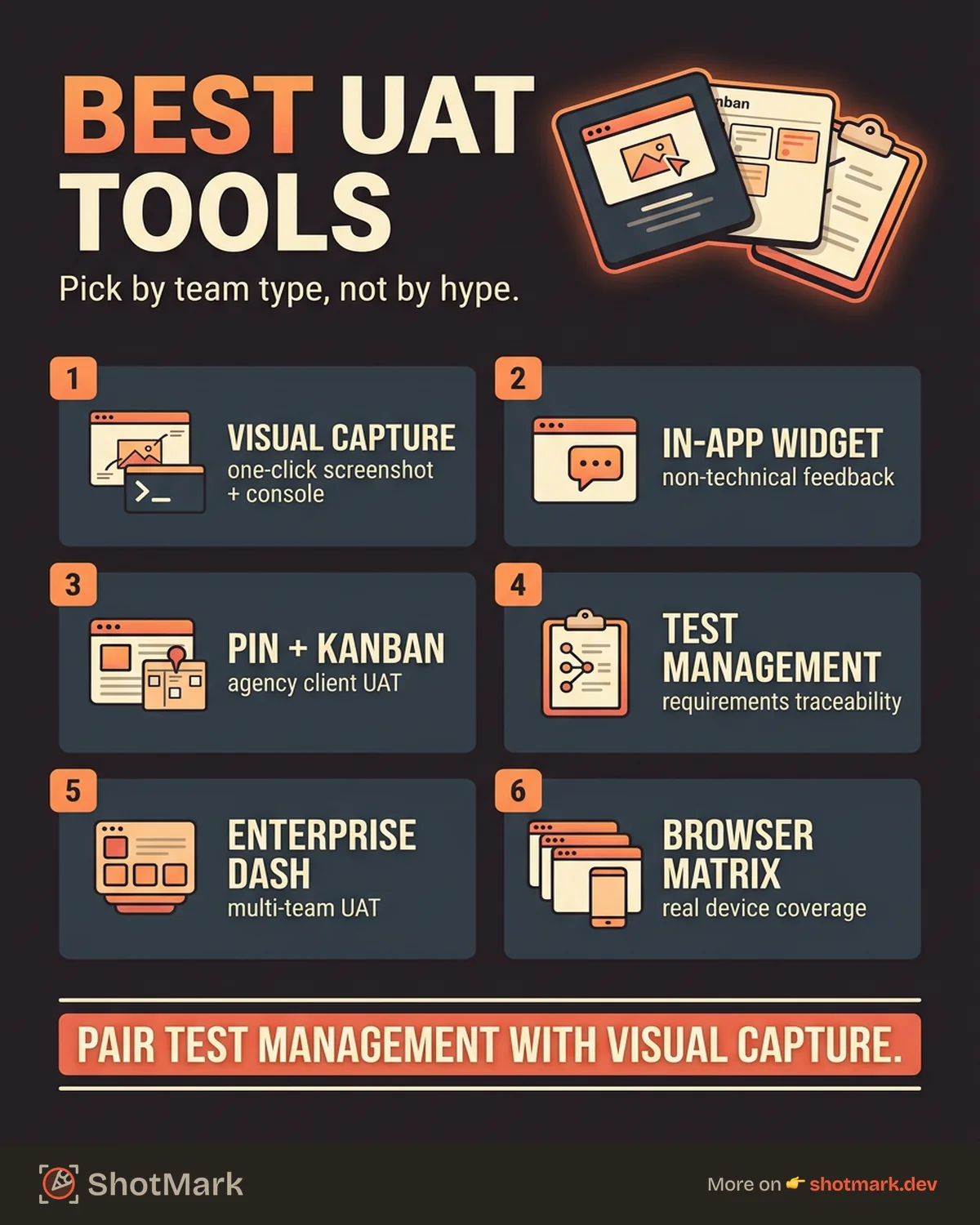
Small teams (under 10 people): Start with a lightweight capture tool like ShotMark or Marker.io. You do not need a full test management platform when your UAT involves 3 to 5 testers running 20 to 30 scenarios.
Agencies running client UAT: BugHerd or Marker.io provide guest access and client-friendly interfaces. The ability for clients to report issues without creating accounts on your internal systems is essential.
Enterprise QA teams: PractiTest or Panaya deliver the requirements traceability, compliance reporting, and multi-team coordination that enterprise UAT demands.
Jira-first teams: Zephyr Scale keeps everything inside Jira. If your developers, QA engineers, and project managers all live in Jira, adding another tool creates unnecessary friction.
Cross-platform UAT: BrowserStack covers the device and browser matrix. Pair it with a defect capture tool for a complete solution.
Pair Your UAT Tool With a Visual Bug Reporter
Here is a pattern we see repeatedly: teams buy a test management tool for UAT and assume defect capture is solved. It is not. Test management tools track which test cases passed and failed. Visual bug reporters capture the evidence of what went wrong.
UAT testers are business users. They know something is broken, but they cannot open browser DevTools to grab a console error. They do not know how to capture a network waterfall. They might not even know what browser version they are using.
This is the gap that user acceptance testing software needs to close. ShotMark captures screenshots, annotations, console logs, and network requests automatically. Business users click one button. Developers get a complete defect report with everything they need, no follow-up questions required.
Pair your test management tool with a visual bug reporter. Use TestRail or Zephyr Scale for test case tracking. Use ShotMark for defect capture. The combination gives you structured UAT management and actionable defect reports.
Join the ShotMark waitlist for your next UAT cycle and see how much faster defect resolution becomes when every report includes the full technical context.
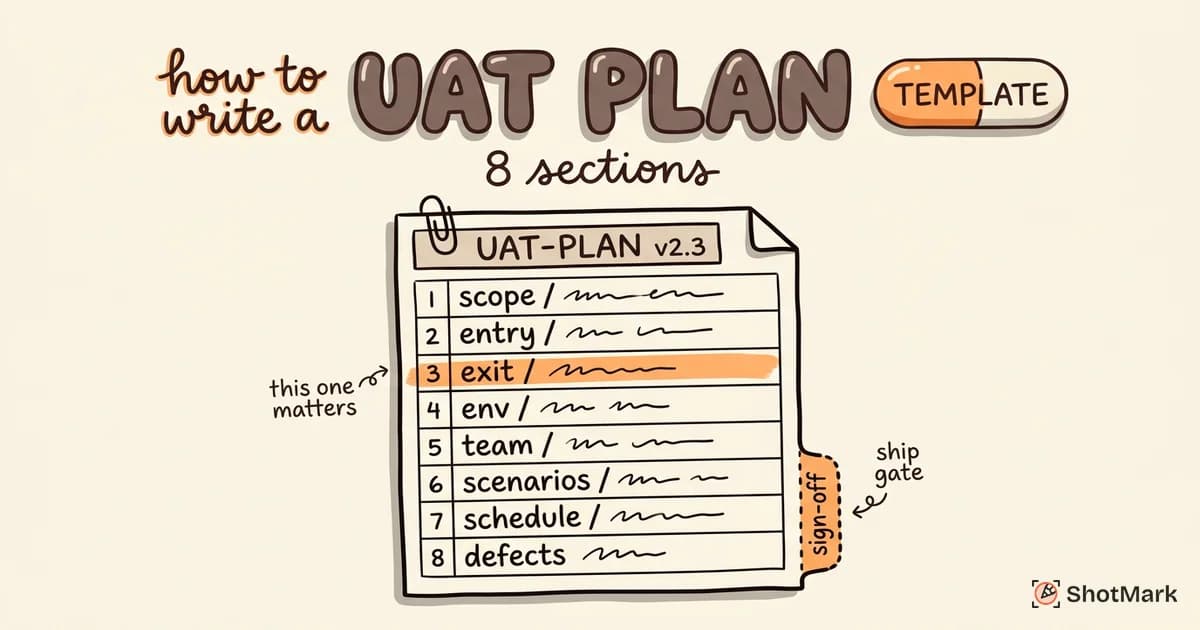
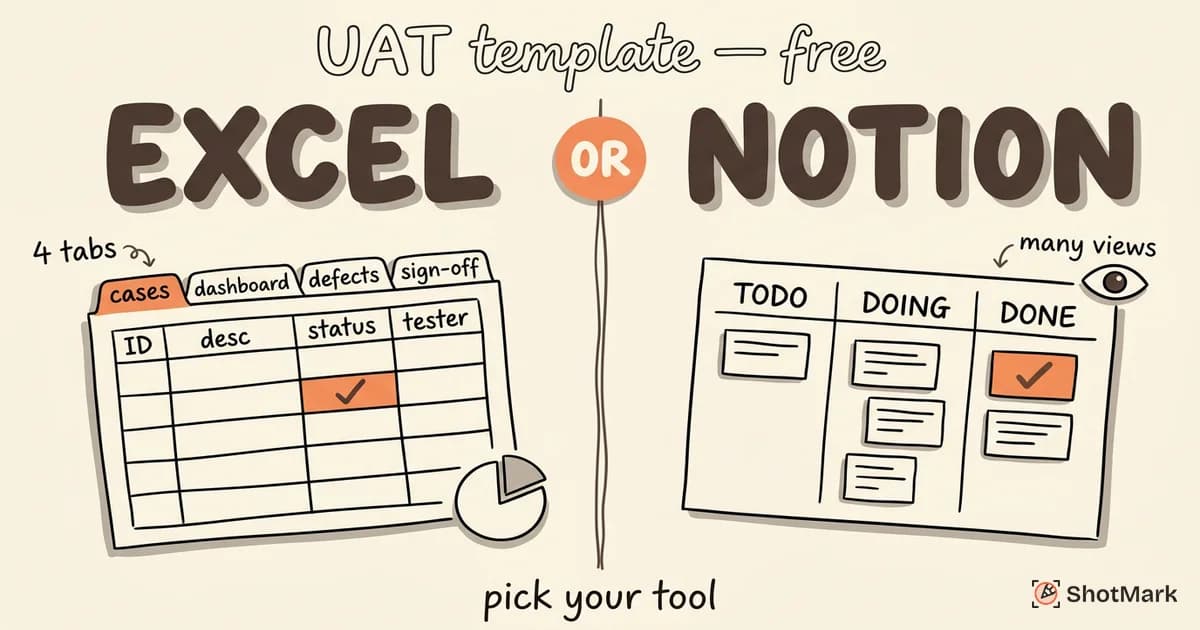
For UAT templates to track your test cases, check out our free UAT templates for Excel and Notion. And before you go live, review our UAT checklist to make sure nothing falls through the cracks.
Get new posts in your inbox.
One email when we publish: notes on QA, AI, and shipping faster. No spam, unsubscribe anytime.