Every production release carries risk, and a solid user acceptance testing checklist is the last line of defense before your users encounter what your team missed. We’ve seen too many launches derailed by a forgotten edge case or an untested integration that nobody thought to verify.
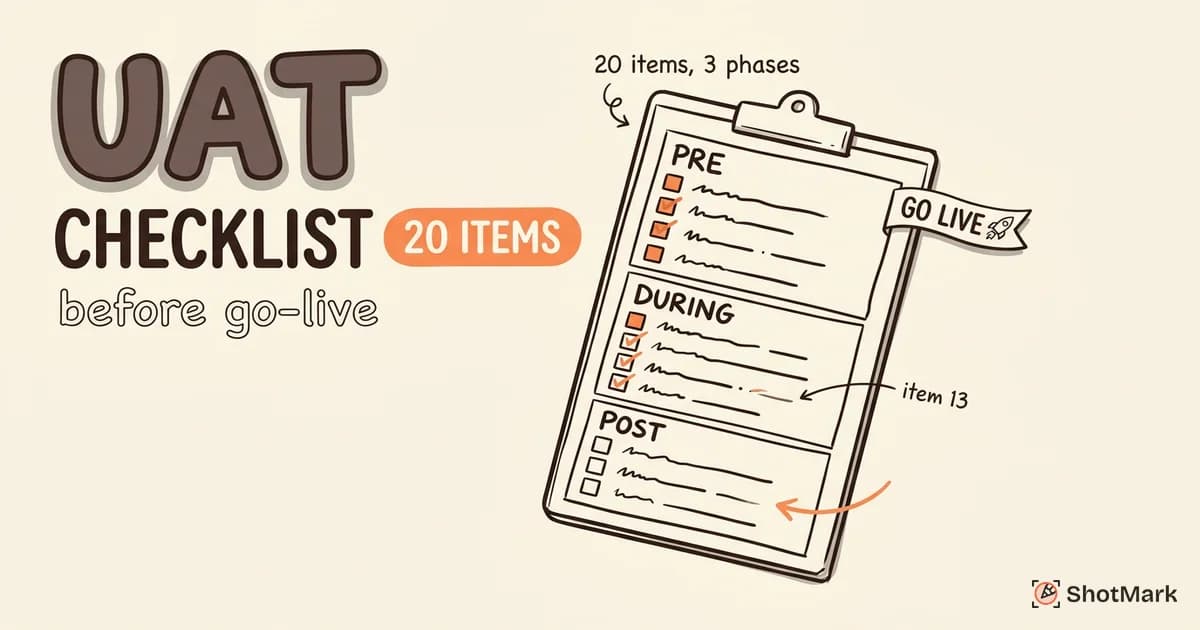
A checklist won’t replace good judgment, but it ensures repeatable quality. It turns institutional knowledge into a shared document that protects your team from “we forgot to test that” post-launch incidents. Whether you’re shipping a new feature or a full product release, these 20 items keep your UAT process structured and thorough.
Why You Need a UAT Checklist
User acceptance testing without a checklist often drifts. Testers focus on the features they know best. Stakeholders assume someone else verified the edge cases. And the release goes out with gaps nobody noticed until customers start filing tickets.
A UAT checklist solves three problems at once. It ensures every critical verification step happens in sequence. It creates accountability by assigning owners to each item. And it gives stakeholders a concrete artifact to review before signing off.
Teams that skip the checklist often learn the hard way. The ones that use it consistently ship with confidence.
Pre-UAT Readiness Checklist (Before Testing Starts)
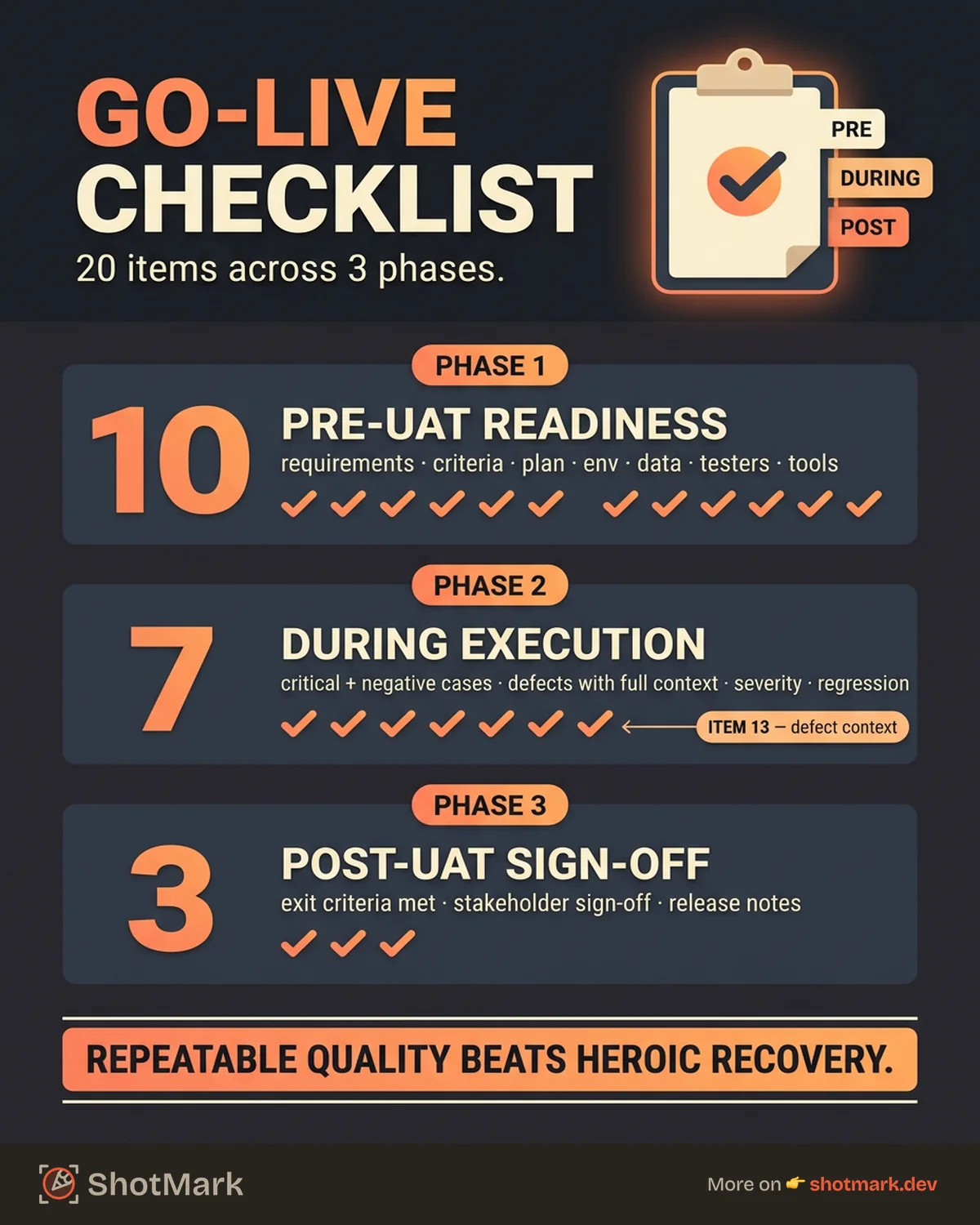
Before a single test case runs, your environment and team need to be ready. These 10 items form your UAT readiness checklist, and skipping any of them creates friction during execution.
1. Business requirements documented and approved
Every feature under test should trace back to a signed-off requirement. If the requirements are still in flux, UAT results will be meaningless.
2. Acceptance criteria defined for every user story or feature
Each story needs clear pass/fail criteria. Without them, testers are guessing what “done” looks like.
3. UAT plan written and reviewed by stakeholders
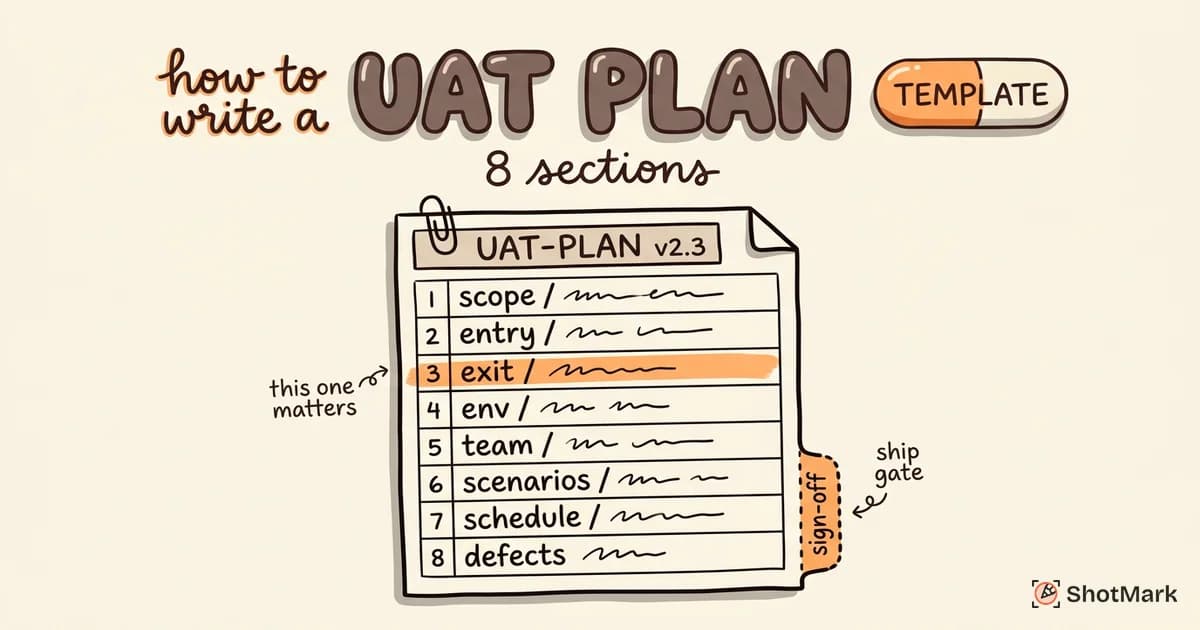
Your UAT plan should cover scope, schedule, roles, entry criteria, and exit criteria. Stakeholders need to review it before testing begins.
4. Test cases written and mapped to requirements
Every requirement should have at least one corresponding test case. Traceability matters for sign-off and audit purposes.
5. Test environment deployed and verified stable
The UAT environment should mirror production as closely as possible. Verify that deployments are complete, services are running, and integrations are connected.
6. Test data loaded (production-like, anonymized)
Realistic data exposes issues that synthetic data hides. Use anonymized production data whenever possible for accurate environment verification.
7. UAT testers identified, trained, and available
Testers should understand the application, have access to the test environment, and have blocked time on their calendars. Last-minute tester assignments lead to shallow coverage.
8. Defect reporting tool configured and accessible
Every tester needs access to the defect tracking system with clear instructions on how to log issues. This is where most teams lose hours on unclear bug descriptions.
9. Communication plan in place (daily syncs, escalation path)
Define how the team will communicate progress, blockers, and critical defects. Daily standups and a clear escalation path prevent issues from stalling.
10. Entry criteria met (all prior testing phases passed)
UAT should not begin until system testing, integration testing, and regression testing have passed their exit criteria. Starting UAT on unstable code wastes everyone’s time.
During-UAT Execution Checklist
Once testing starts, discipline matters. These 7 items keep your UAT process on track and ensure nothing slips through during execution.
11. All critical-path test cases executed
Run every test case that covers the primary user workflows. These represent the scenarios your users will hit most frequently in production.
12. All negative/edge-case test cases executed
Test what happens when users enter invalid data, lose connectivity mid-transaction, or attempt unauthorized actions. The negative cases catch the bugs that slip past happy-path testing.
13. Defects logged with full context (screenshots, steps, expected vs. actual)
Every defect needs enough context for a developer to reproduce it without asking questions. That means screenshots, step-by-step reproduction instructions, expected behavior, and actual behavior.
14. Severity and priority assigned to every defect
Classify each defect by its impact (severity) and urgency (priority). This drives the fix-or-defer decision for each issue and keeps the team focused on what matters most.
15. Critical defects fixed and retested
No release should go out with open critical defects. Once a fix is deployed to the UAT environment, the original tester should verify the resolution.
16. Regression testing completed after fixes
Every fix introduces the possibility of new issues. Run regression tests on affected areas to confirm that fixes didn’t break something else.
17. Test results documented and updated daily
Keep a running record of test execution status. Stakeholders need visibility into progress, and daily updates surface blockers early.
Post-UAT Sign-Off Checklist (Before Go-Live)
Testing is done. Now you need formal closure before the release moves forward. These final items complete your pre-go-live UAT checklist.
18. All exit criteria met (no open critical/high defects)
Review the exit criteria defined in your UAT plan. Typically this means zero open critical defects and zero open high-priority defects. Any exceptions need documented justification.
19. Stakeholder sign-off obtained (documented approval)
Get formal approval from business stakeholders. This should be a signed document (or equivalent digital approval) confirming that the software meets UAT best practices and business requirements as specified.
20. Release notes prepared and communicated
Document what’s shipping, what changed, and any known limitations. Share release notes with the support team, operations, and any downstream consumers of the release.
Beyond these 20 core items, consider adding a rollback plan verification, monitoring and alerting setup confirmation, and a support team briefing to your checklist for higher-risk releases.
Downloadable UAT Checklist Template
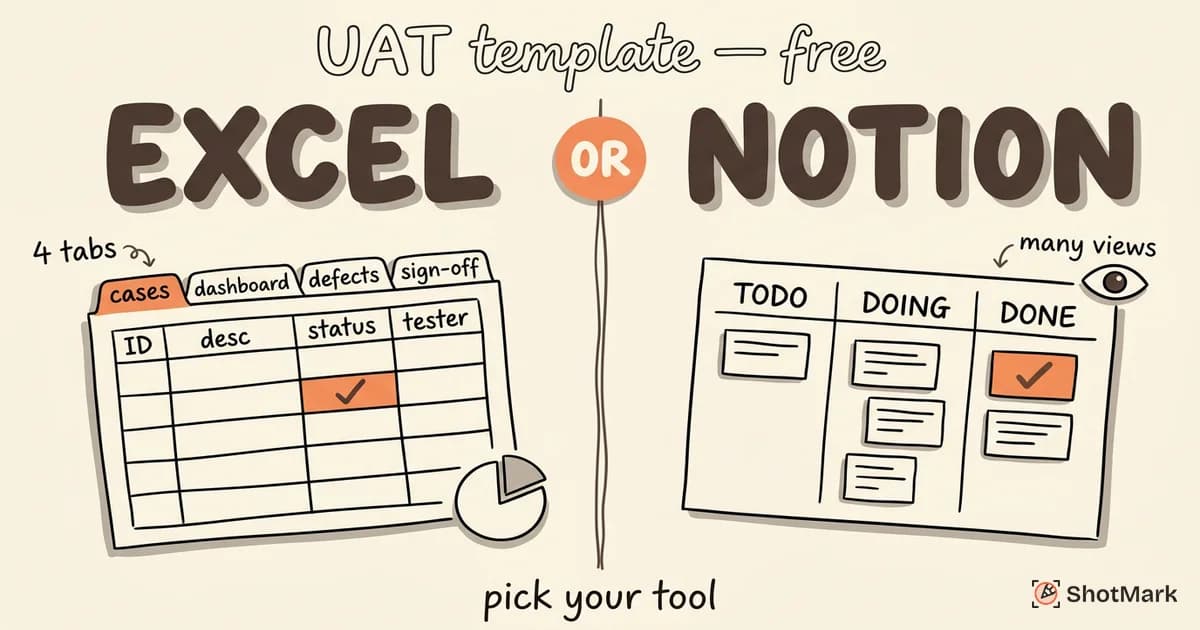
We’ve packaged these 20 items into a structured template you can use immediately. Each item includes columns for the checklist item, assigned owner, current status, and notes.
You can adapt this template in Excel, Google Sheets, or Notion. For a more detailed test case format with pre-built columns and formulas, check out our UAT template guide.
The key is consistency. Pick a format your team will actually use and make it part of every release cycle.
Make Defect Reporting the Easiest Part of UAT
Item 13 on this user acceptance testing checklist (defect logging with full context) is where most teams lose the most time. Writing a clear bug report with screenshots, reproduction steps, expected vs. actual behavior, and browser details can take 10 minutes per defect. Multiply that by dozens of defects per cycle, and your testers spend more time documenting than testing.
ShotMark automates the context capture. One click captures the screenshot, annotations, console logs, network requests, and browser metadata. The report is ready to send to your defect tracker in seconds instead of minutes.
Your UAT testers focus on finding issues. ShotMark handles documenting them. Join the ShotMark waitlist and check off item 13 in seconds.
Get new posts in your inbox.
One email when we publish: notes on QA, AI, and shipping faster. No spam, unsubscribe anytime.