A bug report is a document that tells developers exactly what went wrong, where, and how to reproduce it. When written well, bug reports cut fix times from days to hours. When written poorly, they create more confusion than the bug itself.
Whether you’re a QA engineer filing your first ticket, a product manager triaging defects, or a stakeholder trying to understand what your engineering team keeps asking for, this guide explains what a bug report is and why it matters.
What Is a Bug Report, in Plain Terms
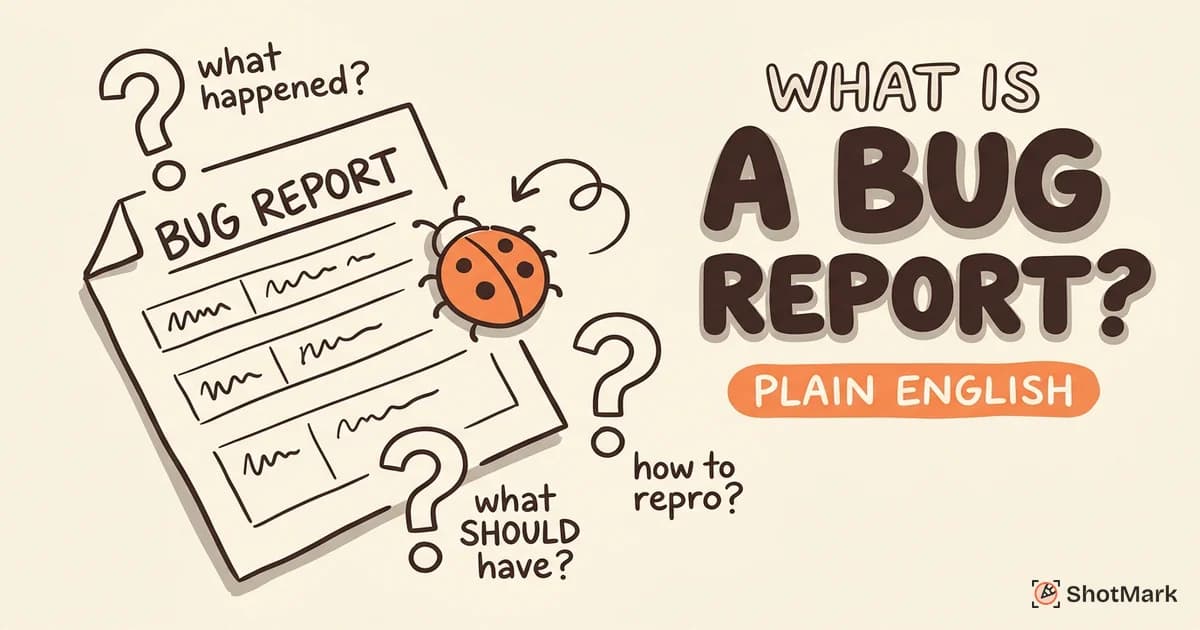
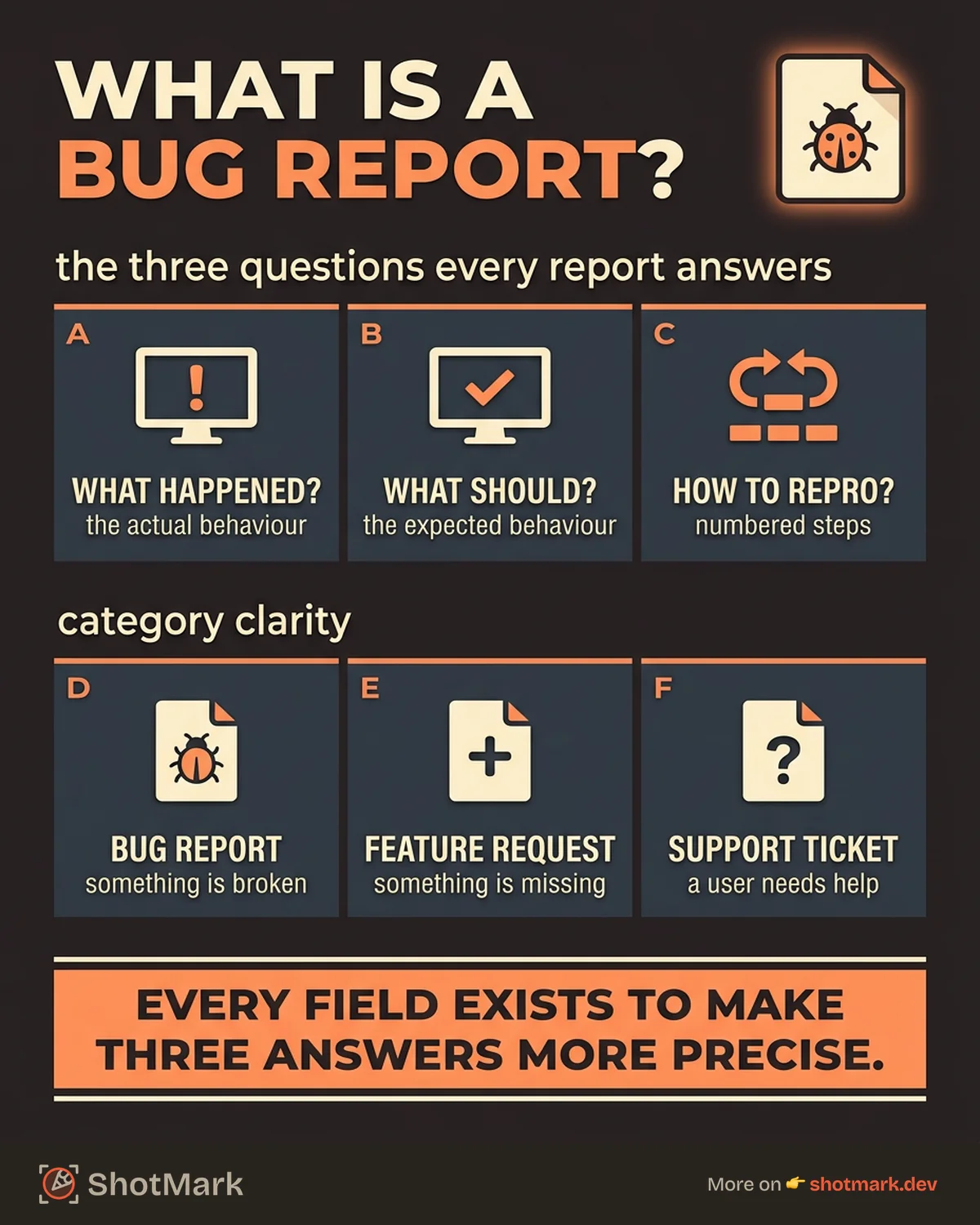
A bug report is a structured document that describes a software bug (a defect, an error, something that doesn’t work as intended). The ISTQB Foundation Level certification defines it formally, but in practical terms, every bug report answers three questions:
- What happened? The actual behavior you observed.
- What should have happened? The expected behavior based on the spec or common sense.
- How do you make it happen again? The steps to reproduce the defect.
That’s it. Everything else in a bug report (environment details, screenshots, severity levels) exists to make those three answers more precise.
Bug Report vs. Feature Request vs. Support Ticket
These get mixed up constantly, and the confusion slows teams down.
- A bug report documents something that’s broken. The software doesn’t do what it’s supposed to do.
- A feature request asks for something new. The software works correctly but is missing a capability.
- A support ticket is a user asking for help. The software may or may not have a bug; the user needs guidance.
Filing a feature request as a bug report wastes engineering time. Filing a bug as a support ticket means it never reaches the backlog. Getting the category right at the point of entry matters.
Bug Report vs. Bug Ticket
What is the difference between a bug report and a bug ticket? Practically, nothing. “Bug report” refers to the document (the information itself). “Bug ticket” refers to the item in your project management tool (Jira, Linear, GitHub Issues). Some teams use the terms interchangeably. Others use “bug report” for the initial documentation and “bug ticket” for the tracked issue. Either way, the content is the same.
Why Bug Reports Matter
The cost of unclear bug reports is measured in developer hours. QA engineers spend 10 to 15 minutes writing each report. On top of that, developers spend another 10 minutes asking follow-up questions on poorly written ones. That’s 20+ minutes per bug before anyone starts debugging.
Multiply that by 15 bugs per sprint, and your team is losing 5+ hours per sprint on communication overhead. That’s a conservative estimate. The BrowserStack bug report guide cites similar findings across teams of various sizes.
What is the purpose of a bug report?
A bug report serves three purposes:
- Communication: It transfers knowledge from the person who found the defect to the person who will fix it, without requiring a meeting or a Slack thread.
- Documentation: It creates a record of what went wrong, when, and how it was resolved. This is useful for regression testing, release notes, and audits.
- Prioritization: With structured fields like severity and priority, bug reports help teams decide what to fix first.
How Bug Reports Fit the Development Lifecycle
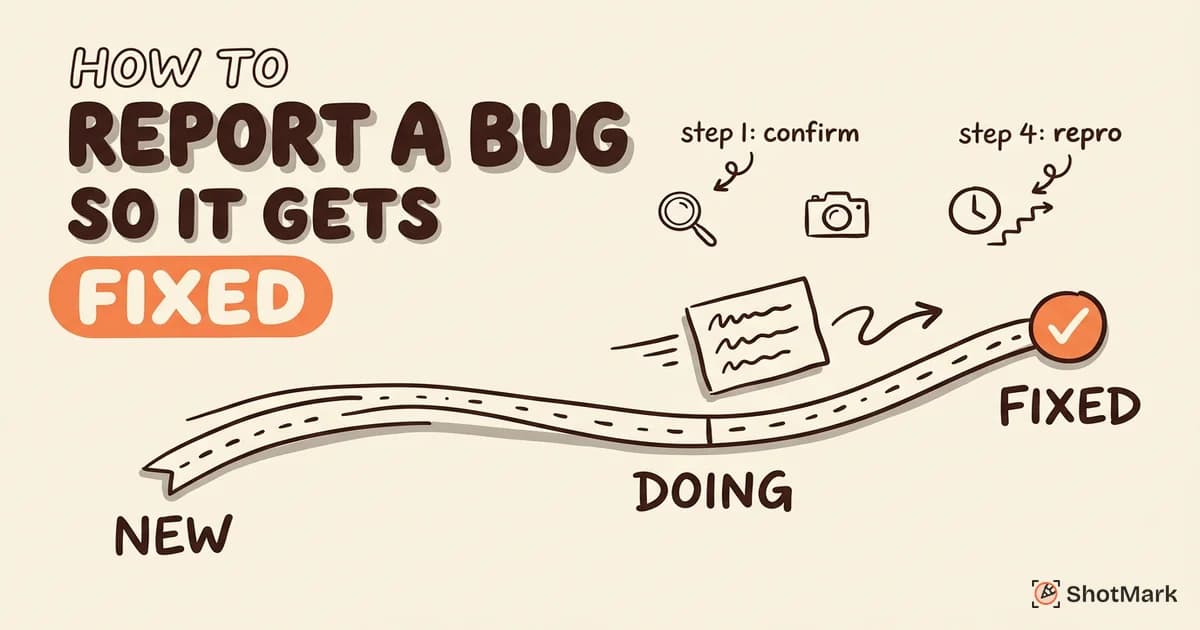
Bug reports enter the development lifecycle at multiple points. During testing, QA files bugs against the latest build. During code review, developers note defects they spot. During user acceptance testing (UAT), stakeholders and clients flag issues before launch. After release, users report bugs through feedback widgets or support channels.
At every stage, the bug report format stays the same. The context changes (pre-release vs. production), but the structure doesn’t.
What a Bug Report Looks Like
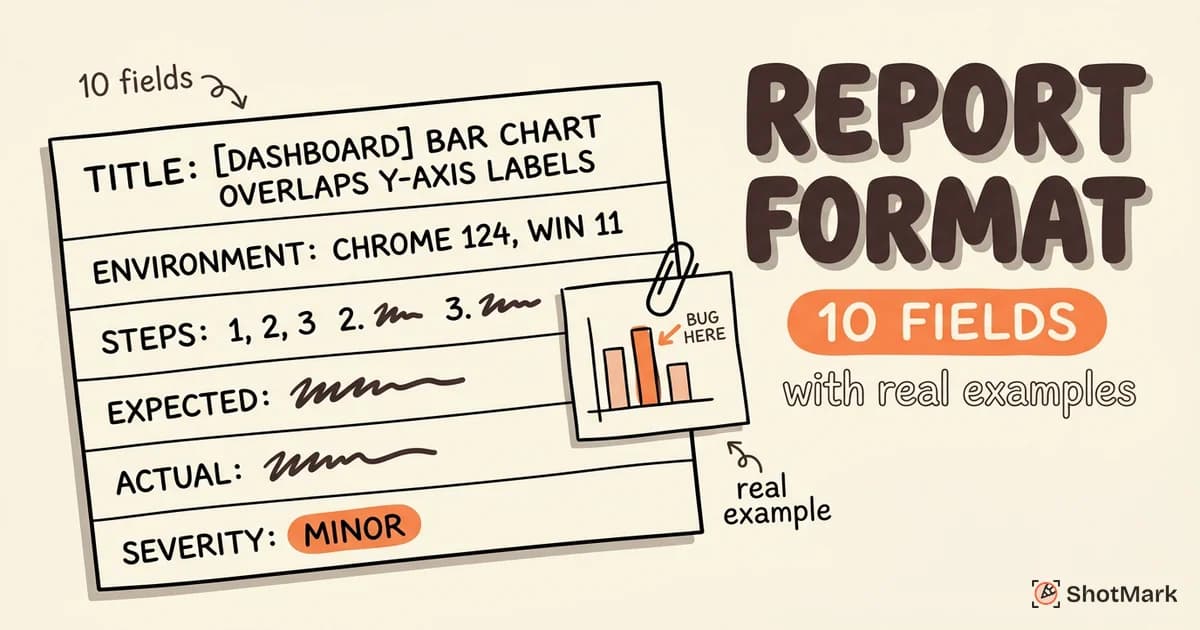
Here’s an annotated example of a complete bug report. We’ll explain each field in plain language.
Title: [Checkout] Discount code “SAVE10” applies twice when page is refreshed
Environment: Chrome 124, Windows 11, staging server (v2.4.1)
Steps to Reproduce:
- Add any item to the cart.
- Apply discount code “SAVE10.”
- Refresh the page.
- Observe that the discount is applied a second time, reducing the total further.
Expected Result: Discount applies once. Refreshing the page doesn’t change the total.
Actual Result: Discount stacks on refresh. Total decreases by 10% each time the page reloads.
Severity: Critical (affects payment accuracy)
Priority: High (blocking checkout release)
Attachments: Screenshot of cart total after 3 refreshes, console log showing duplicate API calls to /api/apply-discount.
Each field has a specific job. The title identifies the module and the defect. The environment eliminates “which browser?” questions. The steps let anyone reproduce it. Expected vs. actual makes the failure unambiguous. Severity and priority help the team triage.
For a deeper look at the fields and how to structure them, see our guide on bug report format. If you want a ready-to-use structure, grab our bug report template.
Good vs. Bad: A Side-by-Side
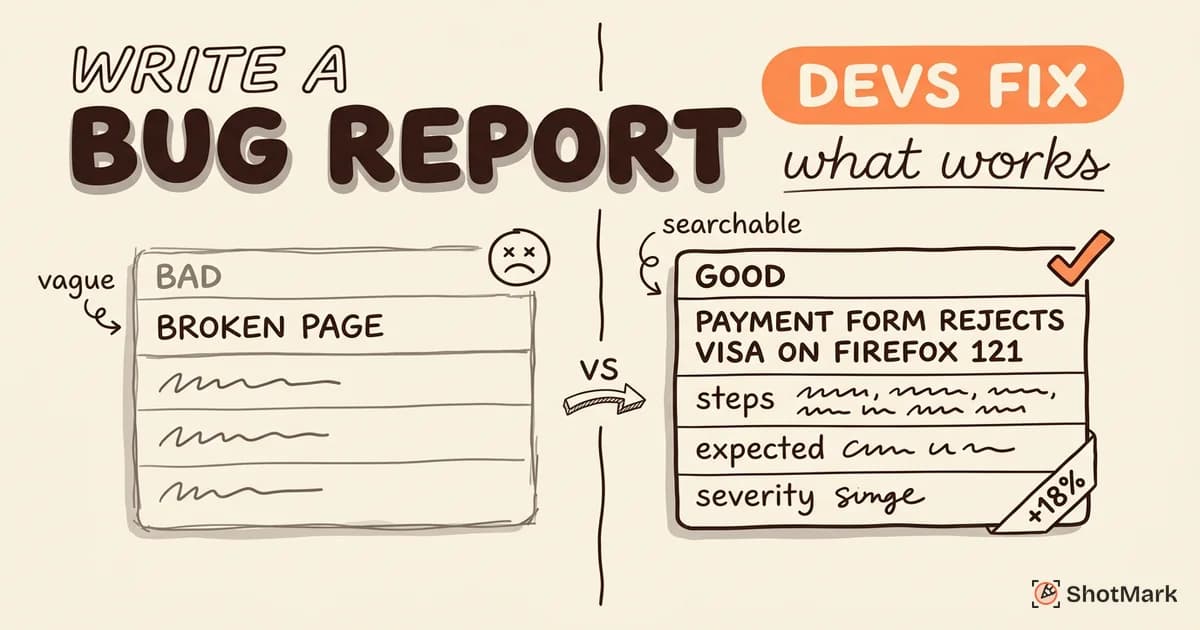
Bad report: “Discount code is broken. Fix ASAP.”
Good report: The example above.
The bad report gives the developer nothing to work with. No reproduction steps, no environment, no specifics. The developer has to track down the reporter, reproduce the issue themselves, and guess the intended behavior. The good bug report example eliminates all of that.
The Role of Screenshots and Recordings
Visual evidence removes ambiguity. A screenshot with an annotation showing the duplicated discount total communicates more than three paragraphs of description. Screen recordings are even more valuable for multi-step bugs or issues that involve animations, timing, or user flows. A bug report template that includes a dedicated attachments section encourages this behavior.
Who Writes Bug Reports and When
Who writes bug reports? More people than you might expect.
QA engineers file the majority of bug reports during testing cycles. They work systematically through test cases and document failures against the current build.
Developers file bugs when they discover defects during code review, debugging, or exploratory testing. Developer-filed bugs tend to include more technical detail (stack traces, code references) and less visual evidence.
Product managers and stakeholders file bugs during UAT or demo sessions. These reports often need the most formatting help because non-technical reporters may not know which environment details to include.
End users report bugs through feedback widgets, support channels, or in-app forms. User-reported bugs frequently lack reproduction steps and environment data, which is why automated capture tools are valuable here.
When to File vs. When to Fix
Not every defect needs a formal bug report. If you find a typo while editing a file and you can fix it in 30 seconds, just fix it. File a bug report when:
- The fix requires investigation or involves another team.
- You can’t fix it yourself right now.
- The defect needs to be tracked for release planning.
- Others need visibility into the issue.
The rule of thumb: if anyone besides you needs to know about this defect, write a report.
What Comes Next
Understanding what is a bug report is the foundation. The next step is learning the format that gets bugs fixed fast. ShotMark makes bug reporting as simple as a single click, capturing screenshots, console logs, and environment data automatically. No more toggling between dev tools and your project tracker.
Explore our guide on how to write a bug report for step-by-step writing techniques, or browse our bug reporting tools comparison to find the right tooling for your team.
Get new posts in your inbox.
One email when we publish: notes on QA, AI, and shipping faster. No spam, unsubscribe anytime.