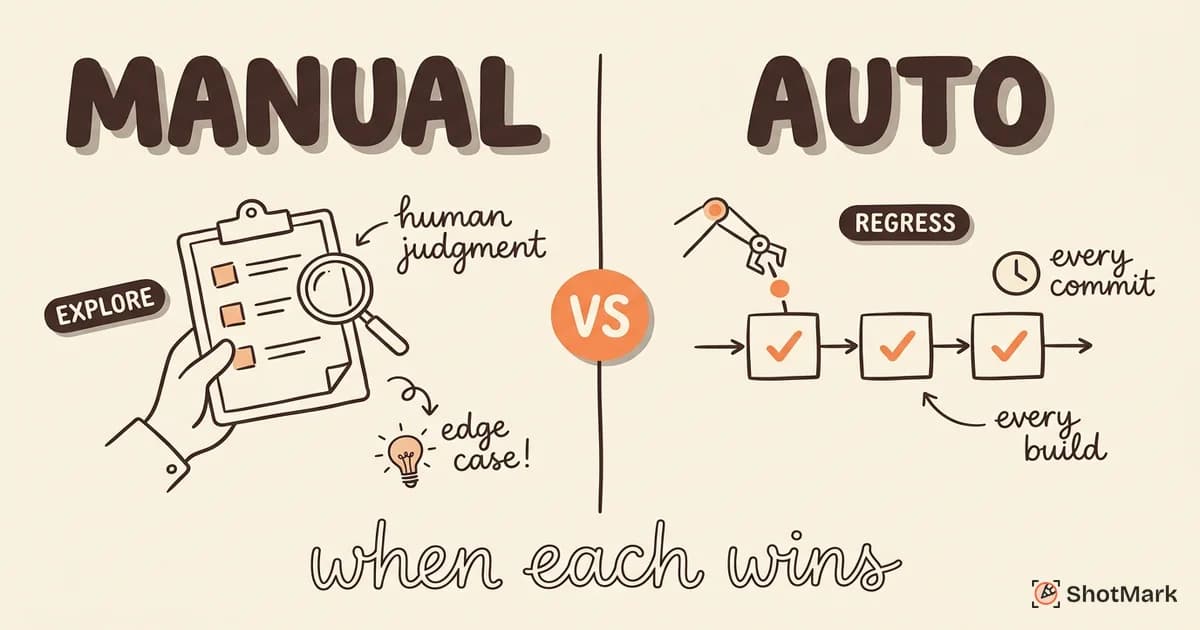
Manual testing vs automated testing is not an either-or decision. Every QA team that ships reliable software uses both. The real skill is knowing which tests belong in each category. Get that balance wrong, and you waste either human hours or engineering effort.
Some tests are best run by a human who notices that a button looks misaligned or a transition feels off. Other tests should run on every commit without any human involvement. The teams that test effectively understand this distinction and structure their work around it.
Manual Testing: What It Is and Where It Wins
Manual testing means a human tester executes test cases without scripts or automation frameworks. The tester follows a test plan, interacts with the application, and evaluates results based on their judgment and experience.
Manual testing is not a lesser form of testing. It is uniquely suited to several scenarios where automation falls short.
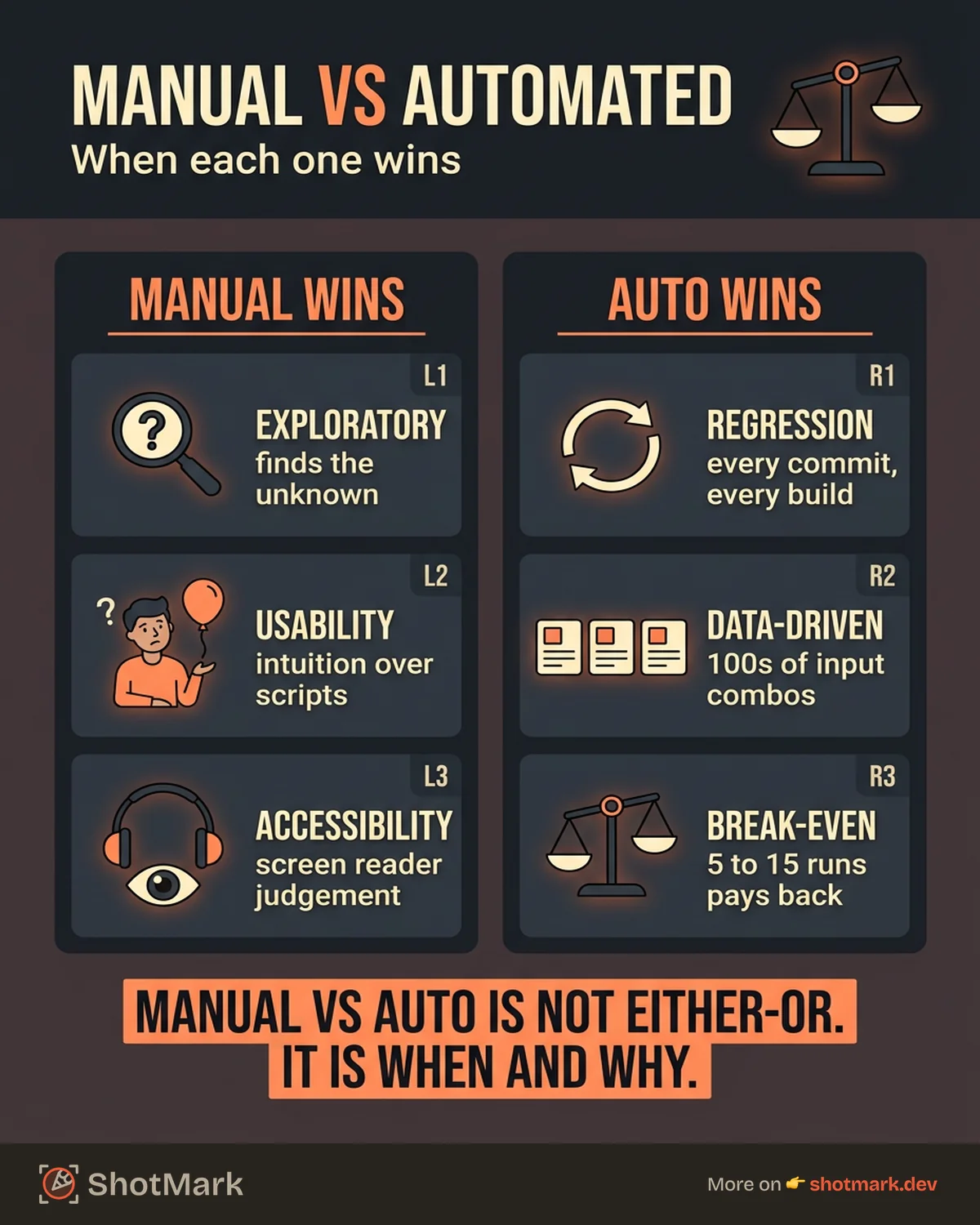
Exploratory testing: Skilled testers discover edge cases that scripted tests never cover. They notice unexpected behaviors, strange visual glitches, and confusing user flows because they approach the application with curiosity rather than a predetermined checklist. Automated tests only find what you tell them to look for. Human testers find what nobody expected.
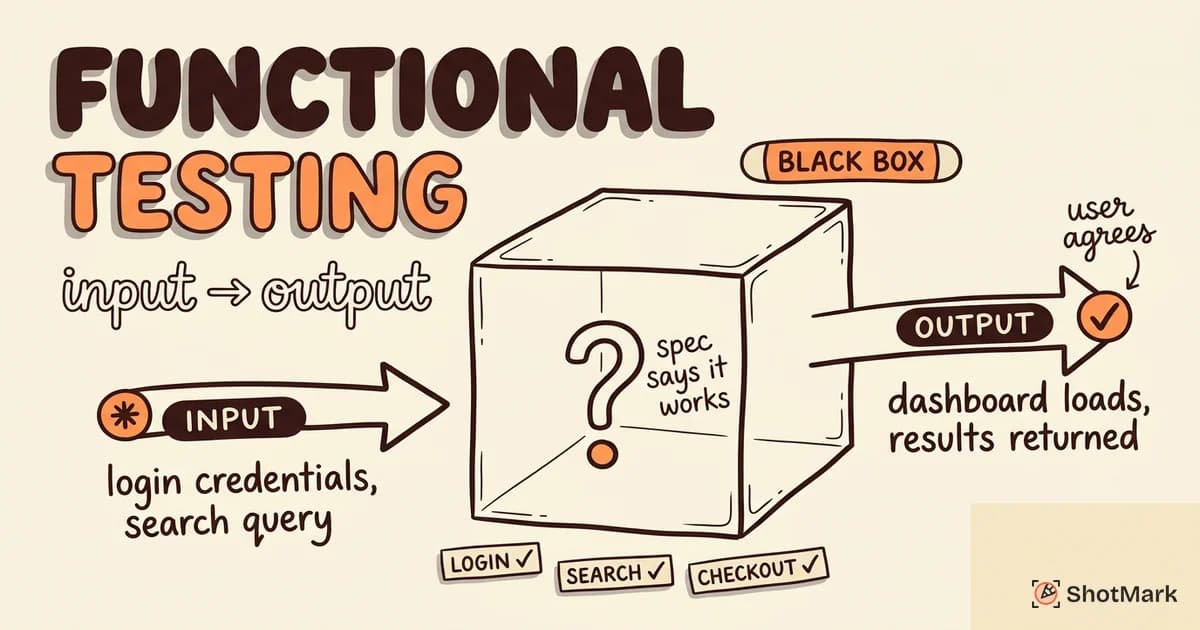
Usability and UX testing: Can a user figure out how to complete the checkout flow? Does the error message actually help them fix the problem? These are subjective judgments that automation cannot replicate. A script can verify that a form submits, but it cannot tell you whether the form feels intuitive.
Ad-hoc testing during early development: When the UI changes every sprint and features are still taking shape, writing automated tests is premature. The tests break on every design change, and the maintenance cost exceeds the value. Manual testing adapts instantly to a moving target.
One-off scenarios: If a test case needs to run once and will never repeat, automating it costs more time than it saves. Manual execution is the practical choice.
Accessibility testing: Screen reader evaluation, keyboard navigation assessment, and color contrast review all require human judgment. Automation can check for some accessibility violations, but full accessibility testing demands a person who understands how assistive technology users experience the interface.
The ISTQB Foundation Level Syllabus identifies exploratory testing as a core manual technique specifically because it complements automation rather than competing with it.
Automated Testing: What It Is and Where It Wins
Automated testing means scripts execute predefined test cases and compare results against expected outcomes. The tests run without human intervention, usually as part of a CI/CD pipeline.
Automated testing excels in scenarios where repetition, speed, and consistency matter.
Regression testing: Every code change risks breaking existing functionality. Automated regression suites re-run the same tests on every build, catching unintended side effects in minutes instead of days. Atlassian’s testing guide highlights regression testing as the highest-ROI target for automation.
High-frequency scenarios: Tests that need to run on every commit, every pull request, or every deployment are prime candidates for automation. No human can sustain the focus and consistency required to run the same test 20 times a day.
Data-driven testing: When you need to validate hundreds of input combinations (different user roles, payment methods, shipping addresses), automation handles the volume that would take a manual tester weeks.
Performance and load testing: Simulating 10,000 concurrent users is impossible for manual testers. Tools like JMeter and k6 handle load testing at scale with precise metrics.
Cross-browser and cross-device testing: Verifying that an application works across Chrome, Firefox, Safari, and Edge on desktop and mobile requires parallel execution that only automation can provide efficiently. Playwright and Cypress both handle this well.
Manual vs Automated: Side-by-Side Comparison
| Manual Testing | Automated Testing | |
|---|---|---|
| Speed | Slow (human pace) | Fast (script execution) |
| Upfront cost | Low (no tooling setup) | High (framework, scripts, infrastructure) |
| Long-term cost | High for repetitive tests | Lower after initial investment |
| Maintenance | None per test | Ongoing (test code needs updating) |
| Reliability | Variable (human judgment) | Consistent (same steps every run) |
| Flexibility | High (adapt on the fly) | Low (only tests what is scripted) |
| Best for | Exploratory, UX, one-off | Regression, CI/CD, data-driven |
The cost comparison is not straightforward. Manual testing has a lower upfront cost because you do not need to build a framework or write test scripts. But for tests that run repeatedly, the long-term cost of manual execution exceeds the investment in automation.
The break-even point depends on frequency. A test that runs once a month may never justify automation. A test that runs on every commit pays for itself within weeks. Research cited in the World Quality Report suggests most teams reach break-even between the 5th and 15th execution of a test, depending on complexity.
The Decision Framework: Which Tests to Automate
Use these criteria to decide whether a test belongs in the manual or automated category.
Automate if the test runs more than three times: If a test runs on every build, every sprint, or every release, automation saves time. The more frequently a test runs, the stronger the case for automation.
Automate if the test covers a critical path: Login, checkout, and core workflows that directly impact revenue deserve automated protection. A bug in the payment flow costs more than the automation effort.
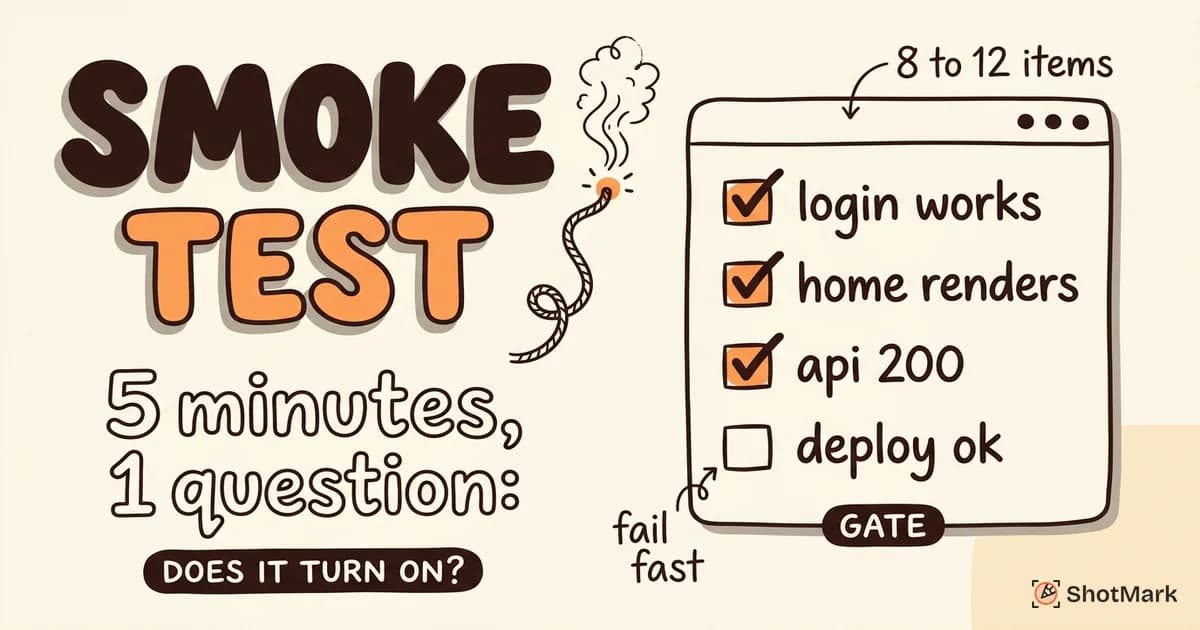
Automate if the test needs to run in CI/CD: Tests that gate deployments should be automated. Manual gates create bottlenecks and get skipped under pressure.
Keep manual if the test is exploratory: Tests without predetermined steps are not candidates for automation. Exploratory testing discovers the unknown, and automation only checks the known.
Keep manual if the test is subjective: Usability, visual polish, and content accuracy require human evaluation. Scripts cannot judge whether a page “looks right.”
Keep manual if the feature is changing rapidly: Automating tests for a feature that gets redesigned every sprint means rewriting those tests every sprint. Wait until the feature stabilizes, then automate.
The gray area is tests that are technically automatable but cost more to maintain than to run manually. A test with 15 setup steps that breaks every time the database schema changes might not be worth automating. Context matters.
Two common mistakes: automating everything and spending more time fixing broken tests than finding bugs, or keeping everything manual and drowning in regression workload. Both extremes waste resources.
Building a Hybrid Testing Strategy
Most effective QA teams land on a hybrid approach. Here is how to build one.
Start by automating the highest-value regression tests: Identify the 10 to 20 workflows that absolutely must work on every release (login, checkout, data creation, core navigation) and automate those first. That gives you the biggest reliability gain for the least investment.
Use manual testing for new features, exploratory sessions, and usability reviews: When a feature is fresh, manual testing provides fast feedback without the overhead of writing scripts that will change next sprint. Once the feature stabilizes, migrate the critical paths to automation.
Shift manual tester roles: As automation handles the repetitive regression work, manual testers move into higher-value activities: exploratory testing, usability evaluation, accessibility review, and test strategy. This is not a reduction in manual testing. It is a reallocation toward work that humans do better than scripts.
Measure what matters: Track defect escape rate (bugs found in production), test cycle time (how long a full test pass takes), and automation coverage percentage. These metrics tell you whether the balance is working. The State of Testing Report consistently shows that the most effective QA teams use automation coverage rates between 40% and 70%, with manual testing filling the rest.
Maintain bug report quality across both approaches: Whether a bug is found by a manual tester or an automated test, the bug report needs to give developers enough context to fix it. That means screenshots, console logs, network requests, and environment details. An automated test that logs “assertion failed” and a manual tester who writes “something is wrong with checkout” both leave developers without enough information.
ShotMark helps manual testers capture this context without switching tools. One click records screenshots, console errors, network data, and browser information into a structured report that developers can act on immediately. The same quality of context that automated tests generate becomes available for manual testing workflows.
What Comes Next
The manual testing vs automated testing decision is foundational, but it is only one axis of a complete testing strategy. For a broader view of testing approaches, see our guide to the types of software testing every QA team should know. And if your team is evaluating automation tools that do not require scripting, our codeless test automation guide covers what works and what does not.
Get new posts in your inbox.
One email when we publish: notes on QA, AI, and shipping faster. No spam, unsubscribe anytime.