If you already run Sentry for error monitoring, the decision to turn on Sentry Session Replay feels obvious. One SDK, one bill, and every unhandled exception comes with a video of what the user did right before it happened. That’s the pitch, and for developer teams it lands closer to the mark than most replay tools do.
The tradeoff is that Sentry treats replay as an extension of error tracking rather than a standalone product. If you want heatmaps, funnel analysis, or polished replay UX for product teams, you’ll feel the gaps quickly. Here’s a practical review of what Sentry Session Replay does well, what it misses, and how it compares on price at real scale.
What Makes Sentry Session Replay Different
Most replay tools start with the user and work backward: record sessions, find interesting moments, tie them to issues. Sentry Session Replay starts with the error and works outward. A replay only matters if it’s attached to an issue your team needs to fix, and the product is built around that assumption.
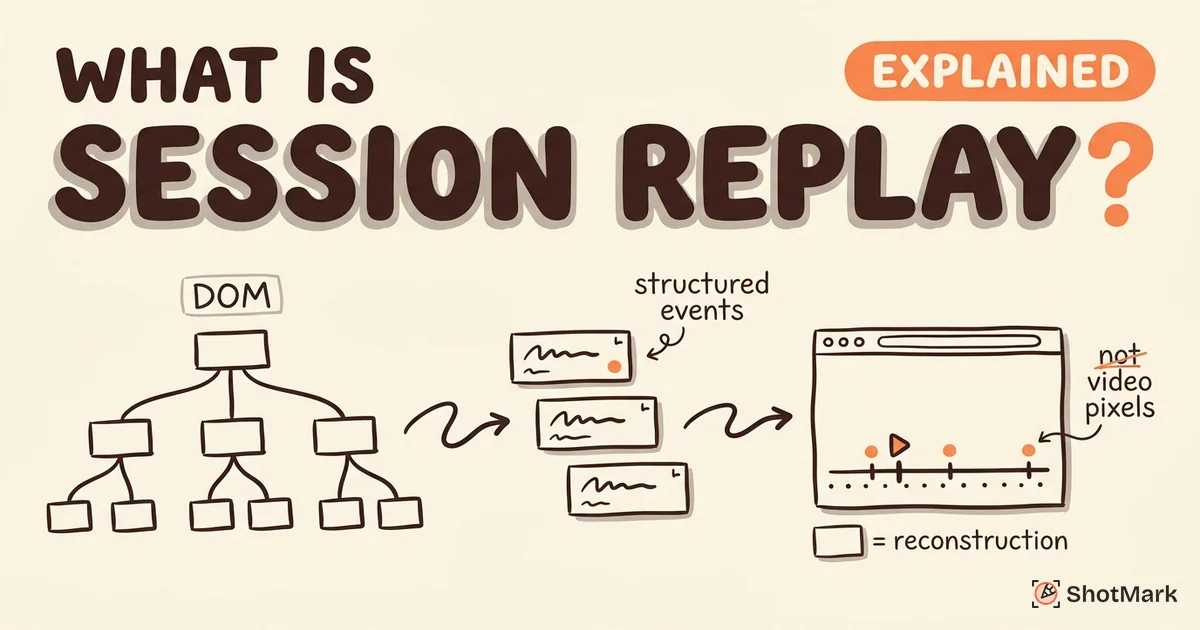
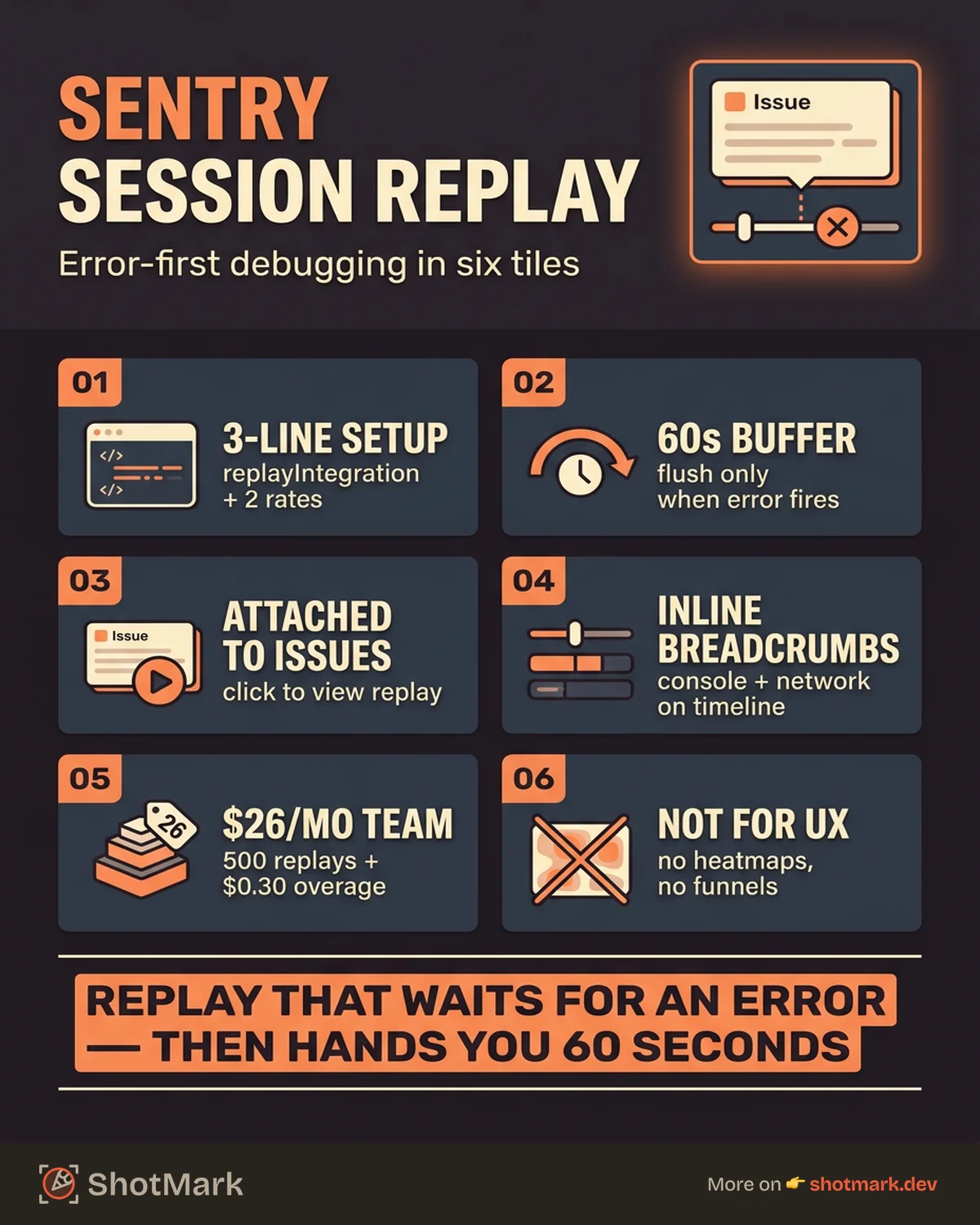
That means every replay shows up inside an issue page, not a standalone library. Breadcrumbs, console logs, and network requests appear on the replay timeline, so you can scrub through the 60 seconds before the crash and see exactly which API call returned a 500 or which unhandled promise rejection preceded the white screen. If you’re new to the category and want a broader primer first, our guide on what is session replay explains the underlying mechanics.
How Sentry Session Replay Works
Sentry’s approach has two moving parts: an SDK that captures browser events, and a correlation layer that stitches replays to issue events. Both are lighter weight than full recording products, which is part of why pricing stays manageable at scale.
SDK Setup and Configuration
If you already have the Sentry JavaScript SDK installed, enabling replay takes about three lines. Add the Replay integration to your Sentry.init call and set two sample rates: one for normal sessions and one for sessions where an error occurs. The Sentry Session Replay documentation covers framework specific guides for React, Vue, Next.js, and vanilla JavaScript, and the JavaScript SDK Replay integration guide goes deeper on hooks and custom events.
Sentry.init({
  dsn: "your-dsn",
  integrations: [Sentry.replayIntegration()],
  replaysSessionSampleRate: 0.1,
  replaysOnErrorSampleRate: 1.0,
});
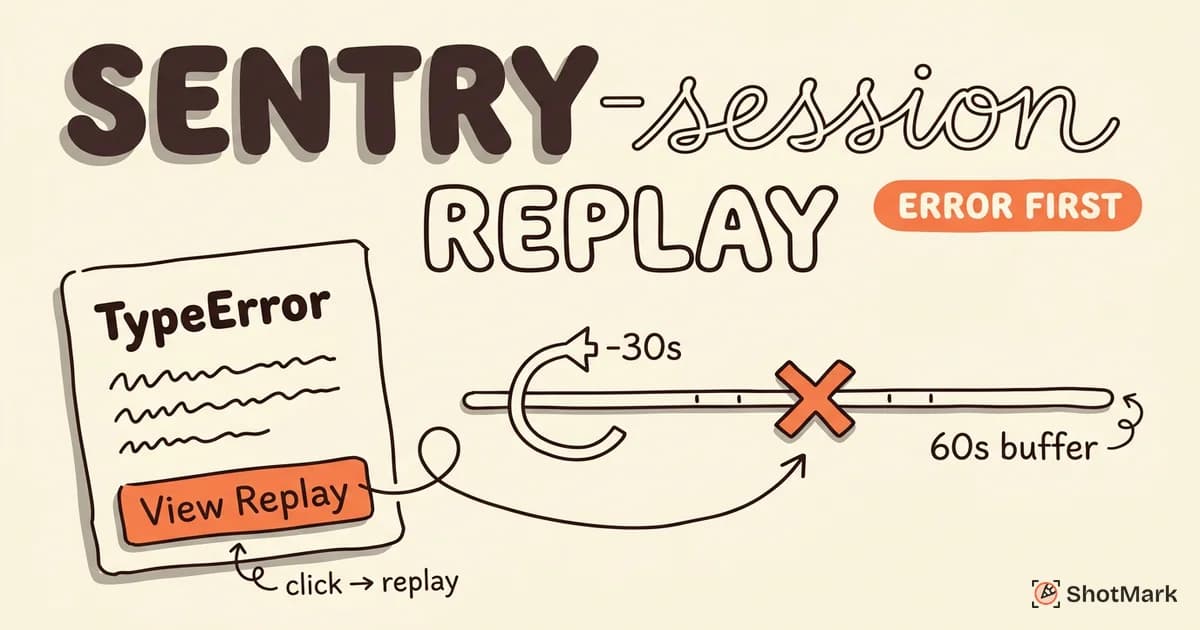
The replaysOnErrorSampleRate setting is the important one. With it at 1.0, Sentry keeps a rolling 60 second buffer of user activity and flushes it to the server the moment an error fires. You capture context without paying for every session a user starts. Masking rules default to privacy-first, and the full list of tuning knobs (buffer size, network capture, DOM masking) lives in the Sentry replay configuration reference .
Error-Replay Correlation
Open an issue in Sentry Issues, and if a replay exists for that event, there’s a “View Replay” button right on the detail page. Click it, and you get a timeline view with the user’s actions, your console output, network requests, and the error itself all marked on a single scrubber. This is the part Sentry does better than standalone replay tools. The data is already correlated, so you don’t jump between dashboards or search for session IDs.
Breadcrumbs show up as markers: DOM clicks, navigations, XHR calls, and custom events you’ve instrumented. A failed fetch request shows the full URL, status code, and response body if you’ve enabled network body capture. For reproducing tricky bugs, this workflow is covered in more depth in our post on session replay for reproducing bugs.
Sentry Session Replay Pricing
Sentry includes 50 replays per month on the Developer (free) plan. The Team plan at $26 per month bumps this to 500 replays, and overage runs $0.30 per additional replay in small blocks. The Sentry pricing page publishes volume discounts for larger commitments, and Business plans negotiate custom rates.
The wrinkle is that a “replay” in Sentry’s accounting counts any replay that gets sent to the server, including both session-sampled and error-sampled replays. If you set replaysSessionSampleRate to 0.1 on a site with a million monthly visits, you’re looking at 100,000 replays billed on top of whatever error replays get captured. Most developer teams run session sampling at zero or near zero and only pay for error replays.
Here’s how costs shake out at realistic developer-team volumes, comparing Sentry to two common alternatives:
| Monthly Replays | Sentry (Team) | LogRocket | Datadog Session Replay |
|---|---|---|---|
| 10,000 | ~$300 | $99 flat (up to 10K) | ~$18 |
| 50,000 | ~$1,500 | $350+ | ~$90 |
| 100,000 | ~$3,000 | $750+ | ~$180 |
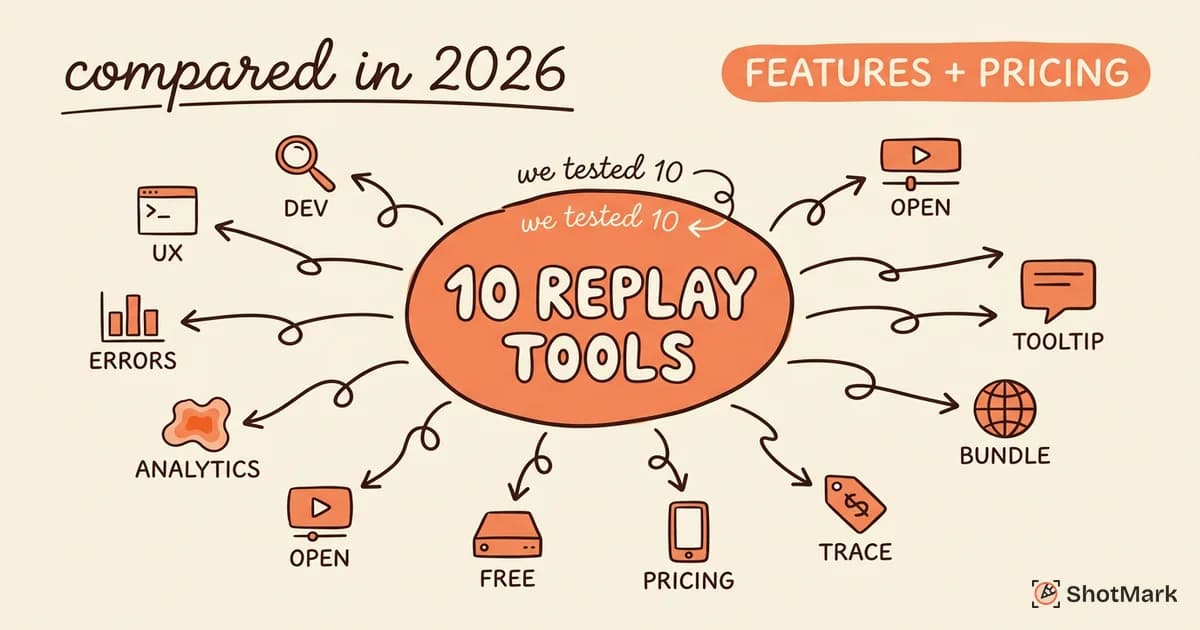
Datadog looks cheapest on replay alone, but you’re paying separately for their RUM product underneath. LogRocket packages state replay and network inspection at a flat Team rate that gets expensive past 25,000 sessions. Sentry lands in the middle for pure replay volume but wins on total cost if you’re already paying for error monitoring. For a broader matchup, our session replay tools compared post walks through 10 options side by side.
Developer Workflow With Sentry Replay
The workflow Sentry optimizes for is short: alert, investigate, assign, fix. An error fires in production, PagerDuty or Slack pings the on-call engineer, and they open the issue in Sentry. The replay is already attached, pre-correlated with the exact event that triggered the alert.
From there, a typical debug session looks like this:
- Read the stack trace and error message
- Click “View Replay” and scrub back 30 seconds from the error marker
- Watch the user fill the form, hit submit, and see the exact button click that caused the 500
- Check the network panel for the failed request, copy the payload
- Reproduce locally or assign the issue with full context in the notes
The value is in step four. Without replay, a reproduction usually takes a Slack back-and-forth with the user (“what did you click? what did you type?”), and you’re lucky if they remember. With replay, the reproduction steps are literally on screen.
Strengths for Developer Teams
The integration with error tracking is the headline feature, and it’s genuinely tight. Replays and errors share the same event ID, the same tags, and the same release tracking. You can filter replays by release, environment, or user, which is how you figure out if a bug is specific to your new deploy or to Safari 17 users or to authenticated accounts. Sentry’s G2 reviews back this up: developer teams consistently rate the error-to-replay workflow higher than the pure replay experience.
The replay buffer design is also smart. Most tools either record everything (expensive) or only post-error (you miss context). Sentry’s rolling buffer captures the 60 seconds before an error and the activity right after it, which is the window that actually matters for debugging. Console output and network requests appear inline on the timeline, not in a separate tab, so you don’t lose your place while debugging.
Privacy defaults lean safe. The SDK masks text and media by default, and the Sentry Replay privacy controls documentation details granular opt-ins with CSS selectors. For regulated industries, this matters more than any feature comparison.
Limitations to Know
Sentry Session Replay is not a UX analysis tool, and trying to use it as one leads to frustration. There are no heatmaps, no funnel visualizations, no session search by behavioral attributes like “users who clicked pricing but did not sign up.” If your product team wants replay, they’ll push for FullStory or LogRocket within a month.
The replay viewer UI is also less polished than the standalone products. You get a scrubber, a timeline, and metadata panels, but no timeline thumbnails, no speed presets beyond 1x/2x/4x, and no clip-sharing workflow. For a developer finding a bug once, it’s fine. For a support team reviewing ten replays a day, it’s tedious.
Mobile replay support lags as well. Sentry launched mobile replay for iOS and Android in 2024, but the capture model is different (snapshot-based, not DOM-based) and fidelity on complex native UIs is noticeably lower than web replay. Teams with heavy mobile traffic should benchmark before committing.
Finally, if your team isn’t already on Sentry for error tracking, the math changes. Paying for error monitoring plus replay from scratch costs roughly the same as a dedicated replay tool, and you lose the “one dashboard” advantage. Compare with Datadog session replay if you’re evaluating from zero.
How much does Sentry Session Replay cost at scale?
At 10,000 replays per month on the Team plan, expect around $300 all in. At 100,000 replays, you’re near $3,000 before volume discounts. Error-only sampling keeps most developer teams well under 10,000 replays monthly.
Does Sentry Session Replay include mobile apps?
Yes, Sentry added iOS and Android replay SDKs in 2024. Fidelity is lower than web replay because of the different capture model, and some UI patterns (complex gestures, native modals) render incompletely.
Is Sentry Session Replay included in the free plan?
The Developer plan includes 50 replays per month at no cost. That’s enough for solo developers and small side projects. Any production volume will exceed it quickly.
Sentry Session Replay vs Alternatives
| Criterion | Sentry | LogRocket | Datadog |
|---|---|---|---|
| Error tracking integration | Native, same product | Built in | Via RUM add-on |
| Replay UI polish | Basic | High | Medium |
| Heatmaps / funnels | No | Yes (LogRocket Galileo) | No |
| Redux/Vuex state capture | No | Yes | No |
| Mobile replay | Yes (newer) | Limited | No |
| Self-hosted option | Partial | No | No |
| Starting price | Free (50/mo) | $99/mo | $1.80/1K |
Sentry wins when your team already uses it for error tracking and your primary use case is debugging production exceptions. LogRocket wins when front-end developers need state replay and detailed network inspection. Datadog Session Replay wins when you’re already paying for Datadog APM and want replay as part of that stack. For open-source and product analytics together, PostHog Session Replay is worth a look.
Structured Bug Capture Complements Replay
Sentry Session Replay is reactive by design. It waits for an error to happen in production and captures the context around it. That’s valuable, but it’s a narrow slice of the bug-finding workflow. Most bugs get caught earlier, during QA, staging reviews, or exploratory testing, where there’s no exception to trigger a replay capture.
That’s the gap ShotMark fills. We built it as a one-click capture tool that records a screenshot, console logs, network requests, and an optional session replay the moment a tester finds something wrong. The capture happens on purpose, not reactively, and the output is a structured bug report ready to attach to Jira, Linear, or GitHub. Our open-source SDK lets you embed this workflow into your own app, and the waitlist is open for early access.
Pairing a proactive capture tool with Sentry Session Replay gives you coverage from development through production. QA catches bugs before they ship with ShotMark, and Sentry catches the ones that slip through with real user context. Most teams using Sentry Session Replay today have nothing on the QA side of that line, and the gap shows up as bugs that reach production unnecessarily.
Get new posts in your inbox.
One email when we publish: notes on QA, AI, and shipping faster. No spam, unsubscribe anytime.