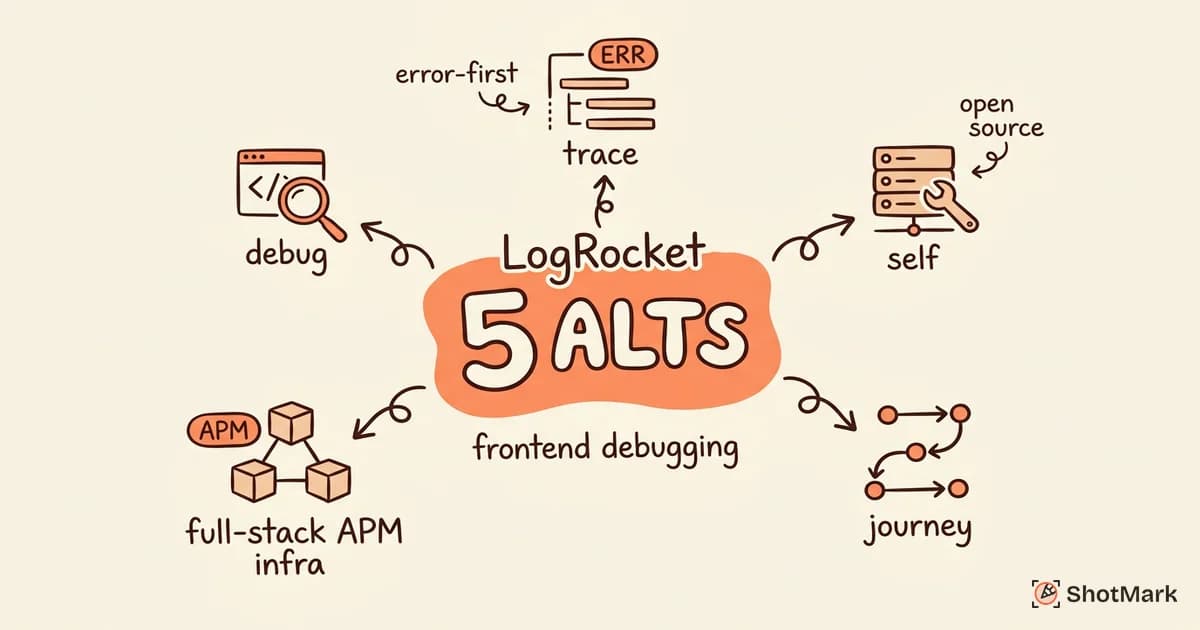
LogRocket bundles session replay, error tracking, and performance monitoring into one platform for frontend teams. It works well if you want a single tool to see what users did, what broke, and how fast the page loaded. But teams start looking at LogRocket alternatives when the pricing scales poorly, the session replay quality doesn’t match their error tracking needs, or they want open-source and self-hosted options they can control.
We evaluated five alternatives across error tracking depth, session replay fidelity, pricing transparency, and developer experience. Each tool below was tested against a real React application with intentional frontend errors, slow API calls, and state management bugs.
Why Teams Look for LogRocket Alternatives
LogRocket’s pricing is session-based, which means costs climb fast for high-traffic applications. Teams with millions of monthly sessions can see bills that dwarf their infrastructure costs. The product itself is capable, but the pricing model forces difficult choices about which sessions to record and which to skip.
Some teams also want deeper error tracking than LogRocket provides. While it captures Redux actions and network requests, its root-cause analysis can feel shallow compared to purpose-built error monitoring tools like Sentry. The session replay is strong, but the error triage workflow is not as refined.
Others want open-source or self-hosted deployments. LogRocket is cloud-only, which rules it out for teams with strict data residency requirements or compliance constraints. If you need to own your data pipeline end to end, you need different tooling.
There is also the question of focus. LogRocket tries to be a session replay tool, an error tracker, and a performance monitor. That breadth is convenient, but it means no single feature is as deep as a purpose-built alternative. Teams that prioritize one capability over the others often find better tools by choosing a specialist rather than a generalist.
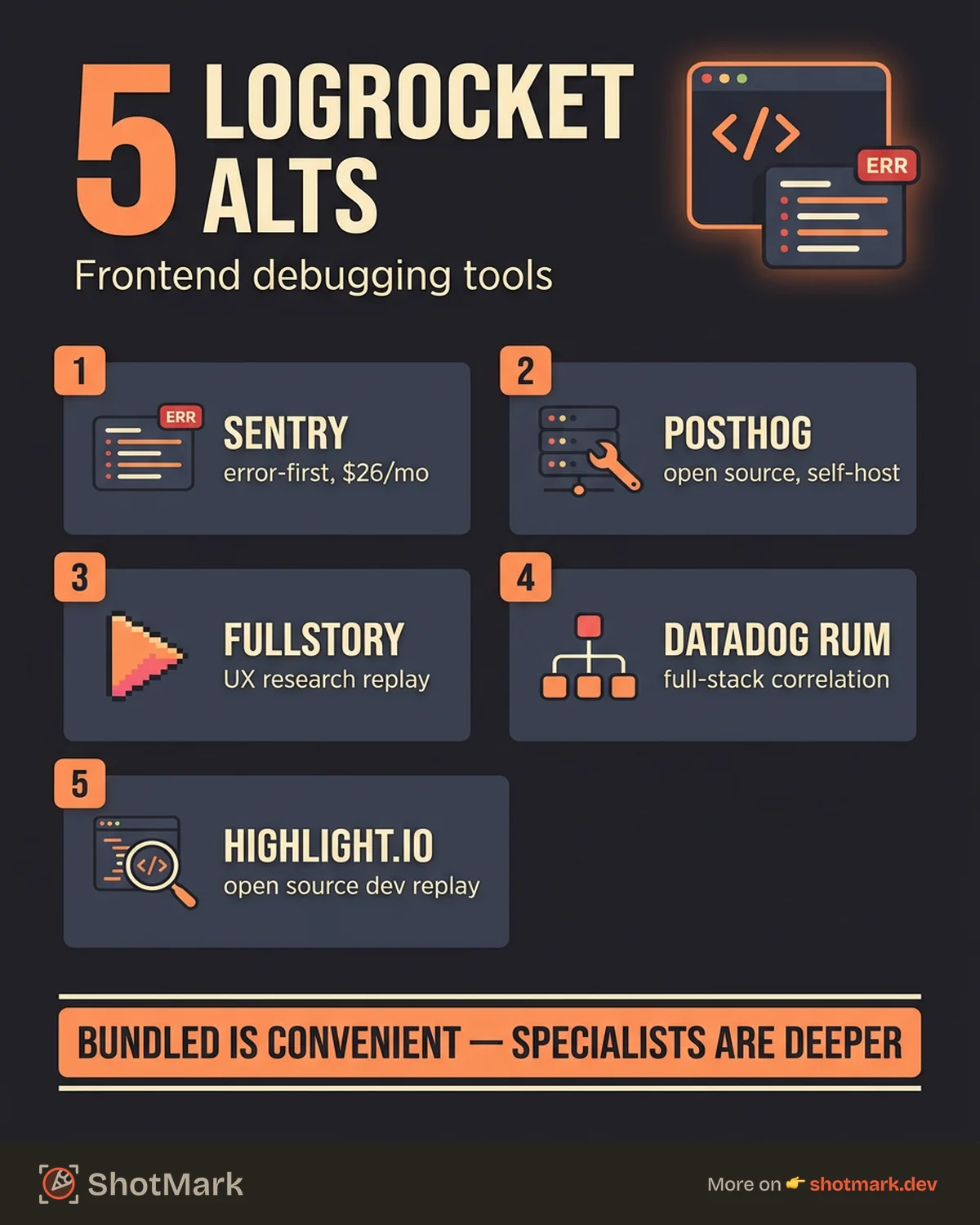
5 LogRocket Alternatives
Sentry
Sentry started as an error tracking platform and has expanded into session replay and performance monitoring. Its strength is error-first debugging: stack traces are detailed, breadcrumbs are rich, and the issue grouping logic reduces noise better than most competitors.
The session replay feature, added more recently, pairs well with error events. When an exception fires, Sentry links the replay to the exact moment of the crash. The integration between errors and replay is tighter than LogRocket’s because Sentry has been doing error tracking for years and bolted replay on top of a mature system.
Pricing is event-based rather than session-based, which scales more predictably for teams that care about errors more than sessions. The free tier covers 5,000 errors per month, and the team plan starts at $26 per month. For teams already using Sentry for errors, adding replay is a natural upgrade. For teams evaluating it fresh against LogRocket, the question is whether your priority is understanding every user session or understanding every error. Sentry is a strong fit if your primary need is error monitoring with replay as a bonus rather than the centerpiece.
PostHog
PostHog is an open-source product analytics platform that includes session replay, feature flags, and event tracking. You can self-host it or use the cloud version. The open-source angle is the main differentiator: you own the data, you control the infrastructure, and you avoid vendor lock-in.
Session replay quality is solid for the price, which is free up to 5 million events per month on the cloud tier. PostHog captures DOM mutations and network activity, similar to LogRocket, though the developer experience for debugging specific frontend errors is less polished. The replay viewer works well for understanding user behavior, but finding the root cause of a bug requires more manual digging.
Where PostHog shines is breadth. Beyond session replay, you get product analytics (funnels, retention, paths), feature flags for gradual rollouts, and surveys for user feedback. If your team wants to consolidate product tooling, PostHog replaces three or four separate SaaS products. The trade-off is that no single feature matches the polish of a dedicated tool.
For teams that want analytics and replay in one tool, and that value open-source flexibility, PostHog is worth a serious look. It does not match LogRocket’s debugging workflow, but it covers more ground across the product stack.
FullStory
FullStory focuses on digital experience analytics, with session replay at its core. The replay quality is among the best we tested: pixel-perfect rendering, searchable session transcripts, and heatmaps that show where users click, scroll, and rage-tap.
Where FullStory differs from LogRocket is intent. FullStory is built for product teams and UX researchers who want to understand user behavior. LogRocket is built for developers who want to debug code. The technical debugging features (console logs, network requests, Redux state) are shallower in FullStory, but the behavioral analytics are deeper.
Pricing is not published, which is a red flag for teams with budget constraints. Enterprise plans typically start in the thousands per month. If your use case is understanding user experience rather than frontend debugging, FullStory is the stronger pick.
Datadog RUM
Datadog Real User Monitoring (RUM) adds session replay to its existing APM, log management, and infrastructure monitoring suite. The appeal is consolidation: if you already use Datadog for backend monitoring, adding RUM gives you frontend visibility in the same dashboard.
The session replay integrates with APM traces, so you can see the frontend session that triggered a slow backend query and the trace that explains why it was slow. That end-to-end correlation is something LogRocket cannot match because it does not have APM depth.
The trade-off is cost and complexity. Datadog bills per host, per event, and per session, and the pricing compounds quickly. The setup is heavier than LogRocket’s, and the learning curve is steeper. Teams that already live in Datadog will find RUM a natural extension. Teams evaluating it as a standalone replay tool will find it expensive and over-engineered.
Highlight.io
Highlight.io is an open-source, developer-focused session replay and error monitoring tool. It captures console logs, network requests, DOM clicks, and Redux state, then surfaces errors with full reproduction context.
The open-source model means you can self-host, inspect the code, and extend the platform. For teams blocked by LogRocket’s cloud-only approach, Highlight.io solves that directly. The developer experience is closer to LogRocket than any other tool on this list because it was built by developers for the same use case.
One advantage Highlight.io has over LogRocket is the inspectable source. When something does not work as expected, you can read the code, file a specific issue, or submit a pull request. That transparency builds trust in a way that proprietary tools cannot match. The community around Highlight.io is growing, with active contributions to the replay engine and error grouping logic.
Highlight.io is younger and less polished than LogRocket. The documentation has gaps, the community is smaller, and some enterprise features (SSO, audit logs) are still maturing. The free cloud tier covers 1,000 sessions per month, and the team plan starts at $50 per month.
Comparison Table
| Tool | Best For | Open Source | Starting Price | Replay Quality | Error Tracking |
|---|---|---|---|---|---|
| LogRocket | All-in-one frontend debugging | No | Custom pricing | High | Good |
| Sentry | Error-first debugging | Partial | Free, $26/mo team | Good | Excellent |
| PostHog | Analytics + replay | Yes | Free up to 5M events | Good | Basic |
| FullStory | UX analytics | No | Custom (enterprise) | Excellent | Basic |
| Datadog RUM | Full-stack monitoring | No | Custom (expensive) | Good | Good |
| Highlight.io | Open-source debugging | Yes | Free, $50/mo team | Good | Good |
When LogRocket Is Still the Best Fit
LogRocket remains the right choice for teams that want a single tool for frontend debugging without stitching together error tracking, replay, and performance monitoring from separate vendors. The Redux and state management logging is still among the strongest available, and the product has years of refinement behind it.
Teams that value an opinionated, integrated experience over flexibility will prefer LogRocket. The setup is fast, the documentation is thorough, and the developer experience is consistent across features. The LogRocket Graphprism analytics add-on also provides product analytics on top of session data, which is useful for teams that want user behavior insights without adding another tool.
One practical consideration: if your team already invested time in LogRocket’s Redux, Vuex, or Zustand logging, switching has a real migration cost. The state inspection setup is non-trivial, and you would need to reconfigure it in whatever alternative you choose. Factor that migration effort into your decision.
Complementing Monitoring With Bug Reporting
Monitoring tools like LogRocket and its alternatives tell you what went wrong in production. But when QA engineers or developers find bugs during development or staging, they need a different workflow: capturing the bug with full context and filing it directly into Jira, Linear, or GitHub.
That is where bug reporting tools come in. ShotMark captures screenshots, annotations, console logs, network requests, and device metadata in a single click, then sends structured reports to your issue tracker. Monitoring catches what broke in production. Bug reporting catches what breaks before it gets there.
The most effective teams run both: production monitoring for user-facing issues and structured bug reporting for everything else. Finding the right LogRocket alternative for frontend debugging depends on which side of that divide your team sits on, and whether you need open-source flexibility, tighter error tracking, or full-stack observability.
Get new posts in your inbox.
One email when we publish: notes on QA, AI, and shipping faster. No spam, unsubscribe anytime.