Mixpanel session replay arrived as part of Mixpanel’s push into qualitative analytics, bolting visual session recordings onto its event-driven platform. If your team already lives inside Mixpanel funnels and cohorts, adding replay sounds like an easy win. The reality is more mixed, and the trade-offs matter.
We installed Mixpanel’s replay SDK on a React application, wired it to an existing analytics project, and evaluated how it handles setup, privacy, pricing, and the workflows product teams actually care about. Here’s what works, what doesn’t, and who it’s built for.
What Is Mixpanel Session Replay?
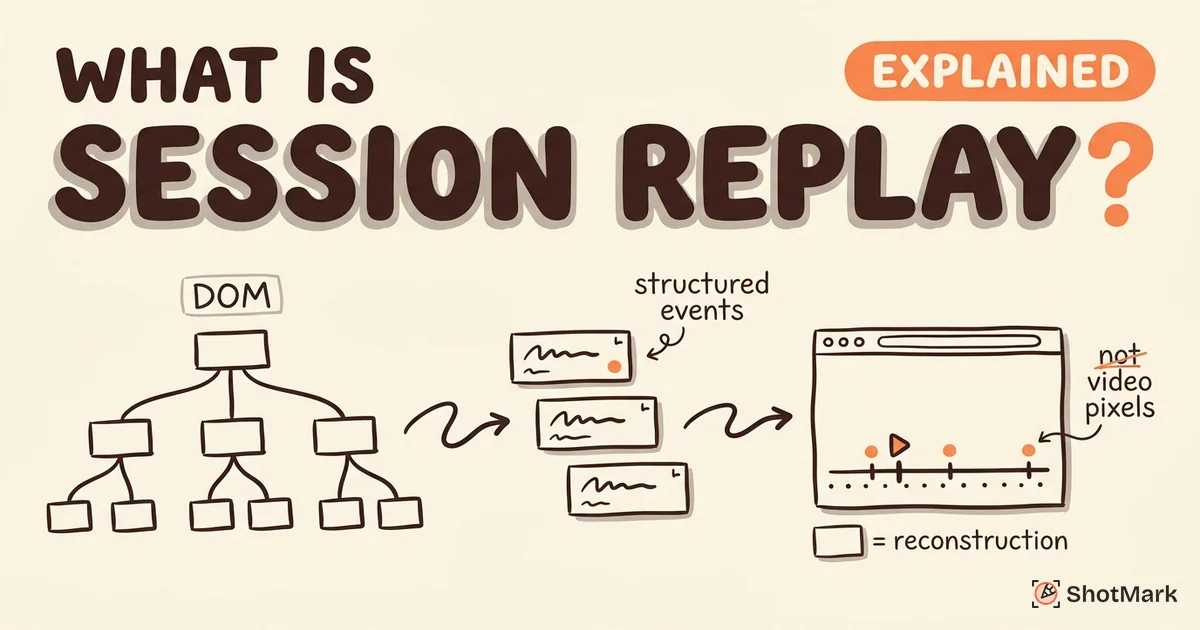
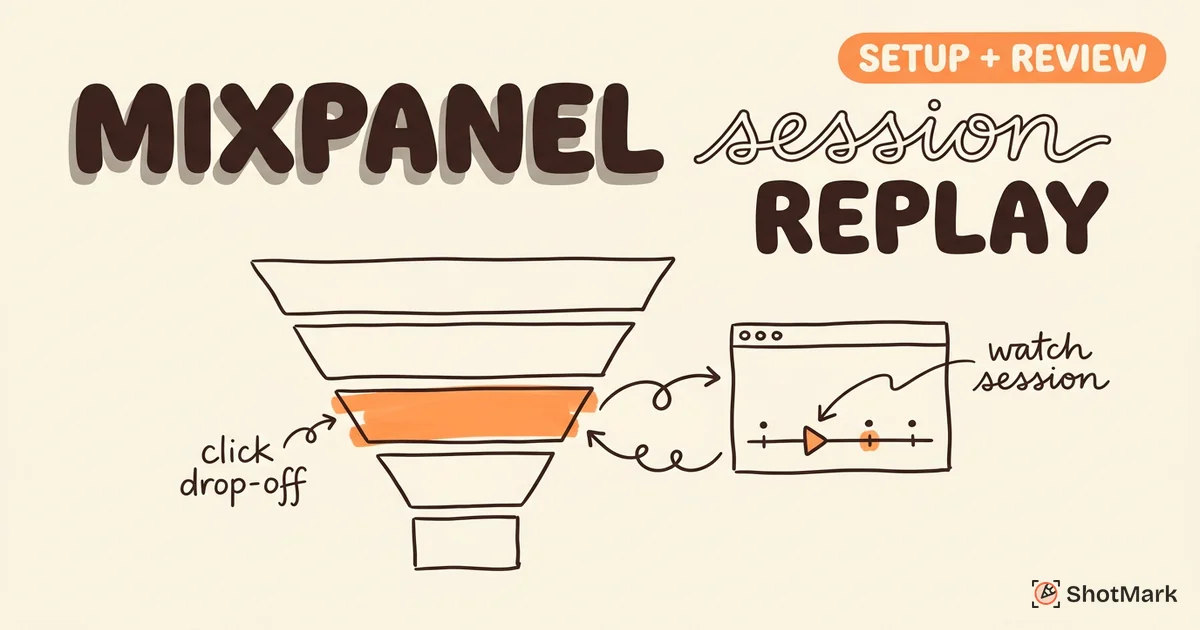
Mixpanel session replay is a qualitative analytics feature that records user sessions in the browser and ties each recording to the event stream Mixpanel already tracks. Instead of treating replay as a standalone recording tool, Mixpanel links every session to the funnels, cohorts, and conversion metrics in your existing project. You can watch a session from the exact point a user dropped off a checkout funnel or filter replays by cohort membership.
That analytics-first approach is the product’s main selling point. If you want a broader view of how replay tools differ, our guide on what is session replay covers the underlying mechanics across vendors. Mixpanel sits in the same category as Amplitude and PostHog: product analytics platforms that added replay rather than dedicated replay tools like FullStory or LogRocket.
The feature launched in late 2023 and matured through 2024 and 2025. By 2026, it’s stable for web apps, though mobile replay is still tagged as beta in Mixpanel’s session replay documentation .
How to Set Up Mixpanel Session Replay
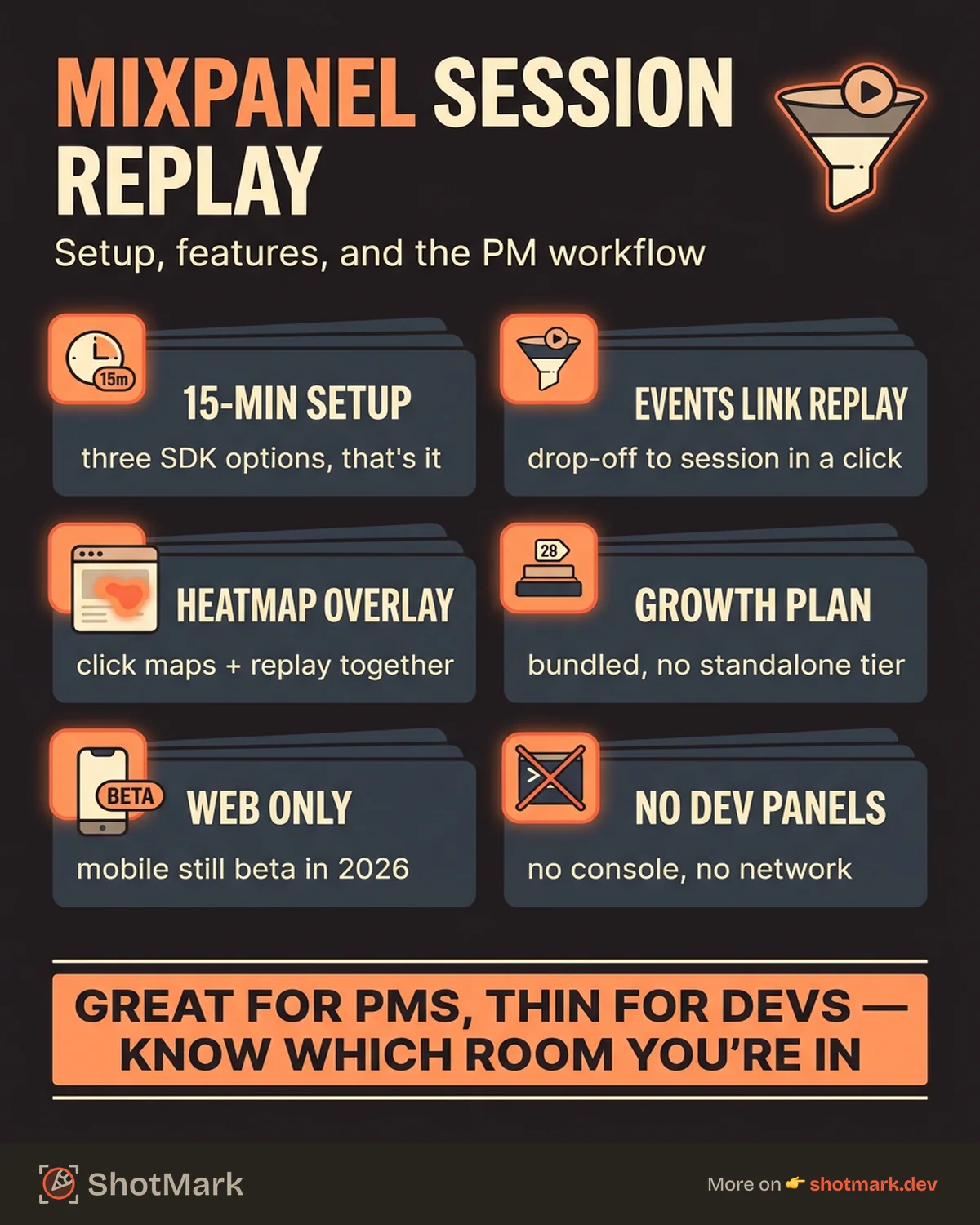
Setup takes about 15 minutes if you already have the Mixpanel JavaScript SDK installed. If you’re starting from scratch, plan for an hour including verification.
Enabling Replay in Your Mixpanel Project
Start by updating the Mixpanel JavaScript SDK to a version that supports replay. The minimum supported version at the time of writing is 2.47.0, though newer releases ship with improvements to capture fidelity and masking.
mixpanel.init("YOUR_PROJECT_TOKEN", {
  record_sessions_percent: 100,
  record_mask_text_selector: ".sensitive",
  record_block_selector: "[data-private]"
});
Key configuration options include:
- record_sessions_percent sets the sampling rate. Values range from 0 to 100.
- record_mask_text_selector replaces matching text content with asterisks during capture.
- record_block_selector blocks matching elements from the recording entirely.
- record_idle_timeout_ms controls how long a session can idle before Mixpanel splits it.
Once initialized, Mixpanel begins recording at the sample rate you specified. The recordings appear in the Session Replays view in your project dashboard, usually within a few minutes.
Connecting Replay to Existing Analytics Events
This is where Mixpanel’s approach shines. Any event you already track with mixpanel.track() automatically links to the session recording that was active at the time. Open any event in a funnel or cohort, and you can jump to the exact moment it fired in the replay.
Filtering replays works the same way as filtering events. You can pull up all sessions from users who hit a specific funnel step, belong to a cohort, or match an event property. For product teams already living in Mixpanel’s reporting UI, the learning curve is close to zero.
The catch is that replay quality depends on event instrumentation. If your event tracking is sparse, replay filtering gets thin too.
Features Worth Noting
Mixpanel bundled several useful features alongside replay that round out the product analytics workflow.
Heatmap integration overlays click maps on top of replay recordings. You can switch between a heatmap view of any page and the individual sessions that generated those clicks. It’s the kind of feature Hotjar built its brand on, now available inside Mixpanel.
Funnel replay lets you watch sessions from users who dropped off at a specific funnel step. This is genuinely useful for conversion optimization. Instead of guessing why 30% of users abandon step three, you can watch 20 sessions and spot the pattern.
Cohort-based filtering ties into Mixpanel’s existing cohort system. Want to see how power users behave differently from new signups? Filter replays by cohort and watch.
Event timeline overlay shows tracked events on the replay timeline, so you can scrub to the exact moment a user clicked a button, submitted a form, or triggered a custom event.
Mixpanel Session Replay Pricing
Mixpanel doesn’t sell session replay as a standalone product. It’s bundled into the Growth plan, which starts at $28 per month for up to 10,000 monthly tracked users. Enterprise plans include higher session caps and additional compliance features.
There’s no per-session pricing the way Datadog or OpenReplay charge. Your replay quota scales with your Mixpanel subscription tier. For teams already paying for Mixpanel, this can feel like a free add-on. For teams evaluating Mixpanel purely for replay, the math is less favorable. Dedicated tools like Microsoft Clarity offer free unlimited replay, and PostHog offers 5,000 recordings per month on its free tier.
Full details are in Mixpanel’s pricing page . Watch for session caps that trigger automatic upgrades once you cross them.
Limitations and Trade-offs
Mixpanel session replay is honest about what it isn’t, but some gaps deserve attention.
Web only, for now: Mobile replay is still in beta as of 2026. If native iOS or Android replay is core to your workflow, Mixpanel isn’t ready.
Privacy granularity is basic: You can mask text and block elements with CSS selectors, but Mixpanel doesn’t offer the element-level controls that FullStory or PostHog provide. For teams handling sensitive data (healthcare, finance), this matters.
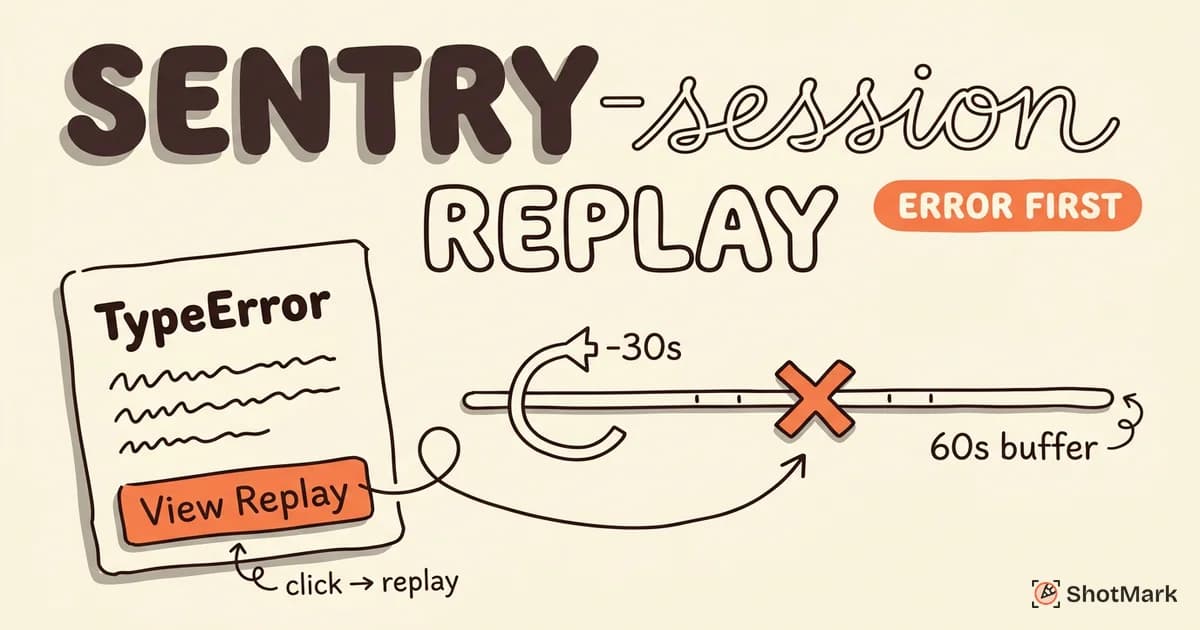
No error tracking or console log capture: Mixpanel replay doesn’t surface JavaScript errors, console output, or network requests alongside the recording. If you need replay to help debug production bugs, Sentry or LogRocket will serve you better.
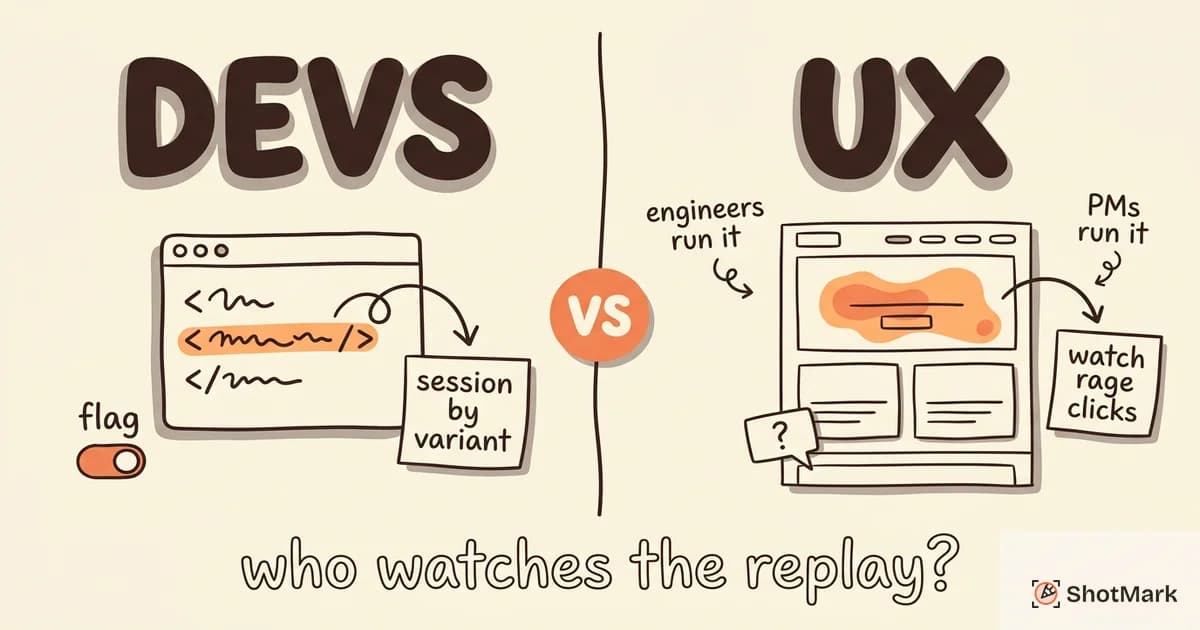
Not built for developer debugging: The product is designed for product managers and analysts, not engineers. The viewer lacks the network waterfall, console panel, and error context that developer-focused tools include.
Replay fidelity has edge cases: Some CSS animations, canvas elements, and dynamic content don’t render perfectly in the replay. Independent reviews on G2 note this inconsistently, but it shows up often enough to mention.
Mixpanel Session Replay vs Alternatives
Here’s how Mixpanel stacks up against the closest alternatives for product teams.
| Tool | Starting Price | Mobile Replay | Error Tracking | Best For |
|---|---|---|---|---|
| Mixpanel | $28/mo (Growth) | Beta | No | Mixpanel analytics users |
| Hotjar | $39/mo (Plus) | No | No | UX research teams |
| PostHog | Usage-based | No | Yes | All-in-one open source |
| Amplitude | Contact sales | Beta | No | Amplitude analytics users |
For a broader matchup across the full category, see our session replay tools compared breakdown. If you’re deciding between the two most common open-source and UX-focused options, our PostHog vs Hotjar session replay comparison covers that head-to-head.
Mixpanel is the right choice for product teams already running analytics in Mixpanel who want qualitative context for their quantitative funnels. Adding replay to an existing Mixpanel setup is a few SDK options and a pricing tier bump.
Mixpanel is the wrong choice for developers debugging production issues, teams needing native mobile replay today, or organizations that need strict PII controls. Those use cases are better served by dedicated tools.
Is Mixpanel Session Replay Free?
No. Session replay is gated behind the Growth plan at $28 per month. There’s no free tier specifically for replay, though the broader Mixpanel free tier lets you test the analytics platform without it.
Is Mixpanel Session Replay GDPR Compliant?
Mixpanel supports GDPR workflows including consent gating and data deletion requests. You can configure replay to only start after user consent, and you can mask or block sensitive fields. For teams with strict data residency needs, check Mixpanel’s current list of supported regions before committing.
Can You Use Mixpanel Session Replay on Mobile?
Mobile replay remains in beta as of 2026. Web replay on mobile browsers works, but native iOS and Android SDK replay is not generally available. If mobile coverage is critical, evaluate FullStory or a dedicated mobile replay tool instead.
Bug Capture Before Production
Mixpanel session replay helps product teams understand user behavior after a release goes live. That’s valuable for conversion optimization, UX research, and spotting friction in real user journeys. It’s also a reactive workflow by design: you learn about problems after users encounter them.
ShotMark operates earlier. Our browser extension captures bugs during development and QA with one-click capture of screenshots, console logs, network requests, and session replay, all attached to your issue tracker automatically. Testers file complete bug reports in seconds, and developers skip the usual “what browser were you on?” follow-up.
The two tools complement each other. Use Mixpanel session replay for post-deploy analytics and use ShotMark during QA and pre-production testing to catch issues before they reach users. Our open-source SDK ships soon, and you can join the ShotMark waitlist to get early access.
Get new posts in your inbox.
One email when we publish: notes on QA, AI, and shipping faster. No spam, unsubscribe anytime.