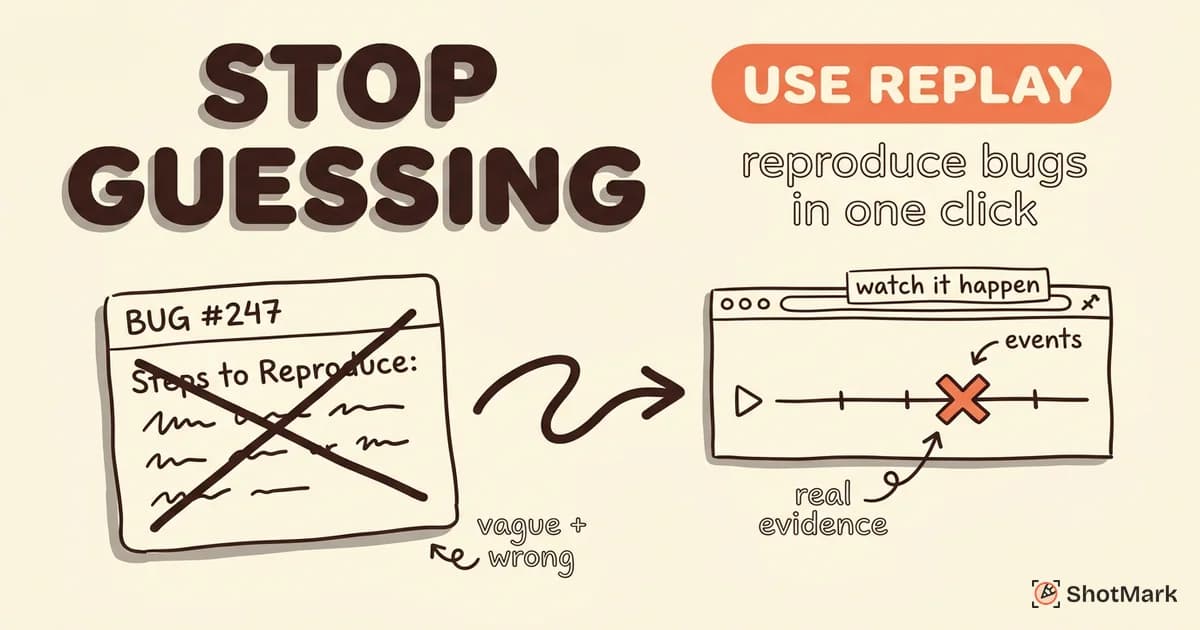
Every bug ticket has a line labeled “Steps to Reproduce.” And every developer knows that line is usually wrong, incomplete, or missing entirely. That gap between what a user saw and what you can recreate on your laptop is where debugging time goes to die, and it’s the exact gap that session replay was built to close.
Studies of developer workflows consistently put reproduction at 30 to 50 percent of total debugging time, and anyone who has ever stared at a vague ticket titled “it’s broken again” already knows the stat is real. Replace “steps to reproduce” with a clickable link to the actual session, and the math on production bug fixes changes fast.
The “Steps to Reproduce” Problem
Most bug reports are written by humans who didn’t expect to file a bug when the bug happened. Users notice something is wrong after the fact, try to remember what they clicked, and paste a half-accurate timeline into a support form. QA engineers do a little better, but even the best reports miss timing, exact form inputs, or the three background tabs that were eating memory.
Screenshots help, but they freeze a single moment. They don’t show the sequence of hovers, clicks, and network responses that got the app into a broken state. The JetBrains Developer Ecosystem Survey consistently lists reproducing bugs as one of the top frustrations for professional developers, ahead of actually writing the fix.
Text-only reports are worse. “The button didn’t work” could mean a failed API call, a caught exception swallowed by a try/catch, a CSS regression that moved the click target, or a race condition triggered by a slow network. Without the full session, you’re guessing at four different root causes and picking whichever one matches your mood.
How Session Replay Changes Bug Reproduction
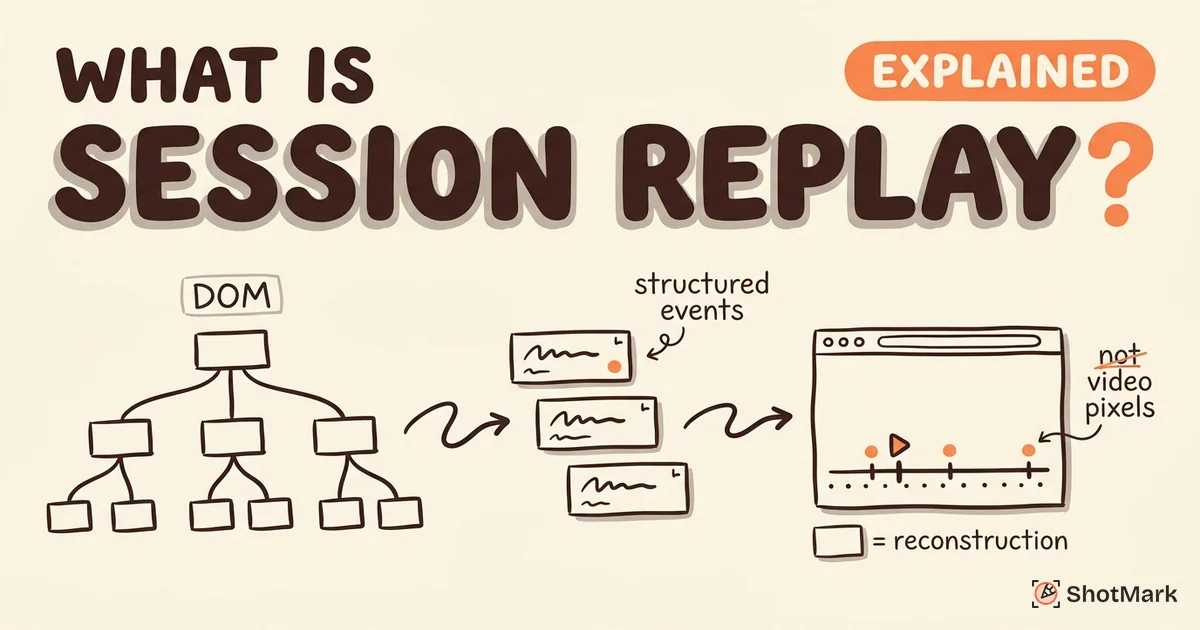
Session replay records the full browser session as a stream of DOM mutations and user events, not as a video file. You get scrubbable playback of exactly what the user saw, synchronized with console errors, network requests, and application state. For a technical primer on the underlying tech, read our guide to what is session replay.
One replay link replaces the multi-paragraph reproduction write-up. The developer opens the recording, scrubs to the moment of the error, and sees the same broken state the user saw. There’s no guesswork about browser version, screen size, or which form field got filled in weird order, because all of that is captured.
The shift matters because it changes the unit of bug evidence. Instead of a text description that humans wrote from memory, the evidence is a machine-captured recording of the exact session. Sentry’s session replay documentation describes this as turning bug reports from fiction into forensics, and the framing fits.
A Developer’s Workflow With Session Replay
The workflow is short because the whole point is to compress the path from report to root cause. Here’s how teams using session replay for debugging actually move through a production bug.
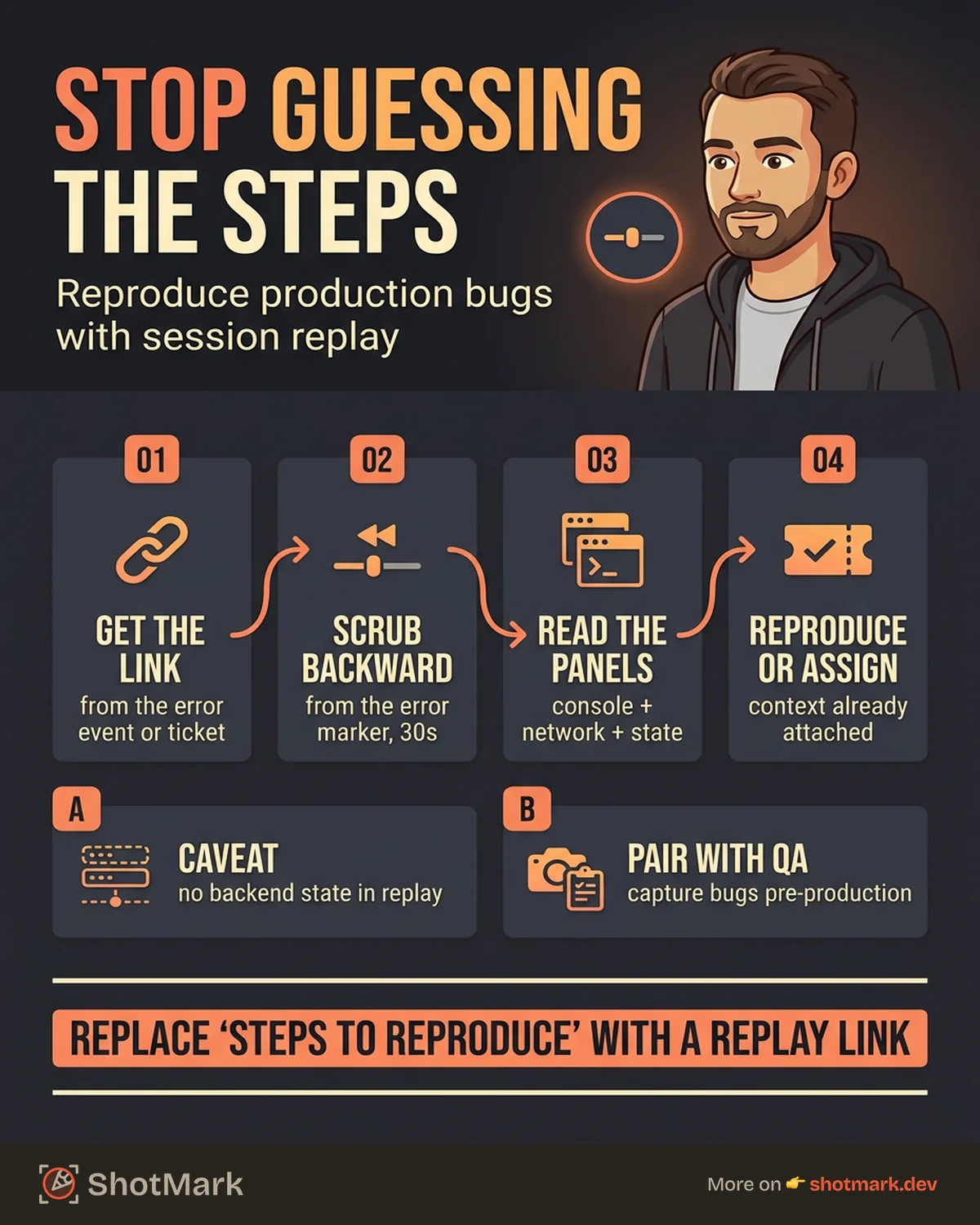
Step 1: Get the Replay Link
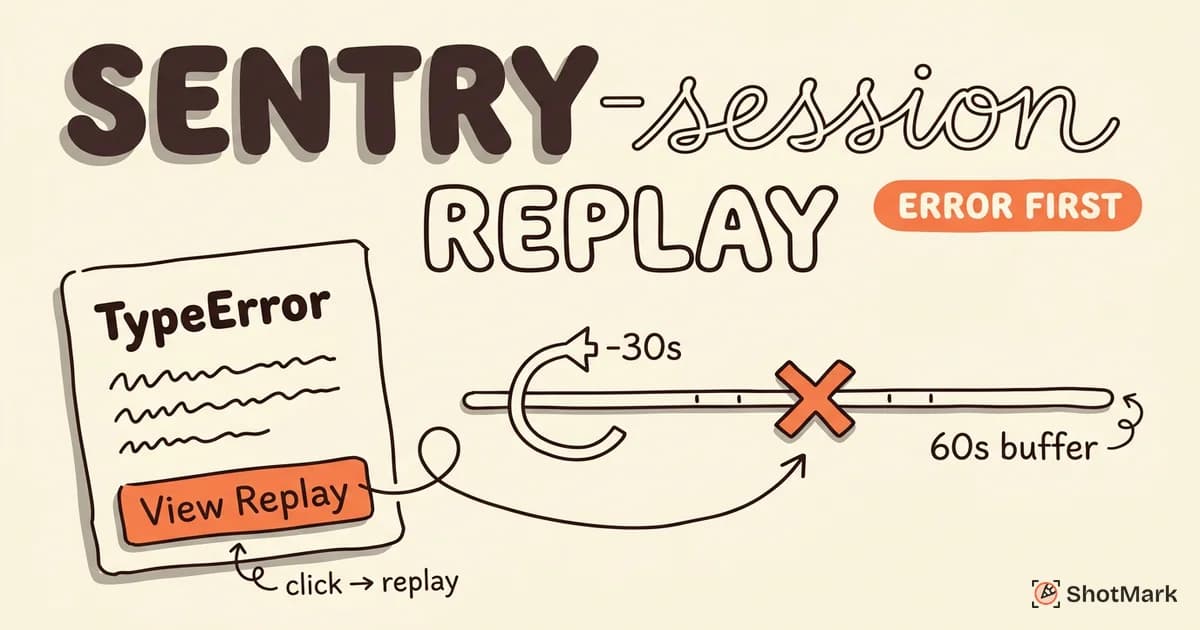
Error monitoring tools attach replays to error events automatically. LogRocket’s session replay for developers surfaces recordings inside every logged error, and Sentry does the same when Replay is enabled alongside its SDK. Support teams paste replay links directly into Jira, Linear, or GitHub tickets. The link is the ticket.
For teams running Datadog’s session replay , the link is embedded in the RUM error dashboard next to the stack trace. One click takes you from a 500 error to the exact session that caused it.
Step 2: Watch the Session Leading Up to the Bug
Open the replay and scrub backward from the error event. Most viewers show a timeline with markers for console errors, network failures, and significant DOM changes. You’re not watching from the beginning. You’re jumping to the 30 seconds before the bug fired.
Check the console panel for warnings that preceded the error. Check the network tab for 4xx or 5xx responses. Check the DOM state for anything that shouldn’t be there, like a stale modal or a doubled event listener.
Step 3: Identify the Root Cause
Patterns emerge fast once you can see the sequence. Race conditions show up as a click that fires before a fetch resolves. Failed auth shows up as a 401 followed by a blank page. Unexpected UI states show up as components in impossible combinations.
Compare against a working session for the same flow when you’re stuck. PostHog’s session replay for bug hunting recommends keeping a library of “good path” recordings for the most common user flows, so you can diff problem sessions against known-working ones.
Session Replay vs Traditional Bug Reports for Debugging
The three common evidence formats compare like this when a developer sits down to debug.
| Evidence Format | Timing & Sequence | Console & Network | Environment Context | Expected Behavior |
|---|---|---|---|---|
| Text-only report | Rarely accurate | Almost never | Sometimes | Usually stated |
| Screenshot + text | Frozen moment | If attached manually | Sometimes | Usually stated |
| Session replay | Fully captured | Fully captured | Fully captured | Missing |
Replay wins on timing, console data, network context, and environment. Where it loses is on the “what should have happened” question. A recording shows you the broken session, but it doesn’t tell you what the correct behavior was supposed to be. That context still has to come from the person filing the report.
A fair comparison of replay vendors is in our session replay tools compared post, which breaks down fidelity, privacy, and pricing across the major platforms.
When Session Replay Alone Is Not Enough
Replay is powerful, but it has blind spots that matter once you actually deploy it.
It doesn’t capture backend state or database conditions. If the bug is caused by a stale cache on the server or a race in a background job, the replay shows you the symptom, not the cause. You’ll still need server logs, APM traces, and database snapshots.
Intermittent bugs may not trigger during a recorded session. Many replay tools sample sessions to control storage costs, so rare bugs can fall through the sampling window. Some tools offer “always record on error” modes that fix this, but they increase storage bills fast.
Mobile and native app replay is still limited. Most replay tools focus on web, and native mobile SDKs tend to have lower fidelity and larger performance overhead. If your bug is on iOS or Android, check whether your tool actually supports those platforms before promising the team replay everywhere.
Replay bloat is a real operational problem. Teams that record every session without filtering end up with thousands of recordings and no way to find the useful ones. Filtering by user ID, error event, or funnel step is what turns a pile of recordings into a debugging tool.
Combining Session Replay With Structured Bug Reports
The strongest debugging workflow uses both. Session replay covers production, structured bug reports cover everything before production, and they give developers a complete view when they work together.
During QA and development, testers capture bugs with annotated screenshots, console logs, and network request data. That captures intent: what the tester was trying to do, what they expected, and what went wrong. For production issues discovered by real users, session replay captures behavior: the exact sequence of events without the tester’s narration.
FullStory’s session replay platform and Sentry’s product page both push this hybrid model for teams that run continuous QA alongside production monitoring. You can also see how Sentry specifically handles error-to-replay attachment in our Sentry session replay overview.
ShotMark fits the QA-stage side of this workflow. One-click capture of screenshots, console logs, and network requests, plus session replay for reproducing flaky test failures, all packaged into a bug report that lands in your issue tracker with full context. The Stack Overflow Developer Survey keeps surfacing “unclear bug reports” as a top team friction, and the fix is tooling that captures context by default instead of relying on memory.
Capture Bugs Before They Reach Production
Session replay is reactive. It kicks in after the bug has already shipped and affected a real user. That’s the right tool for production monitoring, and the tools listed above, including PostHog’s session replay and LogRocket , all do this well.
ShotMark is proactive. It captures bugs during QA and development, before they reach users, with one-click screenshots plus console logs plus network requests plus session replay, all bundled into a single bug report. Our SDK is open source, and you can join the waitlist for early access at shotmark.dev.
The two approaches cover different halves of the bug lifecycle. Use ShotMark during QA so fewer bugs reach production, and use session replay for the bugs that slip through. Together, they replace “can you describe what happened?” with “here’s the exact session, the console output, and the failing network call,” which is the point of all this tooling. Session replay for bug reproduction is one of the clearest wins in modern debugging, and pairing it with structured capture upstream is how teams keep debugging time from eating the rest of the sprint.
Get new posts in your inbox.
One email when we publish: notes on QA, AI, and shipping faster. No spam, unsubscribe anytime.