Your web application handles 500 concurrent users today. A product launch next week could push that to 5,000. Without load testing tools in your pipeline, you are flying blind into that spike.
Load testing simulates real user traffic before it arrives. It tells you whether your application responds within acceptable time limits, where bottlenecks form under pressure, and which components fail first when capacity runs out. Teams that skip it learn the answers from their users instead, usually in the form of support tickets and negative reviews.
This guide covers the current landscape of load testing tools for web applications, compares the top options side by side, and walks through how to integrate load testing into a modern CI/CD workflow.
What Is Load Testing (and Why Web Apps Need It)
Load testing sends simulated traffic at your application to measure how it behaves under expected conditions. You define a target number of concurrent users, a request pattern, and a duration. The test runner generates the load and collects metrics like response time, throughput, error rate, and resource utilization.
Three types of testing often get confused. Load testing checks performance at expected traffic levels. Stress testing pushes past normal capacity to find the breaking point. Performance testing is the broader category that includes both, plus baseline measurements. If you want the full taxonomy, our overview of the types of software testing breaks them all down.
You should load test before major launches, after infrastructure changes (database migrations, CDN switches, caching layers), and ahead of predictable traffic peaks like Black Friday or a marketing push. Running tests regularly, not just once, is what separates teams that scale smoothly from teams that scramble during incidents.
What gets measured matters. Response time tells you how fast pages render for users. Throughput shows how many requests your system processes per second. Error rate flags where things break. Resource utilization (CPU, memory, disk I/O, database connections) reveals why they break.
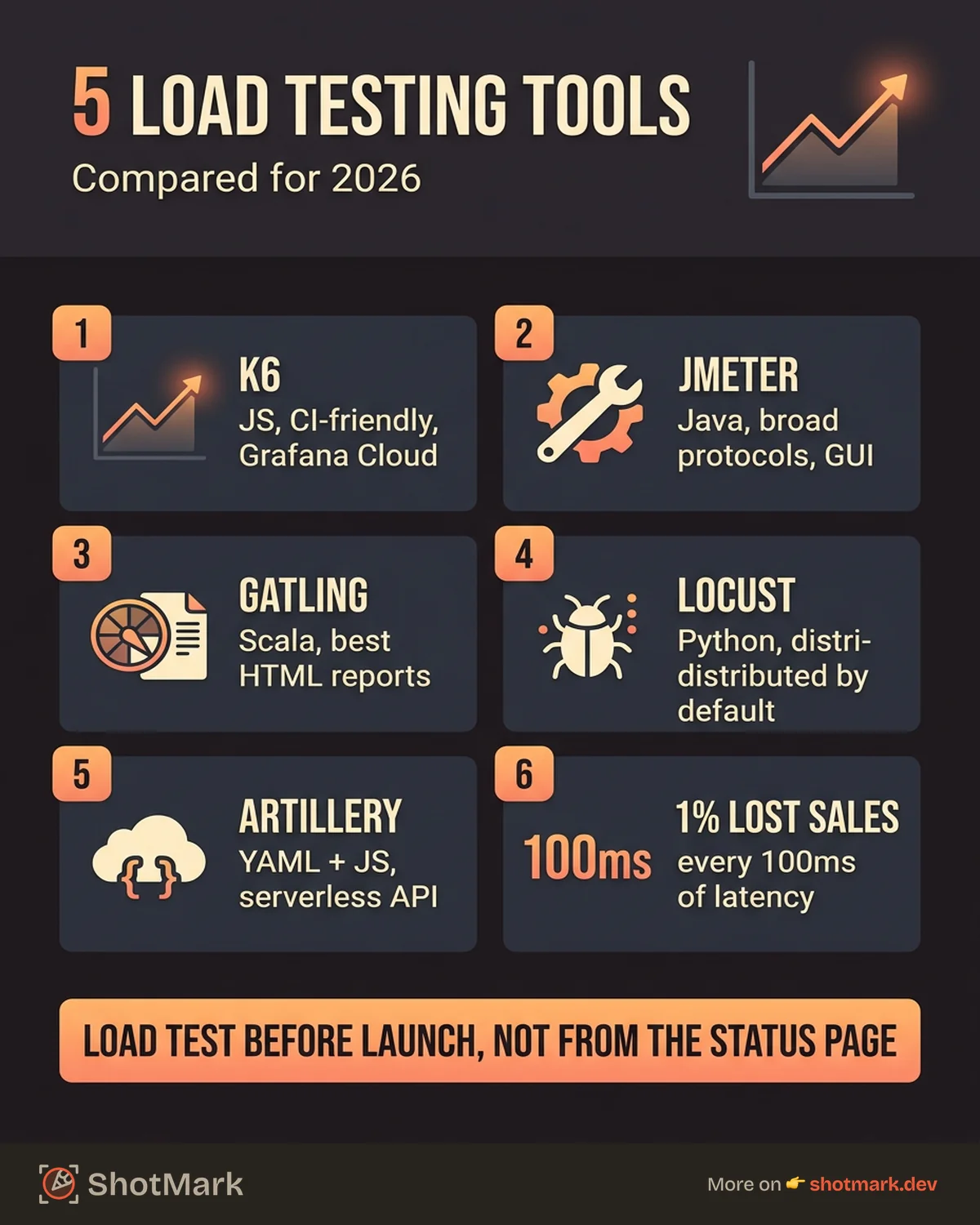
The cost of skipping load testing is not theoretical. Amazon famously estimated that every 100 milliseconds of latency costs 1% in sales. A single downtime event during a traffic spike can erase months of revenue and damage user trust far beyond the incident window.
Best Load Testing Tools Compared
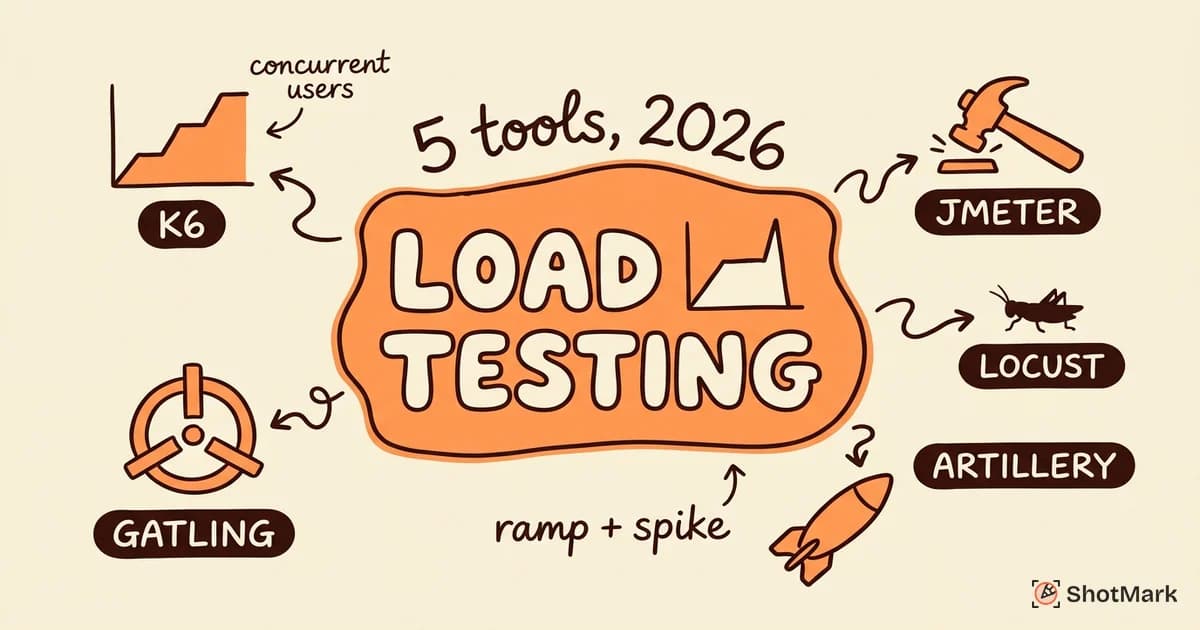
The load testing ecosystem has matured significantly. Developer experience, cloud execution, and CI/CD integration now separate the leading tools from the pack. Here are the options worth your attention in 2026.
k6 (Grafana)
k6 uses JavaScript for test scripts, which makes it approachable for developers who already write frontend or Node.js code. The open-source core runs locally or in any CI environment. Grafana Cloud k6 adds managed test execution, distributed load generation from multiple regions, and built-in result dashboards.
Scripting follows a familiar pattern. You write a JavaScript module that describes the virtual user behavior, set the load profile (stages with ramp-up and ramp-down), and run it from the CLI. k6 outputs metrics in a structured format that integrates with Grafana, Datadog, and other observability platforms.
Strengths include a clean scripting API, excellent CI/CD support, and an active community. The main limitation is that JavaScript-based scripting can feel restrictive for complex protocol-level testing compared to JVM-based alternatives.
Apache JMeter
JMeter has been around since 2001 and remains one of the most widely used load testing tools in enterprise environments. It offers a GUI-based test builder that generates XML test plans, which appeals to teams that prefer visual configuration over code.
The Java ecosystem brings massive protocol support: HTTP, HTTPS, SOAP, REST, FTP, JDBC, JMS, and more. JMeter’s plugin ecosystem extends it further with custom samplers, listeners, and post-processors.
The trade-off is complexity. The GUI is clunky, test plans are verbose XML files that resist version control diffing, and distributed testing requires manual configuration of remote JMeter server instances. Teams comfortable with Java and GUI-driven tooling will find JMeter powerful. Teams that prefer code-first workflows will likely gravitate toward k6 or Gatling.
Gatling
Gatling uses a Scala or Java DSL for test scenarios, which produces concise, readable test definitions. The reporting is a standout feature. Gatling generates HTML reports with interactive charts that show response time distributions, percentiles, and request timelines.
The async architecture underneath means Gatling can simulate large numbers of virtual users per machine, which reduces infrastructure costs for high-scale tests. CI/CD integration works through Maven, SBT, or Gradle plugins, plus a dedicated CI/CD package for pipeline use.
The learning curve depends on your familiarity with Scala. Teams already running JVM stacks will adapt quickly. Teams without Scala experience face a steeper onboarding, though the DSL itself is small enough to learn in a day.
Locust
Locust takes a Python-based approach to load testing. You write test scenarios as plain Python code using a decorator-based API, which makes Locust one of the most flexible tools for modeling complex user behavior.
Distributed testing is built into Locust’s architecture from the start. You spin up a master node and attach worker nodes to scale load generation horizontally. The web UI provides a real-time dashboard for monitoring test progress.
Locust fits teams that want full programming flexibility without learning a new DSL. The trade-off is that Python’s single-threaded GIL means each worker process handles one concurrent user at a time. You need more processes (and more machines) to match the concurrency that async-based tools like k6 or Gatling achieve per instance.
Artillery
Artillery uses YAML for test scenario definitions with JavaScript hooks for custom logic. This hybrid approach keeps simple tests readable while allowing complex behavior when needed.
Artillery shines in serverless and API testing. It integrates directly with AWS Lambda, supports HTTP, WebSocket, and Socket.io protocols, and can generate load from multiple cloud regions. The CLI is lightweight and fast to set up.
For teams testing APIs and backend services, especially in serverless architectures, Artillery offers a fast path from installation to running tests. It is less focused on browser-level load simulation compared to k6 or Gatling.
Cloud Platforms
Managed load testing platforms handle infrastructure for you. Grafana Cloud k6 runs distributed tests across global regions. BlazeMeter wraps JMeter and other engines with cloud execution and enterprise reporting. AWS Distributed Load Testing offers a serverless option for teams already in the AWS ecosystem.
Cloud platforms reduce setup time and provide geographic diversity for realistic load simulation. The cost trade-off is straightforward: you pay for convenience and scale instead of managing your own load generators.
Comparison Table
| Tool | Language | Open-Source | Cloud Option | CI/CD Support | Learning Curve | Best For |
|---|---|---|---|---|---|---|
| k6 | JavaScript | Yes | Grafana Cloud k6 | Excellent | Low | Developer-first teams, API and web testing |
| JMeter | Java/GUI | Yes | BlazeMeter | Moderate | High | Enterprise teams with complex protocols |
| Gatling | Scala/Java | Yes | Gatling Cloud | Good | Medium | JVM teams wanting excellent reports |
| Locust | Python | Yes | Self-hosted | Good | Low | Python teams, highly custom scenarios |
| Artillery | YAML/JS | Yes | Artillery Cloud | Excellent | Low | Serverless and API testing |
How to Run a Load Test on a Web Application
Running an effective load test involves more than picking a tool and pressing start. The quality of your test scenario determines whether the results are meaningful or misleading. Here is a structured approach that works regardless of which tool you choose.
Step 1: Define Test Scenarios
Map your critical user journeys before writing any test scripts. A checkout flow, a search with filters, a dashboard load, and an API endpoint that powers a mobile app are all candidates. Prioritize paths that directly affect revenue or user retention.
Each scenario should mirror real user behavior, not just hit endpoints. Include realistic think time (pauses between actions), follow redirects, and handle session state the way a browser would. If your software testing basics are solid, you already know that test fidelity determines test value.
Step 2: Set Realistic Load Profiles
Load profiles define how traffic ramps up, sustains, and ramps down during the test. Three common patterns cover most scenarios.
A ramp-up test gradually increases concurrent users over time to find the threshold where response times degrade. A sustained test holds a steady load for an extended period to detect memory leaks and resource exhaustion. A spike test sends a sudden burst of traffic to simulate a viral event or flash sale.
Most production traffic follows a ramp-up pattern, not an instant flood. Matching your test profile to real traffic patterns produces more actionable results.
Step 3: Configure the Environment
Test against an environment that mirrors production as closely as possible. Same instance types, same database configuration, same caching layers, same CDN. Testing against a under-provisioned staging server tells you how that server performs, not how your application will perform at scale.
Isolate the test environment from production to avoid contaminating real user data or triggering downstream side effects like payment processing or email dispatches.
Step 4: Run Tests and Collect Metrics
Execute the test and capture response times (average, median, p95, p99), throughput (requests per second), error rates by endpoint, and server-side resource metrics (CPU, memory, database connections, cache hit rates). Most tools output these natively. Supplement with APM tools for deeper visibility into application-level behavior.
Step 5: Analyze Results
Identify the bottleneck. Is response time degradation caused by database queries, API latency, CPU saturation, or something else? Set performance baselines from your results so future tests can detect regressions automatically.
Common mistakes undermine otherwise good load tests. Testing directly against production risks real user impact. Unrealistic user profiles (every user hitting the same endpoint simultaneously) produce synthetic failures that would not occur organically. Ignoring think time makes tests artificially intense, which inflates error rates and underestimates actual capacity.
Integrating Load Testing Into CI/CD
Load testing belongs in your continuous integration pipeline, not just in quarterly manual exercises. Running performance testing tools as part of CI catches regressions early, before they reach staging or production.
Smoke Tests on Every PR
Run a lightweight load test on every pull request. A smoke test with 10 to 20 virtual users hitting the most critical endpoint takes under two minutes and catches obvious performance regressions. Tools like k6 and Artillery integrate directly with GitHub Actions and GitLab CI through their CLI.
A basic k6 smoke test in GitHub Actions looks like this: install k6, run the test script with a small load profile, and fail the build if any request exceeds your response time threshold.
Full Load Tests on Release Branches
Run comprehensive load tests against staging when a release branch is cut. These tests simulate realistic traffic patterns with hundreds or thousands of virtual users and run for 10 to 30 minutes. The goal is to catch issues that smoke tests miss, like connection pool exhaustion under sustained load or memory leaks that only appear after extended runtimes.
Performance Budgets
Define thresholds that fail the build. If the p95 response time for the checkout API exceeds 500 milliseconds, the test fails. If the error rate goes above 1%, the test fails. These budgets turn subjective performance concerns into objective pass/fail criteria.
Store test results over time to track trends. A gradual increase in p99 response time across releases signals a slow degradation that no single test run would flag. Grafana dashboards or Datadog monitors that trend load test results alongside production metrics give you the full picture.
Alerting on Regressions
Connect load test results to your observability stack. When a CI load test detects a regression, an alert in Slack or PagerDuty brings the right people into the loop immediately. The alternative is discovering the regression days later when production traffic exposes it.
When Load Tests Reveal Bugs
Load testing surfaces issues that functional tests cannot catch. Race conditions that only appear under concurrent writes. Memory leaks that accumulate over thousands of requests. Connection pool exhaustion that crashes the database after sustained traffic. These are real bugs that affect real users, but they are invisible at single-user scale.
Debugging performance bugs requires more context than a stack trace alone provides. You need to know which network requests were slow, what the server sent back, how the client rendered the response, and what the browser’s resource usage looked like at the moment of failure.
ShotMark captures that client-side performance context alongside bug reports. When a load test triggers a client-side failure, your QA team can annotate the screen, capture console logs, record network request timing, and attach all of it to a single report. Pairing load test output with visual bug reports means faster triage and faster resolution.
The gap between “the test failed” and “we fixed it” is where most performance debugging time goes. Load testing tools tell you something broke. Bug reports with full client context tell you why.
Teams that treat performance testing as a continuous discipline, not a checkbox before launch, catch regressions earlier and ship with more confidence. The tools covered here make it practical to run website load testing as a routine part of your development workflow in 2026.
Get new posts in your inbox.
One email when we publish: notes on QA, AI, and shipping faster. No spam, unsubscribe anytime.