Most teams don’t have a feedback problem. They have a feedback graveyard. Comments pile up in Slack threads, screenshots get buried in email, and clients send “the button looks weird” with no context about which button, which page, or which browser. A good website feedback tool turns that chaos into something actionable, routes it to the right person, and closes the loop so the feedback provider knows their input mattered.
We tested and compared the top options in this category after spending a year watching QA teams, agencies, and product squads wrestle with the same broken workflow. This guide covers what a website feedback tool actually does, the four main types, how to pick one that fits your workflow, and a head-to-head look at 10 tools teams are buying in 2026.
What Is a Website Feedback Tool?
A website feedback tool is software that lets people leave comments, bug reports, or annotations directly on a live website or staging URL. Instead of writing “the hero image is too big on the about page” in a doc somewhere, a reviewer clicks the problem, adds a note, and the feedback lands in a shared inbox with the page URL, browser details, and screenshot attached.
Two broad categories exist. Visual feedback tools let reviewers pin comments to page elements. Survey and widget tools collect general user feedback through pop-ups or intercept forms. This guide focuses on the visual and bug-reporting side because that’s where QA teams, development teams, and agencies spend most of their triage time.
The point of any website feedback tool is context. A screenshot is better than a paragraph. A pinned annotation on a specific element is better than a screenshot. A pinned annotation plus the console log, network tab, and browser metadata is better still. Each layer removes an “it works on my machine” conversation from your week.
Types of Website Feedback Tools
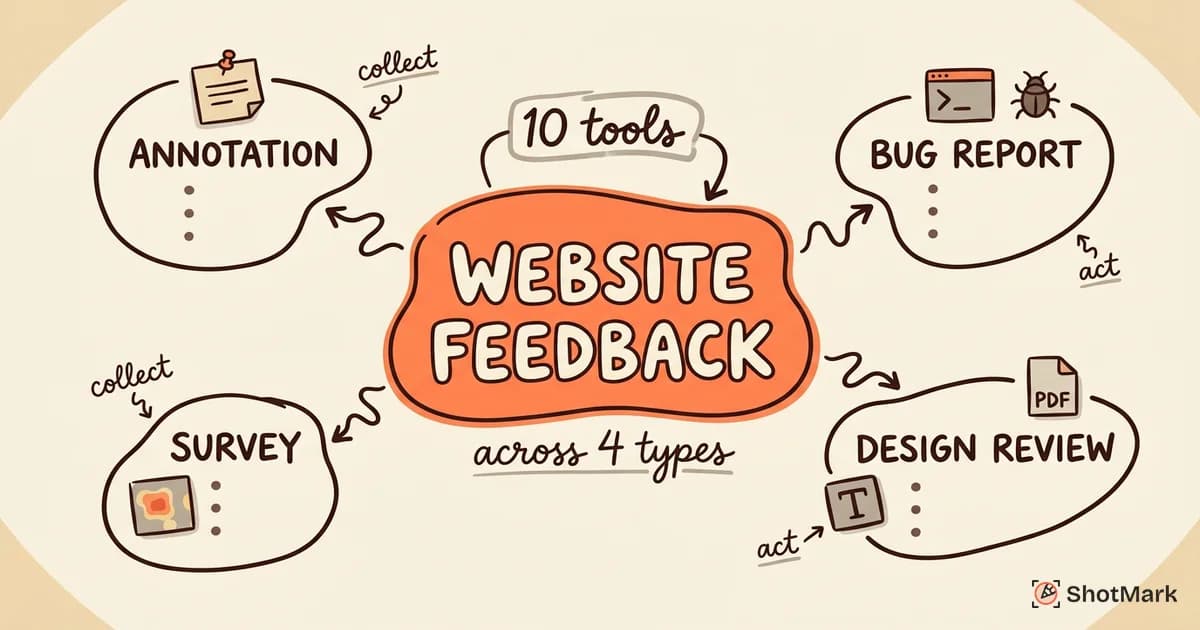
Not every tool in this category does the same job. Here are the four main types teams use, each with a clear use case.
Visual annotation tools let reviewers click on any element on a webpage and leave a comment that sticks to that element. Pastel, Marker.io, and BugHerd are the popular choices. These work well when non-technical stakeholders need to approve designs or flag copy issues.
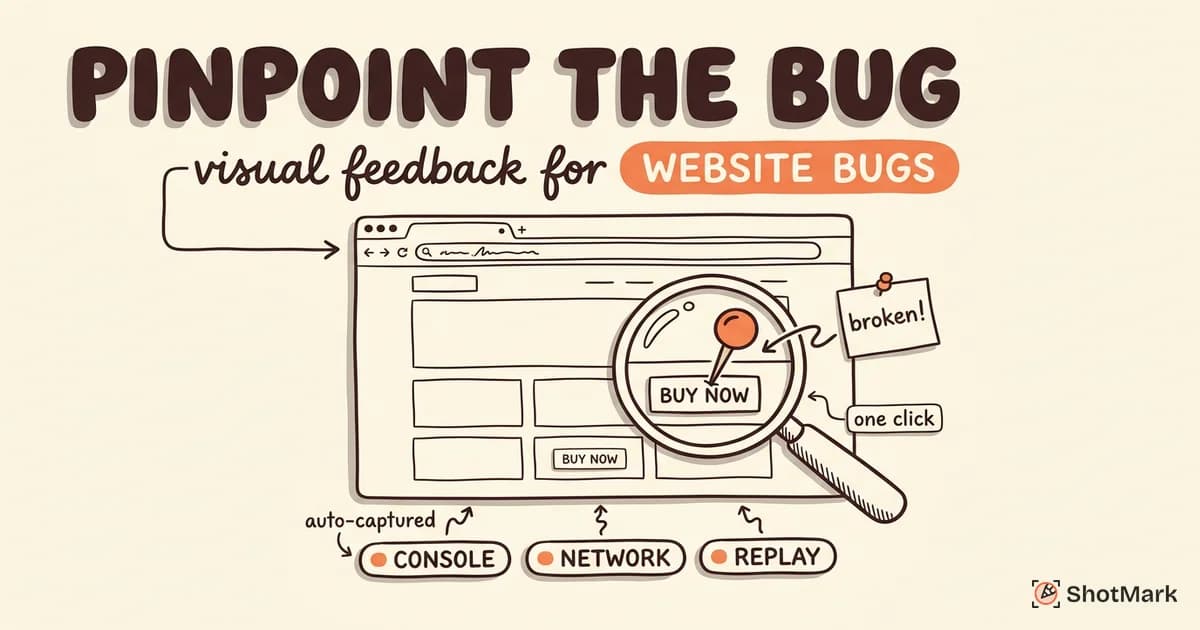
Bug reporting tools go deeper. They capture screenshots plus the technical context that developers need to reproduce a bug: console logs, network requests, browser version, viewport size, and sometimes a full session replay. ShotMark, Jam, and Usersnap fit this category. For a closer look at these, see our guide to visual feedback tools for pinpointing website bugs.
Survey and widget tools collect general feedback through embeddable widgets, pop-ups, or in-app prompts. Hotjar, GetFeedback, and Qualtrics belong here. These are built for user research, NPS tracking, and behavioral analytics, not bug reporting.
Design review tools focus on static assets and live site comparisons. Ruttl and Markup.io let teams comment on mockups, PDFs, images, and live websites in one place. Creative teams reviewing branded campaigns tend to prefer these.
| Type | Best For | Who Uses It | Example Tools |
|---|---|---|---|
| Visual annotation | Client approvals, UAT | Agencies, PMs | Pastel, BugHerd, Marker.io |
| Bug reporting | QA triage, dev handoff | QA, engineering | ShotMark, Jam, Usersnap |
| Survey and widget | User research, NPS | UX, research | Hotjar, GetFeedback |
| Design review | Creative approvals | Design teams | Ruttl, Markup.io |
Picking the wrong type is the most common mistake we see. A QA team installing Hotjar because “it has feedback” will find it doesn’t capture console logs. An agency installing ShotMark for client reviews will find the developer context overwhelming for non-technical stakeholders. Match the tool to the workflow, not the feature list.
How to Choose the Right Website Feedback Tool
Start with your use case, not the vendor’s landing page. Are you running client reviews on staging sites, triaging production bugs from users, or running user research on a live product? Each job wants a different tool.
Check integration support next. A website feedback tool that doesn’t talk to your issue tracker becomes another inbox nobody checks. Look for direct Jira, Linear, GitHub, Asana, and Slack integrations, not just Zapier bridges. Atlassian’s own Jira product integrations page is a good place to confirm a tool is officially supported.
Evaluate capture depth. Screenshots alone are fine for design review. For bug reports, you want console logs, network requests, browser and OS metadata, and ideally a short session replay. The deeper the capture, the fewer follow-up questions developers ask. If you’re curious how session replay fits into feedback workflows, Chromatic has a thoughtful breakdown in their guide to visual review and feedback .
Consider your users. A client reviewing a site for your agency shouldn’t need to create an account, install an extension, or read a tutorial. A QA engineer inside your company can handle more friction if it means richer data. No-login guest access matters for external reviewers. An extension or SDK is fine for internal teams.
Finally, pricing. Per-seat pricing hurts when you have 40 stakeholders who comment once a quarter. Per-project pricing hurts when you run 100 small projects. Unlimited is usually the best deal if you can justify the fixed cost. Look at the real cost at your usage scale, not the entry price.
What should a website feedback tool capture by default?
At minimum, any website feedback tool worth installing should capture the page URL, a screenshot with the reviewer’s annotation, the browser and OS, the viewport size, and a timestamp. That’s the floor. For bug reporting, add console logs, network requests, and a unique reviewer ID. Tools that skip the metadata turn every report into a guessing game for the person fixing it.
10 Best Website Feedback Tools in 2026
We evaluated each tool on capture depth, integration support, user experience for non-technical reviewers, pricing, and best-fit use case. Here’s what we found.
1. ShotMark
ShotMark is a visual bug reporting tool built for QA teams and developers. It offers one-click capture of screenshots, annotations, console logs, network requests, browser metadata, and short session replay clips. Reports land in Jira, Linear, or GitHub with the full technical context attached.
Best for: QA teams and development squads who need deep technical context in every bug report.
Pricing: Free tier during early access. Waitlist open at shotmark.dev. The SDK will be open source when it launches.
Trade-off: The developer focus means non-technical clients may not need everything ShotMark captures. If you’re running agency client reviews, Pastel or BugHerd is a better fit.
2. Pastel
Pastel currently ranks first on Google for “website feedback tool” and for good reason. Its visual annotation widget lets clients leave comments on a live website without creating an account. You can see the official product at the Pastel visual feedback tool homepage .
Best for: Agencies and freelancers collecting client feedback on marketing sites.
Pricing: Free trial, then starts at $25/month per project on annual billing.
Trade-off: Minimal technical capture. Fine for design review, not built for bug reporting.
3. Ruttl
Ruttl handles design feedback across websites, mobile apps, images, videos, and PDFs in one interface. Real-time collaboration makes it useful for client calls where everyone is looking at the same proof at the same time. Their Ruttl design feedback tool site walks through the cross-format use case.
Best for: Design teams juggling multiple asset types in a single review cycle.
Pricing: Free plan with limits. Paid plans start around $6/month per seat.
Trade-off: Great breadth, but each asset type gets shallower tooling than a dedicated single-purpose tool.
4. Marker.io
Marker.io puts a feedback widget directly on your site and pushes reports straight into Jira, Trello, Asana, or GitHub with browser, OS, and console data attached. Their Marker.io 23 website feedback tools roundup also ranks near the top for this keyword and is worth reading for their own view of the category.
Best for: Agencies running client UAT on staging sites with a Jira or Trello backend.
Pricing: Starts at $39/month for the Starter plan. Guest reporters on higher tiers.
Trade-off: Price steps up fast when you add reporters or projects. Worth modeling before you commit.
5. BugHerd
BugHerd pins feedback directly to page elements and ships with a built-in Kanban board for triage. Guests can submit without logging in, which agencies appreciate. See their BugHerd website feedback page for the widget demo.
Best for: Web agencies with non-technical clients who want pin-on-element feedback.
Pricing: Starts at $41/month billed annually.
Trade-off: The built-in Kanban is convenient, but most teams end up using it in parallel with Jira or Linear anyway.
6. Usersnap
Usersnap is closer to a full feedback platform than a single tool. It handles bug reports, feature requests, NPS surveys, and customer satisfaction ratings through one widget. More than 30 integrations are available out of the box.
Best for: Product teams collecting multiple feedback types (bugs, ideas, ratings) in one place.
Pricing: Starts at $41/month on the Startup plan.
Trade-off: The breadth means the UI has more surface area than a focused bug tool, which can slow non-technical users.
7. Markup.io
Markup.io is a visual proofing tool that supports websites, images, PDFs, and video. Comment threads carry version history, so you can see what changed between approvals. The tool is referenced in their own Markup.io website feedback tools roundup , which is useful competitive reading.
Best for: Marketing teams reviewing web content and campaign assets.
Pricing: Free forever plan available. Paid plans add team features.
Trade-off: Less technical capture than dedicated bug tools. Reviewers approve assets, they don’t debug.
8. Hotjar
Hotjar is a behavior analytics platform with heatmaps, session recordings, and feedback widgets. Their Hotjar website behavior analytics site shows how the three products work together.
Best for: UX teams collecting quantitative behavior data and qualitative user feedback.
Pricing: Free plan covers 35 daily sessions. Paid plans start at $39/month.
Trade-off: Not built for visual bug reporting. No console log capture. Use it for research, not triage.
9. GetFeedback
GetFeedback is a customer experience platform with embedded surveys and 200+ integrations including a tight Salesforce connection. The GetFeedback customer experience platform site positions it for enterprise CX teams.
Best for: Customer success and CX teams collecting satisfaction and NPS data across channels.
Pricing: Custom. Enterprise-oriented.
Trade-off: Survey-first. Not a bug reporting tool at all. Listed here because it ranks for the same search term, but the workflow is different.
10. Contentsquare
Contentsquare is an enterprise experience analytics platform. It bundles heatmaps, session replay, journey analysis, and voice-of-customer feedback into one suite. Their own Contentsquare website feedback tools guide is a solid primer on the enterprise end of this space.
Best for: Enterprise product and UX teams looking at behavior at scale.
Pricing: Custom. Enterprise sales only.
Trade-off: Overkill for most agencies and QA teams. Designed for mid-to-large companies with dedicated analytics staff.
Community take on embedded feedback tools
Developer opinions on these tools are split, and the honest takes live in community threads. The r/Frontend discussion on experiences with embedded website feedback tools is a good cross-section of what frontend engineers actually run into in production. Performance impact, widget conflicts with custom CSS, and consent banner interactions come up often.
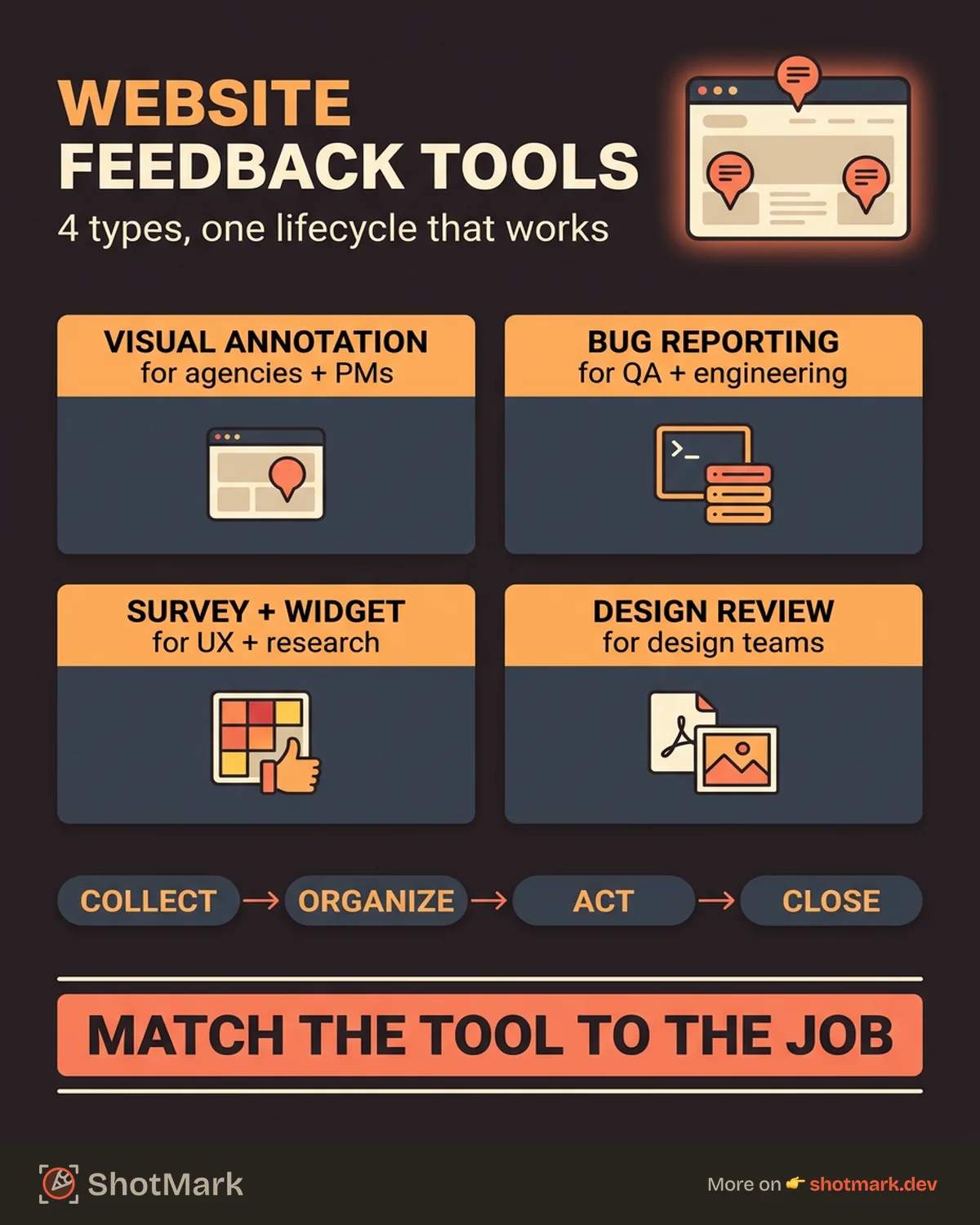
The Feedback Lifecycle: Collect, Organize, Act, Close
Most teams buy a website feedback tool and stop at step one. They collect feedback, then it sits in a shared inbox nobody owns. The tool is only as good as the process around it. Here’s the lifecycle that actually works.
Collect: Capture feedback with context. Where did it happen, what was the reviewer trying to do, who they are, when it occurred, and what the browser and viewport looked like. Any tool worth installing does this automatically.
Organize: Triage feedback by type (bug, feature request, copy fix, design tweak), severity (blocker, major, minor, cosmetic), and assignee. A feedback widget with no triage workflow just moves your chaos to a new URL. See our guide on how to collect stakeholder feedback without chaos for a practical triage framework.
Act: Route the feedback to the right team and do something with it. Fix the bug, ship the feature, explain why you’re deferring, or push back with a reason. The worst outcome is silent rejection, which teaches reviewers not to bother next time.
Close: Notify the feedback provider that their input was addressed. “Fixed in release 1.4.2” or “We’re deferring this to Q3, here’s why” is the close. Without the close, every future feedback cycle starts from a position of distrust.
Most teams fail at steps three and four. The feedback goes into a black hole, the reviewer stops submitting, and the tool gets cancelled six months later. The fix isn’t a better tool. It’s a feedback owner and a weekly triage meeting.
Website Feedback for QA Teams vs Agencies vs UX Teams
The same word means three different workflows depending on your job. Get this wrong and you’ll buy the wrong tool.
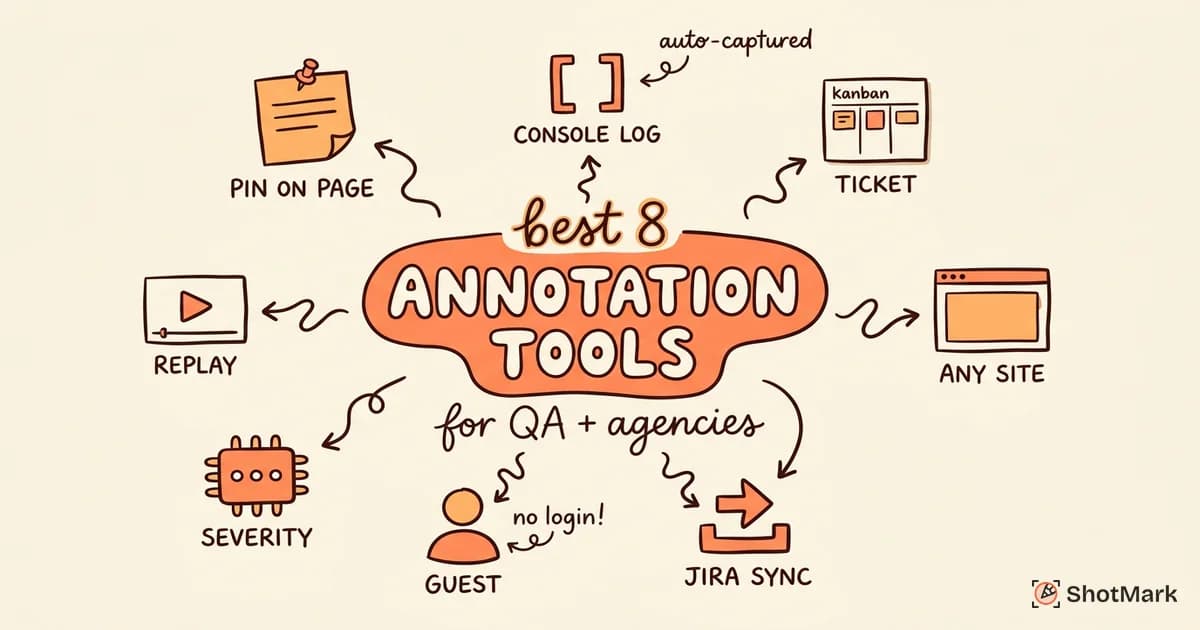
QA teams need technical context above all else. Console logs and network requests are non-negotiable. Jira or Linear integration is required. Severity classification matters because not every bug is a release blocker. One-click capture beats any fancy annotation UI because QA engineers file dozens of reports a day. For a deeper cut on this, see our best website annotation tools for QA and agencies comparison.
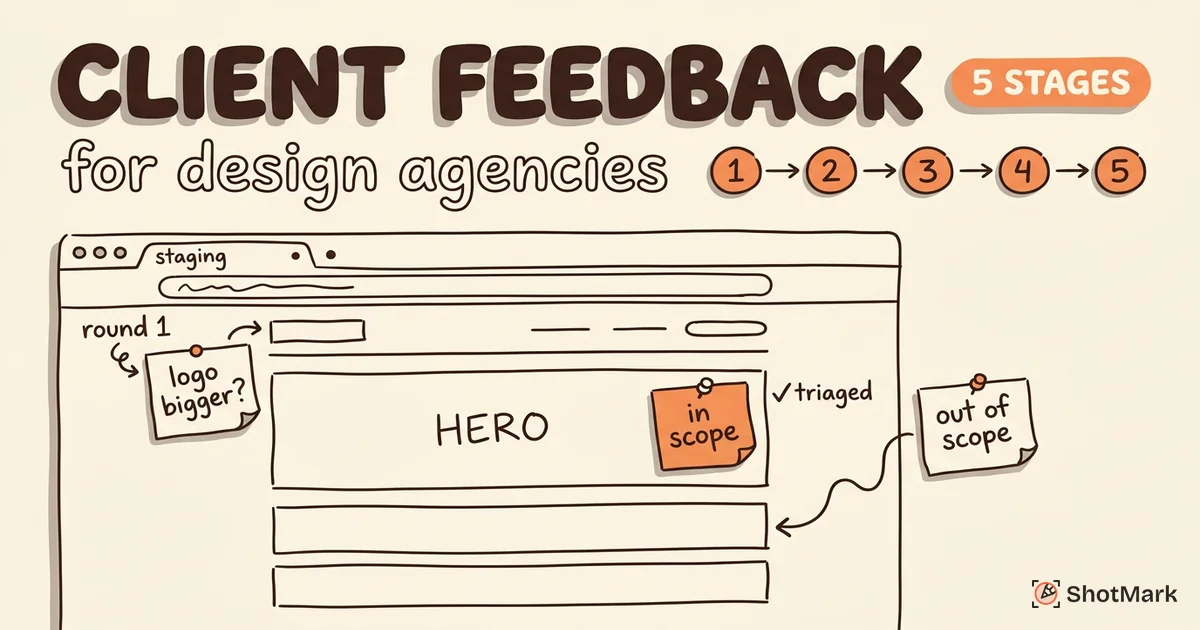
Agencies need client-friendly workflows above everything else. No-login guest access is table stakes. The interface must be obvious to a client who has never seen the tool before. Project-based organization matters because agencies run dozens of active projects at once. Our client feedback workflow for web design agencies guide walks through the full setup.
UX teams need behavioral context. Heatmaps, session recordings, and surveys matter more than pinned comments. The question isn’t “is this button broken” but “why do users stop at this step in the flow.” Hotjar, Contentsquare, and FullStory are built for this. For a comparison focused on creative review, we wrote up the best design feedback tools for creative teams separately.
What about free website feedback tools?
A few tools offer genuinely useful free tiers. Hotjar’s free plan gives you 35 daily sessions. Microsoft Clarity is completely free with no session limits. Ruttl has a free tier for solo designers. The ShotMark early access program is free while we’re pre-launch. Beyond those, most paid tools offer a 14 to 30 day trial.
Free rarely means feature-complete. Watch for session limits, seat caps, retention windows, and integration restrictions on free plans. Run a realistic pilot before you judge whether the free tier works for your workflow.
Common Mistakes When Collecting Website Feedback
Teams make the same mistakes over and over. Each one is easy to spot in hindsight, hard to avoid the first time.
Using email or Slack for feedback: The context gets lost immediately. A Slack message about “the pricing page” with no URL, no screenshot, and no browser info is a reconstruction job, not a bug report. Move feedback out of chat as soon as you can.
No standardized format: Without a template or a tool that enforces structure, every report looks different. One reviewer writes a novel, another writes “it’s broken,” a third sends only a screenshot. Standardize the format so the fix starts at the first read, not the third follow-up.
Collecting feedback but never acting on it: Nothing kills a feedback program faster than the black hole. If reviewers submit ten comments and hear nothing back, they stop submitting. Every comment needs an outcome: shipped, deferred, declined with reason, or escalated.
Choosing a tool based on features, not workflow fit: The tool with the longest feature list often isn’t the right fit. A feedback tool is a workflow tool. If it doesn’t match how your team actually works, the features are decoration. Run a real pilot on a real project before you commit to an annual plan. The website review tools agencies use for approvals guide walks through a pilot checklist.
Not closing the loop: Telling reviewers their feedback was seen and acted on is the step almost everyone skips. It’s also the step that determines whether they submit feedback next time. Build a notification or digest into the workflow. Weekly is often enough.
Where ShotMark Fits
ShotMark is a visual bug reporting tool in the sense that it captures screenshots and annotations, and it’s a deep capture tool in the sense that it grabs console logs, network requests, browser metadata, and short session replays in one click. Reports go straight to Jira, Linear, or GitHub with the full context attached, so developers stop asking “what browser were you using?” and start fixing.
Three things make ShotMark different. First, one-click capture means a QA engineer or a beta tester can file a report in ten seconds, not two minutes. Second, the SDK is open source, so teams with strict data residency or compliance needs can self-host. Third, the tool is built for engineering workflows, not marketing surveys, so the data that reaches your issue tracker is the data a developer actually needs.
If your team is tired of bug reports that arrive with a blurry screenshot and no browser info, ShotMark is worth a look. Join the waitlist at shotmark.dev for early access.
Picking the Right Website Feedback Tool Is a Workflow Decision
The best website feedback tool isn’t the one with the most features or the highest G2 rating. It’s the one your team and your stakeholders will actually use every week, and the one that routes feedback to the person who can act on it without a follow-up thread.
Start with your workflow. A QA team filing bugs into Jira should test ShotMark, Marker.io, and Usersnap. An agency collecting client comments on staging should test Pastel, BugHerd, and Ruttl. A UX team running research should test Hotjar and Contentsquare. Match the tool to the job, run a two-week pilot, and decide based on whether feedback is actually getting closed out, not whether the widget looks pretty.
If you’re evaluating a website feedback tool for a QA or development workflow right now, try ShotMark free during early access and see how one-click capture with full technical context fits your team.
Get new posts in your inbox.
One email when we publish: notes on QA, AI, and shipping faster. No spam, unsubscribe anytime.