Abstract test case theory doesn’t ship reliable software. What ships reliable software is concrete user acceptance testing examples your team can adapt, execute, and build on. We’ve compiled six real-world UAT scenarios for web applications, each with detailed test case structures you can copy into your next testing cycle.
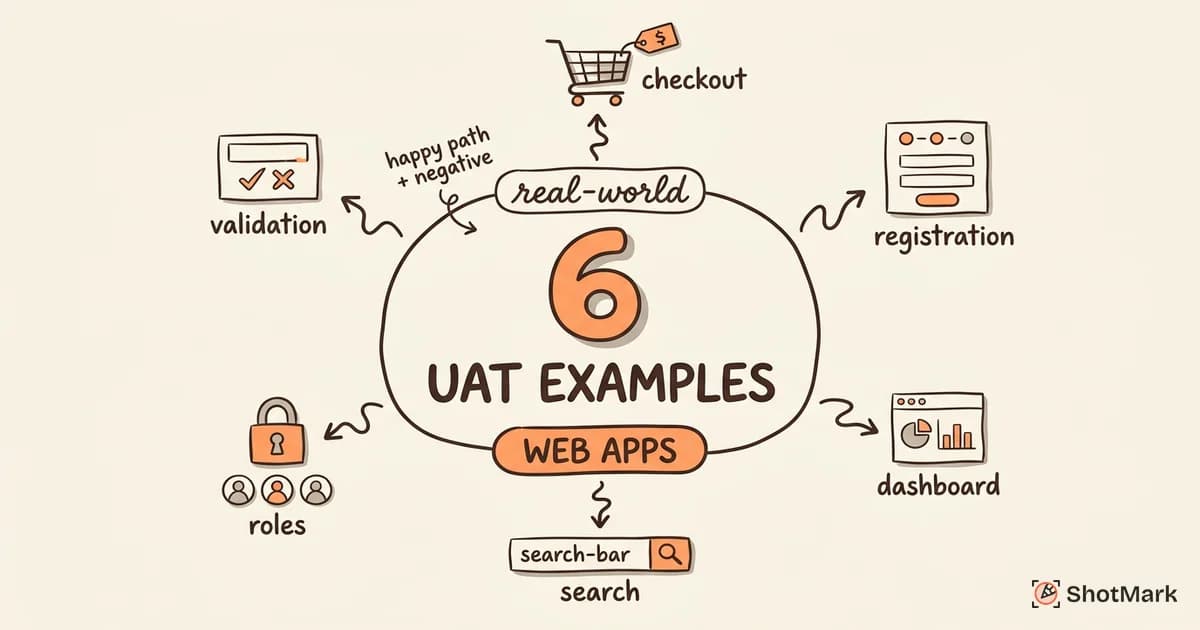
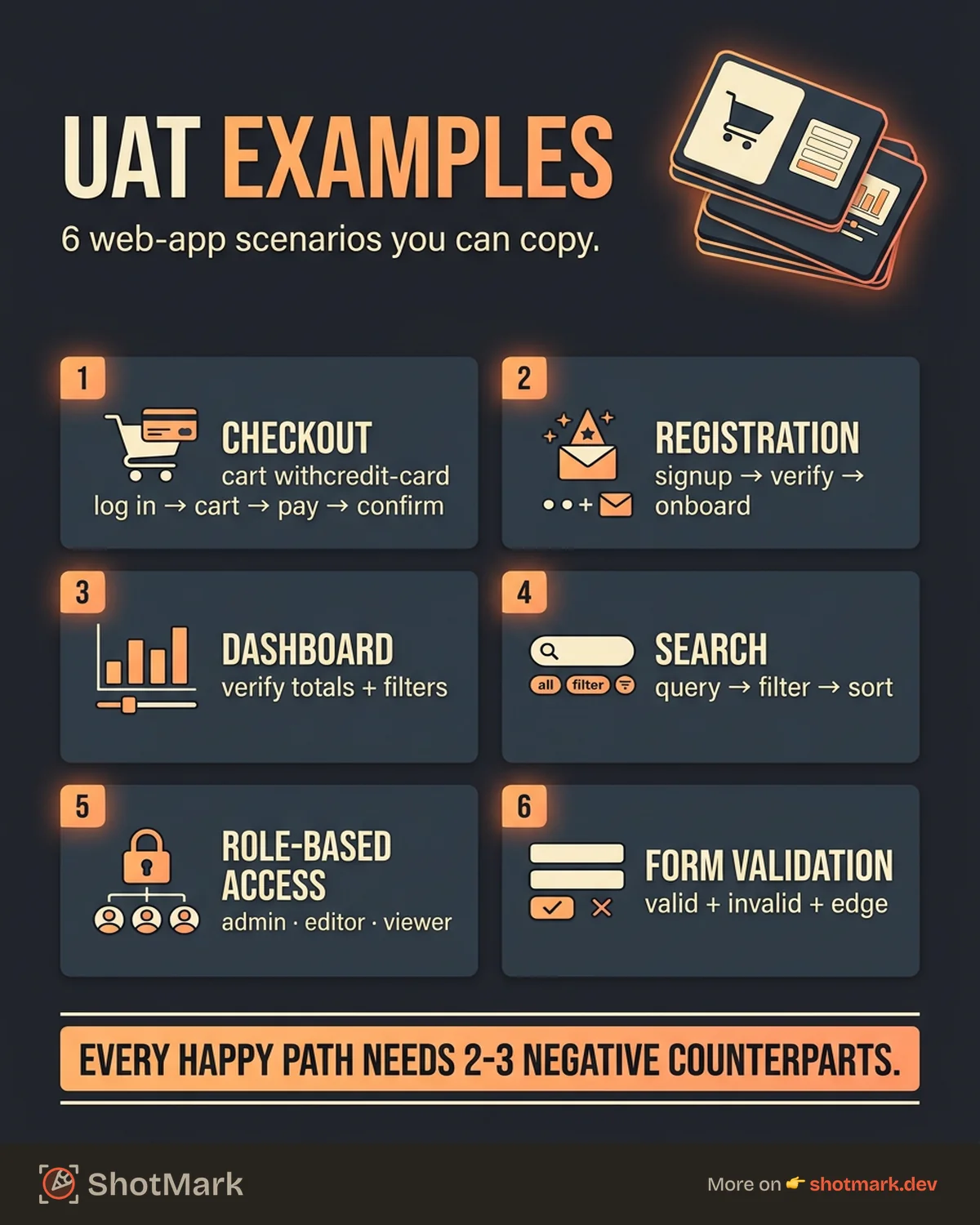
These examples cover the workflows that appear in nearly every web application: checkout flows, user registration, dashboards, search, access control, and form validation. Each one follows a consistent format so you can use them as templates for your own UAT test cases.
How to Write UAT Test Cases (Quick Primer)
A UAT test case describes a business scenario, not a technical function. The difference matters. A unit test checks whether a function returns the correct value. A user acceptance testing example checks whether a real user can complete a real task from start to finish.
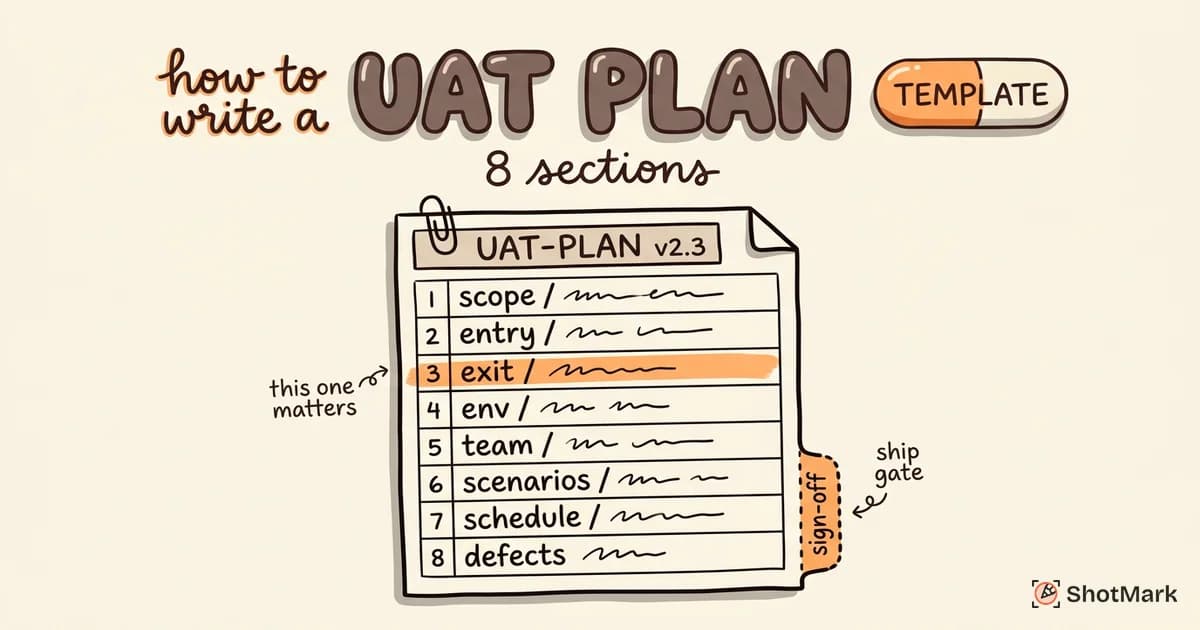
Every UAT test case follows this structure:
- Scenario name: A plain-language description of what the user is trying to do
- Preconditions: What must be true before the test starts
- Steps: The exact actions the tester performs
- Expected result: What should happen if the software works correctly
- Actual result: What actually happened (filled in during execution)
- Status: Pass or fail
Focus on what the user does, not how the system works internally. Your business stakeholders should be able to read and understand every test case without asking engineering for a translation.
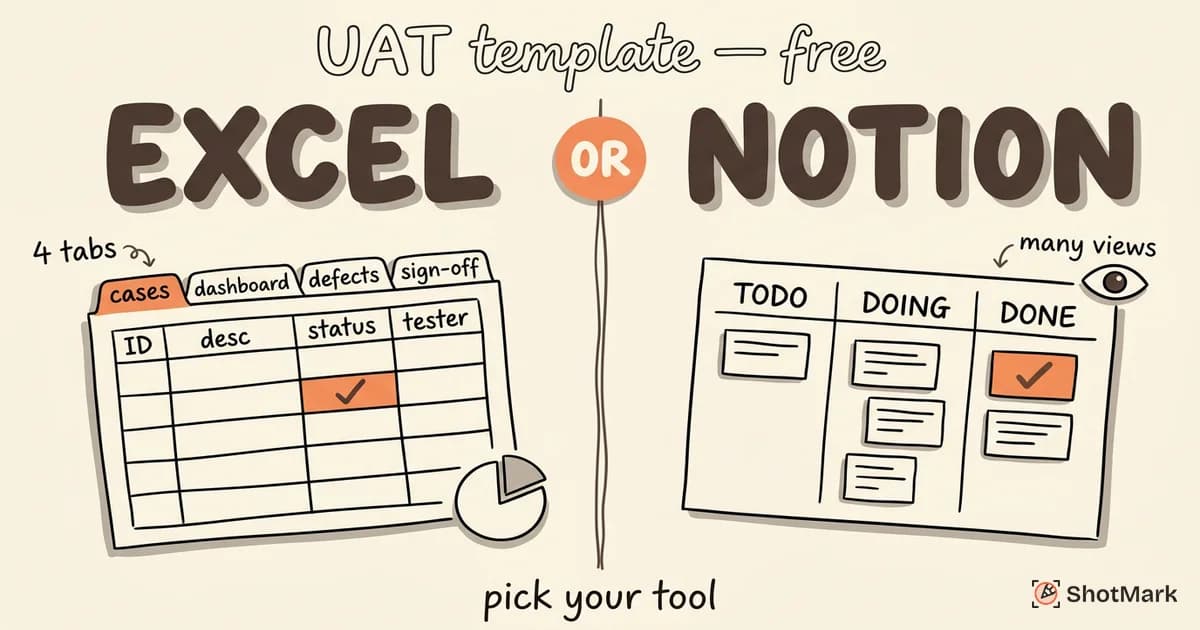
For ready-made templates you can use immediately, see our UAT template guide.
Example 1: E-Commerce Checkout Flow
Scenario: A customer completes a purchase from product selection to order confirmation.
Preconditions: User is logged in. At least one product is available in the catalog. Payment gateway is connected in the test environment.
Steps:
- Browse the product catalog and select a product
- Click “Add to Cart”
- Navigate to the shopping cart
- Verify the correct product, quantity, and price are displayed
- Click “Proceed to Checkout”
- Enter shipping address
- Select a shipping method
- Enter payment information
- Review the order summary
- Click “Place Order”
Expected result: Order confirmation page displays with a unique order number. Confirmation email arrives within 60 seconds. Inventory count decreases by the ordered quantity.
Negative test cases to include:
- Payment is declined (expired card, insufficient funds)
- Shipping address is incomplete or invalid
- Cart empties after a browser refresh
- User navigates back mid-checkout and returns
This is one of the most common user acceptance testing examples because checkout directly impacts revenue. A failure here is a lost sale.
Example 2: User Registration and Onboarding
Scenario: A new user creates an account and completes the onboarding flow.
Preconditions: The registration page is accessible. Email delivery is functional in the test environment.
Steps:
- Navigate to the signup page
- Enter a valid email address and password
- Submit the registration form
- Check email for verification link
- Click the verification link
- Complete the profile setup (name, preferences)
- Verify the dashboard loads with the onboarding guide
Expected result: Account is created successfully. Verification email arrives within 60 seconds. After verification, the user lands on the dashboard with an onboarding guide visible.
Negative test cases to include:
- Duplicate email address (user already exists)
- Weak password that doesn’t meet requirements
- Expired verification link (after 24 hours)
- Special characters in the name field
Registration and onboarding are the first impression your application makes. A broken signup flow means lost users before they ever see the product.
Example 3: Dashboard Data Accuracy
Scenario: A manager views the sales dashboard and verifies that displayed data matches the known source data.
Preconditions: Test data is loaded with known values. The user has manager-level access. The reporting period covers a specific date range with predictable totals.
Steps:
- Log in with manager credentials
- Navigate to the sales dashboard
- Select the test date range (e.g., March 1-31, 2026)
- Compare the total revenue figure with the known source value
- Compare the order count with the known source value
- Drill down into a specific category and verify subtotals
Expected result: All displayed figures match the source data within an acceptable tolerance (e.g., rounding differences of less than $0.01). Drill-down subtotals sum to the parent total.
Negative test cases to include:
- Data lag (records added during the test period appear or don’t appear as expected)
- Timezone mismatches between the dashboard and source data
- Incorrect aggregation when filters are applied
Dashboard accuracy UAT test cases are critical for data-driven applications. Stakeholders make business decisions based on these numbers, so a wrong total can cause real damage.
Example 4: Search and Filtering
Scenario: A user searches for a product and applies filters to narrow the results.
Preconditions: The product catalog contains items across multiple categories and price ranges. Search indexing is current.
Steps:
- Enter a search term in the search bar (e.g., “wireless headphones”)
- Verify that results are relevant to the search term
- Apply a category filter (e.g., “Electronics”)
- Apply a price range filter (e.g., $50-$100)
- Sort results by relevance, then by price
- Navigate to page 2 of results and verify filters persist
Expected result: Results match all applied criteria. Pagination works correctly. Filters remain active when navigating between pages. Sort order changes reflect immediately.
Negative test cases to include:
- No results found (empty state displays correctly)
- Special characters in the search query (e.g., quotes, ampersands)
- Conflicting filters that return zero results
- Extremely long search queries
Search is one of those features that seems simple but has dozens of edge cases. These uat test case examples help your team catch the subtle failures that frustrate users.
Example 5: Role-Based Access Control
Scenario: Three user roles (admin, editor, viewer) see different content and have different permissions.
Preconditions: Test accounts exist for each role. The application has pages and actions restricted by role.
Steps:
- Log in as the admin role
- Verify access to all pages, including admin settings
- Log out and log in as the editor role
- Verify access to content pages but not admin settings
- Attempt to access the admin settings URL directly
- Log out and log in as the viewer role
- Verify read-only access and no edit buttons visible
- Attempt to submit an edit via direct API call or URL manipulation
Expected result: Each role sees only the content and actions authorized for that role. Unauthorized access attempts return a clear 403 error or redirect. No UI elements leak information about restricted features.
Negative test cases to include:
- Privilege escalation through URL manipulation
- Hidden UI elements still accessible via direct URL
- Session token reuse between roles
- Role changes not taking effect until re-login
Access control failures are security vulnerabilities, not just bugs. This makes RBAC one of the most important acceptance testing examples in any web application.
Example 6: Form Submission With Validation
Scenario: A user submits a contact form with various valid and invalid inputs.
Preconditions: The contact form is accessible. Form submission endpoint is functional. Notification system is active.
Steps:
- Fill all fields with valid data and submit
- Verify the success confirmation message appears
- Leave required fields empty and submit
- Verify inline error messages appear for each empty required field
- Enter an invalid email format and submit
- Verify the email field shows a format error
- Fill the message field with 10,000 characters and submit
- Verify the application handles the long input gracefully
Expected result: Valid submissions show a confirmation message and trigger the expected notification. Invalid submissions show specific, inline error messages without losing the data already entered in other fields.
Negative test cases to include:
- XSS payloads in text fields (script tags should be sanitized)
- SQL injection strings in input fields
- Extremely rapid repeated submissions (rate limiting)
- Form submission with JavaScript disabled
Form validation examples round out our set of user acceptance testing examples because forms exist in virtually every web application. Getting validation right prevents both usability issues and security vulnerabilities.
How to Turn These Examples Into Your UAT Plan
These six scenarios are a starting point. Here’s how to build your own test suite from them.
Start with your application’s core user workflows. Identify the 5 to 10 paths your users take most frequently. Write one scenario per workflow, following the structure above.
Add negative cases for each scenario. Think about what happens when inputs are invalid, connections drop, or users take unexpected paths. Every happy path should have at least 2 to 3 negative counterparts.
Use a template to standardize the format across your team. Consistency makes it easier for testers to write cases and for stakeholders to review them. Our UAT process guide walks through the full testing lifecycle, and our UAT checklist ensures nothing gets missed before go-live.
Map every test case back to a business requirement. Traceability proves that your UAT coverage is complete and makes stakeholder sign-off straightforward.
Capture UAT Defects as You Test
When a test case fails, the quality of the defect report determines how fast the fix ships. A vague bug description like “checkout doesn’t work” sends developers on a scavenger hunt. A report with the exact screen state, console errors, and network requests at the moment of failure gets resolved in one pass.
ShotMark captures all of that context in a single click. Screenshot with annotations, console logs, network requests, and browser metadata are bundled into one report that’s ready for your issue tracker.
Your user acceptance testing examples deserve defect reports that are just as detailed. Join the ShotMark waitlist and make your UAT defect reports as clear as the test cases themselves.
Get new posts in your inbox.
One email when we publish: notes on QA, AI, and shipping faster. No spam, unsubscribe anytime.