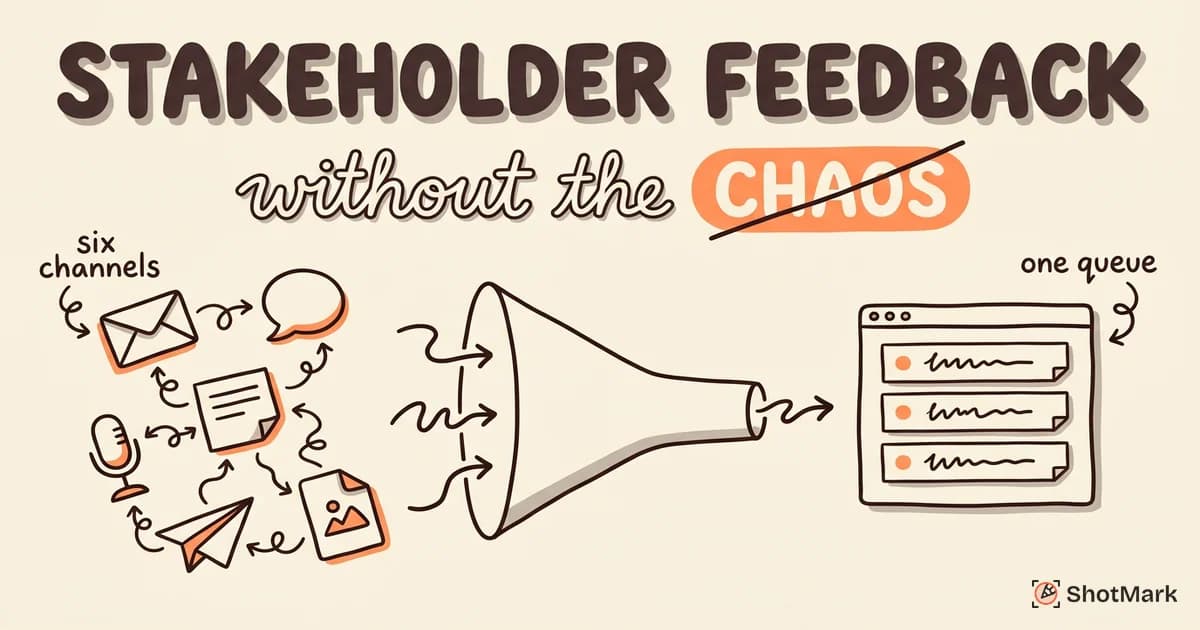
A web project with six stakeholders produces roughly six opinions per screen, split across four channels, with zero shared context. The QA team ends up playing telephone between marketing, design, engineering, and the executive sponsor, and the developer still can’t tell which header the VP wanted changed.
The chaos isn’t the stakeholders. The chaos is the absence of a system. This guide walks through a stakeholder feedback workflow that keeps reviews fast, conflicts resolvable, and developers out of the crossfire.
Stakeholder Feedback Is Necessary (The Chaos Is Not)
Every web project involves multiple stakeholders. Product owns the roadmap. Design owns the visual system. Marketing owns the message. Engineering owns the build. Executive sponsors own the budget and expect to weigh in on the hero section.
Each of these people has opinions, and they share them in whichever channel feels easiest in the moment. An email to the project manager. A Slack DM to the developer. A sticky note handed over in a hallway. A voice memo from an airport.
The result is predictable. Feedback fragments across six tools, nobody holds the canonical list, and the QA team spends half its week reconciling contradictions. Structured stakeholder feedback fixes this without adding bureaucracy, and the rest of this post shows how.
Why Stakeholder Feedback Goes Wrong
Most teams don’t fail at collecting feedback. They fail at containing it. Here are the five patterns we see on almost every struggling project.
Channel sprawl
Feedback arrives in email, Slack, meetings, sticky notes, phone calls, and comments on a Figma file that was out of date two sprints ago. No single person can see the full list at once. Agencies describe this problem constantly in Reddit threads about client feedback tools , where the recurring complaint is not the volume of feedback but the number of inboxes it lives in.
No visual context
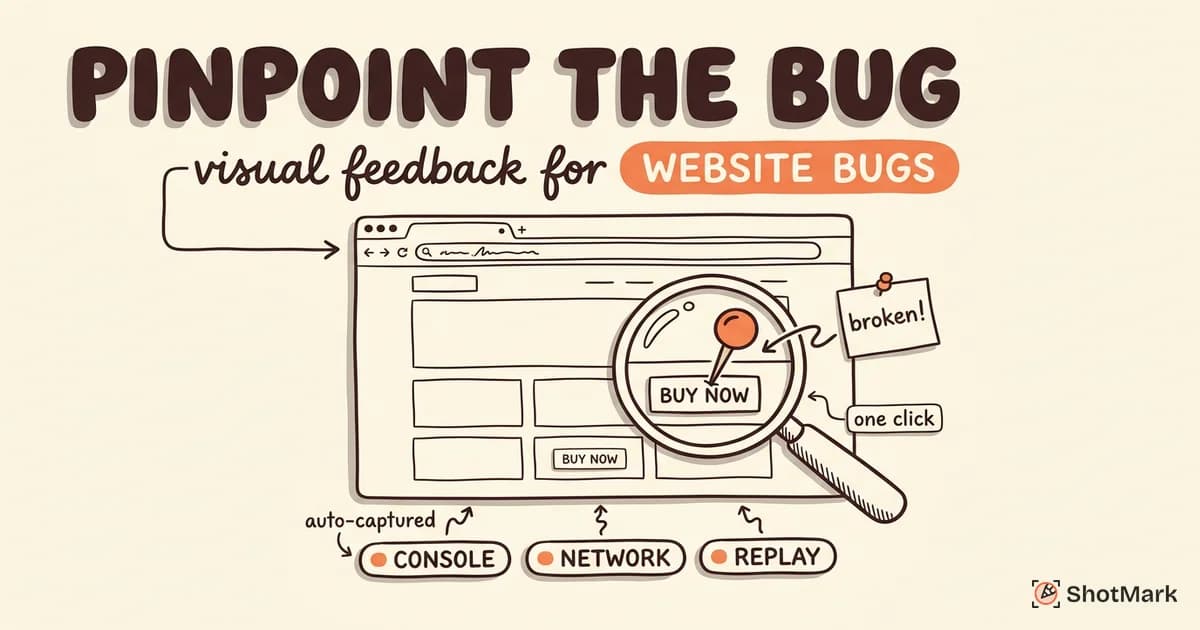
“Change the header” sounds clear until you realize the site has four headers across three breakpoints. Text-only feedback forces developers to guess what page, what state, and what element the reviewer meant. A visual website annotation workflow fixes this by pinning each comment directly to the pixel it refers to.
Conflicting input
Marketing wants the CTA green because green converts. Engineering wants it blue because the design system says blue. Nobody reconciles this, so the developer picks one, ships it, and gets a rewrite request two days later.
No prioritization
Every piece of feedback feels like a P1 to the person who submitted it. Without a triage step, the backlog becomes a flat list where a typo and a broken checkout flow look equally urgent.
The black hole problem
A stakeholder files feedback, hears nothing for two weeks, and concludes the team ignored them. They re-submit, escalate, or stop participating. Quiet queues kill trust faster than slow ones.
These five patterns compound. Channel sprawl makes triage harder, missing visual context turns routine bugs into debates, and the black hole drives stakeholders back to Slack. Fixing any single one helps, but fixing all five at once is what actually ends the chaos.
The Structured Stakeholder Feedback Workflow
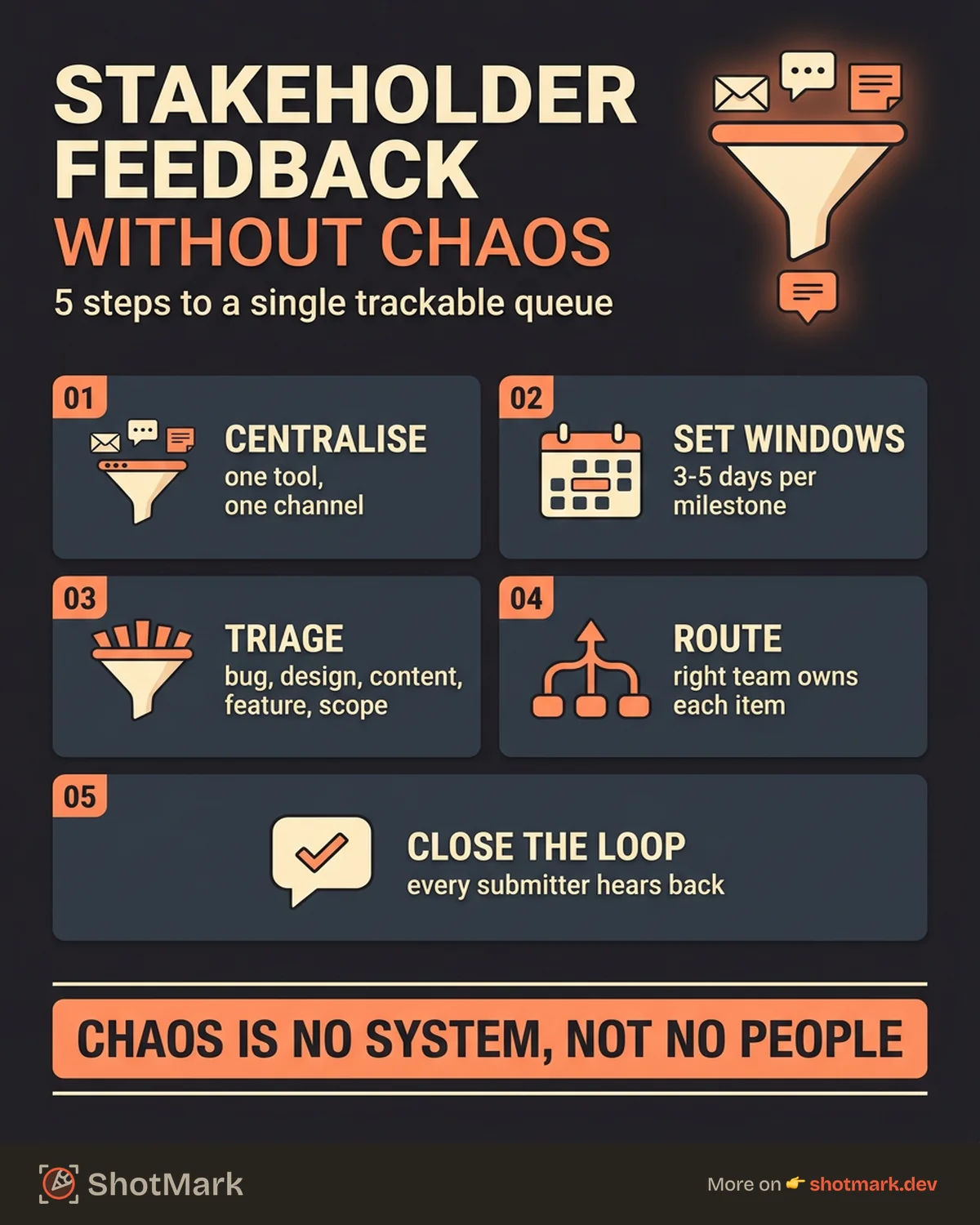
A good workflow answers five questions. Where does feedback live? When is it accepted? Who decides what matters? Where does each item go? And how does the submitter know it was handled?
The workflow below has five steps that map to each of those questions. It works for agencies running client reviews, internal teams shipping a redesign, and product teams running a user acceptance test before launch.
Step 1: Centralize all feedback in one tool
Pick a website feedback tool that every stakeholder can access, and make it the only accepted channel. No email. No Slack threads. No screenshots pasted into a Word doc with handwritten arrows.
Visual annotation tools work best because they let stakeholders pin comments directly on the page. A marketer can click a headline, type “too long,” and you know exactly which headline on which page they meant. For a deeper comparison of options, our breakdown of website feedback tools and how to act on them walks through the trade-offs between annotation platforms, bug trackers, and hybrid tools.
The rule is strict: if feedback doesn’t arrive in the tool, it doesn’t exist. This sounds harsh, but it’s the only way to stop channel sprawl. Stakeholders adapt quickly once they see that tool-based feedback gets resolved and Slack feedback doesn’t.
Step 2: Set feedback windows
Open-ended review kills momentum. When feedback can arrive any day at any time, the team spends more time reacting than building. Define a review period, communicate it, and stick to it.
A typical window is three to five business days per milestone. During that window, stakeholders review, annotate, and discuss. Outside the window, the tool stays open but incoming items go into the next review cycle rather than the current sprint.
This is how agencies protect their margins. A well-defined review period is a core part of any client feedback workflow for web design agencies, because it converts an infinite conversation into a scoped exchange.
Step 3: Triage and categorize
Someone has to read every piece of incoming feedback and classify it. That someone is usually a QA coordinator or project manager. Never the developer, because triage is context work, not coding work.
Each item gets two labels. A category (bug, design change, content update, feature request, out of scope) and a priority (critical, high, medium, low). Conflicts get flagged and escalated rather than forwarded, so the developer never has to referee between a VP and a designer.
| Category | Example | Route to |
|---|---|---|
| Bug | Checkout returns 500 on Safari | Engineering |
| Design change | Padding is off in the pricing card | Design |
| Content update | Swap “Sign up” for “Get started” | Marketing |
| Feature request | Add a dark mode toggle | Product backlog |
| Out of scope | Build a second language toggle | Deferred, acknowledged |
Step 4: Route to the right team
Triage is pointless if items pile up in a single queue. Route each category to the team that owns it. Bugs go to engineering. Design changes go to design. Content goes to marketing. Feature requests go to the product backlog. Out-of-scope items get acknowledged and deferred with a note.
Routing also applies to decisions. If marketing and design disagree on the hero image, the item routes to whoever owns that section of the product, not to the developer who implemented it. Documenting who owns which decisions once at the start of a project eliminates ninety percent of future fights.
Step 5: Close the loop
Every piece of feedback deserves a response, even if the response is “we’re not doing this.” The response matters more than the outcome, because stakeholders stop submitting when they believe nobody is listening.
Short notifications work best. “Your feedback on the checkout button is live in today’s build.” “We’re not changing the hero copy this sprint, logged for the next cycle.” “Nice catch, this is a P1 and engineering is on it now.” Closing the loop cuts repeat feedback by more than half, because stakeholders stop re-submitting items they assumed got lost.
Automation helps here. Most feedback tools can trigger a comment or email when an item moves to “resolved,” “won’t fix,” or “deferred.” Turn those notifications on from day one. Manual loop-closing works at first, but by week three of a multi-month project it becomes the thing that always slips, and the black hole quietly returns.
How to Handle Conflicting Stakeholder Feedback
Conflicts are normal on any cross-functional project. The failure mode is letting them drift until a developer has to pick a side without authority.
Catch conflicts during triage. If two items target the same element and say opposite things, flag both and pause them. Then bring the conflicting parties into a short, focused conversation, not a meeting about the project as a whole.
Use the visual context the feedback tool already captured. Half the time, what looks like a conflict is a misunderstanding. Marketing wanted the headline shorter on mobile. Design wanted it longer on desktop. Both are right, and the fix is a responsive rule, not a decision.
When the disagreement is genuine, the product owner makes the call and the decision gets written down. Documentation here is critical, because the same conflict will resurface next cycle if nobody can point to the original resolution.
One pattern worth adopting is the “one voice” rule for client work. The client names a single point of contact who funnels all internal feedback through the feedback tool. This person triages conflicts inside the client’s own organization before they ever reach your team. It feels bureaucratic on day one and obvious by week two, because it eliminates the “but the CEO said” escalation that derails most agency engagements.
Tools That Make Stakeholder Feedback Manageable
No tool replaces the workflow, but the right tool makes the workflow cheaper to run. Three categories matter.
Visual annotation tools
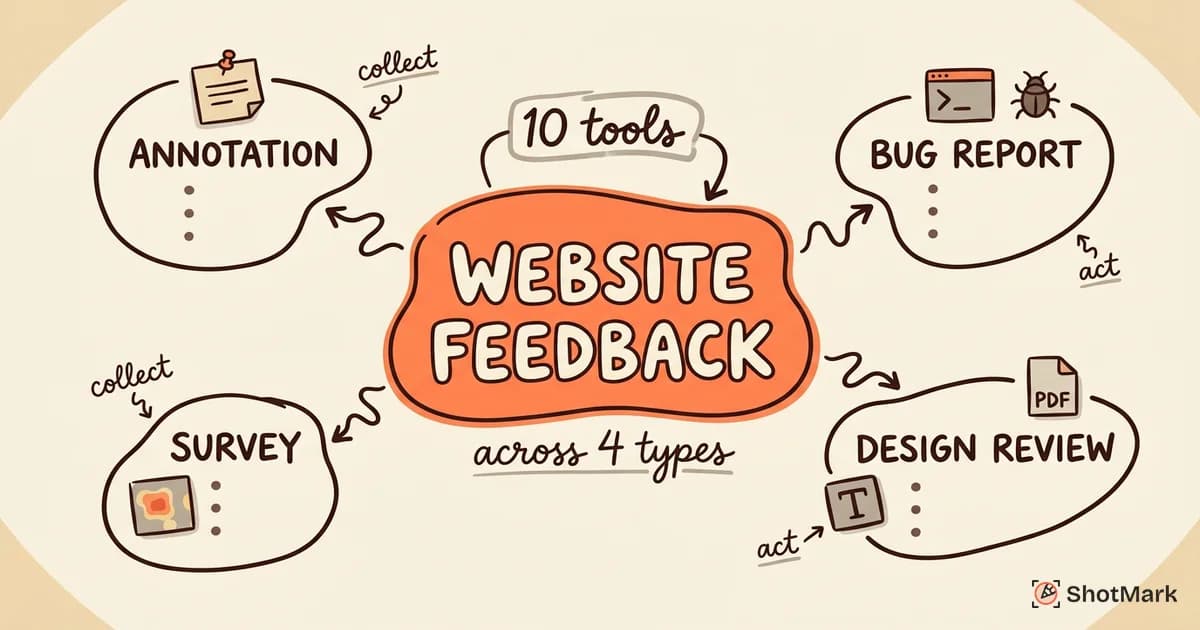
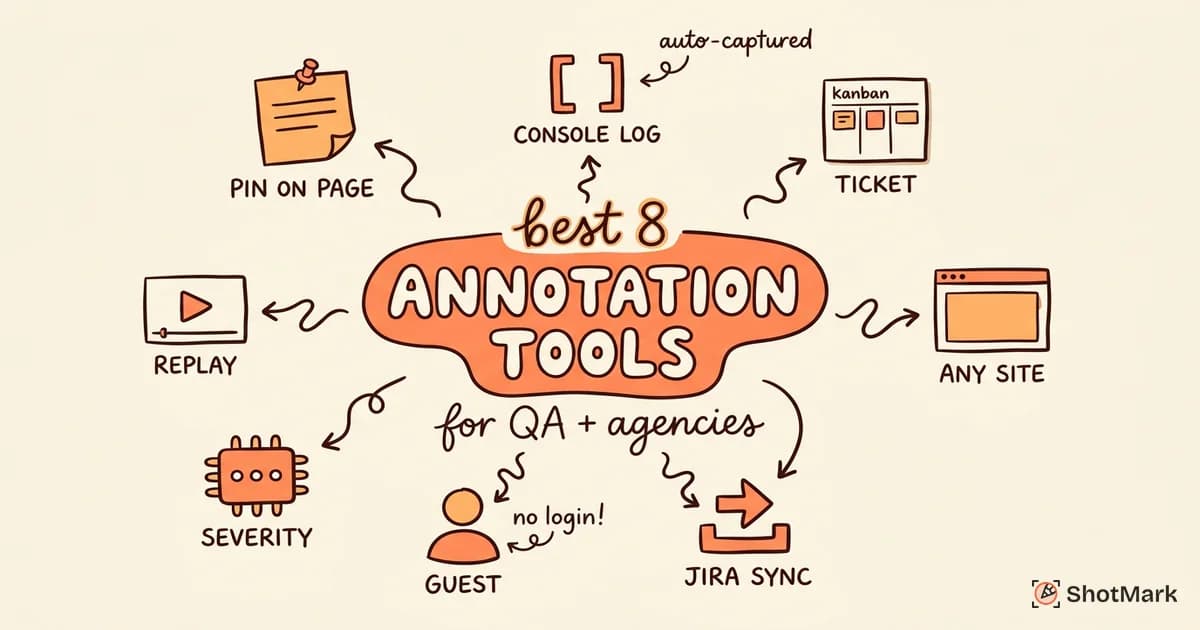
These let stakeholders pin comments on the actual page. Pastel, Marker.io, BugHerd, and ShotMark all fit here, with different trade-offs around pricing, integrations, and depth of technical capture. Usersnap’s stakeholder feedback content is a good primer on how annotation workflows replace email threads, and the broader agency community on the Webflow forum has years of discussion about what works and what doesn’t when collecting client feedback at scale.
Project management
Jira, Linear, and Asana are where triaged feedback actually turns into work. The feedback tool is where review happens. The project manager is where delivery happens. Keep them separate but connected, usually through a two-way integration that syncs status back to the original comment.
Communication
Slack still has a role, just not as the primary feedback channel. A single dedicated channel for feedback updates works well. No DMs. No threads about specific items. Post-review summaries, blockers, and decisions, and keep the actual annotations in the tool.
Email works the same way. One weekly digest summarizing what changed, what shipped, and what’s blocked keeps executive sponsors informed without pulling them into every ticket. The digest also doubles as a quiet audit trail, so when someone asks why a decision was made in month four, the answer is already written down.
Make Feedback Capture Effortless for Stakeholders
The easier you make feedback submission, the more specific feedback you get. Ask a marketing director to describe a layout bug in a Slack message, and you’ll get “the thing on the page looks weird.” Give them a one-click capture tool, and you’ll get a screenshot, an annotation, the URL, and the browser version.
ShotMark handles this with a browser extension that captures screenshots, annotations, console logs, network requests, and session replay in a single click. Stakeholders don’t need to know what a console log is. The tool grabs it automatically, developers see it in the report, and reproduction goes from a scavenger hunt to a single click. The open-source SDK also means teams can embed capture directly into staging environments, and during user acceptance testing the same mechanism supports a structured user acceptance testing workflow for QA teams without asking reviewers to learn new terminology.
The tool is part of the answer. The workflow is the rest. Teams that centralize stakeholder feedback, set review windows, triage before routing, and close every loop ship faster and argue less, regardless of which annotation tool they use.
Start with the workflow. Pick one tool, enforce one channel, and close every loop for one sprint. If you want to try ShotMark’s one-click capture when it launches, join the waitlist and we’ll send early access the day it’s ready.
Get new posts in your inbox.
One email when we publish: notes on QA, AI, and shipping faster. No spam, unsubscribe anytime.