A test case template is only useful if someone can follow it and get a clear pass/fail result. Yet most test cases we’ve reviewed fall into two extremes: too vague (“Test login works”) or too verbose (30 steps for a single flow). This template strikes the balance. It is structured enough for consistency and concise enough that testers actually use it.
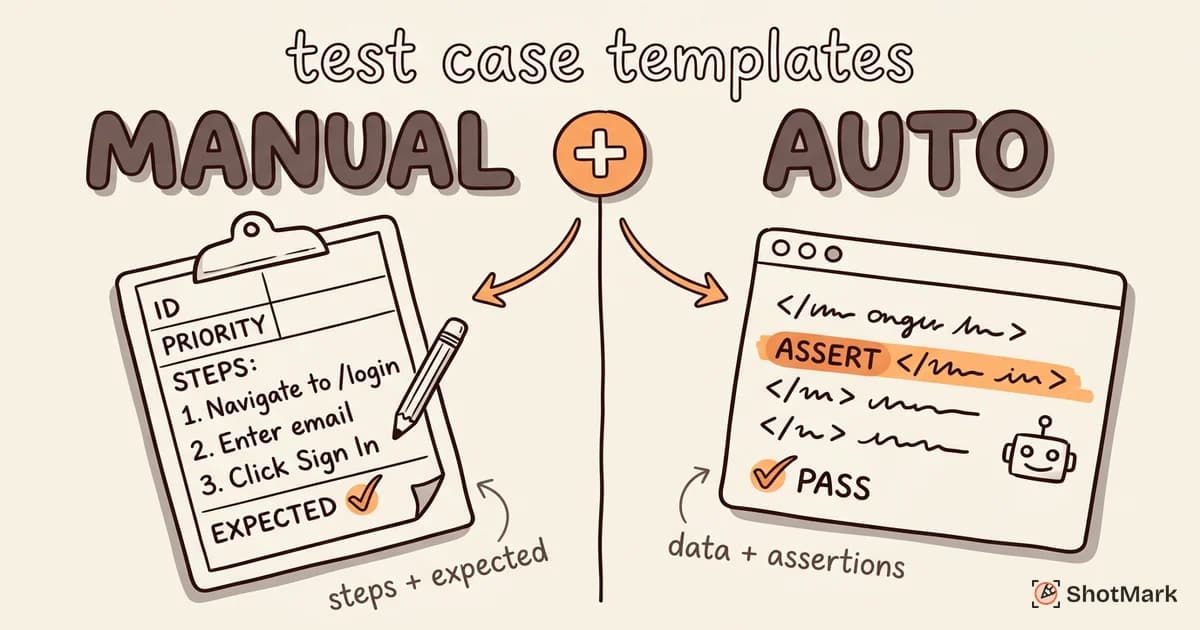
We’ve included separate formats for manual test cases and automated test case specifications, because the information each audience needs is different.
What Makes a Good Test Case
A good test case has five qualities.
Clear preconditions: The tester knows the exact starting state. “User is logged in with a standard account” is a precondition. “Open the app” is not.
Discrete steps: Each step describes one user action. “Click the Submit button” is one step. “Fill in the form and submit it” is multiple steps crammed together.
Expected results: Every step (or at minimum the final step) has a stated expected outcome. Without this, the tester is guessing what “correct” looks like.
One scenario per case: A test case that covers login, password reset, and session timeout is three test cases pretending to be one. Split them.
Traceability: Each test case maps back to a requirement, user story, or acceptance criterion. If no requirement exists, ask why the test case does.
Before going further, let’s clarify three terms that teams often use interchangeably. A test case is a specific set of inputs, conditions, and expected results. A test scenario is a high-level description of what to test (e.g., “User login”). A test script is an automated implementation of a test case in code.
Test Case Template (Manual Testing)
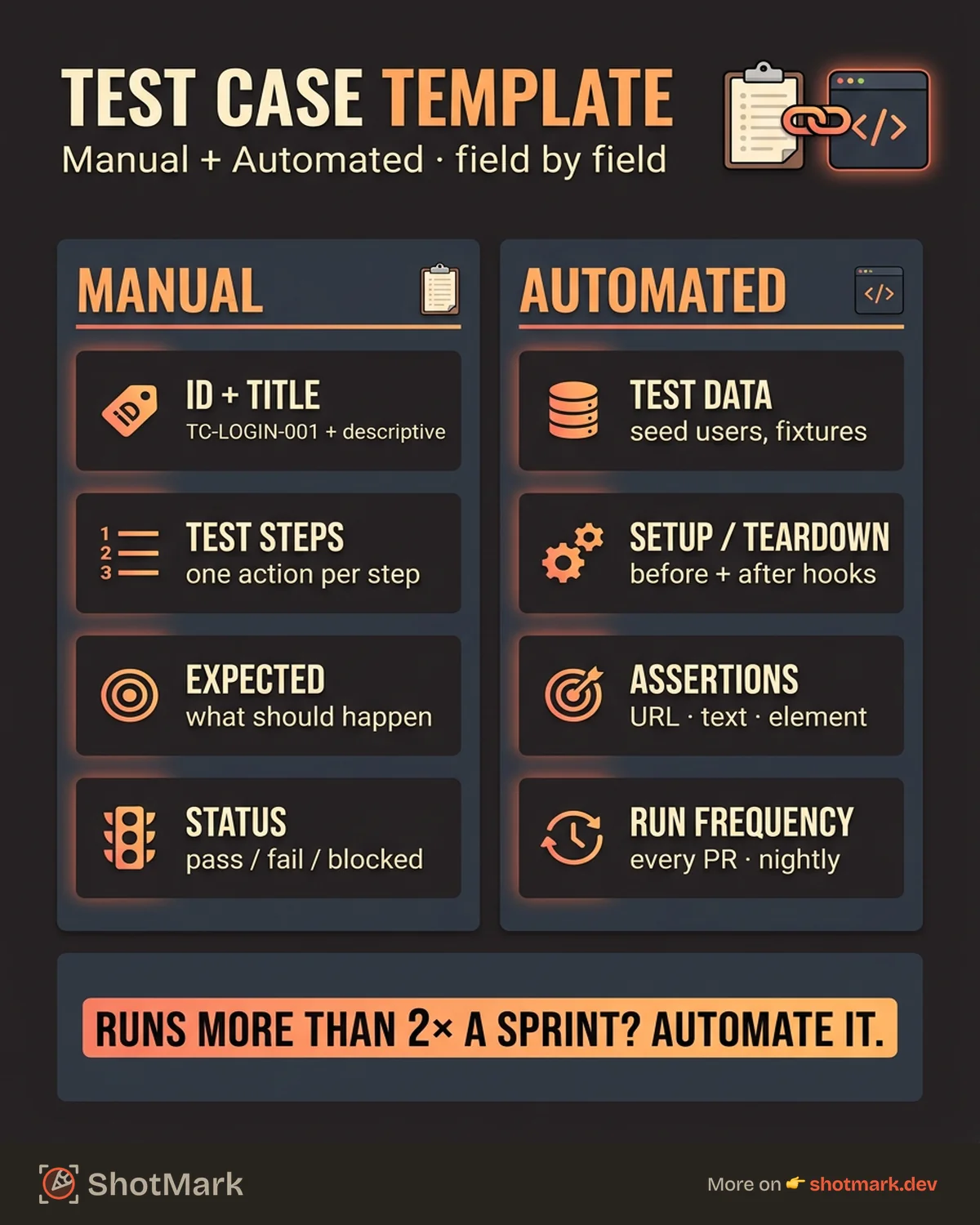
Here is the manual test case template with every field explained.
| Field | Description | Example |
|---|---|---|
| Test Case ID | Unique identifier | TC-LOGIN-001 |
| Title | Short, descriptive name | Verify successful login with valid credentials |
| Module/Feature | Area of the application | Authentication |
| Priority | P0 (blocker) through P3 (low) | P0 |
| Type | Functional, regression, smoke, or edge case | Functional |
| Preconditions | Required state before execution | User account exists with email test@example.com |
| Test Steps | Numbered actions | 1. Navigate to /login 2. Enter email 3. Enter password 4. Click “Sign In” |
| Expected Result | What should happen | User redirected to dashboard, welcome message displays |
| Actual Result | What actually happened (filled during execution) | (Filled during execution) |
| Status | Pass / Fail / Blocked | Pass |
| Tester | Who executed the test | Jane D. |
| Date | Execution date | 2026-04-17 |
| Notes | Edge observations, screenshots, environment details | Tested on Chrome 125, macOS |
The Priority field matters more than most teams realize. P0 test cases block the release if they fail. P3 test cases document known limitations. When time is short (and it always is), priority tells the team what to run first.
Download this template in Excel, Google Sheets, or as a Notion database to get started immediately.
Test Case Template (Automated Testing)
Automated test cases need different metadata. A developer writing a Playwright or Cypress test needs to know the data requirements, setup/teardown procedures, and assertion criteria, not just the manual steps.
| Field | Description | Example |
|---|---|---|
| Test Case ID | Same ID as manual counterpart | TC-LOGIN-001 |
| Title | Same descriptive name | Verify successful login with valid credentials |
| Automation Status | Automated / Manual / Candidate | Automated |
| Test Data Requirements | Data needed for the test | User with email test@example.com, password “Test1234!” |
| Setup Steps | Pre-test environment prep | Seed test user in database, clear session cookies |
| Teardown Steps | Post-test cleanup | Delete test user, clear cookies |
| Assertion Criteria | Specific checks in code | URL contains “/dashboard”, h1 text is “Welcome back” |
| Framework | Automation tool | Playwright |
| Run Frequency | When this test runs | Every CI/CD pipeline run |
When to automate vs. keep manual: Automate test cases that run frequently (smoke tests, regression suites), involve repetitive data entry, or need to run across multiple browsers. Keep manual the test cases that require visual judgment, explore new features, or change too rapidly to maintain automation scripts.
A good rule: if a test case runs more than twice per sprint, it’s a candidate for automation. If it runs once per release and tests a rapidly changing feature, keep it manual.
How to Write Test Cases That Find Bugs
Most test cases confirm that the happy path works. That’s necessary but insufficient. The test cases that find bugs are the ones that test what happens when things go wrong.
Start from acceptance criteria, not from the UI: If the story says “Users can upload files up to 10MB,” your test cases should include a 10MB file, a 10.1MB file, a 0-byte file, and a file with a malicious filename. The UI might accept all of them. The acceptance criteria tell you which ones should fail.
Cover the happy path first, then edge cases: Write the test case for the normal flow. Then ask: What if the input is empty? What if it’s the maximum length? What if the user double-clicks? What if they navigate away mid-action?
Include negative test cases: These test cases verify that the system rejects invalid input. Try logging in with the wrong password. Try accessing an admin page as a regular user. Try submitting a form with a script tag in the name field.
Test boundaries: Boundary values are where bugs hide. If a field accepts 1 to 255 characters, test at 0, 1, 255, and 256. If an API paginates at 50 items, test with 0, 49, 50, and 51.
Test Case Examples by Category
Functional Test Case Example
TC-CHECKOUT-001: Verify successful checkout with valid credit card
- Priority: P0
- Preconditions: User logged in, 1 item in cart
- Steps: 1. Navigate to cart 2. Click “Checkout” 3. Enter valid card details 4. Click “Place Order”
- Expected Result: Order confirmation page displays with order number. Email confirmation sent within 2 minutes.
Regression Test Case Example
TC-SEARCH-042: Verify search handles special characters
- Priority: P2
- Preconditions: Product catalog contains item “O’Brien’s Widget”
- Steps: 1. Enter
O'Brien'sin search bar 2. Press Enter - Expected Result: Search returns the matching product. No SQL error or blank page.
- Regression Note: Previously caused 500 error (fixed in v2.3.1)
Edge Case / Boundary Test Case Example
TC-UPLOAD-007: Verify file upload rejects files exceeding size limit
- Priority: P1
- Preconditions: Upload limit set to 10MB
- Steps: 1. Click “Upload File” 2. Select a 10.1MB file 3. Confirm upload
- Expected Result: Error message displays: “File exceeds the 10MB limit.” File is not uploaded.
Exploratory Testing Charter Example
Exploratory testing doesn’t use traditional test cases. Instead, it uses charters.
Charter: Explore the checkout flow on mobile Safari with intermittent network connectivity. Focus on what happens when the payment API call times out mid-transaction. Time box: 30 minutes. Notes area: Document any unexpected behavior, capture screenshots and console logs.
Organizing Test Cases at Scale
When your test suite grows past 200 cases, organization determines whether the suite stays useful or becomes abandoned.
Group by module, then by feature: Authentication > Login, Authentication > Password Reset, Authentication > Session Management. This structure makes it easy to find related tests and assign ownership.
Tag for suite type: Mark each test case as belonging to the smoke suite (critical path, runs on every build), the regression suite (comprehensive, runs before releases), or the full suite (everything, runs nightly). A developer should be able to run the smoke suite in under 10 minutes.
Version your test cases: Store them alongside your code in the repository, or use a test management tool that tracks history. When the feature changes, the test case changes in the same sprint.
Retire old test cases: If a feature was removed 3 releases ago, delete its test cases. Dead test cases add noise and slow down triage. Review and prune quarterly.
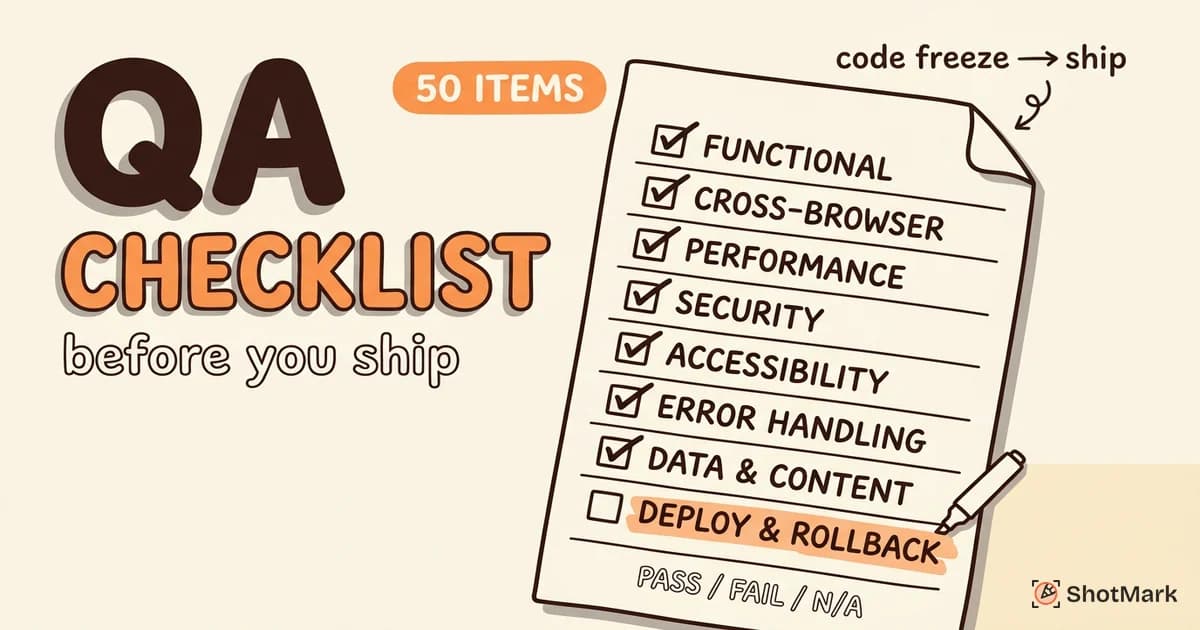
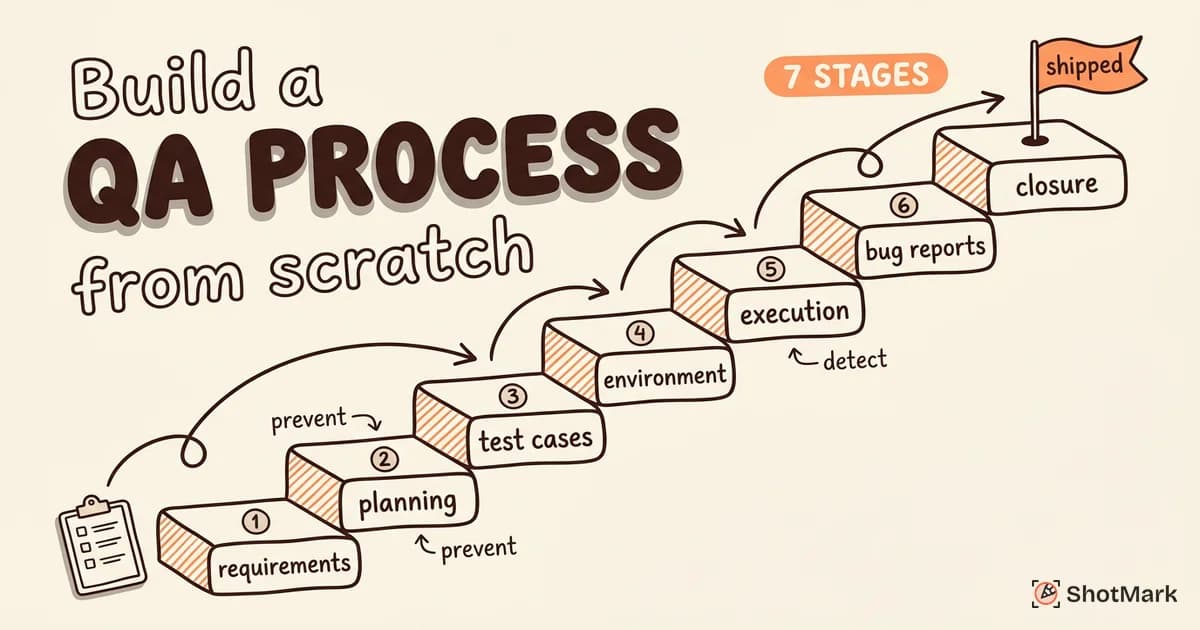
Building these practices into your workflow takes planning. If you’re starting from scratch, our guide on building a QA process walks through the full setup. You can also pair this template with a test plan that defines scope, schedule, and resources, and a QA checklist for final pre-release verification.
From Template to Practice
A test case template gives your team a shared format. The real value comes from writing test cases that are specific, traceable, and maintained over time. Start with the manual template for your current sprint. Identify the top 10 test cases that run every release, and automate those first. Expand from there.
When a test case fails and you need to file a bug, context is everything. ShotMark captures screenshots, console logs, and network requests in one click, so the developer fixing the issue sees exactly what the tester saw. No copy-pasting error messages. No “works on my machine.” Join the waitlist .
Get new posts in your inbox.
One email when we publish: notes on QA, AI, and shipping faster. No spam, unsubscribe anytime.