Users do not care how elegant your code is. They care whether the login button works, the search returns results, and the checkout processes their payment. Functional testing in software testing is the practice of verifying exactly that: does the software do what its specification says it should do?
Without functional testing, teams rely on guesswork and hope. Users find broken features in production, and trust erodes with every bug they encounter. Functional testing catches these problems before they reach users.
What Is Functional Testing?
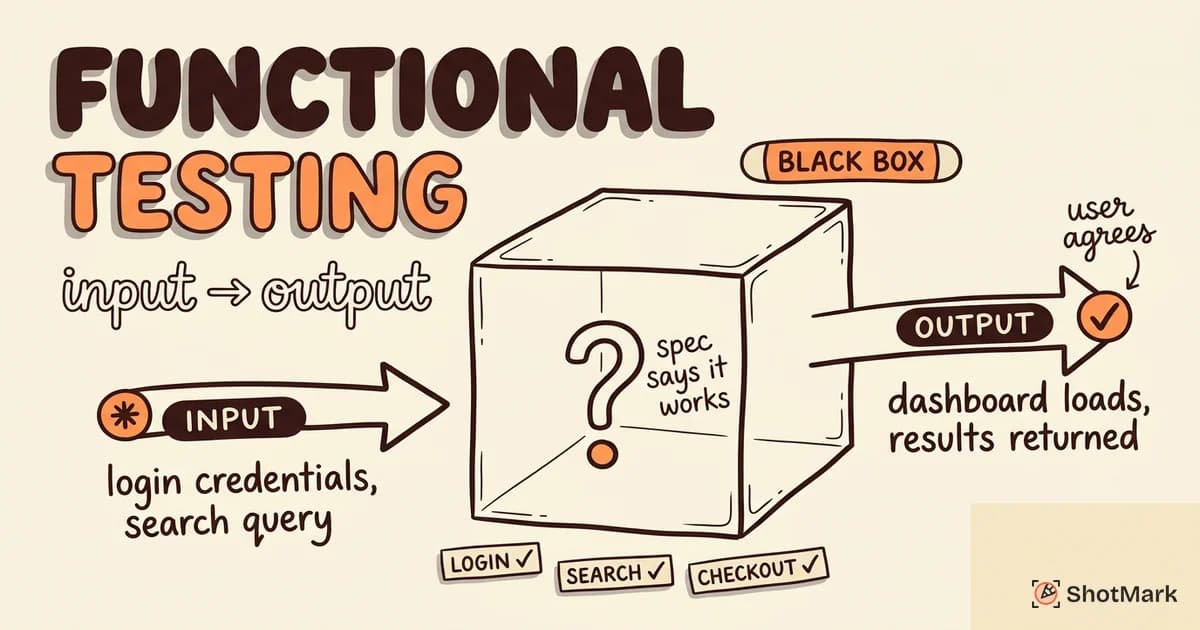
Functional testing validates that each feature of an application behaves according to its requirements specification. You provide inputs, execute the function, and compare the actual output against the expected output.
This is a black-box testing approach. Testers do not need to understand the internal code. They only need to know what the software is supposed to do and check whether it does it.
The process follows a consistent pattern for every test case: identify the function to test based on requirements, define the input data and preconditions, determine the expected output, execute the test with the specified inputs, and compare actual results with expected results.
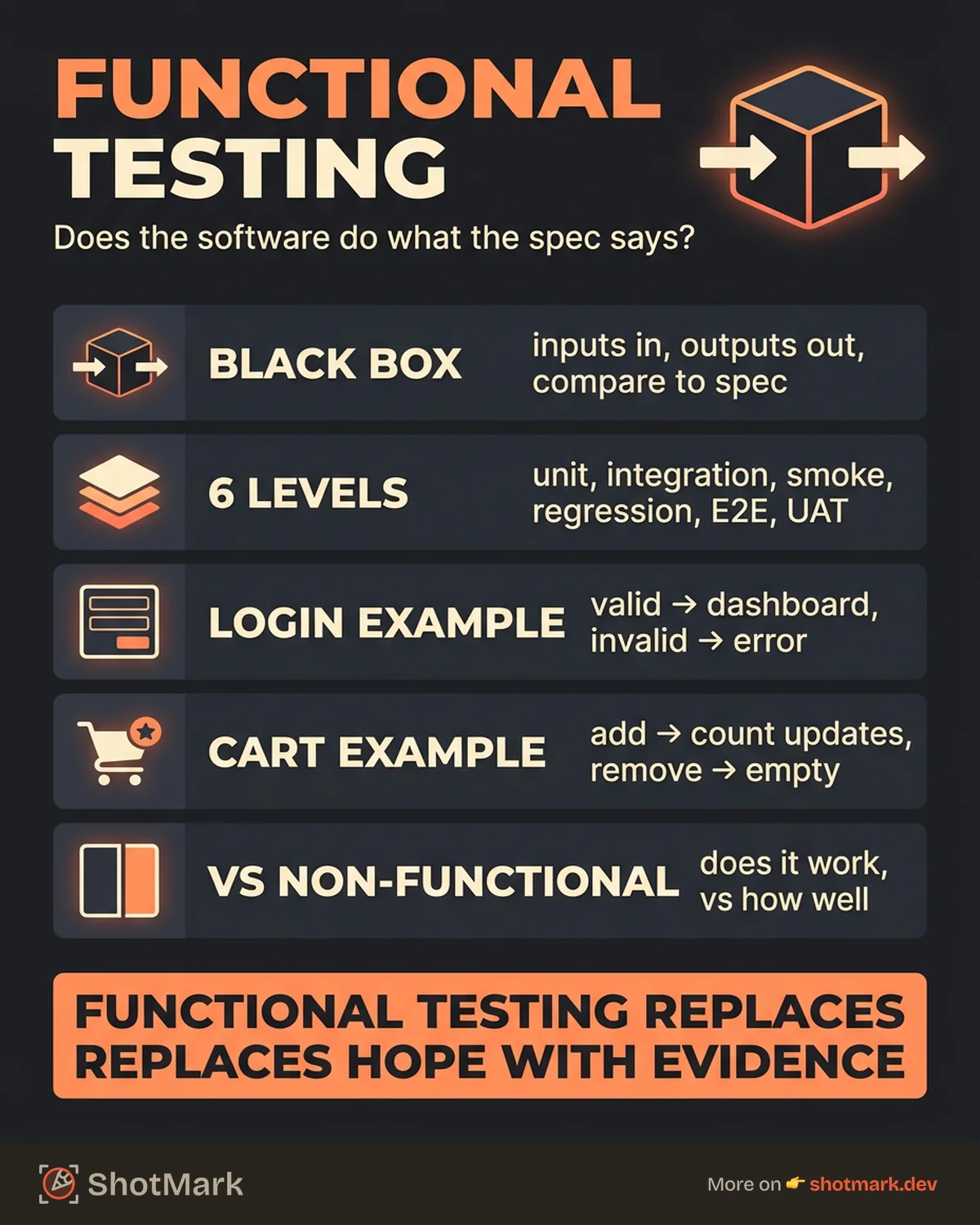
BrowserStack’s functional testing guide describes it as “the backbone of software testing.” Without functional testing, you are releasing software and hoping it works. Functional testing replaces hope with evidence.
Types of Functional Testing
Functional testing is not a single activity. It spans multiple testing types, each covering a different scope and level of granularity. Atlassian’s software testing guide maps these types into a hierarchy, from the fastest and most granular to the slowest and broadest.
Unit Testing
Unit testing validates individual functions or components in isolation. A unit test checks whether a specific function returns the correct output for a given input. These tests run fast, are easy to automate, and form the base of the testing pyramid.
Developers typically write unit tests as part of their workflow. Unit testing for frontend developers has become standard practice in modern web development.
Integration Testing
Integration testing checks how multiple components work together. While unit tests verify each piece in isolation, integration tests confirm that the pieces communicate correctly.
Common targets include API contracts between frontend and backend, data flow between modules, and interactions with external services like payment gateways or email providers.
Smoke Testing
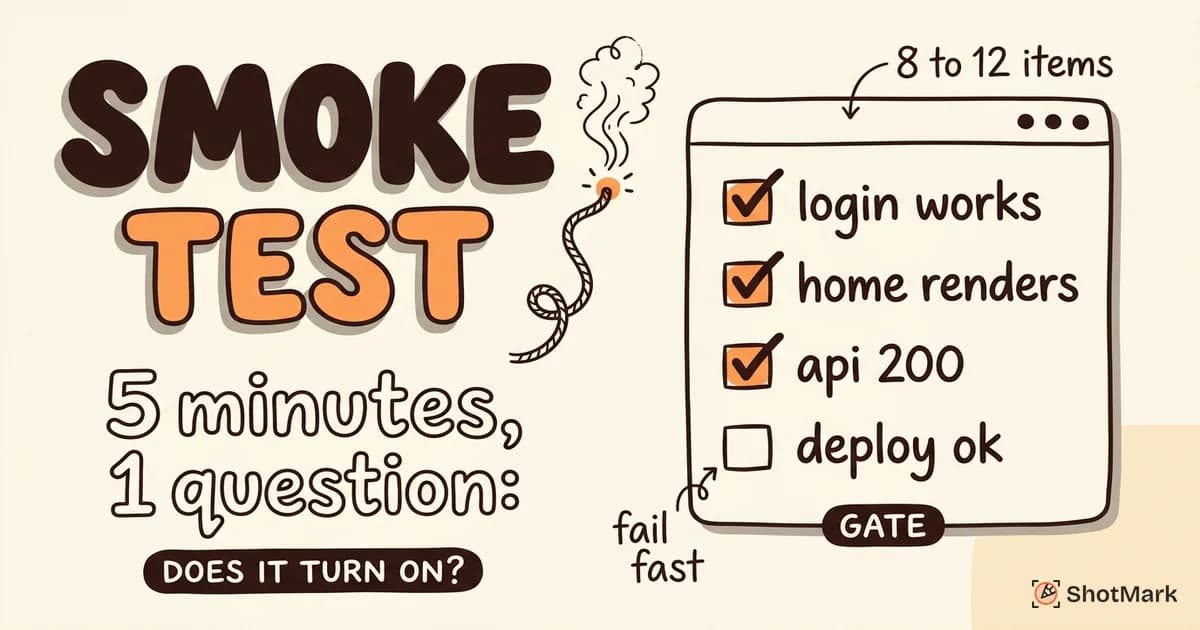
Smoke testing is a quick verification that the most critical functions of a build work. It answers a simple question: is this build stable enough for further testing?
Teams run smoke tests on every new build or deployment. If the build fails smoke testing, it goes straight back to development.
Regression Testing
Regression testing verifies that existing features still work after code changes. Every new feature, bug fix, or refactor carries the risk of breaking something that worked before.
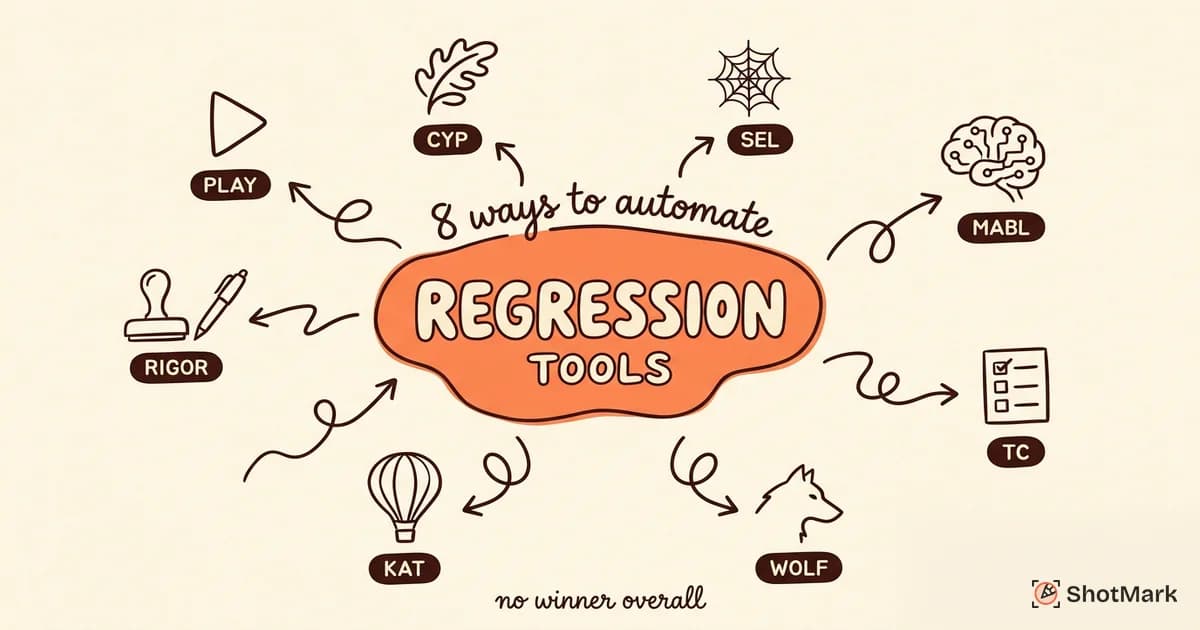
Regression testing is the strongest argument for test automation. Re-running the same tests manually on every build is tedious and error-prone. Automated regression suites catch unintended side effects quickly.
End-to-End (E2E) Testing
E2E testing validates complete user workflows from start to finish in a real browser environment. An E2E test might simulate a user signing up, adding items to a cart, and completing checkout.
These tests cover the full stack: frontend rendering, API calls, database operations, and third-party integrations. E2E testing provides the highest confidence but is the slowest and most expensive to maintain.
User Acceptance Testing (UAT)
UAT is the final validation step, performed by end users or stakeholders rather than the QA team. It confirms that the software meets business requirements and is ready for production.
UAT is not about finding technical bugs. It is about verifying that the software solves the right problem in the right way.
Functional Testing vs Non-Functional Testing
Functional and non-functional testing answer different questions about the same software.
| Functional Testing | Non-Functional Testing | |
|---|---|---|
| Focus | Features and logic | Quality attributes |
| Question | Does it work? | How well does it work? |
| Examples | Login, search, checkout | Load time, security, accessibility |
| Approach | Black-box (input/output) | Often white-box or specialized tools |
| When | Throughout development | After functional testing passes |
| Pass/Fail | Clear (expected output or not) | Often threshold-based (under 2s, 99.9% uptime) |
Both are necessary. A login feature that works correctly (functional) but takes 30 seconds to respond (non-functional) is not acceptable. Conversely, a fast and secure login that does not actually authenticate users is worse.
A practical rule: get functional testing solid before investing heavily in non-functional testing. There is no value in load-testing a checkout flow that does not work correctly under normal conditions. Fix the logic first, then optimize the performance.
Functional Testing Examples
Concrete examples make the concept clearer than abstract definitions.
Login form: Input valid email and password. Click submit. Expected output: user is redirected to the dashboard and sees their profile data. Then test invalid credentials and verify the form displays an appropriate error message. This covers both the happy path and the negative case.
Shopping cart: Add an item to the cart. Expected output: cart count updates, item appears in cart, total price recalculates. Remove the item and verify the cart shows empty.
Search function: Enter a search query. Expected output: results page loads with items matching the query, results are ordered by relevance. Enter a nonsense query and verify the app shows a “no results” message instead of crashing.
Each example follows the same structure: define the precondition, perform the action, check the result. Katalon’s functional testing guide provides additional examples across different application types, including API-level functional tests.
Functional Testing Tools
The right tool depends on what you are testing and how your team works.
Web UI testing: Playwright offers cross-browser support with auto-wait and trace viewing. Cypress provides a JavaScript-native experience with time-travel debugging. Selenium has the widest language support and the longest track record.
API testing: Postman handles manual and automated API testing with collections and environments. REST-assured works for Java teams. Hoppscotch is a lightweight open-source alternative.
Mobile testing: Appium extends the Selenium approach to mobile platforms. Detox is purpose-built for React Native applications.
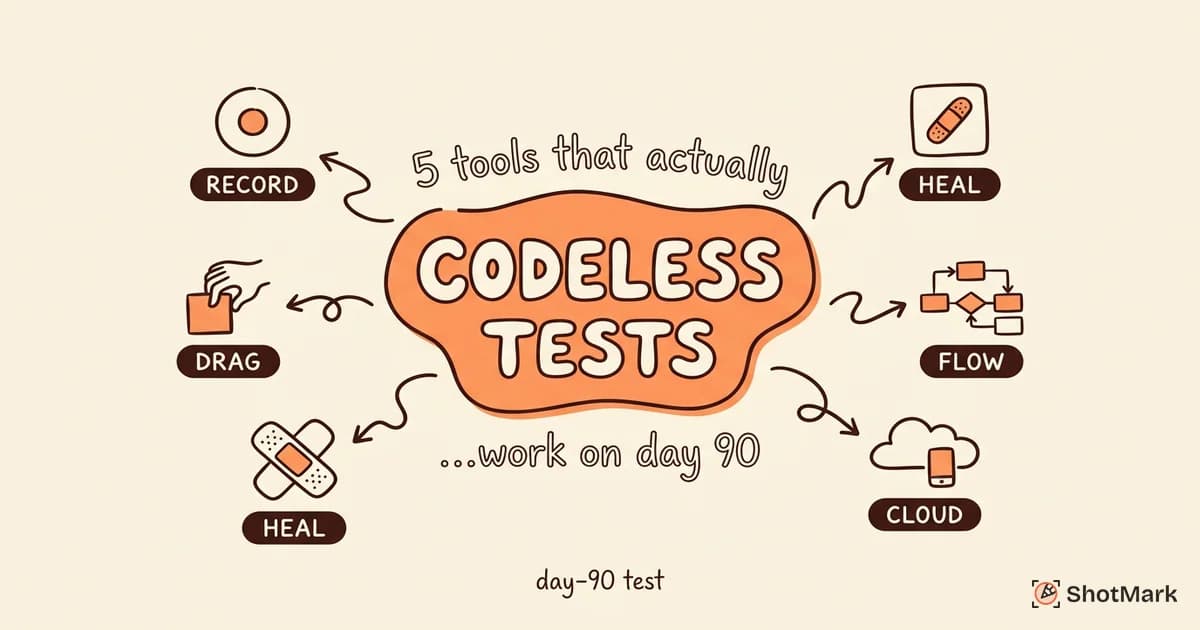
Codeless testing: Tools like mabl, testRigor, and Katalon Studio allow teams to build functional tests without writing code. These work well for teams without dedicated automation engineers.
How to Write Effective Functional Test Cases
Good functional test cases are clear, repeatable, and traceable to requirements.
Start with requirements: Each functional requirement should map to at least one test case. If a requirement says “users can filter products by price range,” you need test cases for valid ranges, edge values, and invalid inputs.
Define inputs, expected outputs, and preconditions: A test case that says “test the search feature” is too vague. A test case that says “given a logged-in user, when they search for ‘shoes’, then the results page shows products containing ‘shoes’ in the title” is testable.
Cover positive and negative cases: Happy-path testing matters, but it is not enough. Test what happens when users enter invalid data, leave required fields blank, or perform actions in an unexpected order. Negative cases often reveal the bugs that matter most.
Prioritize critical paths: You cannot test everything. Focus first on the workflows that, if broken, would prevent users from accomplishing their primary goals. Login, checkout, data creation, and core search flows typically top that list.
Maintain your test suite actively: Test cases that reference deleted features or outdated workflows produce false failures and waste time. Budget regular maintenance into your sprint cycles. A clean, current suite is more valuable than a large, outdated one.
Bug Reports That Match Functional Test Failures
Functional testing in software testing reveals what is broken. A good bug report explains it to the developer who needs to fix it.
The gap between “test failed” and “developer understands the problem” is where teams lose hours. A test failure that says “checkout button did not redirect” forces the developer to reproduce the issue, open the console, check network requests, and figure out what went wrong independently.
ShotMark closes that gap. When a functional test fails, the extension captures screenshots, console logs, and network request data in a single click. Bug reports carry the full context developers need. No reproduction guesswork. No back-and-forth asking “what browser were you using?”
The result is faster resolution of the bugs that functional testing uncovers, and less time wasted on unclear bug reports.
Try ShotMark free and give your developers everything they need to fix functional test failures on the first try.
Get new posts in your inbox.
One email when we publish: notes on QA, AI, and shipping faster. No spam, unsubscribe anytime.