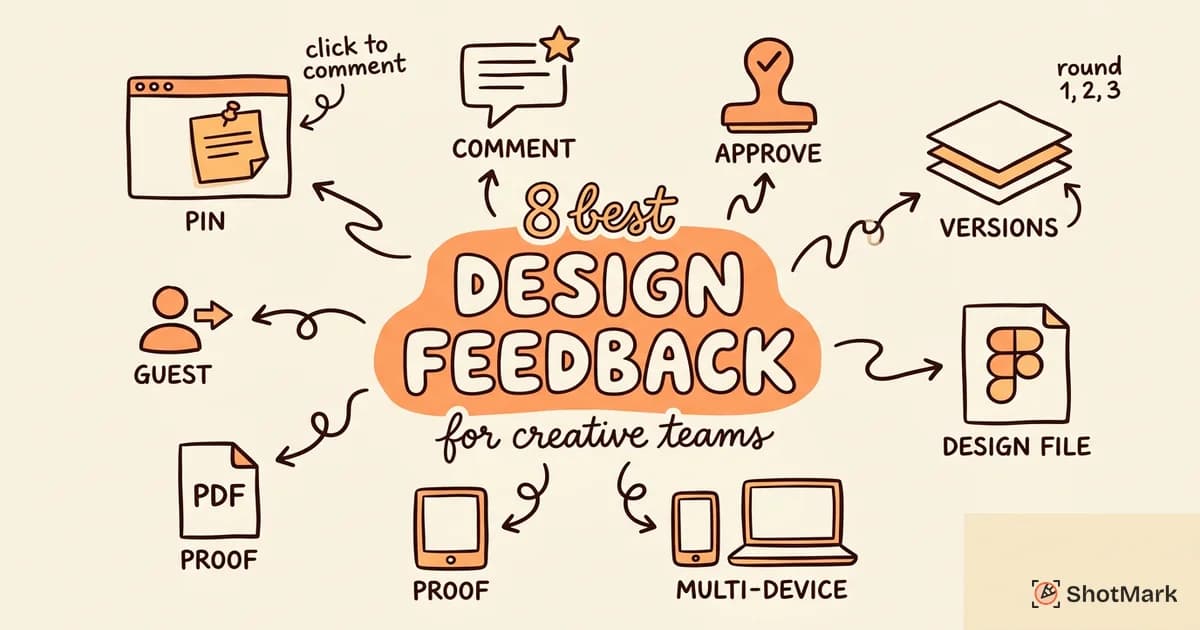
“Can you move the logo up a bit?” without a visual reference wastes everyone’s time. A proper design feedback tool anchors that comment to the exact element, the exact version, and the exact page so there’s zero ambiguity. We evaluated 8 tools built for creative teams who need faster review cycles, fewer revision rounds, and a single source of truth for design feedback.
Email threads and Slack messages bury feedback within hours. Clients respond to the wrong version. Designers miss comments nested three levels deep in a thread. Dedicated design feedback tools solve these problems by making feedback visual, contextual, and trackable.
Why Creative Teams Need Dedicated Feedback Tools
Creative review without a dedicated tool follows a predictable pattern. Someone takes a screenshot, pastes it into an email or Slack channel, and writes a vague comment about the spacing. The designer asks for clarification. The client responds a day later with a different screenshot. Two revision rounds that should have taken a morning now span a week.
Design feedback tools break this cycle. Comments are pinned to specific elements on the design, so “move this left” includes a visual indicator of exactly which element and exactly where. Version history lets reviewers compare iterations side by side. Approval workflows formalize the sign-off process so nothing ships without explicit approval.
The result: faster review cycles, fewer revisions, and happier clients who feel heard because their feedback is addressed precisely. For teams managing multiple client projects, the time savings compound quickly.
What Makes a Good Design Feedback Tool
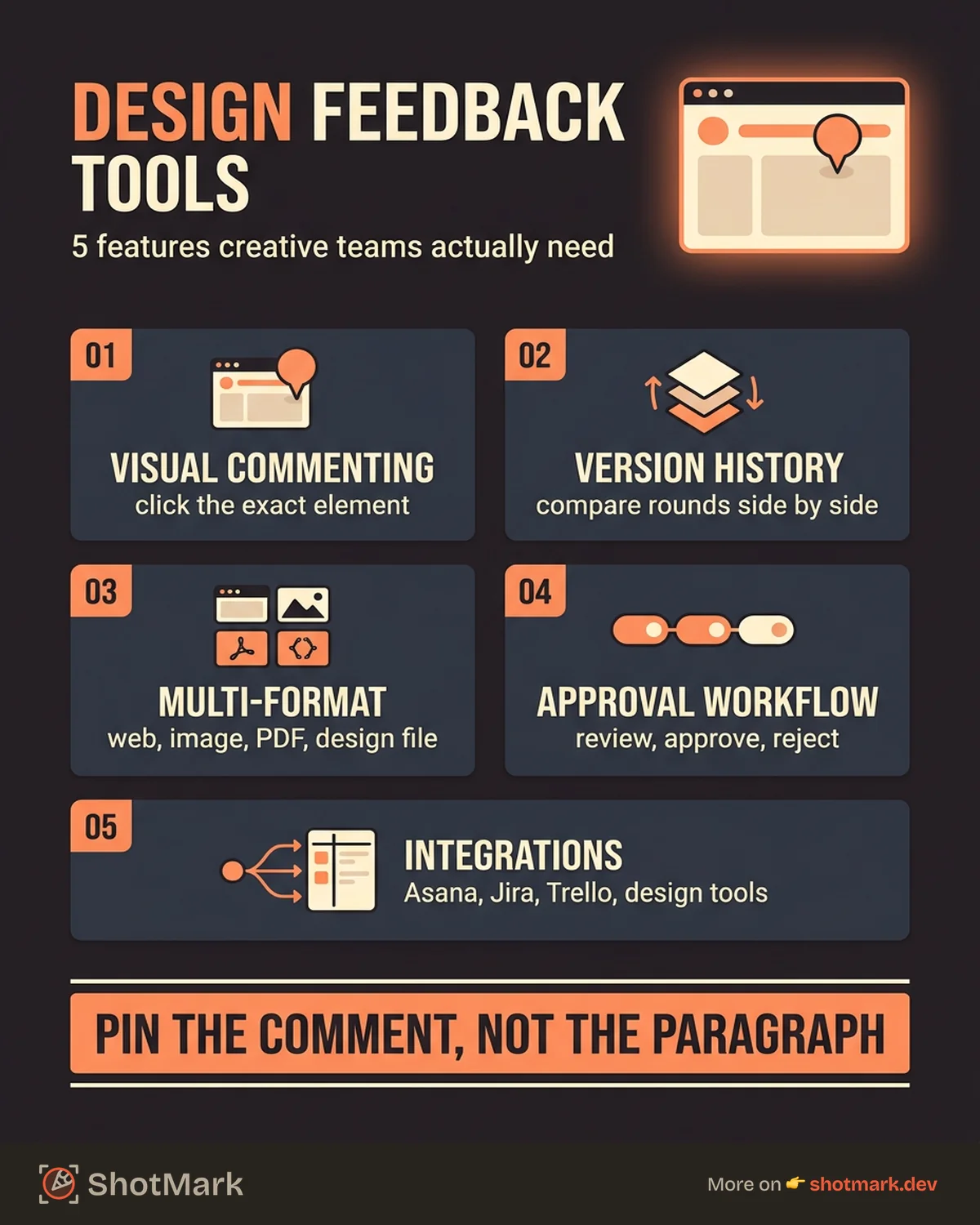
Not every tool labeled “feedback” serves creative teams well. Here’s what to evaluate:
Visual commenting: Reviewers should click on the exact element to leave feedback. No more describing locations in text. The comment attaches directly to the pixel.
Version history: Compare previous iterations side by side. Reviewers should see what changed between versions without opening separate files.
Multi-format support: Creative work spans websites, images, PDFs, and Figma files. A good design review tool handles all of these in one place rather than forcing the team to switch platforms per asset type.
Approval workflow: Formal request, approve, or reject stages with status tracking. Stakeholders should know exactly where each design stands in the review pipeline.
Integration: The tool should connect to your project management system (Asana, Jira, Trello, Monday) and your design tools (Figma, Adobe Creative Cloud). Feedback captured in isolation creates extra manual work.
8 Best Design Feedback Tools
1. Ruttl
Ruttl lets teams comment on live websites, mobile apps, PDFs, and images from a single platform. Real-time collaboration means multiple reviewers can annotate simultaneously without conflicts.
The edit mode sets Ruttl apart. Reviewers can make CSS and content changes visually on the page, then share those edits as actionable feedback. Instead of describing what “a bit more padding” means, they show it.
Best for: Design teams reviewing multiple asset types who want visual editing alongside commenting.
2. Pastel
Pastel makes client reviews frictionless. Share a link, and anyone can click on the live website to leave comments. No login required. No browser extension needed.
The lightweight setup appeals to freelancers and small agencies running rapid review cycles. Project organization with version tracking keeps multiple rounds of feedback organized.
Best for: Freelancers and small agencies who prioritize low-friction client access over advanced features.
3. Markup.io
Markup.io is a visual proofing platform for websites, images, videos, and PDFs. Threaded comments with version history keep feedback organized across multiple revision cycles.
The platform works well for teams that review diverse creative assets. Web pages, banner ads, social media graphics, and video content all live in one workspace.
Best for: Marketing and creative teams with diverse asset types who need a single proofing platform for web and non-web content.
4. Figma (Built-in Comments)
Figma’s native commenting system lets reviewers leave feedback directly on design files. Tag teammates, start threads, and resolve comments as they’re addressed. No additional tool required if your team already lives in Figma.
The limitation is scope. Figma comments work only on Figma files. Once the design moves to a live staging site, you need a separate tool for feedback on the implementation.
Best for: Teams that do the majority of their design work in Figma and want to keep feedback within the same tool during the design phase.
5. InVision (Freehand)
InVision’s Freehand provides collaborative whiteboarding alongside design review. Teams can comment on prototypes and mockups while using the whiteboard for broader brainstorming and creative critique.
The combination of design review and collaborative ideation makes it useful for early-stage creative work where feedback is more exploratory than prescriptive.
Best for: Teams using InVision for prototyping who want collaborative review and brainstorming in one space.
6. ShotMark
ShotMark captures annotated screenshots with console logs, network requests, and browser metadata in one click. The annotation overlay pins feedback to specific elements on live websites and staging environments.
Where ShotMark differs from pure design feedback tools is the technical context. When a design bug is also a code bug (a misaligned element caused by a CSS issue, for example), the report includes everything the developer needs to fix it.
Best for: Design-to-development handoff and QA feedback where design issues need to be paired with technical context for resolution.
7. Usersnap
Usersnap embeds a feedback widget directly in the live product. Reviewers capture annotated screenshots through the widget, which automatically includes technical metadata.
The widget supports multiple feedback categories: bugs, feature requests, and design feedback. This flexibility lets product teams collect design feedback from real users alongside structured QA testing.
Best for: Product teams that want to collect design feedback directly from within the live application, from both internal stakeholders and end users.
8. Ziflow
Ziflow provides online proofing with automated review workflows and approval stages. Multiple review rounds are managed through formal stages: review, revise, approve.
The approval automation is the differentiator. For enterprise creative teams with formal sign-off requirements, Ziflow enforces the process so designs can’t advance without the right approvals.
Best for: Enterprise creative teams with formal approval processes who need structured, multi-stage review workflows.
Comparison Table
| Tool | Multi-Format | Approval Workflow | Figma Integration | Guest Access | Starting Price |
|---|---|---|---|---|---|
| Ruttl | Websites, apps, PDFs, images | Basic | No | Yes | Free tier available |
| Pastel | Websites | No | No | Yes (no login) | Free tier available |
| Markup.io | Websites, images, videos, PDFs | Yes | No | Yes | Free tier available |
| Figma | Figma files only | No | Native | Via sharing | Free tier available |
| InVision | Prototypes, whiteboard | Basic | No | Via sharing | Contact sales |
| ShotMark | Websites, staging | No | No | No | Free tier available |
| Usersnap | Live products | No | No | No | Paid plans |
| Ziflow | Images, PDFs, videos, websites | Advanced (multi-stage) | No | Yes | Paid plans |
How to Set Up a Design Feedback Workflow
A design feedback tool is only as effective as the workflow around it. Here’s a 5-step process that works for most creative teams:
-
Share the design for review: Provide a link to the live staging site, a Figma file, or a Markup.io project. Every reviewer accesses the same version.
-
Reviewers leave visual comments on specific elements: Each comment pins to the exact location. Descriptions stay short because the visual context does the heavy lifting.
-
Designer addresses comments and marks them resolved: Each resolved comment creates a clear record that the feedback was seen and acted on.
-
Stakeholder approves or requests another round: If another revision is needed, new comments reference the updated version. The tool tracks which round each comment belongs to.
-
Handoff to development with all feedback documented: When the design is approved, developers have a full history of what was discussed, what changed, and what the final approved state looks like.
For a more detailed breakdown of client feedback workflows, see our guide on client feedback processes for web design agencies.
From Design Feedback to Bug Reporting
Design issues found during review often become development bugs. A reviewer flags a misaligned heading on the staging site. That’s a design issue, but it’s also a CSS bug that a developer needs to fix.
Pure design feedback tools capture the visual problem. They don’t capture the console error or the failed network request that might be causing the misalignment. When the design issue has a technical root cause, the developer needs more than a screenshot with a comment.
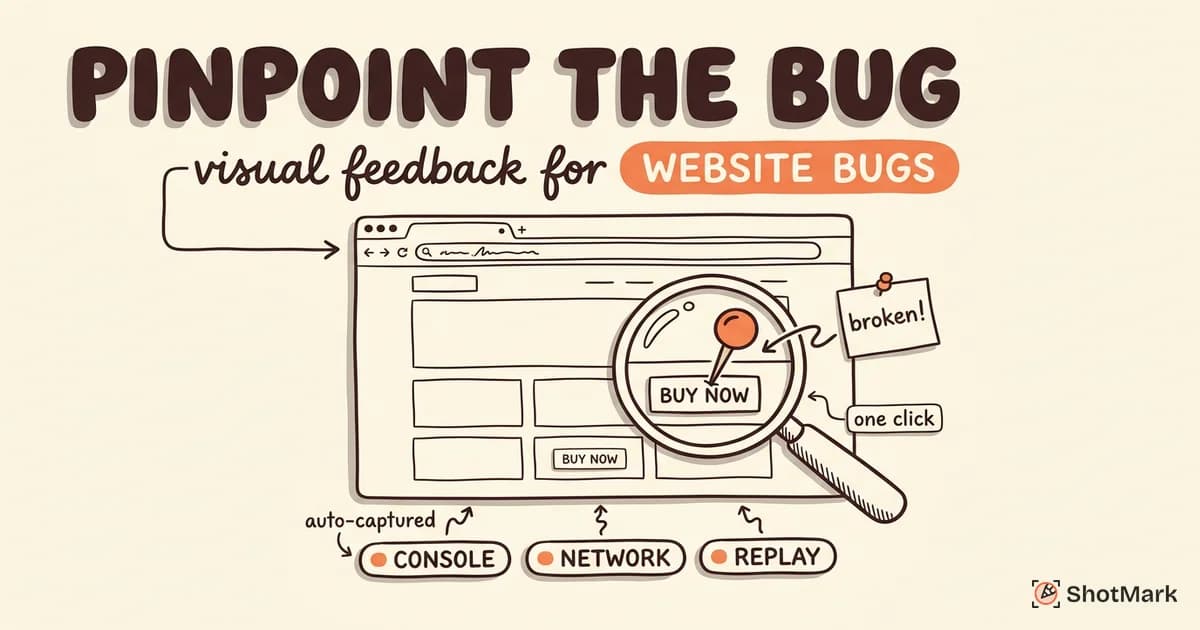
ShotMark bridges that gap. Every annotated screenshot includes console logs, network requests, and browser metadata alongside the visual feedback. Design reviewers capture what they see. Developers get what they need to fix it. One tool covers both the creative review and the technical annotation workflows.
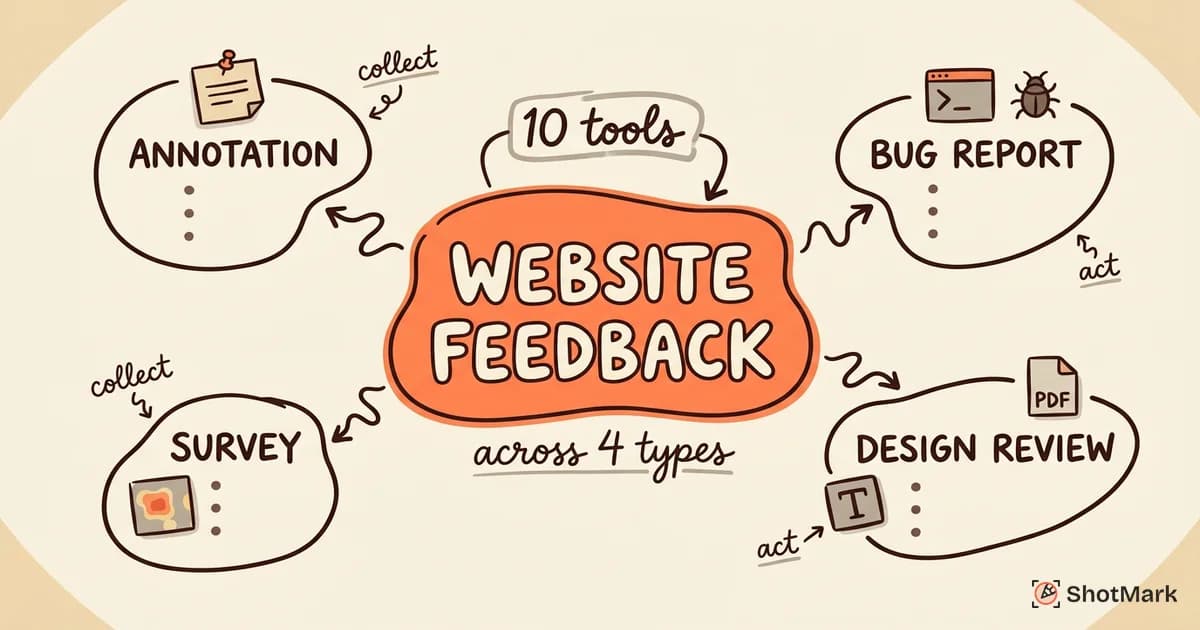
For teams already using a website feedback tool for general feedback collection, adding ShotMark for the technical handoff layer means nothing falls through the cracks between the design feedback tool and the design review process.
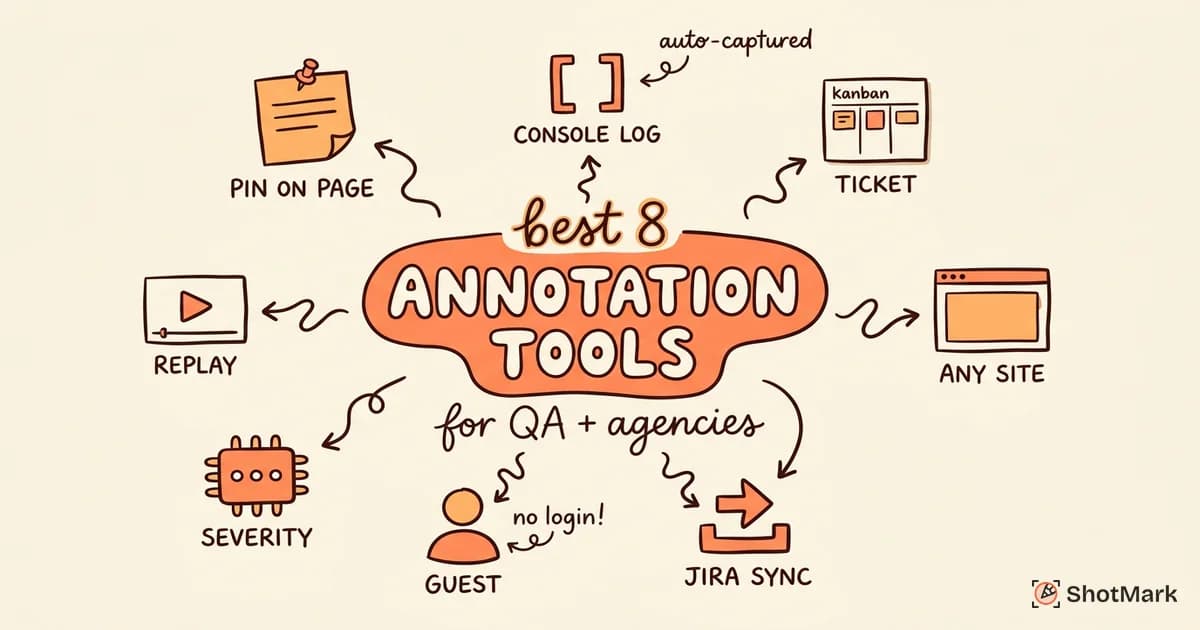
Teams evaluating website review tools for agency approvals will find that combining a design feedback tool with a technical bug reporter covers both the creative and engineering sides of the review process.
Join the ShotMark waitlist to turn design feedback into actionable bug reports.
Get new posts in your inbox.
One email when we publish: notes on QA, AI, and shipping faster. No spam, unsubscribe anytime.