Most teams do not fail at user acceptance testing because the concept is hard. They fail because the execution is sloppy. Vague test scenarios, the wrong testers, unstable environments, and defect reports that say “it does not work” turn what should be a structured validation into a frustrating guessing game.
Knowing how to do user acceptance testing properly makes the difference between a testing cycle that catches real issues and one that delays your release without improving quality. This guide covers the practical steps, from assembling your team to getting sign-off, along with the mistakes that trip up even experienced QA teams.
If you need background on UAT concepts, types, and terminology first, start with our complete guide to user acceptance testing.
UAT Does Not Have to Be Painful
The reason teams dread UAT comes down to three things: poor planning, vague feedback, and time pressure. When any of those three factors dominate, UAT feels chaotic and unproductive.
When done right, UAT is a structured, predictable process. Business users test against defined scenarios. Defects get reported with full context. Fixes are retested and verified. Stakeholders sign off based on data, not gut feeling.
This guide walks through how to do it properly, whether it is your first UAT cycle or your fiftieth.
Before You Start: Get These Three Things Right
Before executing a single test case, confirm these prerequisites. Skipping any one of them is the most common reason UAT cycles go sideways.
Clear acceptance criteria: If you cannot define “done” for a feature, you cannot test for it. Every feature or user story entering UAT should have documented acceptance criteria that describe the expected behavior in specific, measurable terms. “The search works” is not acceptance criteria. “The search returns results within 2 seconds and displays a maximum of 20 results per page” is.
The right testers: UAT testers are business users who know the real workflows. Developers test differently than users. QA engineers test differently than users. The whole point of UAT is to get the business perspective. If your “UAT testers” are the same people who wrote the code, you are doing QA testing with a different label.
A stable build: Do not start UAT on a build with known critical bugs. Business users encountering crashes and broken pages on day one will lose confidence in the process and disengage. Entry criteria should include: all QA tests pass, no open critical defects, and the test environment is verified.
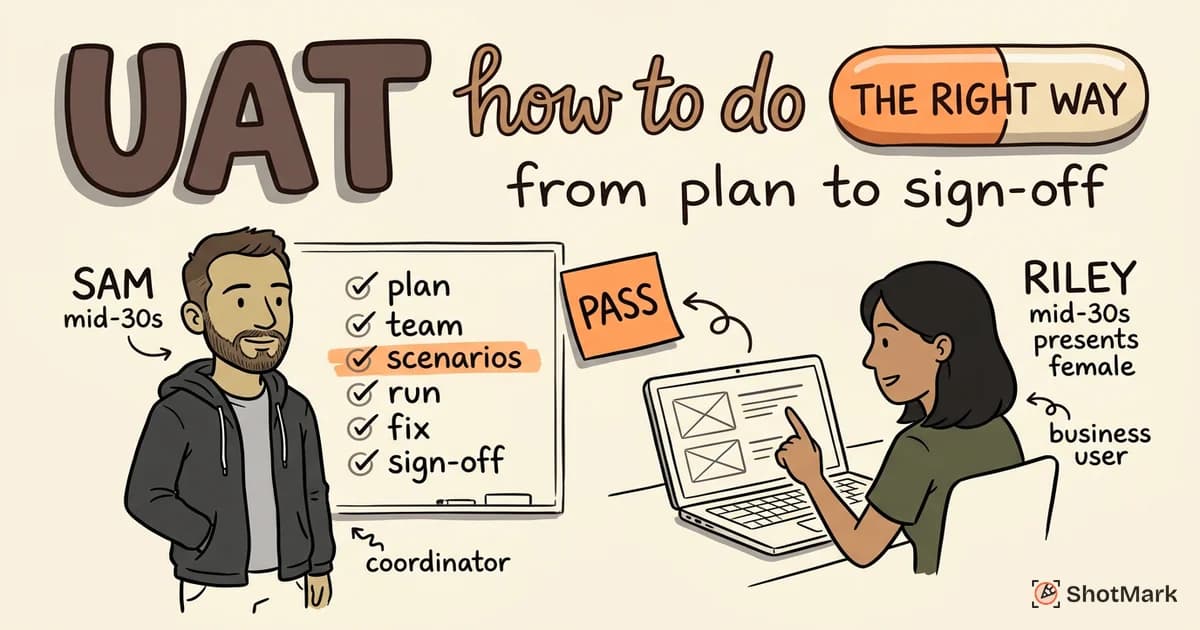
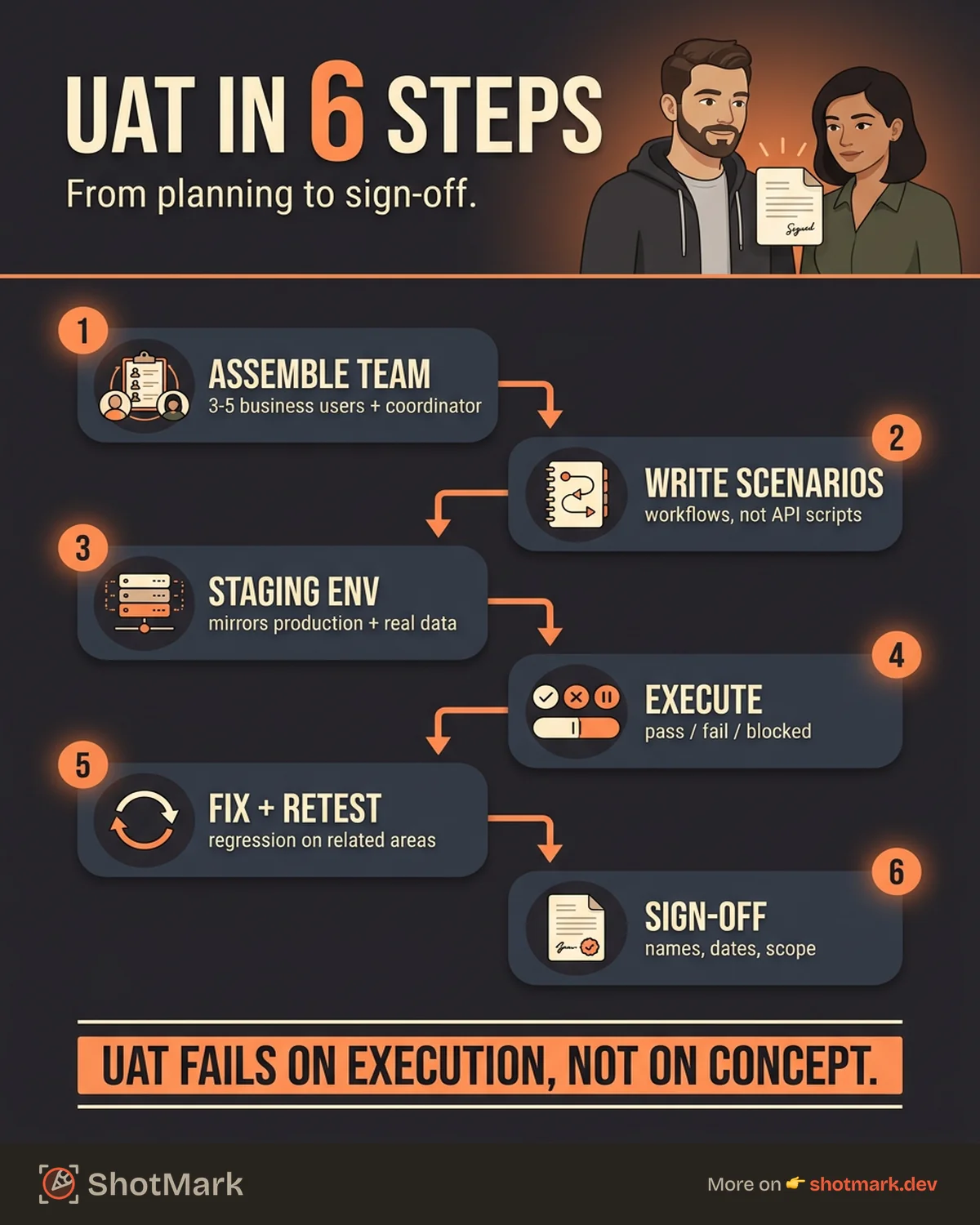
How to Do UAT in 6 Steps
Step 1: Assemble Your UAT Team
Identify 3 to 5 business users who represent the actual end-user workflows being tested. A customer service representative tests the support ticketing workflow. A finance manager tests the invoicing workflow. Match testers to the features they will use in production.
Assign a QA coordinator to manage the process. The coordinator handles environment setup, defect triage, and communication between testers and developers. Without a coordinator, UAT becomes a free-for-all.
Brief the team before testing starts. Cover what is being tested, which tools to use, how to report defects, and what the timeline looks like. Distribute test scenarios and environment access in advance.
Schedule dedicated time for UAT. When testing is a “side task” that testers fit between their regular responsibilities, it gets deprioritized and rushed. Block time on calendars. Treat it as a real commitment.
Step 2: Write Test Scenarios (Not Scripts)
UAT test scenarios describe business workflows, not technical operations. Write them in language that business users understand.
Good UAT scenario: “A new employee submits a time-off request, their manager receives a notification, approves the request, and the employee sees the updated balance on their dashboard.”
Bad UAT scenario: “Verify POST /api/leave-request returns 200, triggers notification via webhook, updates leave_balance table.”
The first describes a user journey. The second describes an API contract. Both are valid tests, but only the first belongs in UAT.
Cover both happy paths and common error scenarios. What happens when the employee requests more days than their balance allows? What happens when the manager rejects the request? What happens when the system is slow?
For concrete examples of well-structured UAT scenarios, see our UAT examples for web apps.
Step 3: Set Up the Test Environment
Deploy the build to a staging environment that mirrors production. “Mirrors” means same configuration, same feature flags, same integrations, and realistic data.
Load realistic data into the environment. Names, dates, quantities, and relationships should look like production data (anonymized if needed). Testing with “User 1” and “Product A” at a price of “$1.00” does not validate real-world behavior.
Verify all integrations and third-party services. Payment gateways, email providers, analytics platforms, and SSO providers should either be connected to their sandbox environments or stubbed with realistic responses. A broken integration that is not part of the test scope should not block UAT.
Share access credentials and environment URLs with all testers before day one. Spending the first morning of UAT troubleshooting login issues is a predictable, preventable waste.
Step 4: Execute and Document
Testers walk through each scenario and record results. For every test case:
- Pass: The actual behavior matches the expected result
- Fail: The actual behavior deviates from the expected result (file a defect report)
- Blocked: The test cannot run due to an environment issue, missing data, or dependency
For failed tests, the defect report must include enough context for a developer to reproduce and fix the issue without asking follow-up questions. At minimum: steps to reproduce, expected versus actual result, screenshots, and browser or device information.
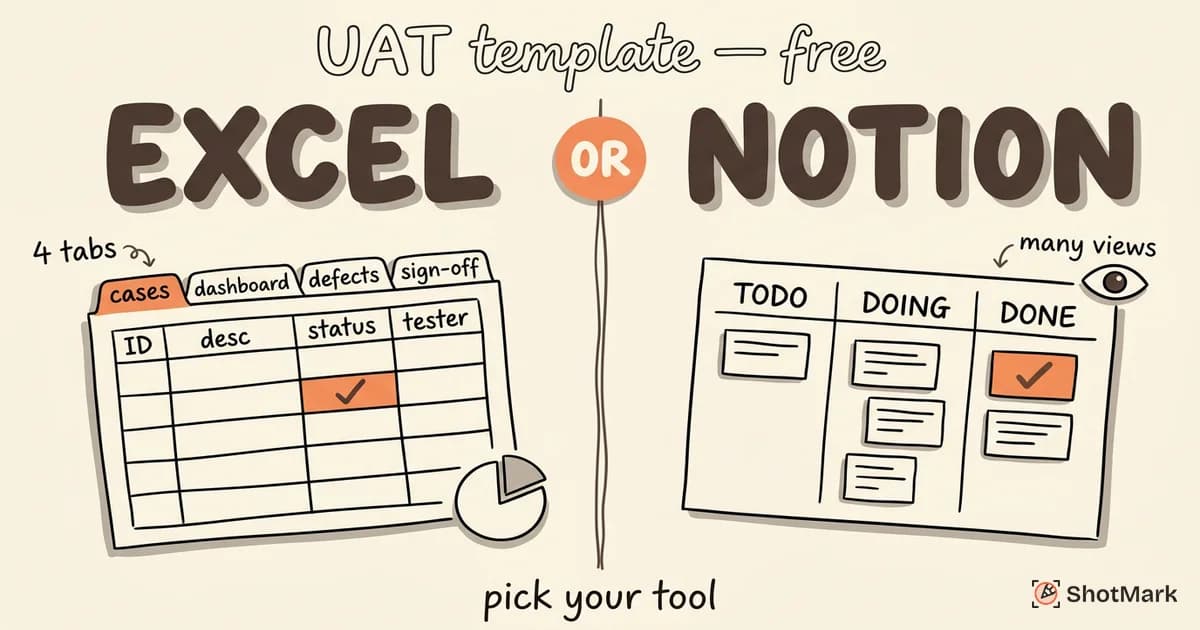
Use a consistent template for documentation. When every tester records results in their own format, aggregating the data becomes painful. Grab our free UAT templates for Excel and Notion to standardize the process.
Step 5: Fix, Retest, Repeat
Development prioritizes and fixes critical and high-priority defects. Low-priority defects (cosmetic issues, minor inconsistencies) may be deferred with stakeholder agreement.
Once fixes are deployed to the UAT environment, testers retest the specific defects that were fixed. Beyond that, run regression on related areas. A fix to the checkout flow might affect the cart, payment confirmation, or receipt email. Regression catches these side effects.
Repeat the fix-retest cycle until exit criteria are met: all critical test cases pass, no open blocker defects, and the stakeholder review is scheduled.
Step 6: Get Sign-Off
Present UAT results to stakeholders. The data should speak for itself: total test cases, pass rate, open defects by severity, deferred items, and any known risks.
All critical test cases must pass. No open blockers. Stakeholders review the results and provide documented approval to proceed with deployment.
Sign-off is a formal act, not a casual nod. The approval should be recorded with stakeholder names, dates, any conditions attached, and the scope of what was tested. This documentation protects everyone if a post-launch issue arises.
For a detailed walkthrough of each phase with more granularity, see our step-by-step UAT process guide.
Five Mistakes That Ruin UAT
These are the patterns we see again and again. Every one of them is avoidable.
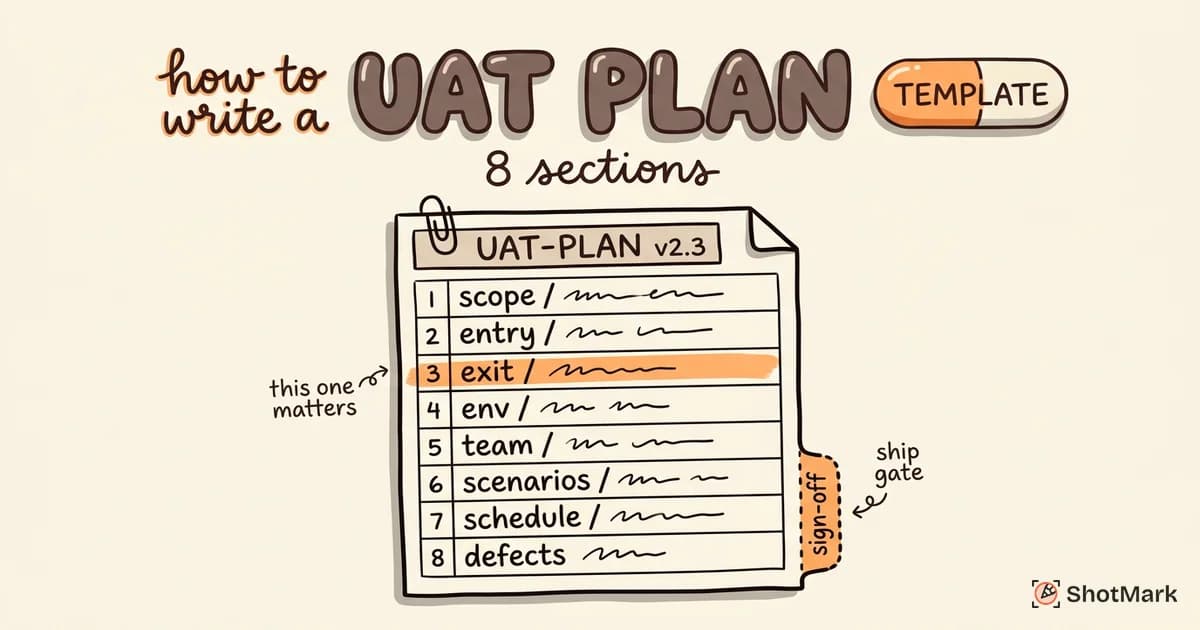
1. Starting without a plan: No scope, no criteria, no schedule. Testers show up and ask “What are we testing?” This guarantees incomplete coverage and scope creep. Write a UAT plan before the first test case is executed.
2. Using QA engineers as UAT testers: QA engineers are great at finding bugs. They are not business users. They do not test workflows the way an accounts receivable clerk or a customer support agent does. UAT requires the business perspective, not the technical one.
3. Accepting vague defect reports: “The page looks wrong” tells a developer nothing. Insist on specific reports: what was expected, what actually happened, screenshots, and steps to reproduce. Better yet, use tooling that captures this context automatically.
4. Skipping negative testing: Testing only the happy path means the first time your software encounters bad input, missing data, or a network failure in production is the first time anyone has seen what happens. Include error scenarios in your test cases.
5. Treating sign-off as a rubber stamp: If the decision to deploy was made before UAT started, the testing is theater. UAT must have genuine authority to delay a release when critical issues are found. Otherwise, why test at all?
UAT Tips for First-Timers
If this is your team’s first structured UAT cycle, start small and iterate.
Pick a small scope: Test one feature or one workflow for your first cycle. Running UAT on an entire application at once is overwhelming for first-timers. A small scope lets you practice the process and identify improvements before scaling up.
Use a checklist: A pre-UAT readiness checklist prevents the most common problems: unstable build, missing test data, no environment access, unclear acceptance criteria. Review our UAT checklist before starting.
Debrief after day one: Conduct a 15-minute retrospective at the end of the first day. Are the test scenarios clear? Is the environment stable? Are testers comfortable with the defect reporting process? Adjust early instead of discovering problems at the end.
Document lessons learned: After the cycle, write down what worked, what did not, and what you would change. This becomes the foundation for your next UAT plan.
The Right Tools Make UAT Faster
The single biggest bottleneck in UAT is unclear defect reports. A business user knows something is wrong but cannot articulate it in a way that helps a developer fix it. The back-and-forth between “What did you see?” and “What browser were you using?” and “Can you try that again?” consumes more time than the actual fixing.
A visual bug reporter eliminates this bottleneck entirely. ShotMark captures screenshots with annotations, console logs, network requests, and browser metadata in one click. Business users do not need technical knowledge. They see a problem, click a button, and the report contains everything a developer needs.
No more “it does not work” tickets. No more follow-up questions. No more lost context between the moment a tester sees a bug and the moment a developer reads the report.
Join the ShotMark waitlist for your next UAT cycle. When every defect report includes full technical context from the start, how to do user acceptance testing stops being a source of friction and becomes a straightforward process your team can repeat with confidence.
Get new posts in your inbox.
One email when we publish: notes on QA, AI, and shipping faster. No spam, unsubscribe anytime.