Every developer runs into Base64 sooner or later. You paste a JWT token into a debugger, inspect an API response with encoded image data, or debug an email attachment that arrived as a wall of ASCII characters. A reliable Base64 encoder and decoder turns those moments from tedious manual work into a two-second task.
Our free Base64 tool handles encoding and decoding directly in your browser. No server processing, no sign-up, no data leaving your machine. Paste text, upload a file, or decode a Base64 string and get instant results.
What Is Base64 Encoding
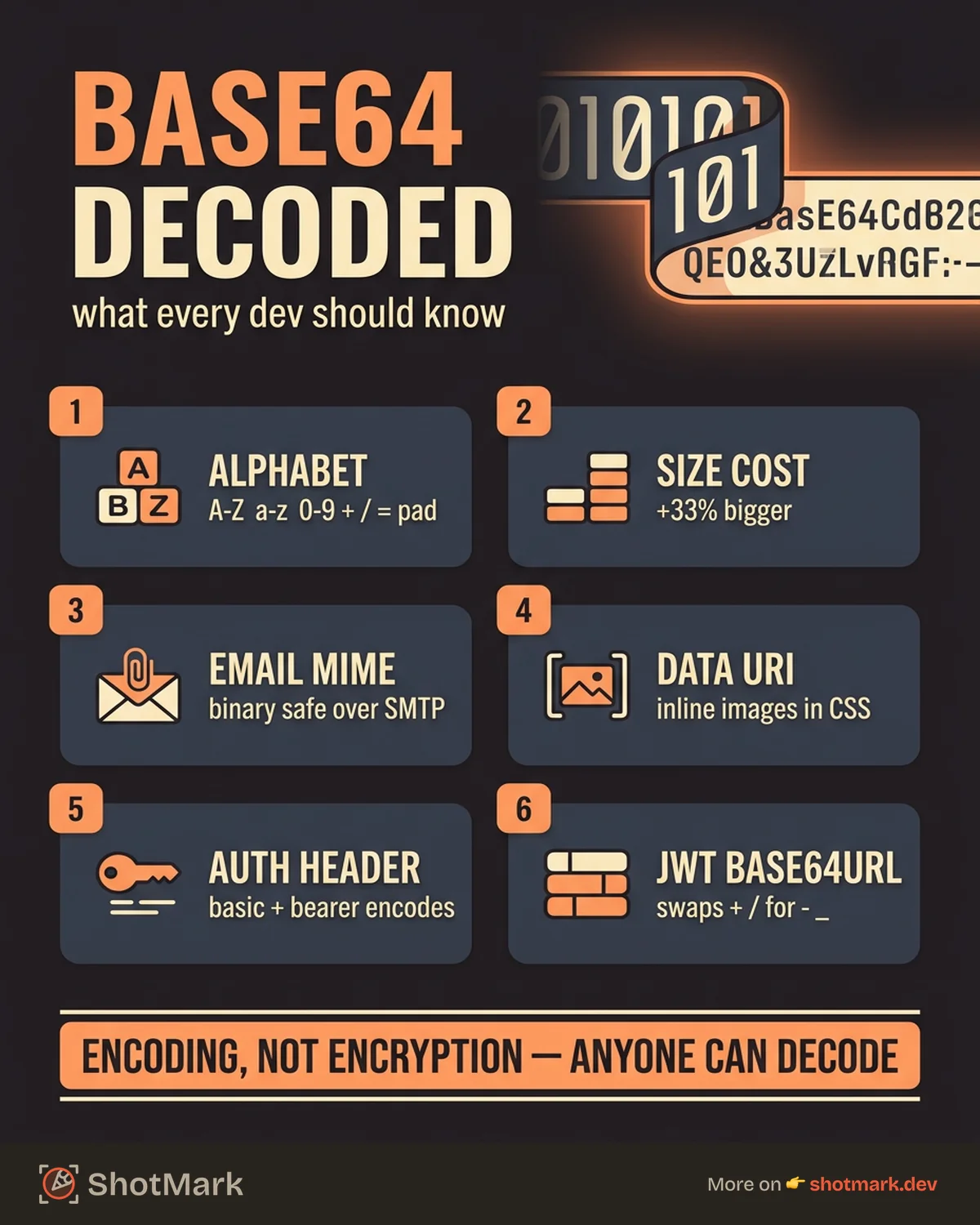
Base64 is a binary-to-text encoding scheme that converts binary data into a subset of ASCII characters. It uses a 64-character alphabet (A-Z, a-z, 0-9, +, and /) with = as padding. The tradeoff is straightforward: Base64 increases data size by roughly 33%, but it makes binary data safe for transmission through text-based systems like email, URLs, and JSON APIs.
You encounter Base64 most often in four places: email attachments (MIME encoding), data URIs for embedding small images in HTML or CSS, API authentication headers, and JSON Web Tokens. When you need to decode a Base64 string to inspect what is inside, a browser-based tool beats writing a one-off script every time.
How to Use This Tool
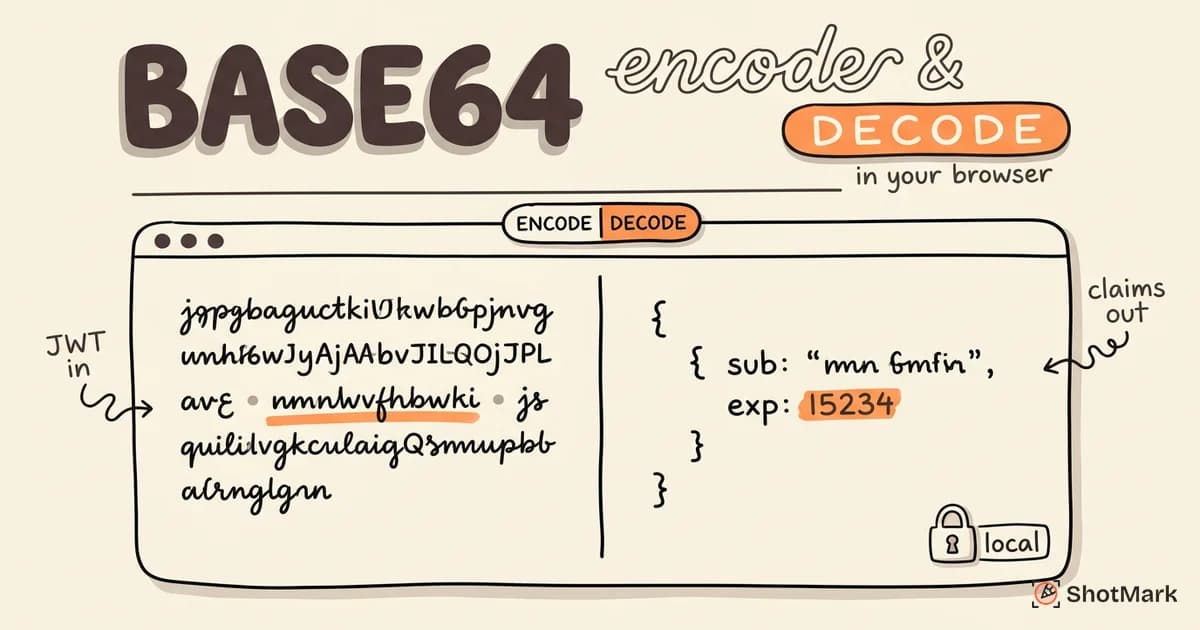
The interface is built around a two-panel layout. Input goes on the left, output appears on the right.
- Select Encode or Decode mode using the toggle at the top.
- Paste your text into the input panel, or drag and drop a file to encode binary data like images or PDFs.
- Choose your encoding variant: standard Base64 or URL-safe Base64 (which replaces + and / with - and _ per RFC 4648 ).
- Copy the result with one click, or download it as a file.
For images, switch to Decode mode and paste a Base64 string. If the decoded content is an image, the tool renders a preview inline so you can verify the result without saving and opening a file separately.
The character count below each panel shows input and output byte sizes, which is useful when working with size-constrained systems.
Common Use Cases
Encoding Images for Data URIs
Small icons and logos (under 2KB) can be embedded directly in HTML or CSS as Base64 data URIs. This eliminates an HTTP request, though it increases the file size. Use it for tiny, frequently used assets where the request overhead outweighs the encoding overhead.
Decoding API Responses
Some APIs return file downloads, image thumbnails, or binary blobs as Base64-encoded strings in their JSON responses. Instead of writing a script to decode and inspect the content, paste the string into the tool and see what the response actually contains.
Working With JWT Tokens
JWT payloads are encoded using Base64url, a URL-safe variant defined in RFC 4648 . The payload section (the middle part, between the two dots) contains claims like user ID, expiration time, and scopes. Decoding that section reveals the token’s contents without needing a dedicated JWT debugger.
When debugging authentication issues in bug reports, decoding JWT tokens helps identify expired sessions or missing permissions. If you are filing bugs that involve auth failures, ShotMark captures the console logs and network requests alongside your screenshot, so developers can see the full picture without manual decoding.
Email and MIME Encoding
Email attachments use Base64 encoding to send binary files through SMTP, which only supports ASCII text. If you are debugging email delivery issues or inspecting raw email source, decoding the attachment section reveals the original file content.
Base64 Encoding in Different Languages
JavaScript (browser):
// Encode
const encoded = btoa(unescape(encodeURIComponent(text)));

// Decode
const decoded = decodeURIComponent(escape(atob(encoded)));Python:
import base64

# Encode
encoded = base64.b64encode(text.encode('utf-8')).decode('ascii')

# Decode
decoded = base64.b64decode(encoded).decode('utf-8')Go:
import "encoding/base64"

// Encode
encoded := base64.StdEncoding.EncodeToString([]byte(text))

// Decode
decoded, _ := base64.StdEncoding.DecodeString(encoded)
Command line:
# Encode
echo -n "hello" | base64

# Decode
echo "aGVsbG8=" | base64 --decode
The btoa() and atob() functions in JavaScript are documented in detail on MDN Web Docs . Note that these functions handle ASCII only, so the examples above use encodeURIComponent to handle UTF-8 characters safely.
FAQ
What is Base64 encoding used for?
Base64 encoding converts binary data into ASCII text so it can be safely transmitted through text-based systems like email, URLs, and JSON APIs.
Is Base64 encryption?
No. Base64 is encoding, not encryption. Anyone can decode a Base64 string with no key required. Never use it to protect sensitive data.
Is this tool free?
Yes, completely free. No sign-up or account required.
Is my data safe?
All encoding and decoding happens in your browser. Your data is never sent to a server.
What is the difference between Base64 and Base64url?
Base64url replaces + with - and / with _ to make the output safe for use in URLs and filenames. JWT tokens use Base64url encoding.
Debugging API authentication or inspecting encoded responses is faster when you have the right tools. Our free JSON formatter for developers pairs well with this Base64 tool for inspecting decoded JSON payloads. For a more complete debugging workflow, ShotMark captures console logs, network requests, and screenshots in one click, so you spend less time manually decoding tokens and more time fixing the actual bug.
Get new posts in your inbox.
One email when we publish: notes on QA, AI, and shipping faster. No spam, unsubscribe anytime.