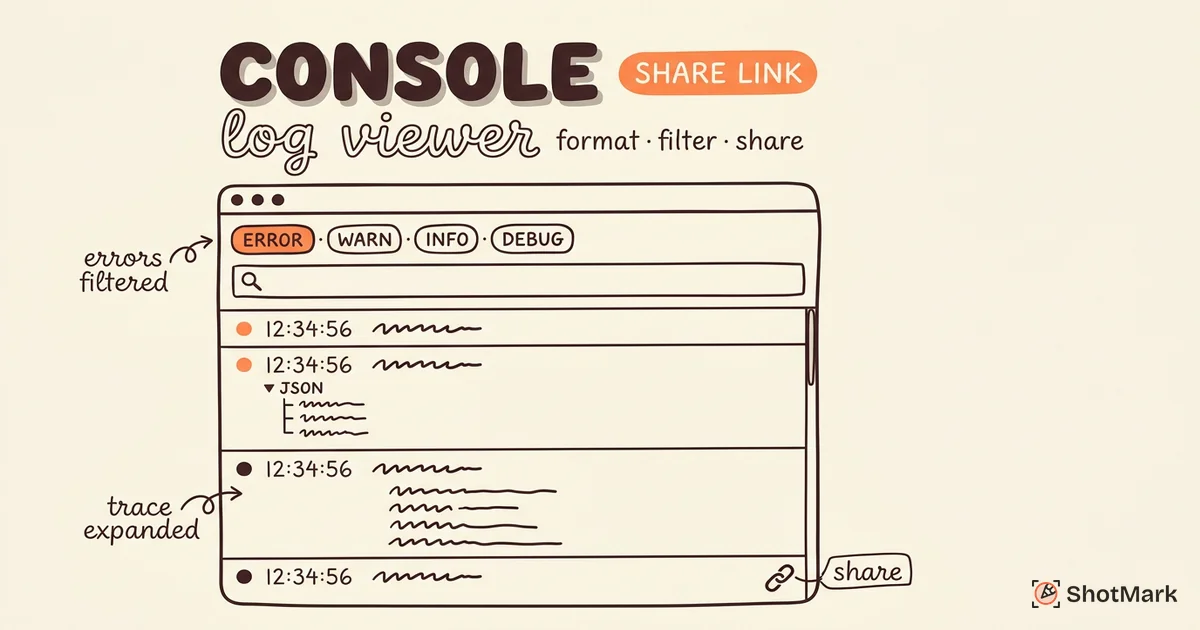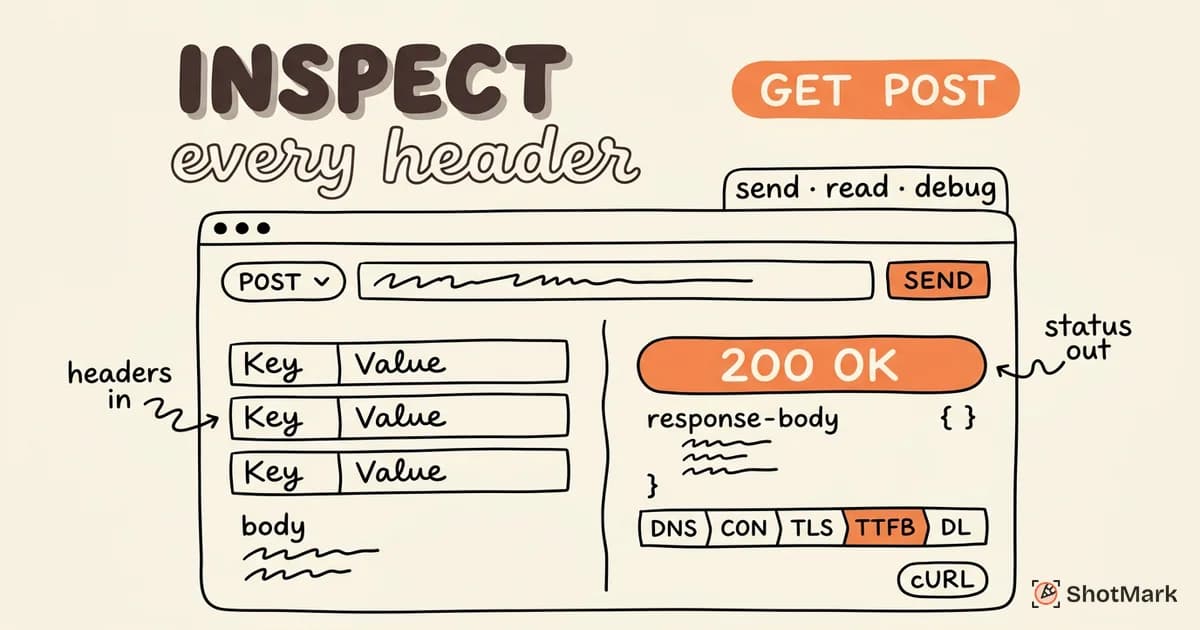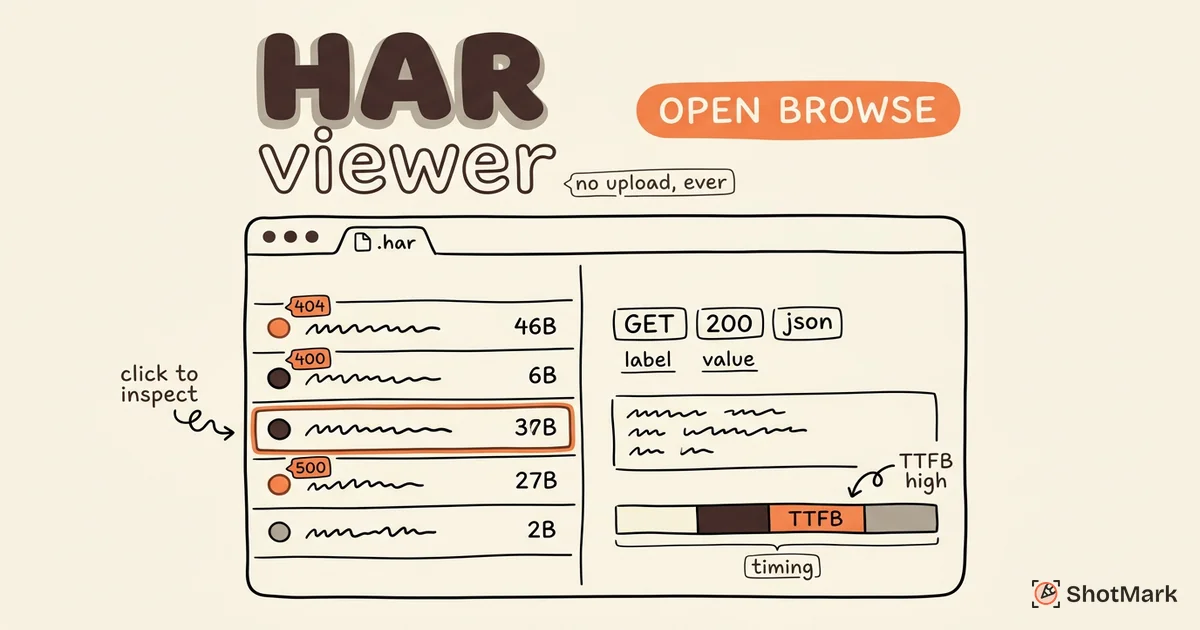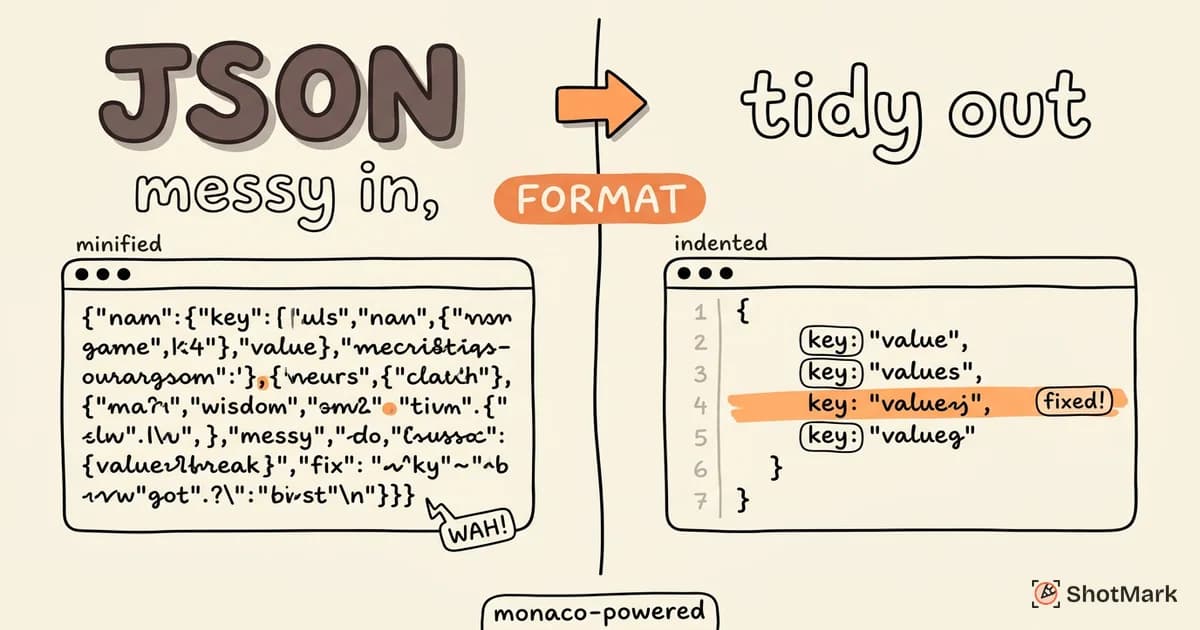
Raw JSON from an API response is rarely readable. Minified into a single line, nested three or four levels deep, missing line breaks entirely. A JSON formatter fixes that in one click, turning a wall of characters into structured, indented data you can actually inspect.
Our free JSON formatter handles formatting, validation, minification, and diff comparison directly in your browser. No server-side processing, no account, no data leaving your machine. Paste your JSON and get instant results with syntax highlighting and inline error detection.
What Is JSON Formatting
JSON (JavaScript Object Notation) is a lightweight data format used for APIs, configuration files, and data exchange between services. It is human-readable in theory, but only when properly formatted. In practice, most JSON is minified for production: no indentation, no line breaks, no whitespace.
Formatting (also called prettifying or beautifying) adds indentation and line breaks so you can read the structure. Minifying does the opposite, stripping whitespace to reduce file size for production use. Validation checks that the JSON structure is syntactically correct according to the JSON specification (RFC 8259) .
The JSON.org specification defines JSON as a collection of key-value pairs and ordered lists. Simple in concept, but a single missing comma or trailing bracket can break an entire configuration file. That is where a formatter with validation saves time.
How to Use This JSON Formatter
The editor is based on Monaco, the same engine that powers VS Code, so you get syntax highlighting, line numbers, and keyboard shortcuts out of the box.
- Paste your JSON into the editor, or drag and drop a
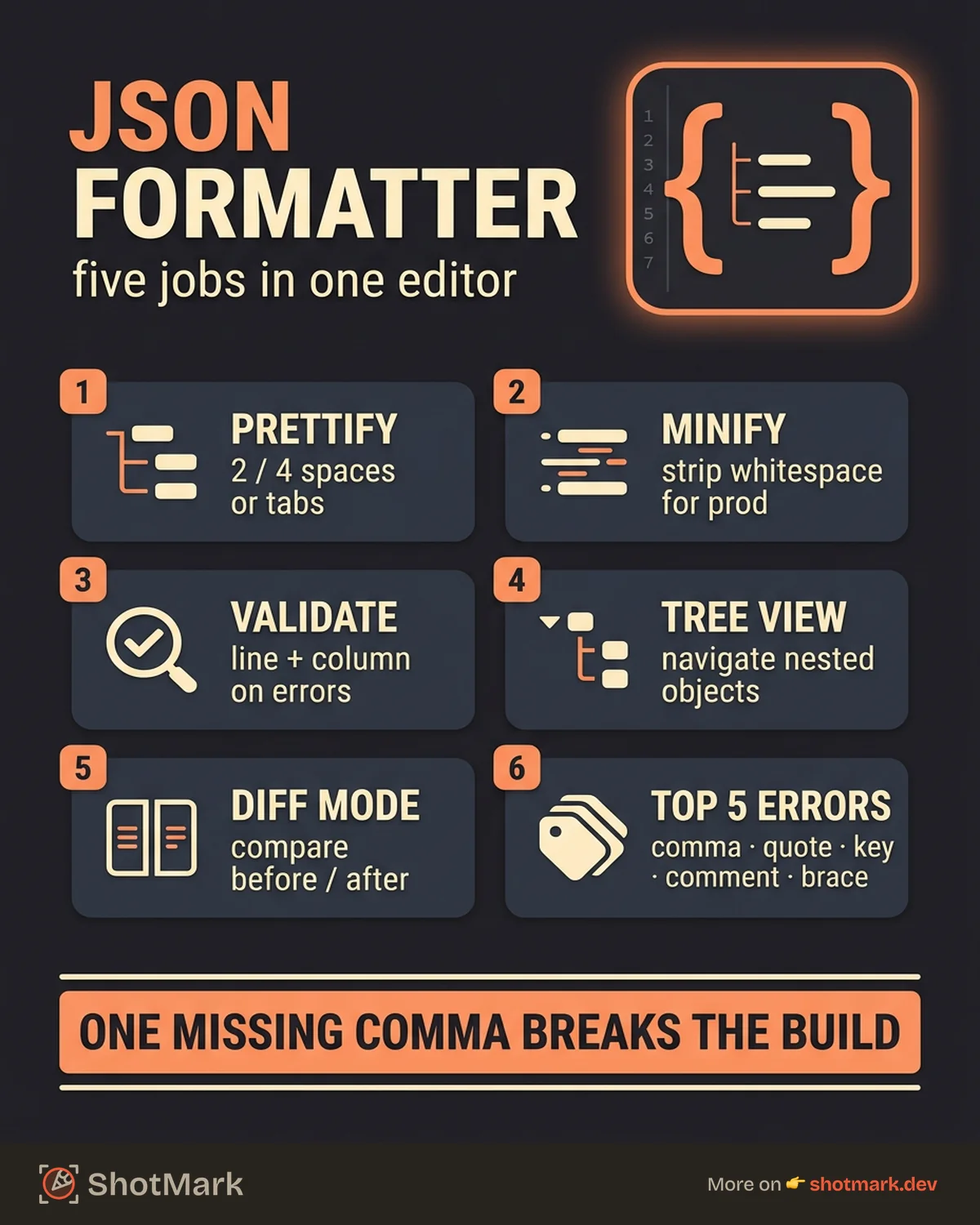
.jsonfile to load it directly. - Click Format to prettify with your preferred indentation (2 spaces, 4 spaces, or tabs).
- Check the validation results. Errors are highlighted inline with the exact line and column number.
- Switch to Tree View to explore nested structures with collapsible nodes.
- Copy the formatted output or download it as a
.jsonfile.
For comparing two versions of a JSON payload, paste them into Diff mode. Additions, removals, and changes are highlighted side by side.
A privacy badge at the top of the tool confirms that all processing happens locally. Your JSON never reaches a server.
Common Use Cases
Debugging API Responses
Paste raw API responses to inspect the structure and find unexpected values. Real-time validation catches malformed responses immediately. When a field is missing or a value type has changed, you see it in the formatted output rather than digging through minified text.
ShotMark captures network requests including response bodies as part of every bug report, so you can see the exact JSON a failing API returned alongside the screenshot and console logs. If you need to inspect that response data outside a bug report, this JSON formatter handles it.
Editing Configuration Files
package.json, tsconfig.json, .eslintrc, and dozens of other configuration files use JSON. Format them for readability before editing, then validate after your changes to catch missing commas or mismatched brackets before they break your build.
Comparing JSON Payloads
Diff mode is useful when comparing API responses before and after a code change. Paste the old response on the left and the new one on the right to see which fields were added, removed, or modified. This is faster than writing a script to diff two JSON objects, and it handles nested structures correctly.
Preparing Data for Documentation
Formatted JSON examples make API documentation, READMEs, and bug reports clearer. Minified JSON saves space when embedding in URLs or compact storage. Switch between both modes depending on your needs.
Common JSON Errors and How to Fix Them
Most JSON errors fall into a handful of categories. Here are the ones that show up most often.
Trailing comma: JSON does not allow commas after the last item in an object or array.
// Wrong
{"name": "ShotMark", "type": "tool",}

// Correct
{"name": "ShotMark", "type": "tool"}
Single quotes: JSON requires double quotes for all strings and keys.
// Wrong
{'name': 'ShotMark'}

// Correct
{"name": "ShotMark"}
Unquoted keys: Every key must be wrapped in double quotes.
// Wrong
{name: "ShotMark"}

// Correct
{"name": "ShotMark"}
Comments: JSON does not support comments. If you need comments, use JSONC (JSON with Comments), which VS Code and some other tools support.
// Wrong (standard JSON)
{"name": "ShotMark" /* this is a comment */}

// Use JSONC instead, or remove comments
{"name": "ShotMark"}
Mismatched brackets: Every { needs a closing } and every [ needs a closing ]. The validator highlights the mismatch with a line number.
The JSON.parse() and JSON.stringify() documentation on MDN covers how browsers handle these errors at runtime.
FAQ
What is a JSON formatter?
A JSON formatter takes raw or minified JSON and adds indentation and line breaks to make it human-readable.
Is this JSON formatter free?
Yes. No sign-up, no account, no limits.
Can I validate JSON with this tool?
Yes. The tool validates your JSON in real time and highlights errors with line and column numbers.
Is my data safe?
All processing happens in your browser. Your JSON is never sent to a server.
What is the difference between JSON and JSONC?
JSON is the strict standard: no comments, no trailing commas. JSONC (JSON with Comments) is used by VS Code and other tools that allow comments and trailing commas for configuration files.
Can I format large JSON files?
Yes. Files up to 10MB are supported with virtualized rendering to keep the editor responsive.
Whether you are debugging an API response, editing a config file, or comparing two payloads, a JSON formatter that runs locally and validates in real time removes a small but persistent friction from daily development work. Pair it with our free Base64 encoder and decoder for inspecting encoded JSON payloads, or try ShotMark to capture network requests and response bodies automatically alongside your bug reports.
Get new posts in your inbox.
One email when we publish: notes on QA, AI, and shipping faster. No spam, unsubscribe anytime.