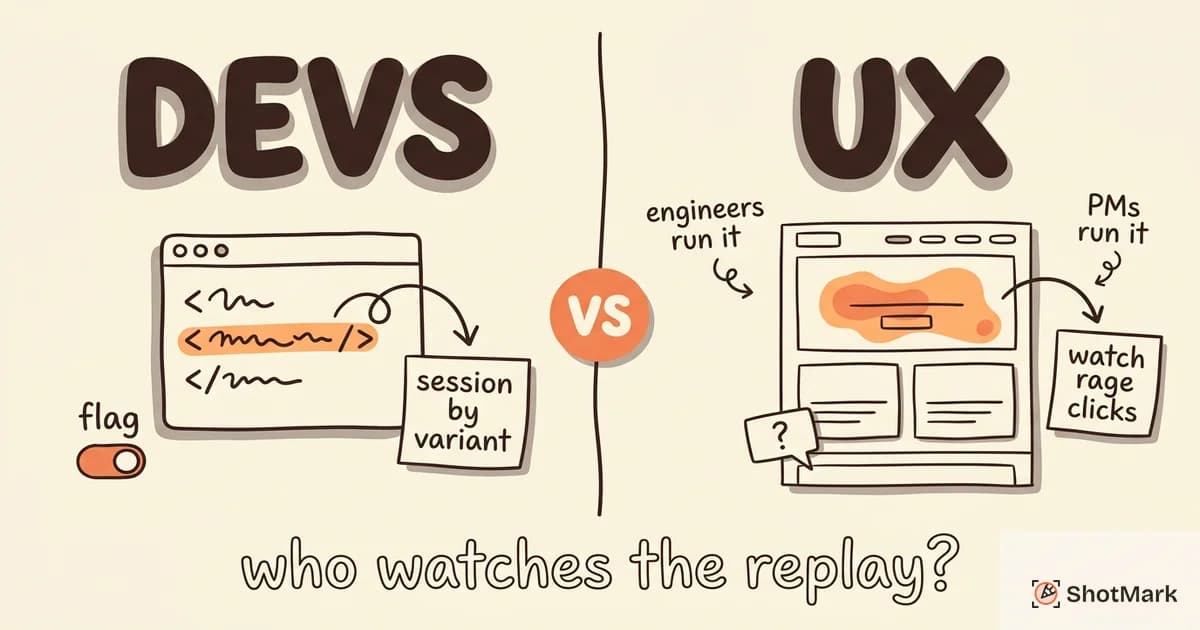
Most session replay tools sell themselves to developers or UX researchers. Pendo Session Replay picks a different audience: product managers who already live inside Pendo’s analytics dashboards, in-app guides, and NPS surveys. That positioning shapes everything about how the feature works, what it costs, and who it’s actually useful for.
We spent time with the feature, dug through G2 reviews, and compared it against dedicated replay tools. This review covers what Pendo Session Replay does well, where it falls short, and whether it belongs in your stack in 2026.
What Is Pendo Session Replay?
Pendo Session Replay is an add-on to the Pendo product experience platform that lets product teams watch recordings of real user sessions. Unlike standalone replay tools, it’s wired directly into Pendo’s existing analytics, in-app guides, and feedback products. You don’t install a separate SDK. If Pendo is already running on your site, enabling Pendo Session Replay is mostly a configuration toggle.
The feature is pitched at product managers, not developers. Recordings sit next to feature adoption metrics, guide engagement data, and NPS responses inside the same dashboard. For teams that already use Pendo for analytics, this context is the main selling point. For teams that don’t, the tool loses most of its appeal compared to dedicated options covered in our session replay tools comparison.
Pendo session recording complements the company’s broader product experience suite. It’s designed to answer qualitative questions about behavior, not to help engineers debug production errors.
How Pendo Session Replay Works
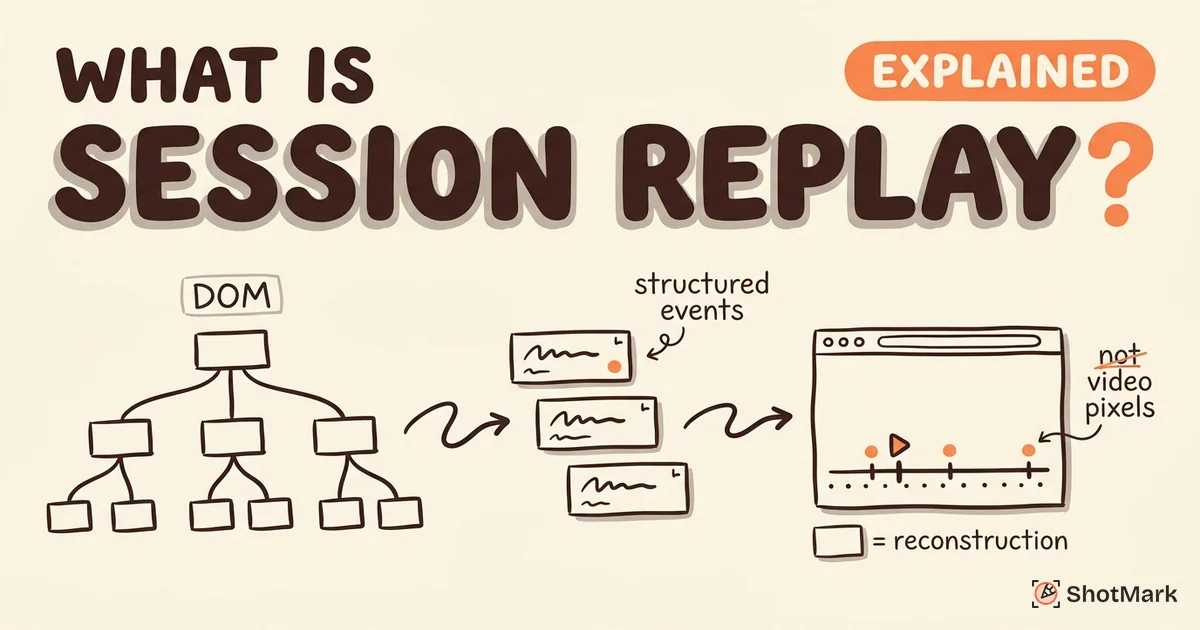
Pendo captures DOM events, clicks, scrolls, and form interactions in the browser, then reconstructs the session in a replay viewer. The underlying approach is similar to other replay tools, but the integration with Pendo’s product analytics is what sets it apart. If you’re new to how reconstruction-based replay differs from screen recording, our primer on what session replay actually is covers the technical basics.
Integration With Product Analytics
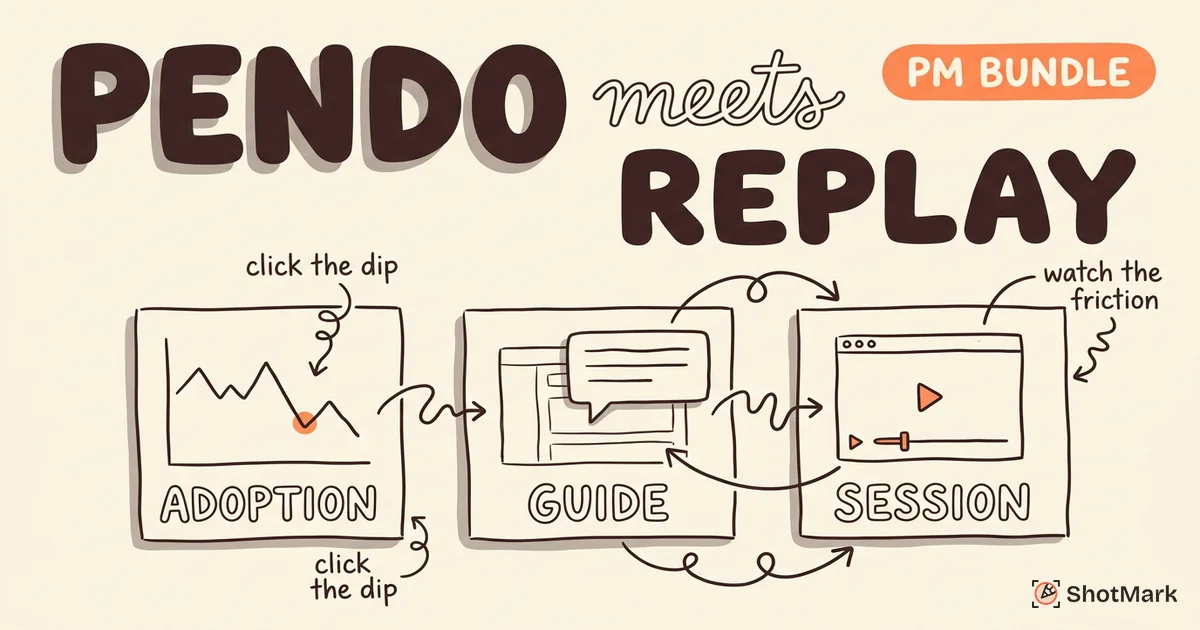
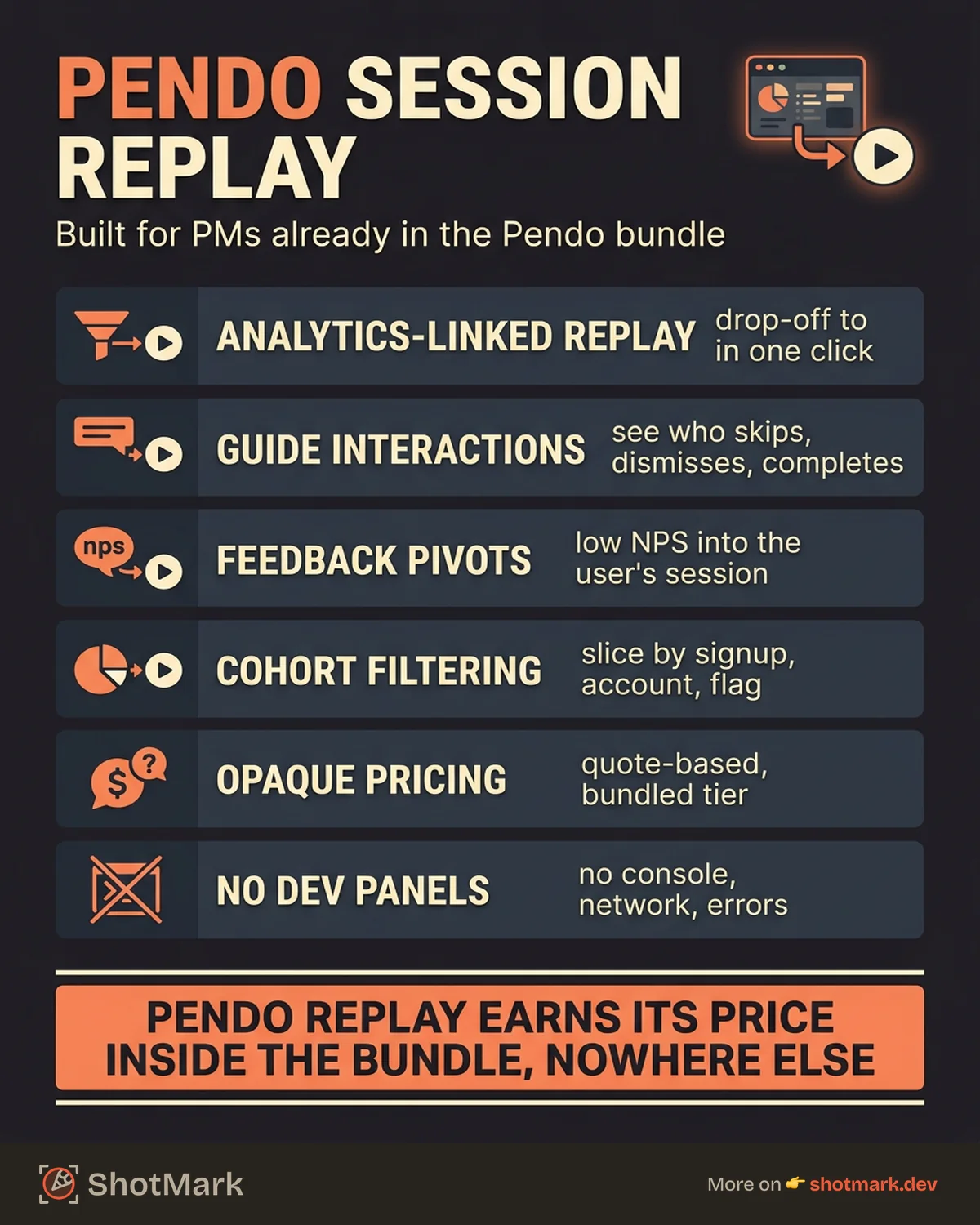
Every replay in Pendo is linked to the same event stream that powers your funnels, retention reports, and feature adoption metrics. You can jump from a drop-off point in a funnel chart directly to replays of the users who bailed. You can filter recordings by segment, by guide interaction, or by NPS response score.
This workflow is where Pendo earns its place. A PM who spots a dip in feature adoption can watch five real sessions of users trying the feature for the first time, without leaving the analytics dashboard. That’s harder to pull off in tools that treat replay as a standalone product.
Setup and Configuration
If your team already has the Pendo SDK installed for analytics, Pendo session replay setup is mostly a toggle in your subscription plus some targeting rules. You pick which pages to record, configure sampling rates, and set privacy masking for sensitive inputs. Most existing Pendo customers can enable replay without pulling developers into the work.
For teams not already on Pendo, the setup story is different. You install the full Pendo agent, set up your product analytics, configure guides, then add replay on top. That’s a bigger commitment than installing a dedicated replay SDK. The Pendo documentation walks through each step, though the guidance assumes you’re committing to the platform as a whole.
How to Enable Pendo Session Replay
Enabling replay requires three things: an active Pendo subscription with the replay add-on, the Pendo agent already installed and tracking events, and a targeting rule that specifies which users and pages to record. Once those are in place, recordings start flowing into the Sessions tab within a few hours.
Features That Stand Out
A few capabilities make Pendo Session Replay genuinely useful for product teams, assuming you’re already using the rest of the platform.
- Guide interaction replay shows how users respond to your in-app walkthroughs, tooltips, and announcements. You can watch users skip, dismiss, or complete guides and correlate that with downstream behavior.
- Feature adoption context lets you watch first-time encounters with a new feature. If adoption is lower than expected, replay often surfaces the reason within a handful of sessions.
- Feedback-to-replay linking turns qualitative user feedback into concrete observations. A user submits a low NPS score or a support message, and the PM can watch their session to see what happened.
- Segment-based filtering lets you replay sessions from specific cohorts: new signups, enterprise accounts, users who hit a specific feature flag, or anyone matching a custom segment you’ve built in Pendo.
These features only land if you’re running Pendo analytics, guides, and feedback already. In isolation, they’re ordinary replay capabilities. Combined with the rest of Pendo, they form a PM-focused workflow that dedicated replay tools can’t match.
Pendo Session Replay Pricing
Here’s where things get murky. Pendo Session Replay pricing is not publicly listed. The Pendo pricing page advertises tiered plans, but replay is an add-on priced separately based on plan tier and monthly session volume. You have to request a quote.
Multiple G2 Pendo reviews and public discussions place Pendo’s overall platform cost in the five-figure-per-year range for mid-market customers, with the replay add-on adding a meaningful percentage on top. That’s substantially more than tools like Hotjar, which publishes prices starting at $39 per month, or PostHog, which offers 5,000 free recordings monthly before usage-based pricing kicks in.
How Much Does Pendo Session Replay Cost?
There’s no flat answer. Pricing scales with session volume, retention window, and the other Pendo modules you’re already paying for. If you’re a Pendo customer adding replay, expect a quote in the low-to-mid thousands per month at typical SaaS session volumes. Standalone buyers will find that Pendo vs FullStory comparisons often come down to bundled value, not replay quality alone.
For teams focused strictly on replay cost-per-session, dedicated tools compete more aggressively. Pendo’s pitch is the bundle, not the line item.
Limitations for Technical Teams
The same design decisions that make Pendo useful for product managers make it less useful for engineers. These are the gaps we noticed.
- No console log capture: JavaScript errors and console output don’t appear alongside replays. You can’t see what the browser reported when a user hit a bug.
- No network request inspection: Failed API calls, slow responses, and payload errors are invisible. For debugging production issues, this is a hard limitation.
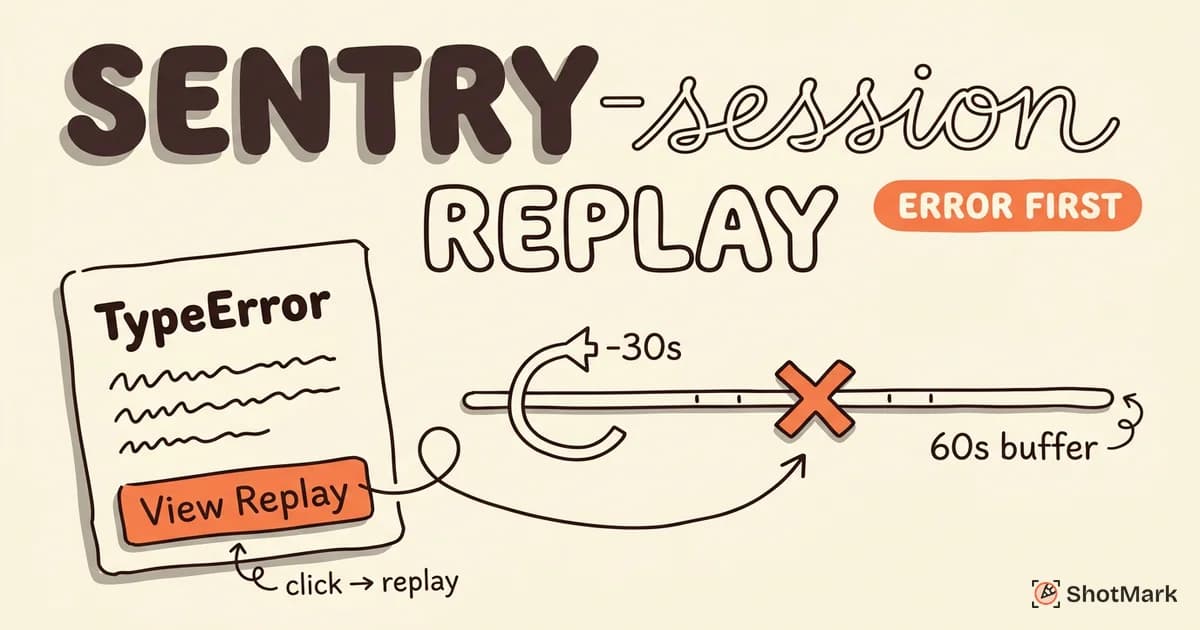
- No error tracking integration: Pendo isn’t designed to surface errors or link replays to exception events the way Sentry or LogRocket do.
- Replay fidelity can drift on complex CSS animations, canvas elements, and dynamic content. DOM-reconstruction replay always has this tradeoff, but Pendo’s fidelity is noticeably behind FullStory on rich interfaces.
- Mobile replay is web-only: Pendo supports replay in web-based mobile apps but not native iOS or Android SDKs at the depth some competitors offer.
None of this is a knock on Pendo for failing at something it never tried to do. It’s a knock on teams that buy Pendo expecting it to replace a developer debugging tool.
Who Should Use Pendo Session Replay
Pendo Session Replay for product teams makes sense in a specific scenario. You’re already paying for Pendo. Your PMs live inside Pendo dashboards. You want to watch user sessions in the same tool where you track feature adoption, serve in-app guides, and collect NPS feedback.
If that describes your team, Pendo replay is the natural choice. The workflow integration is the feature. Switching to a standalone tool to save money loses the context that made replay useful in the first place.
On the other hand, Pendo is not the right pick if any of the following is true:
- You need console logs, network requests, or error tracking alongside replay (look at Sentry, LogRocket, or FullStory)
- You want open-source replay you can self-host (see PostHog vs Hotjar for bundled alternatives)
- You’re not already using Pendo for analytics and guides
- Your primary use case is developer debugging, not product discovery
Pendo Session Replay vs FullStory
FullStory has better replay fidelity, native mobile SDKs, and autocapture as its core strength. Pendo has tighter integration with product analytics, guides, and feedback inside a single platform. For pure replay quality, FullStory wins. For PMs who want one tool that handles analytics plus replay, Pendo’s bundle usually beats running FullStory alongside a separate analytics product.
The G2 Pendo vs FullStory comparison shows customers split along those lines. Product-led teams lean Pendo; UX-research-led and CX-focused teams lean FullStory. TrustRadius Pendo reviews echo the same pattern.
For teams eyeing alternatives, compare against FullStory , Hotjar , Amplitude Session Replay , and PostHog Session Replay on the criteria that matter most for your team.
Capture Bugs Before Users See Them
Pendo Session Replay helps product managers understand how real users experience your product. That’s a useful input for deciding what to build next. It’s not the right tool for catching bugs before they ship, which is a different job with different requirements.
ShotMark fills that earlier slot in the product lifecycle. When a QA tester or teammate finds a bug, ShotMark captures a screenshot, console logs, network requests, and a session replay in one click, then packages everything for Jira, Linear, or GitHub. Our open-source SDK means you can inspect the capture pipeline yourself. Pendo session replay tells you what users did; ShotMark tells your team exactly what broke and how to reproduce it. Both belong in a healthy product workflow. Join the ShotMark waitlist if you want early access.
Get new posts in your inbox.
One email when we publish: notes on QA, AI, and shipping faster. No spam, unsubscribe anytime.