Two of the biggest platforms in software analytics and observability both added session replay to their stacks, and they did it from opposite directions. Amplitude session replay grew out of a product analytics suite, while New Relic’s replay sits inside a full-stack observability platform that engineers already use for APM and infrastructure monitoring.
That difference in origin is not cosmetic. It shapes what each tool captures, who it’s built for, and how much it costs once you’re running replay at real volume. We tested both and broke down where each one earns its price and where a dedicated replay tool still wins.
Two Platforms, Two Philosophies
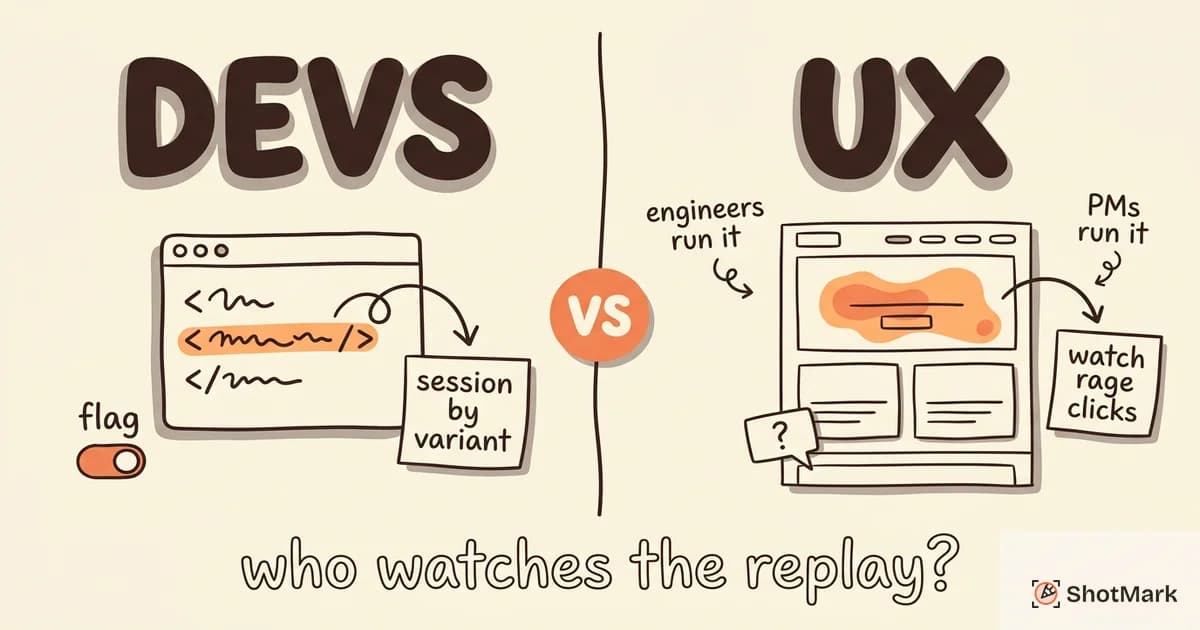
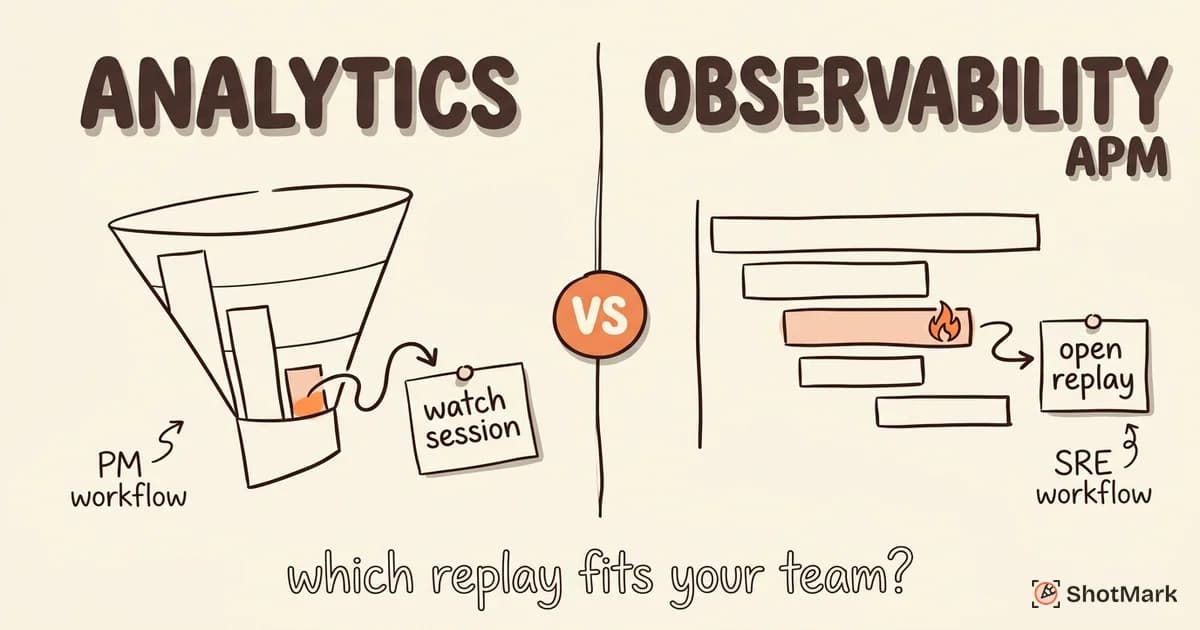
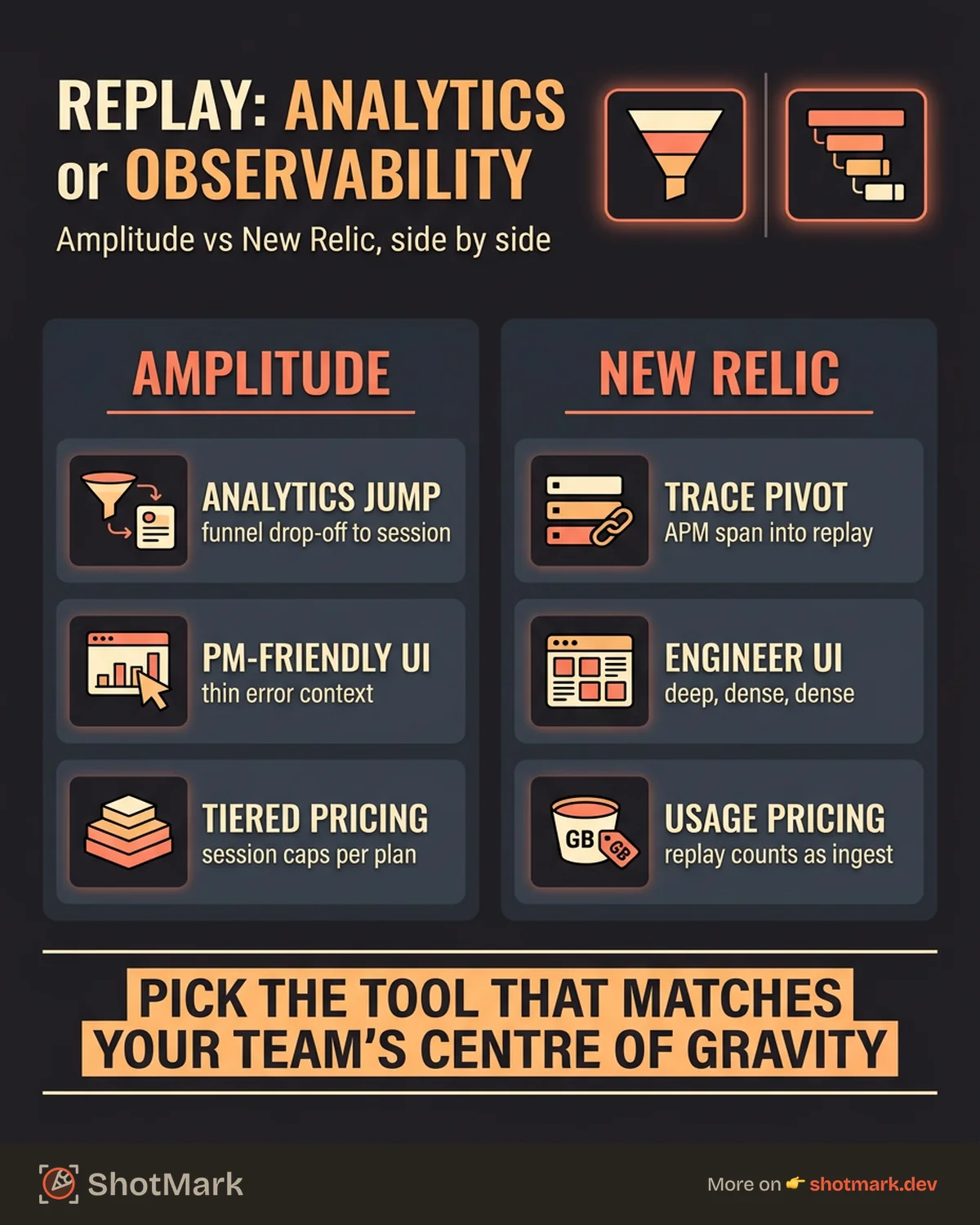
Amplitude treats session replay as a qualitative layer on top of behavioral data. You’re already watching funnel drop-offs, cohort retention, and experiment splits, and now you can click through to watch the actual sessions behind the numbers. That’s the product team’s dream workflow.
New Relic treats replay as the frontend extension of its observability story. You’re already tracking APM traces, infrastructure metrics, and browser errors, and now you can see the user session that triggered the alert. That’s the SRE and engineering team’s workflow.
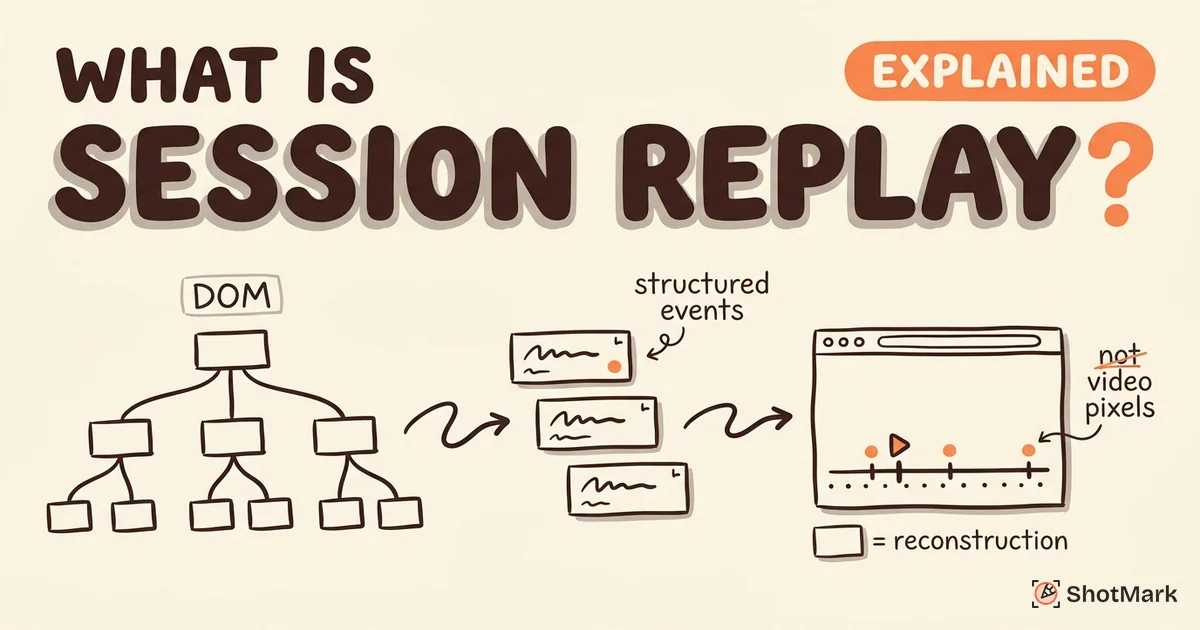
Both came from strong underlying platforms, and both bolted replay on after the fact. Neither was built replay-first, which is worth holding in mind as we go deeper. If you want the broader picture of how replay fits alongside debugging, our guide on what is session replay covers the fundamentals.
Amplitude Session Replay: Features and Fit
What Amplitude Replay Offers
Amplitude replay is tightly stitched into the analytics product. You can jump from a funnel chart directly into the sessions of users who dropped off, or from an A/B test variant into the sessions of users who saw the treatment. The Amplitude session replay product page positions it as a way to add “why” to the “what” that analytics already answers.
The integration is the point. Replay alongside event streams, cohort definitions, and experiment results means less context switching for product managers and growth teams. Amplitude also ships a standalone SDK if you want replay without the full analytics suite, which is unusual for an analytics vendor. Mobile replay is in beta for iOS and Android.
Who Amplitude Replay Is For
Product-led teams already running Amplitude will get the most value. If your daily workflow is funnels, retention curves, and feature adoption dashboards, replay slotted into those views is genuinely useful. Growth and experimentation teams benefit the most because they’re often asking “why did this variant lose?” and replay answers it directly.
Engineering teams will find it thin. There’s no first-class error tracking, no network request panel with headers and bodies, and no deep console log inspection. That’s not a weakness of the tool, it’s a choice about who it’s for.
New Relic Session Replay: Features and Fit
What New Relic Replay Offers
New Relic replay is part of New Relic Browser, the RUM side of the platform. The New Relic session replay documentation shows it capturing DOM snapshots, console output, network activity, and JavaScript errors, then correlating them with backend APM traces.
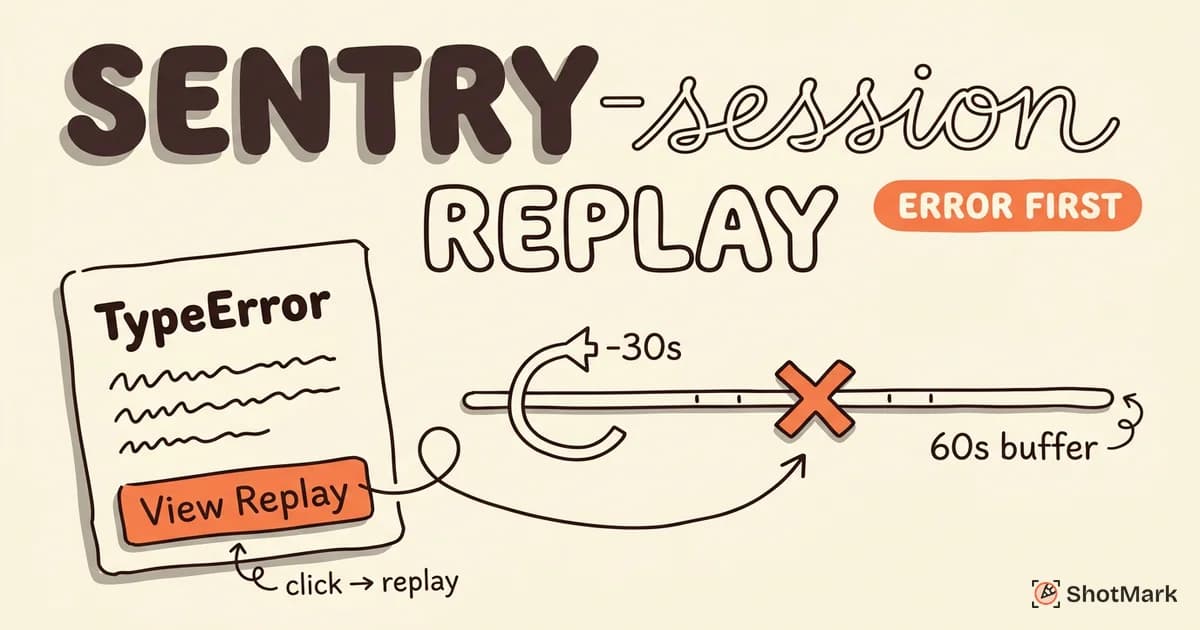
The correlation is the selling point. If an API call failed in the session, you can follow that request into the backend service trace, into the database query, and into the infrastructure metrics for the host that served it. This is the same territory covered by our breakdown of Datadog session replay, and it’s similar in spirit to what Sentry session replay does for error debugging.
Who New Relic Replay Is For
Engineering-led teams running New Relic for APM will see the value first. If your on-call rotation already opens New Relic to triage alerts, replay as the frontend view of the same incident is a natural extension. Companies with a big existing New Relic investment, especially enterprise ones, get the most out of having replay in the same pane of glass.
Product teams will find New Relic’s UI dense. It’s built for engineers scanning traces and metrics, not for PMs watching sessions to understand intent. That’s not going to change, and it shouldn’t.
Feature Comparison
Here’s how the two platforms stack up on the attributes that matter most for replay buyers.
| Feature | Amplitude | New Relic |
|---|---|---|
| Analytics integration | Deep (native) | Limited (browser events only) |
| APM / backend correlation | No | Yes (core strength) |
| Error tracking | Basic | Strong (errors inbox, traces) |
| Mobile replay | Beta (iOS, Android) | Web only |
| Pricing model | Tiered, session limits | Usage-based (ingest + users) |
| Self-hosting | No | No |
| Privacy controls | Element masking, PII filters | Element masking, PII filters |
| Standalone SDK | Yes | No (part of Browser) |
Neither tool matches FullStory’s capture fidelity or PostHog’s open-source flexibility, but that’s not what they’re competing on. They’re competing on integration with the rest of their platform.
Pricing Comparison: How Much Does Session Replay Cost on Each Platform?
Neither vendor publishes clean standalone replay pricing, which is the most frustrating part of the comparison.
Amplitude bundles replay into paid plans with session caps per tier. The Amplitude pricing page lists Plus, Growth, and Enterprise tiers, but the specific replay session allowances require a sales conversation at higher volumes. In practice, you pay for Amplitude analytics first, and replay comes with the plan.
New Relic uses a usage-based model. The New Relic pricing page charges by data ingest (GB) and by full-platform user seats. Replay sessions count against ingest, so the more you capture, the more you pay. At scale, ingest costs compound quickly because replay sessions are heavier than typical log or metric data.
Here’s a rough estimate for monthly cost at common session volumes. These are directional, not quoted prices.
| Monthly Sessions | Amplitude (est.) | New Relic (est.) |
|---|---|---|
| 10,000 | Included in Plus tier | $50-$150 ingest |
| 50,000 | Growth tier starts | $250-$600 ingest |
| 100,000 | Growth or Enterprise | $500-$1,200 ingest |
Both vendors negotiate heavily at enterprise volumes, and neither publishes replay-only pricing, so budget for a sales call before committing.
Limitations of Both Approaches
Amplitude replay is still maturing. Mobile support is in beta, error tracking is shallow compared to Sentry or LogRocket, and capture fidelity sometimes lags dedicated tools on complex single-page apps. It’s great if you’re already an Amplitude customer, less compelling as a standalone buy.
New Relic replay has the opposite problem. The backend correlation is strong, but the replay UI feels like an afterthought next to the polished APM experience. Small teams find the platform too heavy, and the learning curve is steep if you’re not already running New Relic for observability.
Neither platform competes with dedicated replay tools on replay-specific features. If you want the best viewer experience, the most granular privacy controls, or the cleanest mobile SDKs, you’ll find them in tools like FullStory, LogRocket, or PostHog. Our session replay tools comparison covers the dedicated players in detail.
When to Choose Each Tool
Choose Amplitude session replay if your team runs on product analytics, your PMs live in funnels and cohorts, and you’re already paying for Amplitude. The replay is the bonus that makes the analytics investment stickier, not the other way around.
Choose New Relic session replay if your engineering team already uses New Relic for APM and infrastructure, your debugging workflow starts with backend traces, and you want frontend replay stitched into that same view. The G2 reviews for New Relic show teams consistently praising the integrated view when they’re already invested.
Choose neither if replay is a standalone need and you want best-of-breed. Dedicated tools outperform both on replay-specific features, and the G2 reviews for Amplitude confirm that replay is a secondary reason people buy the platform. Amplitude’s own comparison of session replay tools acknowledges this market reality.
Where Bug Capture Fits Before Replay
Amplitude and New Relic both watch what’s already in production. By the time replay captures a bug, a user has already hit it, your error monitoring has already fired, and your team is chasing a fix. That’s the right tool for that job.
It’s not the right tool for catching bugs before they ship. QA engineers, developers during code review, and early customers testing a staging build need a different workflow: one-click capture of the screenshot, console logs, network requests, and a short session replay at the moment the bug happens, attached to a structured ticket.
ShotMark is building that pre-production capture layer. One click, and you get an annotated screenshot, console output, network timeline, and session replay in a single shareable report. The SDK is open source, the browser extension captures without leaving the page, and the waitlist is open if you want early access when it ships.
Production replay and pre-production capture are complementary, not competing. Amplitude session replay or New Relic replay will tell you what real users hit after deploy. ShotMark will keep those production bugs from ever reaching users in the first place.
Pick the platform that matches your team’s center of gravity. Product teams who breathe analytics should shortlist Amplitude session replay. Engineering teams who live in observability should shortlist New Relic. Either way, pair it with a tighter bug capture loop before code ships, and you’ll spend less time watching replays of preventable failures.
Get new posts in your inbox.
One email when we publish: notes on QA, AI, and shipping faster. No spam, unsubscribe anytime.