Picking the right mobile app testing tools has never been harder. Android fragmentation has pushed past 24,000 distinct device models, Apple ships a new iOS version every September, and QA teams are still expected to ship bug-free releases on a two-week cadence. The tools you choose now shape how your team scales over the next three years.
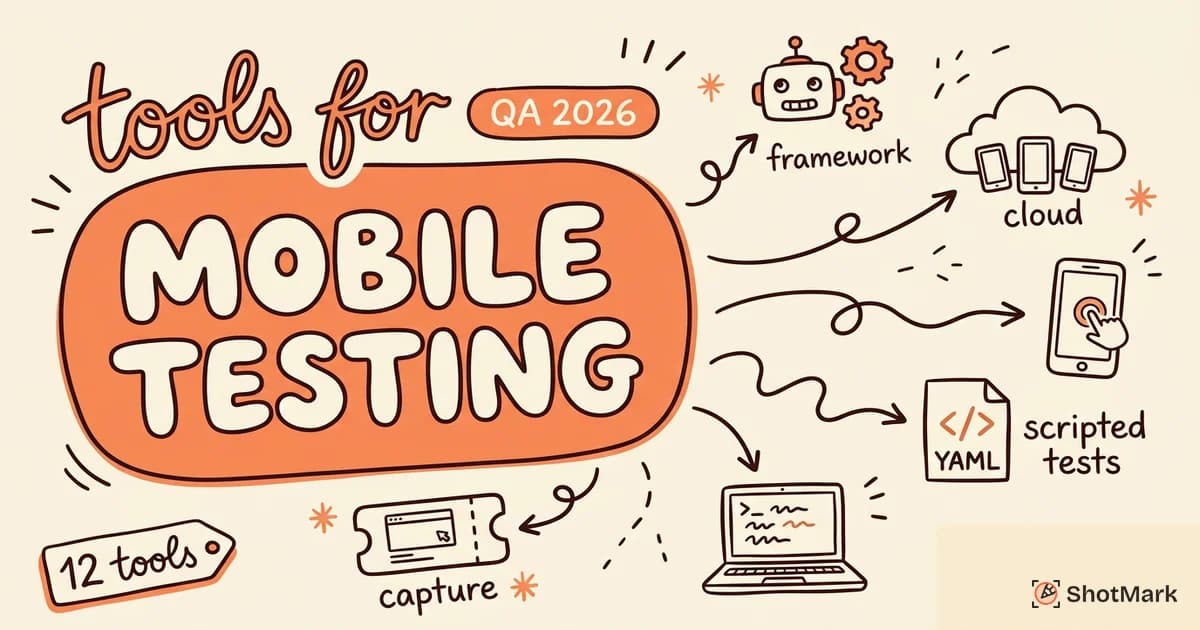
We spent time evaluating 12 of the most widely used mobile app testing tools across automation, real device clouds, and bug capture. This guide breaks down what each tool is built for, where it falls short, and how to match a tool to your stack. By the end, you’ll know which combination fits your team’s platform mix, budget, and testing style.
Why Mobile Testing Is Different From Web Testing
Mobile testing isn’t just web testing on a smaller screen. The number of variables explodes the moment you leave the browser, and every variable is a potential source of bugs that never show up in a desktop QA run.
Device fragmentation is the big one. On Android alone, you’re looking at thousands of OEM skins, OS versions still in active use going back to Android 9, and screen aspect ratios from 16:9 to 21:9. On iOS, the device count is smaller, but you still need to support at least the last three major versions to cover most of your users. If you skip a device tier, your crash reports will tell you about it.
Then there are the interactions a desktop browser never sees. Pinch, long-press, swipe, three-finger drag, biometric auth, camera permissions, push notifications, background fetch, and deep links all need their own test paths. Sensors add another layer: accelerometer, gyroscope, GPS, and ambient light all change app behavior in ways a Chrome window simply can’t replicate. When things break in production, teams often turn to platform tooling like how to capture an Android bug report step by step to pull system logs.
Network conditions matter more on mobile too. Your app has to work on patchy 3G, fast 5G, captive WiFi, and complete offline. The Google Android Developers guide to app quality makes this explicit: apps that don’t handle network transitions gracefully get downranked in the Play Store. And once you’re ready to release, the app store review process adds days between fixing a bug and shipping the fix, so your pre-release QA has to be far more thorough than a web app where you can hotfix in minutes.
Types of Mobile App Testing
Before you pick a tool, you need to know what you’re actually testing. QA teams that skip this step end up buying automation suites they barely use, or real device clouds for problems that emulators would have caught.
- Functional testing: Does the app do what the spec says? Login flows, checkout, core user journeys. This is where most automation effort goes.
- Performance testing: App cold start, scroll jank, memory ceilings, battery drain. Tools like Android Profiler and Xcode Instruments shine here.
- Usability testing: Can a real human use the app without a tutorial? Usually manual, often done with remote user testing platforms.
- Security testing: Data at rest and in transit, auth flows, keychain storage, certificate pinning. OWASP MASVS is the reference framework.
- Compatibility testing: Works across devices, OS versions, screen sizes, and pixel densities. Real device clouds earn their keep on this one.
- Installation testing: Fresh install, upgrade from older versions, reinstall after uninstall, permission denial paths. Often skipped, often the source of production incidents.
Most QA teams mix all six. The right mobile app testing tools cover two or three of these well and integrate with tools that handle the rest.
12 Best Mobile App Testing Tools
We evaluated each tool against five criteria: platform coverage, scripting style, real device access, CI/CD integration, and price at team scale. The list below mixes open source frameworks, cloud device providers, and bug capture tools because modern QA needs all three.
1. Appium
Appium is the default answer when someone asks “which tool is used for mobile application testing?” and it’s still the most widely used open source framework in 2026. It uses the WebDriver protocol, which means if your team already writes Selenium tests for web, the learning curve is almost flat.
Appium supports native Android, native iOS, hybrid apps, and mobile web from the same codebase. You write tests in Java, JavaScript, Python, Ruby, C#, or whatever language your team prefers. The official Appium documentation covers driver setup, capabilities, and the plugin ecosystem in depth.
The trade-off is speed. Appium runs through a driver layer that adds latency compared to native frameworks, and flaky tests are a known frustration. Appium 2.x fixed much of this with a stricter driver model, but you’ll still tune retries and waits more than you’d like.
What is Appium vs Selenium? Selenium is for browsers. Appium is Selenium for mobile, extended to cover native apps through platform-specific drivers (UiAutomator2 for Android, XCUITest for iOS). The WebDriver API is the same, the target is different.
Best for: Teams with existing Selenium expertise who need one framework across Android, iOS, and mobile web.
2. BrowserStack
BrowserStack runs a cloud device farm with more than 3,000 real Android and iOS devices, from current flagships to older budget phones still common in emerging markets. You can run manual exploratory sessions in a live browser or execute Appium, Espresso, and XCUITest suites at scale.
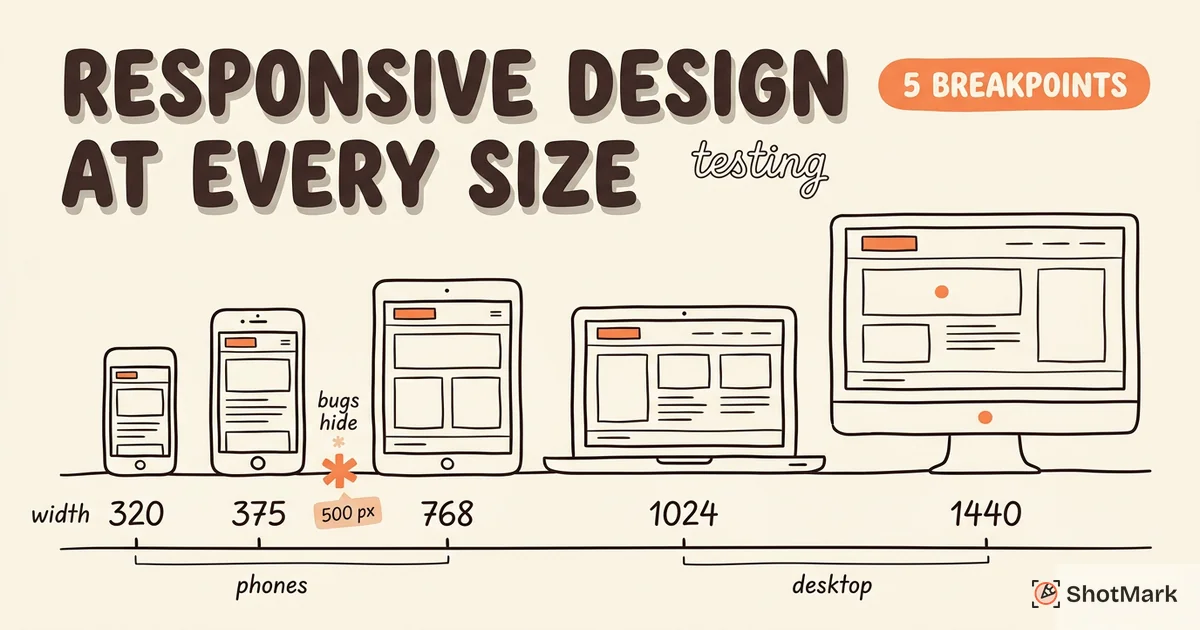
The platform integrates with most CI/CD systems out of the box, and parallel test execution is the core value prop. What takes 40 minutes serial can drop to 4 minutes on 10 devices in parallel. For a deeper look at device coverage strategy, see our guide on responsive design testing across every device size.
Pricing starts around $29/user/month for manual testing and scales to enterprise for parallel automation. It’s not cheap, but it’s often cheaper than maintaining your own device lab.
Best for: Teams that need real device coverage without the cost or maintenance of an in-house lab.
3. AWS Device Farm
AWS Device Farm gives you pay-per-minute access to real Android and iOS devices in Amazon’s cloud. If your team is already deep in AWS, the billing, IAM, and CI integration work with your existing setup, which is a real advantage over third-party clouds.
Device Farm supports Appium (Java, Python, Node.js, Ruby), Espresso, XCUITest, Calabash, and fuzz testing. You can run automated suites or remote-access individual devices for manual testing.
The device catalog is smaller than BrowserStack’s, and the UI feels more like an AWS console than a purpose-built QA tool. That’s fine if you like AWS consoles. It’s rough if you want a polished manual testing UX.
Best for: AWS-native teams that want device testing on the same billing and IAM as the rest of their infrastructure.
4. Maestro
Maestro is the newest tool on this list and the most opinionated. It uses YAML files to describe UI tests in plain English-ish syntax, which means non-engineers can read and write tests. A full test flow might be 10 lines of YAML where Appium would need 100 lines of Java.
Maestro handles flaky tests by design. It automatically waits for elements, retries on timing issues, and records screenshots for every step. The tool works on iOS, Android, React Native, and Flutter.
Where Maestro struggles is complex conditional logic. You can do it with JavaScript scriptlets, but if your tests need a lot of branching, you’ll quickly outgrow the YAML format.
Best for: Teams that want fast, low-code UI tests and don’t need heavy conditional logic.
5. Espresso (Android)
Espresso is Google’s native Android testing framework, and it’s the fastest option for Android-only teams. Tests run in the same process as the app, which removes the driver latency that slows Appium down.
Android Studio integrates Espresso directly into the build and debug workflow. You get full IDE autocomplete, and tests run against real devices or emulators through adb without any extra setup. Espresso also ships with Espresso Intents for testing inter-app flows and Espresso Web for WebViews.
The obvious limitation is iOS. Espresso doesn’t run on iOS, full stop. If you ship cross-platform, Espresso covers half your surface area.
Best for: Android-native dev teams who want the fastest, most stable UI test framework available.
6. XCUITest (iOS)
XCUITest is Apple’s answer to Espresso. It’s the native iOS UI testing framework, integrated directly into Xcode, with tests written in Swift or Objective-C.
Tests run in a separate process from the app (unlike Espresso), which lets XCUITest interact with the system keyboard, share sheets, and even cross into Safari for OAuth flows. Record-and-playback works reasonably well for simple flows, and Xcode’s UI recorder is a fast way to bootstrap a test.
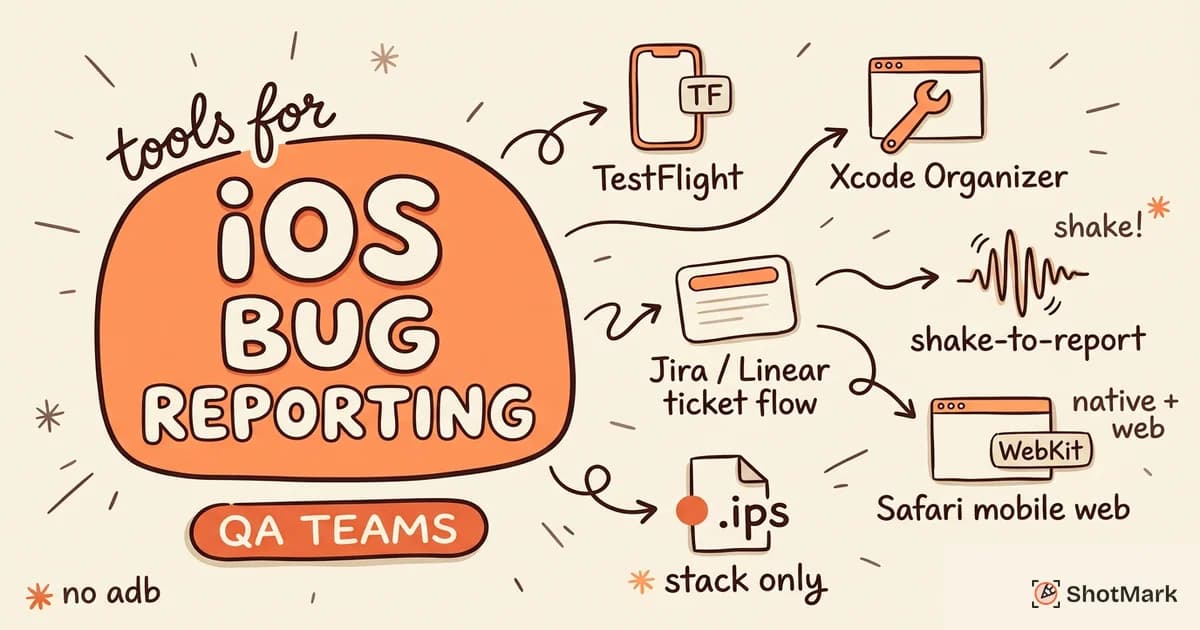
Flakiness on simulators is a known pain point. If you can afford real device CI, your failure rate will drop significantly. For teams building out an iOS QA practice, our roundup of iOS bug reporting tools for QA teams pairs well with XCUITest for the manual side of the workflow.
Best for: iOS-native dev teams who want deep integration with Xcode and the iOS test runner.
7. Detox (React Native)
Detox is a gray-box end-to-end testing framework built specifically for React Native apps. “Gray-box” means it has awareness of the app’s internals (React Native bridge state, pending network requests) without requiring you to write tests against implementation details.
The framework handles the hardest part of React Native testing: waiting for the JS bridge to settle before the next action. Most Appium-on-RN setups fall apart on this, with race conditions masquerading as flaky tests. Detox sidesteps the whole problem.
Setup is not trivial. You need to configure native build variants, handle Metro bundler state, and manage simulator lifecycles. Once it’s running, it runs well.
Best for: React Native teams who’ve tried Appium and want something that actually understands the bridge.
8. Katalon
Katalon is a low-code automation platform that wraps Appium, Selenium, and API testing in a single IDE. The idea is that less-technical QA engineers can build tests visually, while code-comfortable engineers can drop into Groovy scripts when needed.
The Studio IDE ships with a recorder, object repository, and built-in reporting. Katalon TestOps adds scheduling, CI integration, and analytics on top. Mobile support covers Android and iOS, native and hybrid.
The downside is the platform’s gravity. Katalon tests live in Katalon, and migrating out is painful if you outgrow it. The recorder produces tests that need manual cleanup before they’re maintainable at scale.
Best for: QA teams with mixed technical skill levels that want one platform for mobile, web, and API.
9. Perfecto
Perfecto is Perforce’s enterprise cloud testing platform, built around real devices in a private cloud. It adds AI-powered analytics (test failure classification, visual regression detection) and enterprise compliance features you won’t find in BrowserStack or AWS Device Farm.
The platform supports Appium, Espresso, XCUITest, and Selenium from the same control plane. Parallel execution scales to hundreds of devices for enterprise plans, and CI integrations cover Jenkins, Azure DevOps, GitHub Actions, and more.
Pricing is enterprise only, which means sales calls and custom quotes. It’s built for Fortune 500 QA orgs, not startups.
Best for: Enterprise QA teams with compliance requirements and large test suites running in parallel.
10. TestGrid
TestGrid is a smaller cloud device lab that positions itself as a budget alternative to BrowserStack and Perfecto. It supports real devices, emulators, and a scriptless test builder for teams that want point-and-click automation.
The device catalog is narrower than the big clouds, but the pricing is meaningfully lower, and you get manual and automated testing in one subscription. TestGrid also offers self-hosted options for teams with data residency requirements.
Fewer integrations, smaller community, less polished docs. If you hit an edge case, expect to file a support ticket rather than find an answer on Stack Overflow.
Best for: Budget-conscious teams that need a device cloud without BrowserStack-level spending.
11. Ranorex Studio
Ranorex Studio is a desktop-first automation IDE that covers mobile alongside web and desktop. It’s one of the older tools on this list, with a long history in enterprise QA, and it offers both codeless test building and C# or VB.NET scripting.
The Ranorex object recognition engine is strong at identifying flaky locators across builds. Their platform also includes a dedicated mobile recorder that works on real Android and iOS devices.
Ranorex is Windows-only for the IDE, which rules it out for Mac-first teams. Licensing is per-seat and enterprise-tier. The Ranorex guide to automated mobile app testing is a good read for context on their approach.
Best for: Windows-based QA teams that want both codeless and scripted testing in one tool.
12. ShotMark
ShotMark isn’t a test runner. It’s a visual bug reporting tool that pairs with whatever mobile testing stack you already use. When a tester finds a bug during manual exploration or a session on a real device cloud, ShotMark captures the full context in one click.
A single capture includes the screenshot, annotations drawn by the tester, console logs, network requests, and a session replay of what happened before the bug. For mobile web testing, that context drops into a bug report that developers can actually reproduce without a 30-minute Slack thread. ShotMark also ships an open-source SDK so product teams can embed the capture flow into their own apps.
The tool is built for the gap that automation frameworks leave behind: exploratory testing and bug communication. For a deeper look at how this fits into a mobile QA workflow, see our guide on mobile bug reporting to capture and track app bugs.
Best for: QA teams who need to cut bug communication time and ship better reports regardless of which testing framework they run.
Comparison Table
| Tool | Platforms | Open Source | Real Devices | Codeless | Starting Price |
|---|---|---|---|---|---|
| Appium | Android, iOS, Web | Yes | Via cloud | No | Free |
| BrowserStack | Android, iOS | No | Yes (3,000+) | Manual only | $29/user/mo |
| AWS Device Farm | Android, iOS | No | Yes | No | Pay per minute |
| Maestro | iOS, Android, RN, Flutter | Yes | Via cloud | Yes (YAML) | Free (Cloud paid) |
| Espresso | Android only | Yes | Via cloud | No | Free |
| XCUITest | iOS only | Yes | Via cloud | Partial | Free |
| Detox | React Native | Yes | Simulators | No | Free |
| Katalon | Android, iOS, Web | Free tier | Integrated | Yes | $25/user/mo |
| Perfecto | Android, iOS, Web | No | Yes | Partial | Enterprise |
| TestGrid | Android, iOS, Web | No | Yes | Yes | $19/user/mo |
| Ranorex Studio | Android, iOS, Web, Desktop | No | Via device | Yes | $1,890/license |
| ShotMark | Mobile Web, Web | Yes (SDK) | N/A | N/A | Waitlist |
Pricing is approximate as of April 2026 and changes often. Always check the vendor’s current plan page before you commit.
How to Choose a Mobile Testing Tool
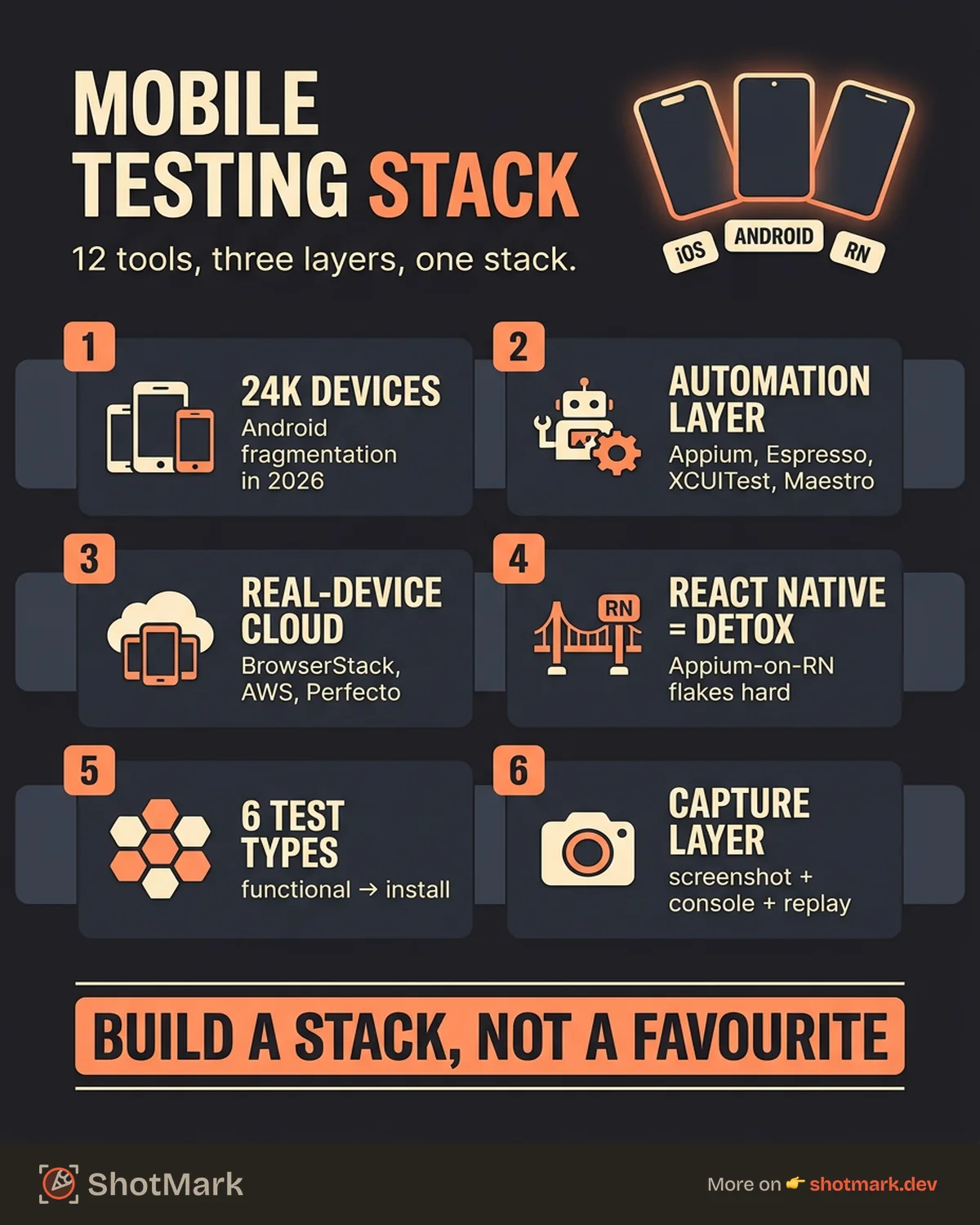
How do you test a mobile app? The honest answer is that you don’t pick one tool. You pick a stack. The right combination depends on what you ship, how your team writes code, and how much you can spend.
- Native Android only: Espresso for UI tests, JUnit for unit tests, a real device cloud for compatibility. Google’s tooling is the fastest path.
- Native iOS only: XCUITest in Xcode, XCTest for unit tests, Instruments for performance. Apple’s tooling is tightly integrated.
- Cross-platform native: Appium or Katalon for one test suite across both platforms. Expect to tune for platform-specific quirks.
- React Native: Detox for end-to-end, Jest with React Native Testing Library for components. Avoid Appium on RN unless you enjoy race conditions.
- Flutter: Flutter’s built-in integration_test package is the default, with Maestro or Patrol as alternatives for richer flows.
- Mobile web: BrowserStack or Sauce Labs with Playwright or Cypress. Our guide to cross-browser testing tools and common pitfalls covers the variant coverage trade-offs.
- Any of the above, plus QA who file bug reports: Add ShotMark for visual bug capture. The testing tools find bugs. A bug reporter communicates them.
Most teams end up with two or three tools: a framework for automated tests, a device cloud for scale, and a bug reporting tool for the human testers. The ISTQB mobile testing guidance and App Store Review Guidelines are worth reading alongside your tool choice because the right tool still needs the right process behind it.
Automation vs Manual Mobile Testing
The debate isn’t automation or manual. It’s what to automate and what to leave for humans.
Automate the work that’s repetitive, regression-prone, and predictable. Smoke tests on every commit. Critical user journeys before every release. API contract tests that catch breaking changes on the backend. If you’re running the same test manually more than twice a week, it’s a candidate for automation.
Keep manual for work that benefits from human judgment. Exploratory testing on new features uncovers bugs that scripted tests were never written to find. Usability evaluation catches the “this is technically correct but feels weird” problems that users complain about in store reviews. Visual QA spots rendering glitches that pixel-diff tools miss half the time.
The failure mode we see most often is teams trying to automate everything and ending up with a bloated, flaky suite that nobody trusts. A smaller automated suite plus a healthy manual testing practice beats a sprawling automated suite plus no humans every time. The Microsoft Edge mobile testing reference on PWA validation is a good reminder that some classes of bugs only appear when a human uses the app in the wild.
Capture Mobile Bugs With Context
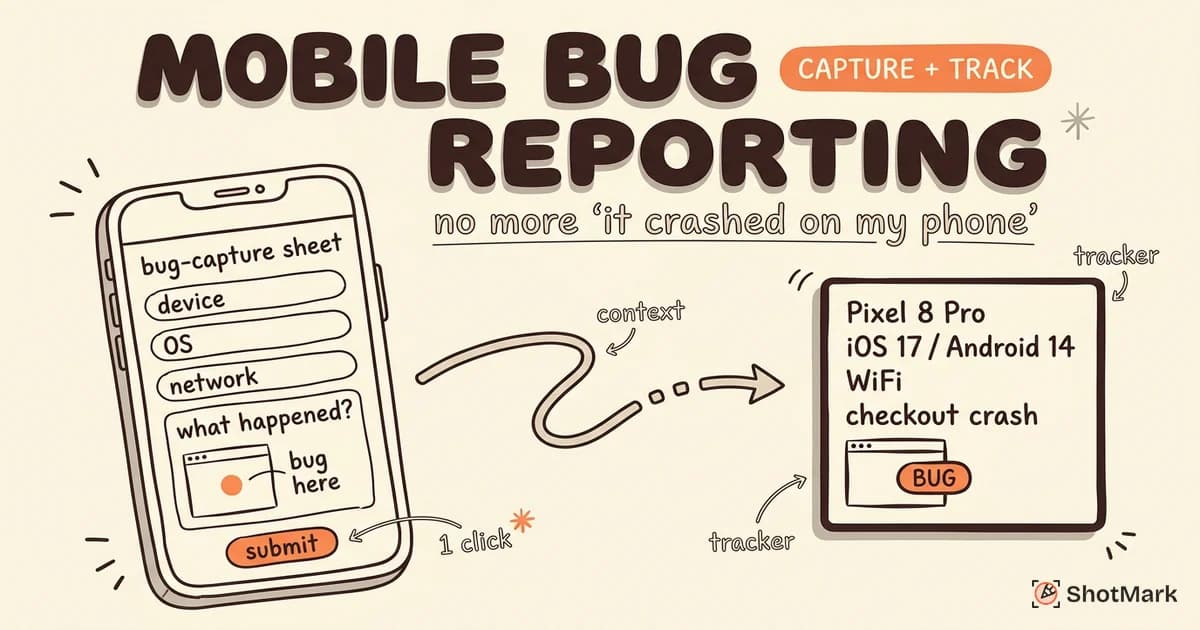
Even the best mobile app testing tools will hand you bugs that you then have to report, track, and fix. Bug communication is where most teams lose hours every week. A tester finds something, writes up a description, attaches a screenshot, and still gets a reply asking for console logs or network requests that are already gone because the testing session ended 20 minutes ago.
ShotMark closes that gap. One click captures the full context: screenshots, annotations, console logs, network requests, device info, and a session replay of the last few minutes. Instead of “can you send me the network tab?” three messages later, the developer opens one link and has everything. That turns an average 20-minute bug-reporting cycle into a 2-minute one.
For mobile QA teams working on mobile web or hybrid apps, this cuts meaningful hours out of every sprint. Pair it with Appium, BrowserStack, or whatever your team already runs. The testing tools do their job. The bug reporter does its job. Developers stop asking for context that should have been in the ticket to begin with.
Closing Thoughts
The best mobile app testing tools for QA teams in 2026 aren’t a single platform. They’re a composable stack: a framework that fits your codebase, a device cloud that covers your user base, and a bug reporter that cuts communication time to the bone. Pick tools that play well with each other, and your team ships faster with fewer production surprises.
If you’re building out a mobile QA practice or refreshing an older setup, start with the platform-native framework (Espresso or XCUITest), add a cloud provider once you outgrow local devices, and layer in ShotMark when bug communication starts costing you sprint velocity. Join the ShotMark waitlist if you want early access to the bug capture workflow your testing team will thank you for.
Get new posts in your inbox.
One email when we publish: notes on QA, AI, and shipping faster. No spam, unsubscribe anytime.