Unit tests pass. Integration tests pass. Then users report that checkout is broken because the payment service returns unexpected responses. E2E testing exists to catch exactly this kind of problem, the kind that only surfaces when the full stack runs together.
End-to-end testing simulates real user behavior in a real browser. It clicks buttons, fills forms, navigates between pages, and verifies that complete workflows produce the expected results. No other testing type provides this level of confidence in the full system.
What Is E2E Testing?
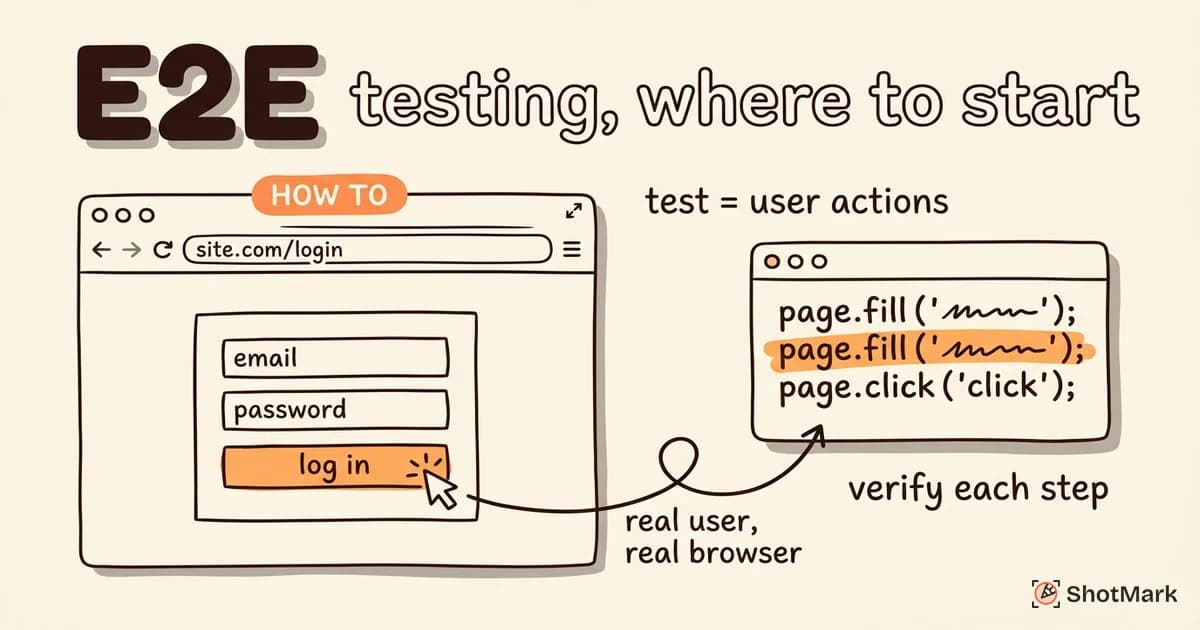
E2E testing validates complete user workflows from start to finish. An E2E test opens a browser, performs actions a real user would take, and verifies the outcomes at each step.
Unlike unit tests that check individual functions or integration tests that verify component interactions, E2E testing exercises the entire application stack: frontend rendering, API calls, database queries, and third-party service integrations.
The key characteristics of E2E testing:
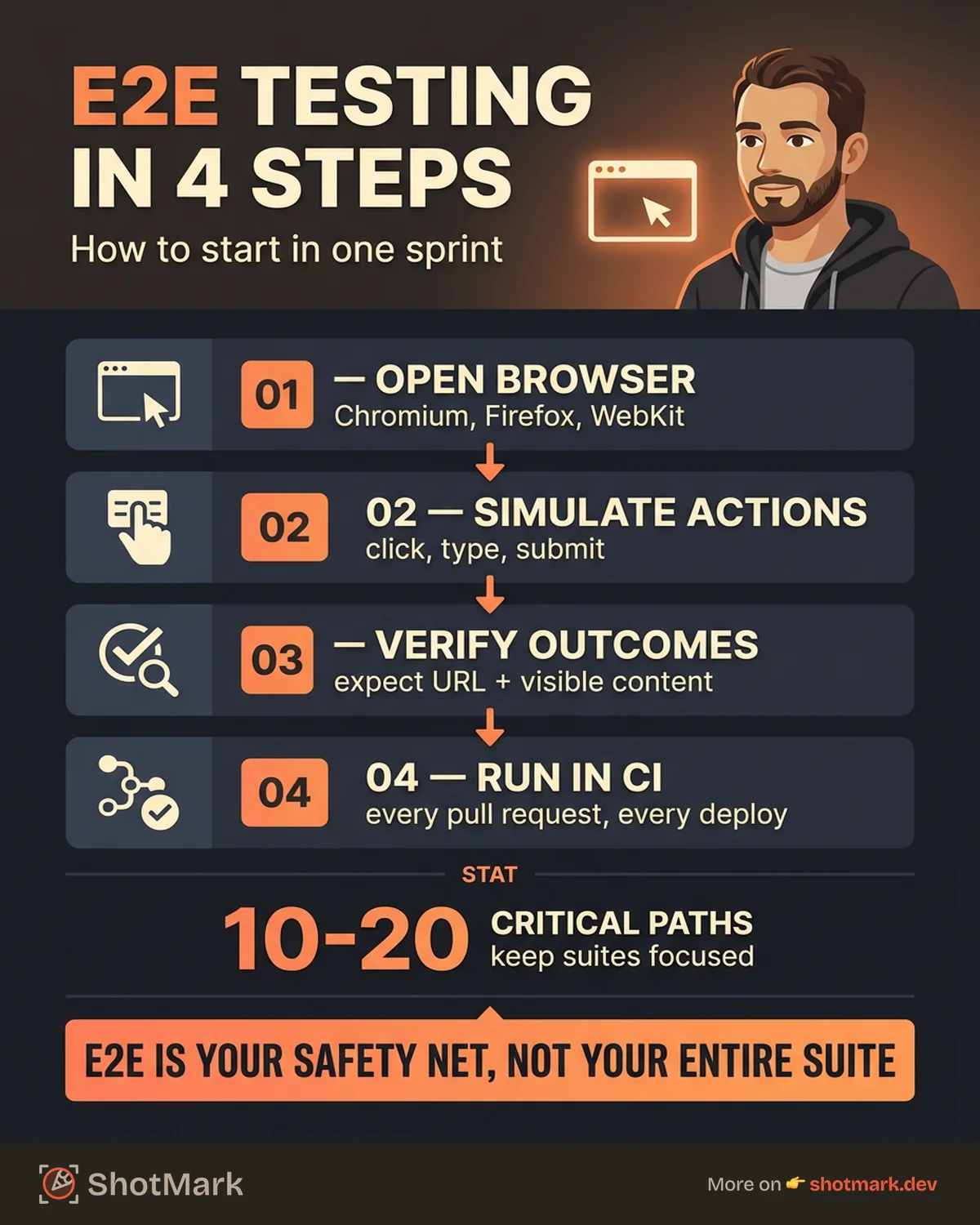
- Tests run in real browsers (Chromium, Firefox, WebKit)
- Tests simulate actual user actions: click, type, navigate, submit
- Tests cover the full stack, from UI to database
- Tests verify complete workflows, not individual functions
BrowserStack’s E2E testing guide describes it as the closest thing to real user validation you can automate. It is not a replacement for user testing, but it is the best automated proxy for “does this app actually work when someone uses it?”
When E2E Testing Makes Sense
E2E testing is powerful, but it is also the most expensive testing type in terms of execution time and maintenance effort. Knowing when to use it (and when not to) is critical.
Use E2E testing for critical user workflows: Sign-up flows, login processes, checkout flows, and onboarding sequences. These are the paths your users follow every day, and a failure here directly impacts revenue and retention.
Use E2E testing for integration points: Any workflow that spans multiple services (payment processing, email delivery, third-party APIs) is a strong candidate. Unit testing for frontend developers covers individual components, but only E2E testing verifies the complete chain.
Use E2E testing for pre-release confidence: Running a focused E2E suite before deployment gives teams confidence that the most important workflows still function.
When NOT to use E2E testing: Individual function validation, rapid iteration on unstable features, and testing edge cases that unit tests can cover more efficiently. A useful rule: if the test can run without a browser, it should not be an E2E test.
E2E Testing vs Unit vs Integration Testing
Understanding where E2E testing fits in the testing pyramid helps teams allocate effort correctly.
| Unit Testing | Integration Testing | E2E Testing | |
|---|---|---|---|
| Scope | Single function or component | Multiple components together | Full user workflow |
| Speed | Milliseconds | Seconds | Minutes |
| Confidence | Low (isolated) | Medium | High (full stack) |
| Maintenance | Low | Medium | High |
| Flakiness | Rare | Occasional | Common |
| Best for | Logic validation | Component interaction | User workflow validation |
The practical test pyramid suggests most tests should be unit tests, fewer integration tests, and the fewest E2E tests. This is not because E2E testing is less valuable. It is because E2E tests are slower, more brittle, and harder to maintain. Reserve them for the workflows that matter most.
One practical implication: when an E2E test fails, your first question should be “can we catch this at a lower level?” If a unit test or integration test could have caught the same bug faster, add that test and keep the E2E test as a safety net.
E2E Testing Tools Compared
Choosing the right tool depends on your team’s stack, skills, and testing needs.
Playwright
Playwright is a Node.js testing framework from Microsoft that supports Chromium, Firefox, and WebKit out of the box. Its auto-wait mechanism and trace viewer make debugging straightforward.
Playwright’s cross-browser support is genuinely cross-browser. It does not rely on WebDriver, which means faster execution and fewer flaky tests. The trace viewer records screenshots, network requests, and console logs for every test step.
Best for: teams that need cross-browser coverage and value developer experience.
Cypress
Cypress runs directly in the browser, which gives it access to native browser events and the application’s DOM. Its time-travel debugging feature lets you inspect the state of the application at any point during the test.
Cypress has a JavaScript-native API that feels natural for frontend developers. Cypress Cloud provides dashboards for test results, parallelization, and flaky test detection.
Best for: frontend teams using JavaScript or TypeScript who want a smooth setup experience.
Selenium
Selenium is the oldest browser automation framework, with the widest language support (Java, Python, C#, Ruby, JavaScript). Selenium Grid enables parallel test execution across multiple machines.
Selenium’s maturity is both a strength and a weakness. The ecosystem is massive, but the API is verbose compared to Playwright or Cypress.
Best for: teams with existing Selenium infrastructure or teams that need multi-language support.
Others Worth Knowing
TestCafe runs tests in any browser without browser plugins. Nightwatch.js provides a simple syntax built on Selenium WebDriver. WebDriverIO integrates well with the broader JavaScript testing ecosystem.
| Playwright | Cypress | Selenium | TestCafe | |
|---|---|---|---|---|
| Languages | JS/TS, Python, Java, .NET | JS/TS | Many | JS/TS |
| Browsers | Chromium, Firefox, WebKit | Chromium, WebKit | All major | All major |
| Auto-wait | Built-in | Built-in | Manual | Built-in |
| Parallel | Native | Via Cypress Cloud | Selenium Grid | Built-in |
| Mobile | Emulation | Limited | Via Appium | Limited |
Writing Your First E2E Test
Here is a complete E2E test using Playwright that validates a login workflow. This is a realistic starting point you can adapt to your own application.
import { test, expect } from '@playwright/test';

test('user can log in with valid credentials', async ({ page }) => {
  // Navigate to the login page
  await page.goto('https://example.com/login');

  // Fill in the login form
  await page.fill('[data-testid="email-input"]', 'user@example.com');
  await page.fill('[data-testid="password-input"]', 'valid-password');

  // Submit the form
  await page.click('[data-testid="login-button"]');

  // Verify the user reaches the dashboard
  await expect(page).toHaveURL(/dashboard/);
  await expect(page.locator('[data-testid="user-name"]')).toBeVisible();
});
Run it locally with a single command:
npx playwright testPlaywright opens a browser, executes the test steps, and reports pass or fail. If the test fails, the trace viewer shows exactly where it broke, including screenshots and DOM snapshots at each step.
The key principle: use stable selectors like data-testid attributes instead of CSS classes or XPath. CSS classes change during redesigns. Data-testid attributes exist specifically for testing and stay stable.
Check the Playwright getting started guide for configuration details, and the Cypress documentation if you prefer that framework.
E2E Testing in CI/CD
E2E tests provide the most value when they run automatically as part of your deployment pipeline.
name: E2E Tests
on: [push, pull_request]
jobs:
  e2e:
    runs-on: ubuntu-latest
    steps:
      - uses: actions/checkout@v4
      - uses: actions/setup-node@v4
        with:
          node-version: 20
      - run: npm ci
      - run: npx playwright install --with-deps
      - run: npx playwright test
      - uses: actions/upload-artifact@v4
        if: failure()
        with:
          name: playwright-report
          path: playwright-report/
This configuration runs E2E tests on every push and pull request. If tests fail, the Playwright report gets uploaded as an artifact for debugging.
For faster execution, use parallelization and sharding. Split your E2E suite across multiple CI machines so tests run concurrently instead of sequentially. This turns a 20-minute suite into a 5-minute suite with four workers.
Run on every pull request: This ensures no PR merges code that breaks a critical workflow. GitHub Actions setup for Playwright takes about 10 lines of YAML.
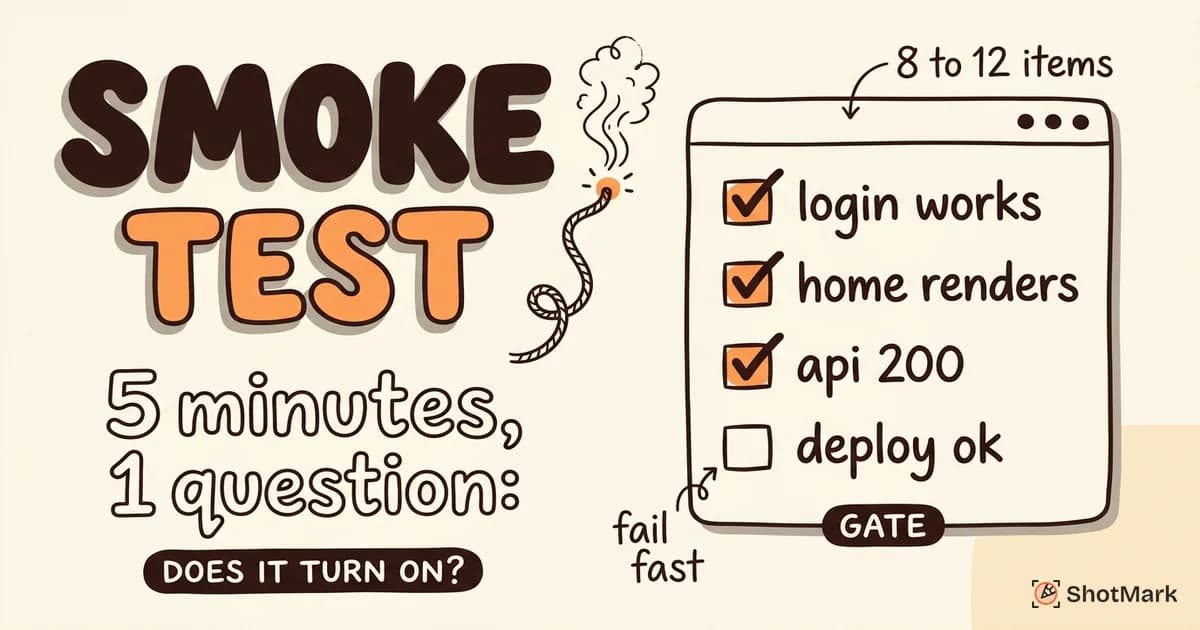
Gate deployments: Configure your pipeline so that a failing E2E test blocks deployment to staging or production. This is the same gating strategy used for smoke tests in CI/CD, applied at a deeper level.
For a broader look at how different test types fit into your pipeline, our guide to frontend testing tools covers the full stack.
E2E Testing Best Practices
Teams that succeed with E2E testing follow a consistent set of practices.
Keep the suite small and focused: Aim for 10 to 20 E2E tests covering critical paths, not 200 tests covering every edge case. Edge cases belong in unit tests. E2E tests validate the workflows that keep the business running.
Use stable selectors: Data-testid attributes and ARIA roles are more reliable than CSS selectors or link text. Build testability into your components from the start.
Isolate test data: Each test should create its own data and clean up after itself. Tests that depend on shared state become flaky when run in parallel or in different orders.
Handle flakiness with retries, not ignores: Flaky tests are a symptom of a real problem: timing issues, unstable environments, or poor test design. Set up retry strategies while you investigate the root cause. Never disable a flaky test permanently.
Do not duplicate coverage: If a unit test already validates that a function returns the correct output, an E2E test does not need to check the same thing. E2E tests should verify integration, not individual logic.
Name tests descriptively: A test named test-1 tells you nothing when it fails at 2 AM. A test named user-can-complete-checkout-with-credit-card tells the on-call developer exactly which workflow broke.
For a broader view of building a layered testing strategy, see our guide to software testing automation.
E2E Tests Find Bugs; Reports Fix Them
E2E testing catches the workflow-breaking bugs that other test types miss. A login flow that fails, a checkout that hangs, an onboarding sequence that drops users at step three. These are the bugs that cost the most when they reach production.
When an E2E test fails, the next step matters just as much as the test itself. Developers need to know what happened, where it happened, and what the browser state looked like at the point of failure. A test log that says “expected URL to match /dashboard/” tells them the test failed. It does not tell them why.
ShotMark gives your team that context. When a test fails, the extension captures screenshots, console logs, and network request data in one click, turning vague test failures into actionable bug reports. No manual reproduction. No guesswork.
The result is faster debugging, fewer “cannot reproduce” conversations, and quicker fixes for the workflow-breaking bugs that E2E testing catches.
Try ShotMark free and turn E2E test failures into developer-ready bug reports.
Get new posts in your inbox.
One email when we publish: notes on QA, AI, and shipping faster. No spam, unsubscribe anytime.