The types of software testing number in the dozens, and every QA resource seems to list them differently. Most teams don’t need to master all of them. They need to understand the core categories, know when each applies, and pick the right combination for their application and release cadence.
We’ve watched teams get paralyzed by the sheer number of testing types listed in ISTQB syllabi and testing encyclopedias. The ISTQB foundation defines over 150 testing terms. You don’t need all of them to ship reliable software. You need the right ones, applied consistently.
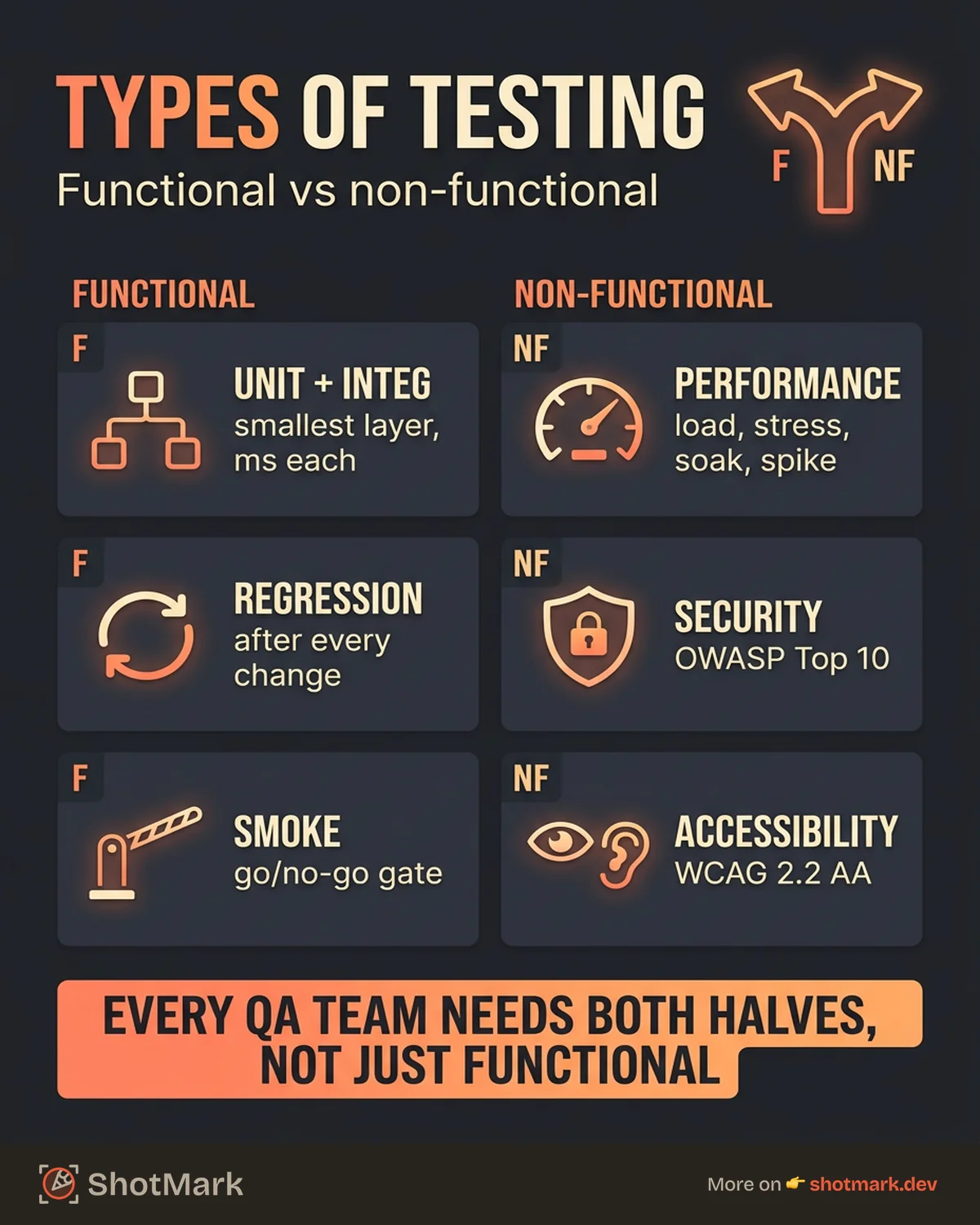
Functional vs Non-Functional Testing: The Two Main Categories
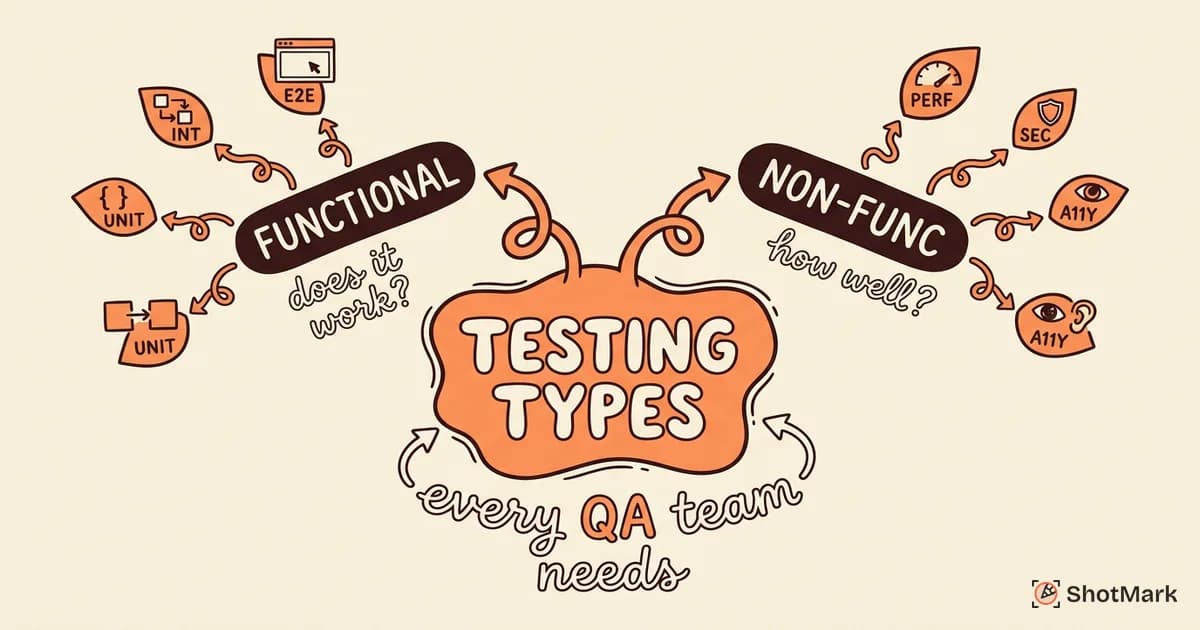
Every type of software testing falls into one of two buckets.
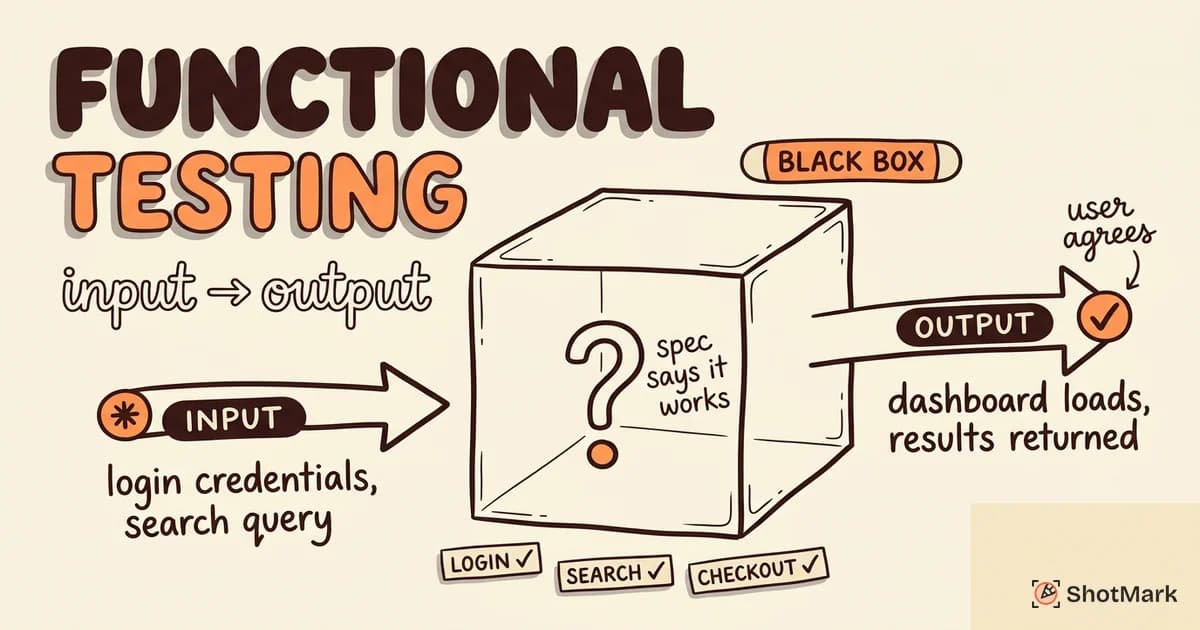
Functional testing answers: does the software do what it’s supposed to do? Can a user log in, add items to a cart, and complete checkout? Does the search return relevant results?
Non-functional testing answers: how well does the software do it? How fast does the page load? Is the data secure? Can a screen reader user navigate the interface?
This distinction is foundational because it shapes your testing strategy. A common mistake: teams over-invest in functional testing and ignore non-functional testing until production issues force their hand. Slow pages, security vulnerabilities, and inaccessible interfaces don’t show up in functional tests.
| Category | Focus | Examples | Tools |
|---|---|---|---|
| Functional | Behavior and features | Unit, integration, regression, smoke | Vitest, Playwright, Cypress |
| Non-functional | Quality attributes | Performance, security, accessibility | k6, OWASP ZAP, axe |
The right balance depends on your application. A banking app needs heavy security and performance testing. A content website needs accessibility and cross-browser testing. Every team needs both categories represented.
Functional Testing Types
Functional testing types form a hierarchy from small and fast to large and slow. Martin Fowler’s testing pyramid explains why the balance matters: more tests at the base, fewer at the top.
Unit Testing
Unit tests verify individual functions or methods in isolation. They’re the fastest tests to write and run, typically executing in under a millisecond each.
A unit test for a pricing function might confirm that a 20% discount applied to a $50 item produces $40. No database, no network, no UI. Just the logic.
Tools: Vitest , Jest , pytest, JUnit
Integration Testing
Integration tests verify that modules or services work together. These catch issues at the boundaries: API contracts, database queries, third-party service responses.
An integration test might confirm that your user registration endpoint creates a database record, sends a confirmation email, and returns the expected response. It exercises real connections, not mocks.
Tools: Testing Library, Supertest, Postman
System Testing
System testing evaluates the complete application as a whole. This happens in a staging environment that mirrors production as closely as possible.
The goal is to validate that end-to-end business requirements work. Can a real user complete the full purchase flow? Does the admin panel correctly display data from the production database schema?
Acceptance Testing
Acceptance testing confirms that the software meets business requirements. User Acceptance Testing (UAT) involves actual stakeholders, not QA engineers. The product owner or client verifies that the built feature matches what they asked for.
UAT is the final gate before deployment. Failures here usually indicate requirements gaps, not code bugs.
Regression Testing
Regression testing re-runs existing tests after code changes to catch unintended side effects. Every bug fix, feature addition, or dependency update risks breaking something that worked before.
Regression testing is the most common candidate for automation. Re-running the same test suite manually every sprint is expensive and error-prone. Tools like Playwright and Cypress make automated regression practical for web teams.
Smoke Testing
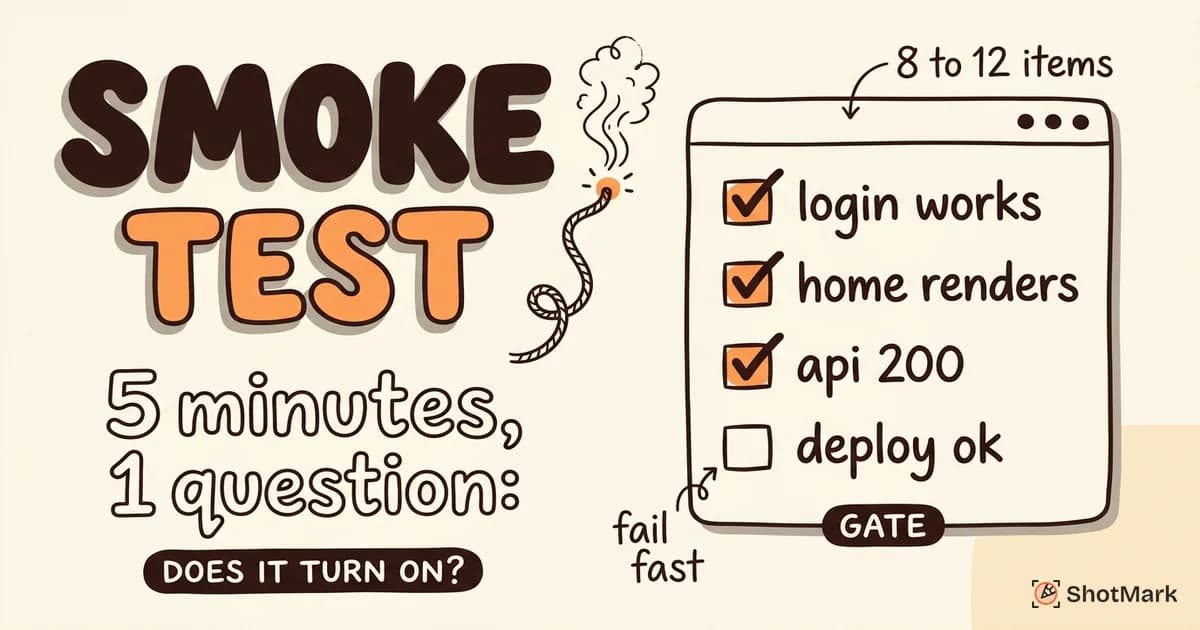
Smoke testing is a quick check that critical functionality works after a build. Think of it as a go/no-go gate. If the login page loads and users can authenticate, the build passes smoke testing and proceeds to deeper testing.
If smoke testing fails, nothing else matters. Stop testing, fix the build, start over.
Non-Functional Testing Types
Non-functional testing validates quality attributes that functional tests can’t measure. These types of testing in software testing are often neglected because they don’t directly verify features, but they determine whether users have a good experience.
Performance Testing
Performance testing measures response time, throughput, and resource usage. It includes several subtypes:
- Load testing: Verify performance under expected traffic
- Stress testing: Push beyond capacity to find the breaking point
- Soak testing: Sustained load over time to find memory leaks and degradation
- Spike testing: Sudden traffic surges to test auto-scaling
Tools: k6 , Apache JMeter, Gatling
Performance issues are invisible in functional tests. Your checkout flow might work perfectly at 10 concurrent users and fall apart at 1,000.
Security Testing
Security testing identifies vulnerabilities before attackers do. This includes injection attacks, cross-site scripting (XSS), authentication flaws, and data exposure.
Penetration testing simulates real attacks. Vulnerability scanning automates the search for known weaknesses. The OWASP Top 10 provides a standard checklist for web application security.
Tools: OWASP ZAP , Burp Suite, Snyk
Usability Testing
Usability testing evaluates how easy and intuitive the software is for real users. This requires human testers, not automation. You observe whether users can complete tasks without confusion, find what they need, and recover from errors.
Usability testing overlaps with UX research. QA teams typically handle task-based usability checks, while UX researchers handle deeper qualitative studies.
Accessibility Testing
Accessibility testing verifies that the software is usable by people with disabilities. This means testing with screen readers, keyboard-only navigation, color contrast checkers, and zoom levels up to 400%.
WCAG 2.2 compliance is the standard, and ADA lawsuits for inaccessible websites continue to rise. Accessibility testing should happen every sprint, not as a pre-launch audit.
Compatibility Testing
Compatibility testing verifies that your application works across browsers, devices, and operating systems. Cross-browser testing catches layout differences between Chrome, Firefox, and Safari. Responsive design testing catches breakage at different screen sizes.
The BrowserStack guide to testing types covers compatibility testing in more detail, including device lab setup and cloud-based testing platforms.
Specialized Testing Types Worth Knowing
Beyond the core functional and non-functional categories, several specialized QA testing types address specific concerns.
Exploratory Testing
Exploratory testing is unscripted, human-driven discovery. Testers explore the application freely, following their instincts and experience to find edge cases that no test plan covers. It’s especially valuable for finding UX problems and unexpected state combinations.
API Testing
API testing validates endpoints, contracts, and error handling independently of the UI. You test request formats, response schemas, authentication, rate limiting, and error codes directly against the API layer.
API tests run fast because they skip the browser entirely. They’re also more stable than UI tests because APIs change less frequently than interfaces.
Visual Regression Testing
Visual regression testing compares screenshots to catch unintended UI changes. Every PR triggers a screenshot comparison, and any pixel-level difference gets flagged for review.
This catches problems that functional tests miss: misaligned elements, wrong colors, broken layouts. It’s particularly valuable for design systems and marketing pages where visual consistency matters.
Chaos and Resilience Testing
Chaos testing intentionally breaks things to verify that the system recovers. Kill a database connection, spike CPU usage, or drop network packets between services. If the system degrades gracefully and recovers, resilience is solid. If it cascades into total failure, you’ve found a real problem.
Netflix’s Chaos Monkey pioneered this approach in production, but the same principle applies in testing environments.
Building Your Testing Strategy: Which Types to Prioritize
You can’t implement every testing type at once. Here’s how we recommend building a strategy based on team maturity.
Every team needs these fundamentals: unit testing, integration testing, regression testing, and smoke testing. These four cover the core of functional quality and should be automated from the start.
Add based on risk:
- High-traffic applications need performance and stress testing
- Applications handling sensitive data need security testing
- Public-facing websites need accessibility and compatibility testing
- Applications with complex UIs need visual regression testing
Scale from the fundamentals based on your application type, team size, and risk tolerance. The Atlassian guide to testing types provides additional context for building a phased approach.
When any test type surfaces a bug, the quality of the bug report determines how fast it gets fixed. A unit test failure with a stack trace is actionable. An exploratory testing note that says “something looked weird on the dashboard” is not. ShotMark ensures every bug report includes the visual and technical context developers need to reproduce and fix the issue without follow-up questions.
Understanding the types of software testing is the first step. Building a strategy that applies the right types at the right time is what separates teams that test from teams that ship reliable software.
Get new posts in your inbox.
One email when we publish: notes on QA, AI, and shipping faster. No spam, unsubscribe anytime.