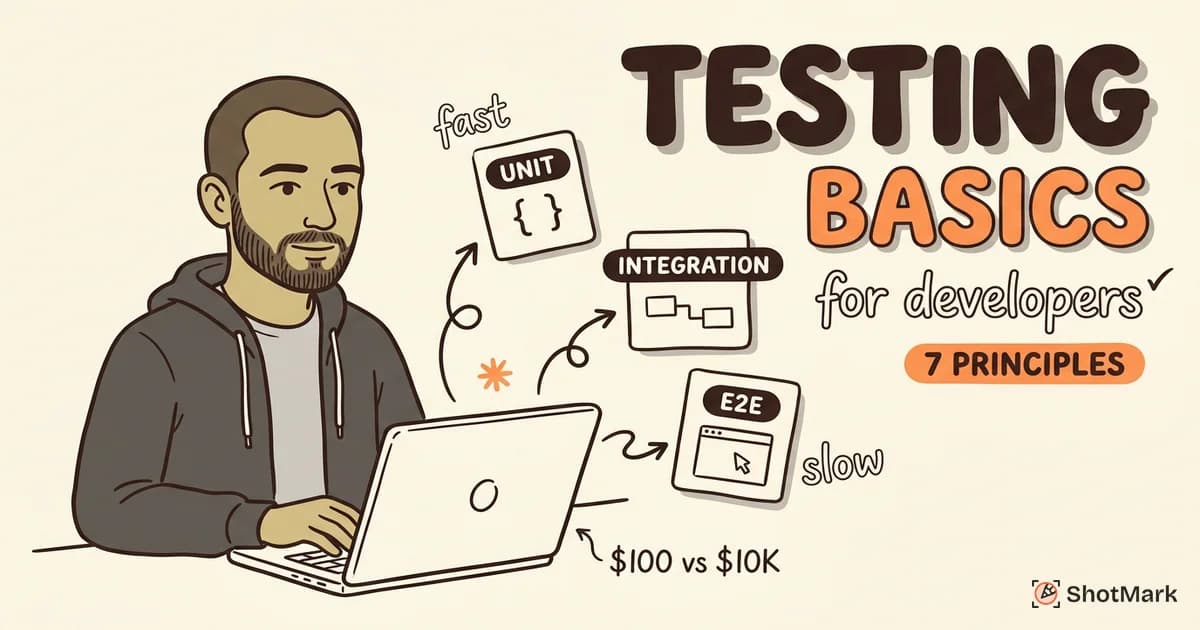
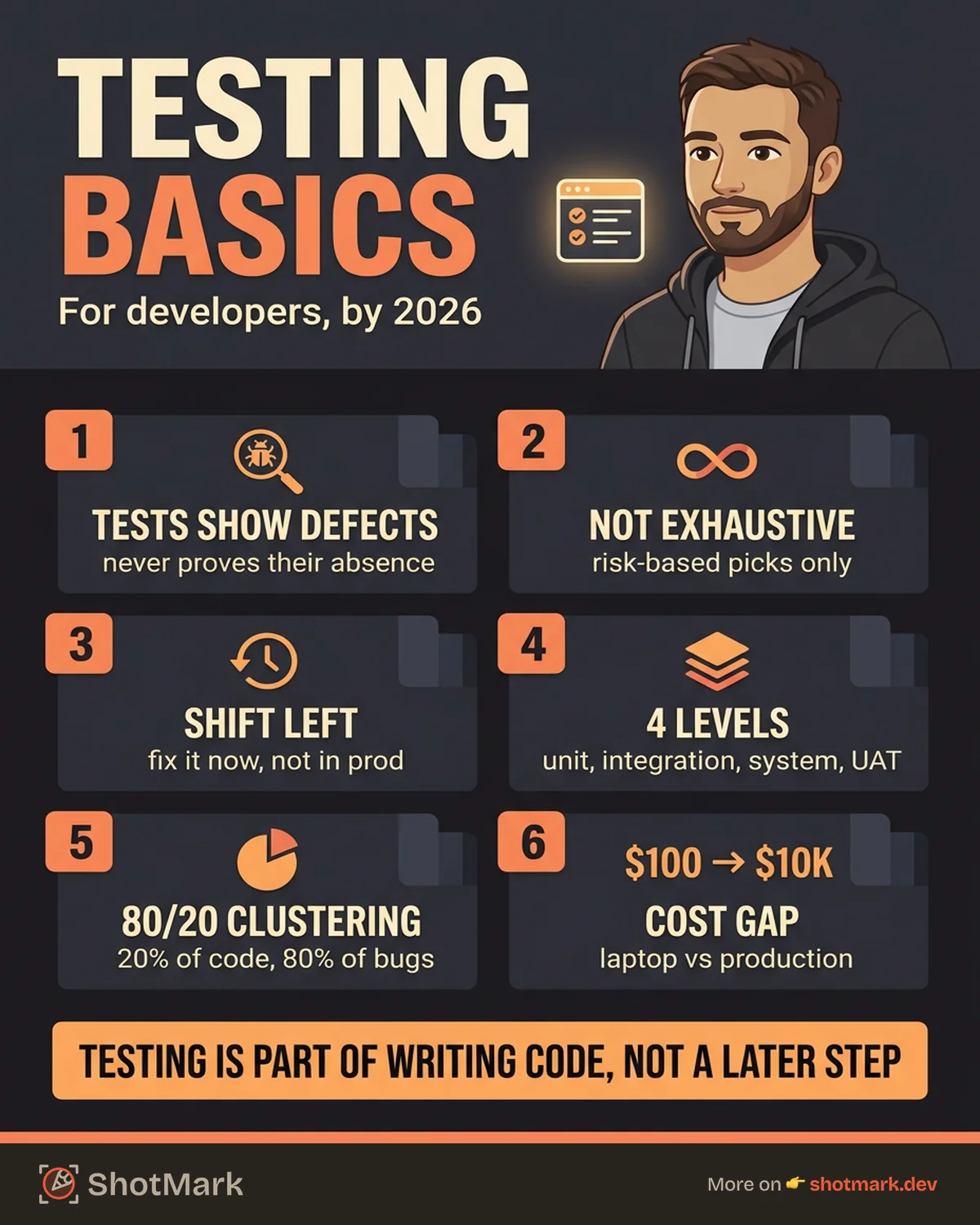
A bug caught on a developer’s laptop costs about $100 to fix. The same bug caught after release can cost $10,000 or more, according to research IBM has published for years on the economics of software defects. Most developers still learn software testing basics on the job, one painful production incident at a time.
This guide covers the fundamentals you actually need as someone who writes code, not someone who writes test plans for a living. We’ll walk through the seven principles, the four levels of testing, the main types and techniques, and how testing fits into modern workflows like CI/CD and agile sprints.
What Is Software Testing (and Why Developers Should Care)
Software testing is the process of evaluating a system to find defects, verify it meets requirements, and confirm it behaves correctly under expected and unexpected conditions. IBM’s definition of software testing frames it as the discipline of running software against a specification to reveal the gap between the two.
For decades, testing was treated as a separate phase owned by a dedicated QA team. That model is mostly gone. Today, developers write unit tests, own CI pipelines, run integration suites, and debug flaky E2E runs. Testing isn’t someone else’s job. It’s part of writing code.
The cost argument is the one most developers already believe. Defects found during coding are cheap. Defects found in production are expensive, and not just in engineering time. Production bugs burn trust, hurt retention, and force incident response work that nobody enjoys.
There’s a second argument that matters more day-to-day. Tests are a form of documentation. A well-written test suite tells the next engineer what the code is supposed to do, which edge cases matter, and where the tricky invariants live. Code without tests is code you’re afraid to change.
The 7 Principles of Software Testing
The ISTQB Foundation Level syllabus codifies seven principles that apply to every project, regardless of language or stack. These aren’t abstract ideas. They shape how you should think about every test you write.
Testing Shows the Presence of Defects, Not Their Absence
Tests can prove bugs exist. They can’t prove software is bug-free. A green CI run means the scenarios you tested behaved correctly. It says nothing about the scenarios you didn’t test.
The practical implication is humility. When your test suite passes, don’t assume the software works. Assume your tests work, and that’s a much smaller claim.
Exhaustive Testing Is Impossible
You can’t test every combination of inputs, browsers, network conditions, user states, and timings. Even a simple form with three fields has effectively infinite input combinations once you include invalid, empty, and edge-case values.
Risk-based testing is the answer. Focus on the combinations most likely to fail and the combinations whose failure would hurt the most. A payment flow deserves more testing than a marketing banner.
Early Testing Saves Time and Money
The earlier you find a defect, the cheaper it is to fix. This is the core idea behind shift-left testing: push testing activities earlier in the development lifecycle instead of leaving them to the end.
Writing a unit test while you write the feature catches logic errors in minutes. Finding the same bug in staging costs hours. Finding it in production costs days, plus a postmortem. The cost curve is non-linear and unforgiving.
Defect Clustering
Bugs are not evenly distributed across a codebase. In practice, roughly 80% of defects come from 20% of modules. You’ve probably noticed this. Certain files in your codebase keep breaking, while others sit quietly for years.
Track defect density per module. The modules with the highest historical defect counts are the ones that need the most testing attention now. Past pain predicts future pain.
The Pesticide Paradox
Running the same tests repeatedly stops finding new bugs, just like pests develop resistance to the same pesticide. Test suites need to evolve. They need new cases, new scenarios, and periodic review.
Review your tests during refactors. Add cases when bugs escape to production. Retire tests that no longer add value. A stale test suite gives false confidence.
Testing Is Context Dependent
A medical device needs more rigorous testing than a personal blog. A payment system needs different testing than a content management tool. There’s no universal playbook.
Match your testing effort to your risk profile. Startups testing an MVP don’t need the same coverage as a bank. Banks testing a trading system need far more than what’s in most open-source projects.
The Absence-of-Errors Fallacy
Software that passes every test can still fail to meet user needs. Correctness and usefulness are different properties. A calculator that adds numbers perfectly but has a confusing UI is a bad product, even if it’s a well-tested one.
This is why usability testing, exploratory testing, and real user feedback matter. Automated tests verify behavior. Humans verify value.
Levels of Software Testing
Software testing fundamentals break into four classical levels, each with a different scope and purpose. Think of them as layers that build on each other.
Unit Testing
Unit tests verify individual functions, methods, or classes in isolation. They’re the fastest to run, the cheapest to write, and the easiest to automate. A typical unit test takes milliseconds and runs as part of every commit.
Tools vary by language: Jest and Vitest for JavaScript and TypeScript, pytest for Python, JUnit for Java, RSpec for Ruby, Go’s built-in testing package for Go. The tooling doesn’t matter as much as the discipline of writing tests alongside your code. For a deeper look at front-end patterns, see our unit testing for frontend developers guide.
Unit tests answer one question: does this function return the right output for the inputs I give it? They don’t test integration, deployment, or user experience. That’s intentional. Keeping them narrow is what keeps them fast.
Integration Testing
Integration tests verify that modules work together correctly. They catch bugs that unit tests miss, like a service that passes the wrong shape of data to its neighbor or a database query that returns an unexpected null.
Classic examples: API tests that hit real HTTP endpoints, database tests that exercise actual SQL, and service-to-service tests that run multiple components together. QA Wolf’s fundamentals guide covers integration testing patterns in more depth.
Integration tests are slower than unit tests and harder to maintain, but they catch a different class of bugs. The interface between components is where contracts break and assumptions diverge.
System Testing
System testing validates the complete application as a whole. It covers functional requirements (does the feature work end to end?) and non-functional requirements (does it scale, is it secure, is it accessible?).
At this level, the software is tested in an environment close to production. Browsers, networks, databases, third-party APIs, and real infrastructure are all in play. System tests are expensive, slow, and prone to flakiness, but they catch problems no other level can.
Acceptance Testing
Acceptance testing answers a business question: does this software meet the requirements the stakeholders set? There are two common flavors. User acceptance testing (UAT) involves real end users trying the software against their actual workflows. Business acceptance testing involves product managers or sign-off authorities confirming the feature matches the spec.
Acceptance tests are less about finding code bugs and more about finding requirement gaps. Developers can build exactly what was asked for, only to discover the ask was wrong. That’s what UAT catches.
Types of Software Testing
Types and levels are different axes. Levels describe scope (unit, integration, system, acceptance). Types describe purpose (what are we verifying?). A single test case often falls into multiple types at once.
Functional Testing
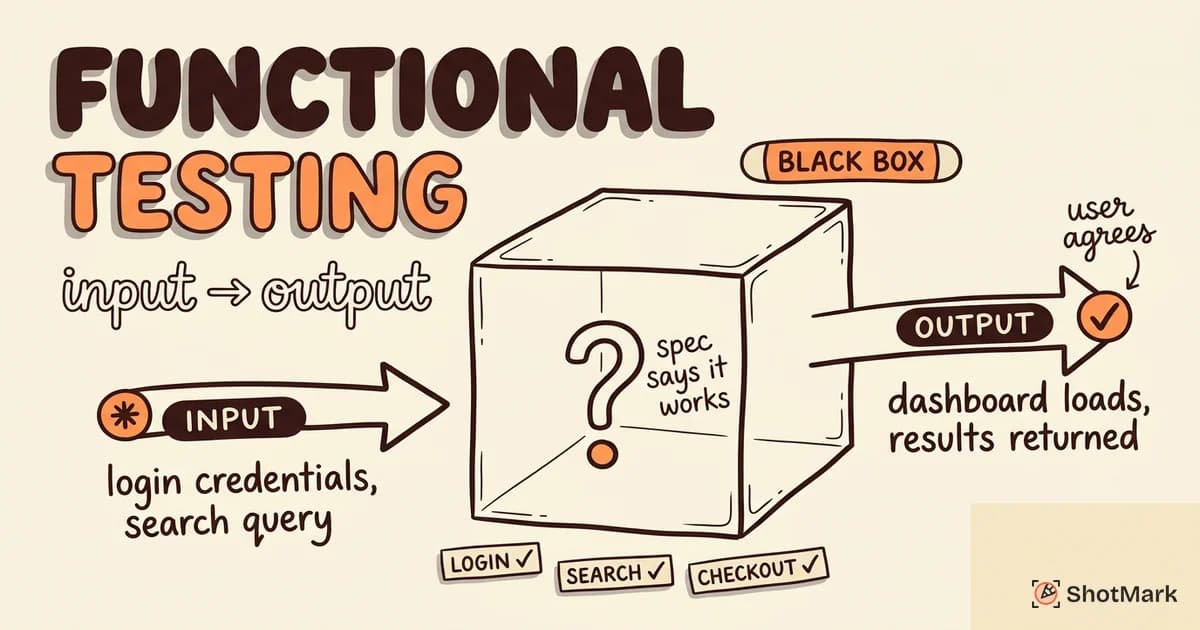
Functional testing verifies that software does what the specification says. It’s the broadest category and includes unit, integration, smoke, regression, and end-to-end testing. For a closer look, our functional testing explained post breaks down the subcategories and when to use each.
A functional test checks inputs and outputs against expected behavior. “When a user submits this form with these values, the system should respond with this status code and this payload.” That’s a functional test, whether it runs at the unit, integration, or system level.
Non-Functional Testing
Non-functional testing verifies qualities that aren’t about feature behavior: performance, security, usability, reliability, scalability, and accessibility. These are often the tests that teams skip first, and the ones that hurt the most when they’re missing.
Performance testing includes load testing (expected traffic), stress testing (beyond expected traffic), soak testing (sustained traffic over hours), and spike testing (sudden bursts). Our load testing tools roundup covers the current landscape.
Accessibility testing verifies that software works for users with disabilities and meets standards like WCAG 2.2. This is ethical, legal, and commercially important. Our accessibility testing guide walks through the tooling and checklists.
Security testing includes dependency scanning, static analysis, dynamic analysis, and penetration testing. Each catches a different class of vulnerability.
Regression Testing
Regression testing verifies that existing functionality still works after a change. Every bug fix, refactor, and new feature creates the risk that something else breaks. Regression suites are the safety net that catches those breakages before users do.
Regression tests are the single biggest argument for test automation. Running a regression suite manually after every commit is impossible. Running it automatically in CI is how modern teams ship safely. Our regression testing guide walks through how to structure a regression suite that doesn’t balloon out of control.
Smoke Testing
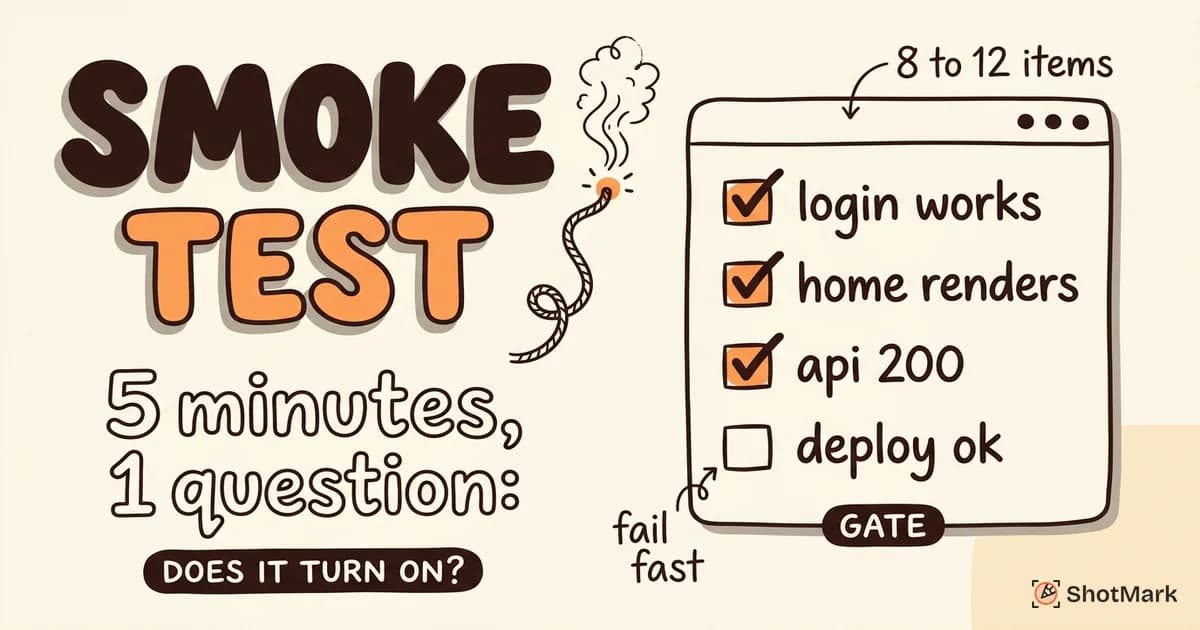
Smoke testing answers one question: is the build stable enough to test further? A smoke test is a minimal set of critical-path checks that run first. If smoke fails, don’t bother running the rest. Fix smoke first.
Smoke tests typically cover logging in, loading the home page, submitting a core action, and confirming nothing is obviously on fire. Our smoke testing guide covers the pattern in detail. For teams mapping smoke to types more broadly, our types of software testing reference is a good companion.
Manual Testing vs Automated Testing
Neither is universally better. The right answer depends on what you’re testing and how often.
Manual testing shines for exploratory work, usability evaluation, one-off checks, and edge cases where automation is expensive to set up. A human can notice that a page looks visually wrong, feel that a button is hard to find, or spot that an animation is jarring. Automation is bad at all of these.
Automation shines for regression, smoke, performance, and any repetitive flow that runs many times. The economics are simple: automation is expensive to build, cheap to run. Manual testing is cheap to start, expensive to repeat.
The crossover point depends on how often you run the test. A flow that runs once probably shouldn’t be automated. A flow that runs on every commit almost certainly should be. Somewhere in between is a case-by-case decision. For more detail, see manual vs automated testing.
Most mature teams use both. Automation handles the regression load. Manual testing handles exploration, exploratory QA sessions, and the subjective qualities automation can’t measure. They’re not competitors. They’re partners.
Testing Techniques Every Developer Should Know
Beyond levels and types, there are specific techniques that shape how you design test cases. Three come up constantly in developer work.
Black-Box Testing
Black-box testing treats the software as an opaque unit. You know what goes in, you know what should come out, but you don’t look at the internal code. This is how your users experience the software, which is why black-box techniques are foundational.
Two techniques dominate. Equivalence partitioning groups inputs into classes that should behave the same way, so you test one representative per class instead of every input. Boundary value analysis tests the edges of valid ranges, because bugs cluster at boundaries. If a function accepts 1 through 100, test 0, 1, 100, and 101. That’s where off-by-one errors live.
White-Box Testing
White-box testing uses knowledge of the internal code to design tests. You look at the branches, loops, and conditions and design tests that exercise each one.
Coverage metrics are the common output. Statement coverage measures which lines ran. Branch coverage measures which decision outcomes ran. Path coverage measures which execution paths ran. Path coverage is the strictest and most expensive to achieve.
Coverage is useful as a floor, not a ceiling. 100% line coverage doesn’t mean every behavior is tested. It means every line ran. Those are different.
Exploratory Testing
Exploratory testing is unscripted, experience-driven testing. A tester uses the software the way a curious user would, noticing what feels off, what breaks when you click fast, what happens when you do something unexpected. The GeeksforGeeks overview of software testing covers exploratory techniques as part of the broader discipline.
This is the technique most developers undervalue and most experienced QA engineers rate highest. Automated tests verify what you thought to verify. Exploratory testing catches what you didn’t think of at all. Schedule it intentionally. Don’t assume it happens on its own.
How Testing Fits Into Modern Development Workflows
The waterfall model of “developers code, then QA tests” is mostly dead. Modern teams integrate testing throughout the development cycle.
Testing in Agile Sprints
In agile sprints, testing isn’t a separate phase. Tests are written alongside (or before) the code. QA engineers pair with developers, review test plans during sprint planning, and run exploratory sessions in parallel with feature work.
Definition of Done typically includes passing tests, code review, and some level of QA signoff. Stories that aren’t tested aren’t done.
CI/CD Integration
Continuous integration runs tests on every commit. Continuous delivery extends that to automatic deployment when tests pass. The combination means every code change goes through the same quality gate.
A well-designed pipeline runs fast tests first (unit) and slower tests later (integration, E2E). If unit tests fail, the pipeline stops immediately. This keeps feedback fast and costs low. Our software testing automation starter guide covers the first steps for teams building automation from scratch.
The Test Pyramid
The test pyramid is a model for balancing test types. Many unit tests at the base, fewer integration tests in the middle, and very few end-to-end tests at the top. The shape reflects cost and speed: unit tests are cheap and fast, E2E tests are expensive and slow.
Teams that invert the pyramid (lots of E2E tests, few unit tests) end up with slow, flaky suites that nobody trusts. Keep the pyramid right-side-up. Our E2E testing guide covers where E2E fits and how to avoid overusing it.
Shift-Left and Shift-Right
Shift-left pushes testing earlier. Developers write unit tests during development. Security scanning runs on pull requests. Accessibility checks run in CI.
Shift-right pushes testing later, into production. Feature flags enable gradual rollouts. Synthetic monitoring runs test scenarios against production. Real user monitoring catches bugs that only appear under real traffic. Both movements, combined, mean testing happens before and after release, not just in a middle phase.
Common Testing Mistakes Developers Make
After years of watching teams set up test suites, a few mistakes show up again and again.
Writing tests after the code is “done.” Tests written after the fact tend to match whatever the code currently does, not what it should do. Test-driven development (write the test first, watch it fail, write the minimum code to pass) avoids this trap. Even when TDD feels unnatural, writing tests before merging catches problems writing them after merging misses.
Testing implementation details instead of behavior: A test that asserts a specific function was called with specific arguments is brittle. Refactor the code, and the test breaks even though the behavior is identical. Good tests assert on observable behavior: what the user sees, what the API returns, what the database contains.
Ignoring flaky tests until the suite is unreliable: One flaky test is an annoyance. Ten flaky tests mean nobody trusts the suite, and when real bugs cause failures, they get dismissed as “probably flaky.” Fix flakiness aggressively. Quarantine or delete tests you can’t fix.
Treating 100% coverage as a goal: Coverage measures how much code ran during tests. It doesn’t measure whether your tests are any good. You can have 100% coverage and still miss every important bug. Coverage is a floor, not a ceiling.
Skipping testing in staging before production: Staging environments exist for a reason. Deploying straight to production without a staging pass means production is your test environment, and your users are your testers. Neither of them signed up for that role.
Treating QA as a bottleneck instead of a partner: When developers throw code over the wall and QA engineers throw bugs back, everything moves slower. When they pair on test plans, exploratory sessions, and debugging, quality improves and cycle time drops.
Where Bug Reporting Meets Testing
Testing finds bugs. Bug reporting communicates them. Teams that invest heavily in testing but neglect bug reporting end up with detailed test runs and useless tickets.
A bug report without reproduction steps, environment details, or console logs is almost useless to the developer who has to fix it. They’ll spend more time reproducing the bug than fixing it. That wastes exactly the kind of cycle time that good testing is supposed to save.
This is where visual bug reporting tools come in. ShotMark captures screenshots, console logs, network requests, and session replay in one click, so the bug report a tester files already includes the context a developer needs. No more back-and-forth asking for the browser version or the URL.
ShotMark is open source, available as a browser extension and an embeddable SDK, and the waitlist is open for early access. If you’re a developer who’s tired of debugging tickets that say “it doesn’t work,” you’re exactly the person we built it for.
Software testing basics aren’t just for testers. They’re for anyone who ships code and cares whether it works. Start with the principles, build the right levels of testing, pick the techniques that match your risk profile, and integrate testing into your CI pipeline. The teams that do this ship faster and break things less. That’s the whole point.
Get new posts in your inbox.
One email when we publish: notes on QA, AI, and shipping faster. No spam, unsubscribe anytime.