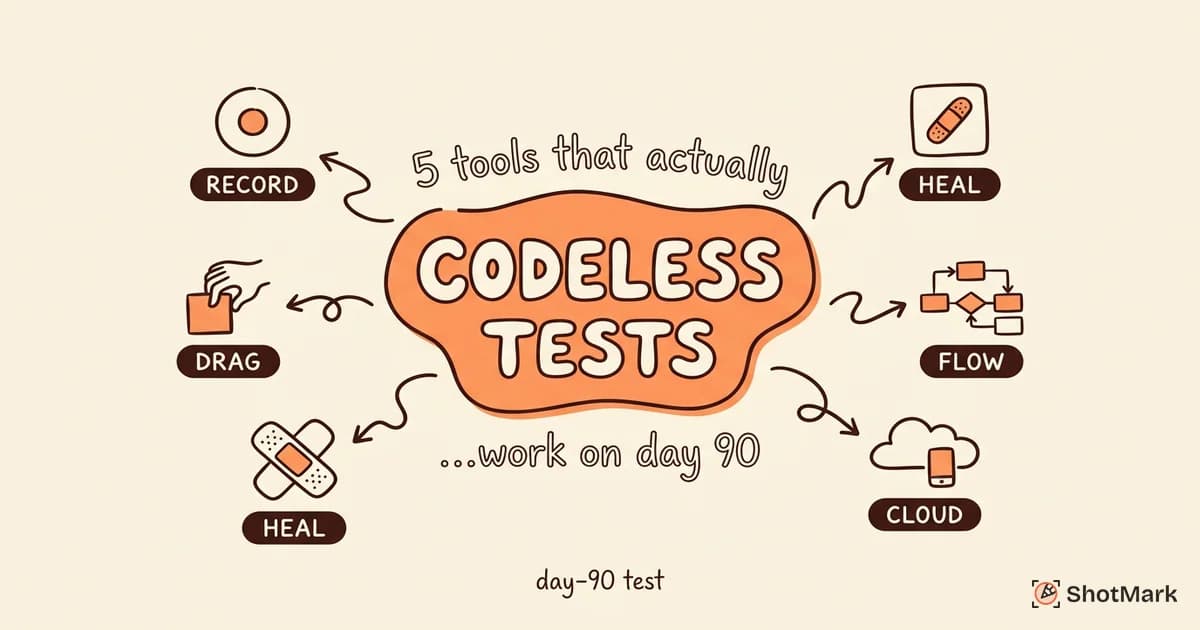
Codeless test automation tools promise QA teams the ability to build and maintain tests without writing code. The pitch sounds compelling. The reality is more nuanced: some tools deliver on that promise for real applications, while others break the moment your UI changes a button label.
We evaluated the codeless testing landscape with a specific question in mind: do these tools hold up beyond vendor demos? The answer depends on what you are testing, how often your UI changes, and whether your team is willing to adopt a hybrid approach.
What Is Codeless Test Automation?
Codeless test automation means building automated tests through visual interfaces, record-and-replay mechanisms, or AI-assisted flows instead of writing test scripts by hand. Testers interact with the application, and the tool generates the test steps automatically.
The core technologies behind codeless testing:
- Record-and-replay: The tool records browser interactions and replays them. Changes to the UI often break recorded tests unless the tool has element-healing capabilities.
- Visual flow builders: Drag-and-drop interfaces where testers construct test flows using visual blocks instead of code.
- AI-assisted element recognition: The tool uses machine learning to find elements even when selectors change, reducing maintenance overhead.
Codeless testing exists on a spectrum. Fully codeless tools require zero scripting. Low-code tools allow scripted overrides for complex scenarios. The practical difference matters: teams that succeed with codeless testing almost always end up using the hybrid approach.
The demand for codeless testing tools is growing because QA teams face more releases with the same headcount. Not every team has an SDET available to build and maintain coded test suites. The World Quality Report shows that release frequency continues to increase while QA team sizes stay flat. Codeless tools aim to close that gap.
What codeless does not remove: test design skills. You still need to decide what to test, define expected outcomes, and manage test data. The “codeless” part removes the scripting barrier, not the need for someone who understands testing fundamentals.
Where Codeless Tools Shine (and Where They Don’t)
No-code test automation works well for certain test categories and struggles with others. Being honest about both sides helps teams set realistic expectations.
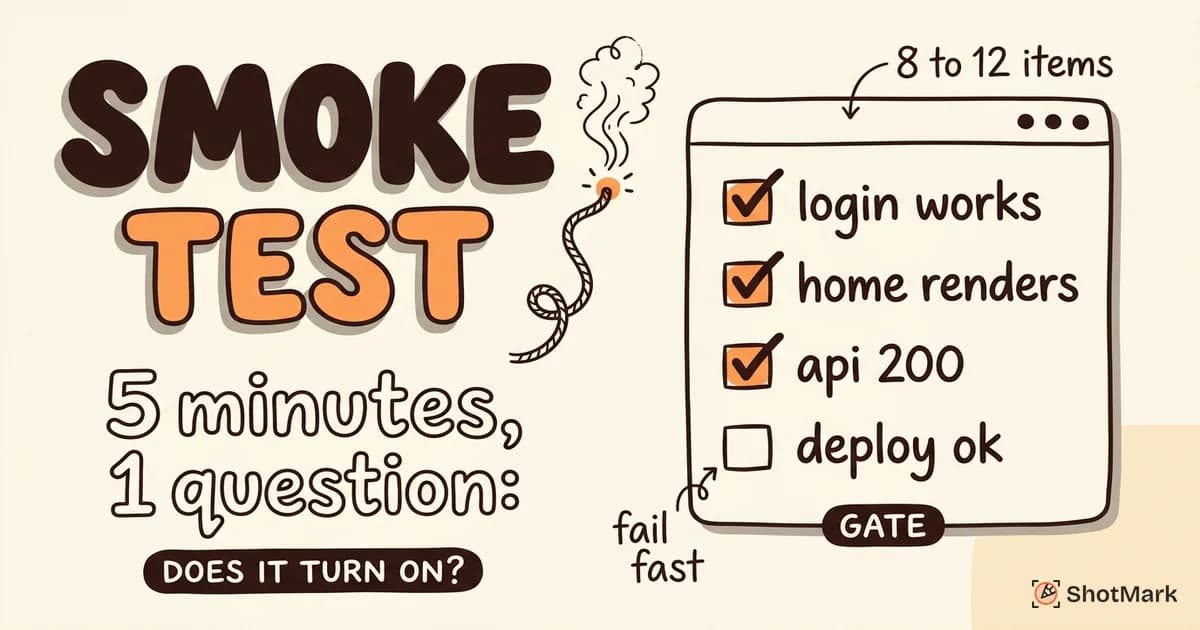
Best for smoke tests and regression suites on stable UIs: When the application under test has a consistent interface and the test cases follow predictable paths, codeless tools perform well. Recording a login flow or a checkout sequence is straightforward in any modern codeless tool.
Best for repetitive user flows: Tests that run the same steps on every build are strong candidates. The recording effort happens once, and the tool replays it indefinitely.
Weak with complex data-driven scenarios: Tests that require hundreds of input combinations, conditional logic, or API chaining push codeless tools past their limits. These scenarios usually require some scripting.
Weak with dynamic content: Pages with heavily dynamic content (infinite scroll, real-time updates, A/B testing) challenge record-and-replay tools because the recorded element state may not match the live state.
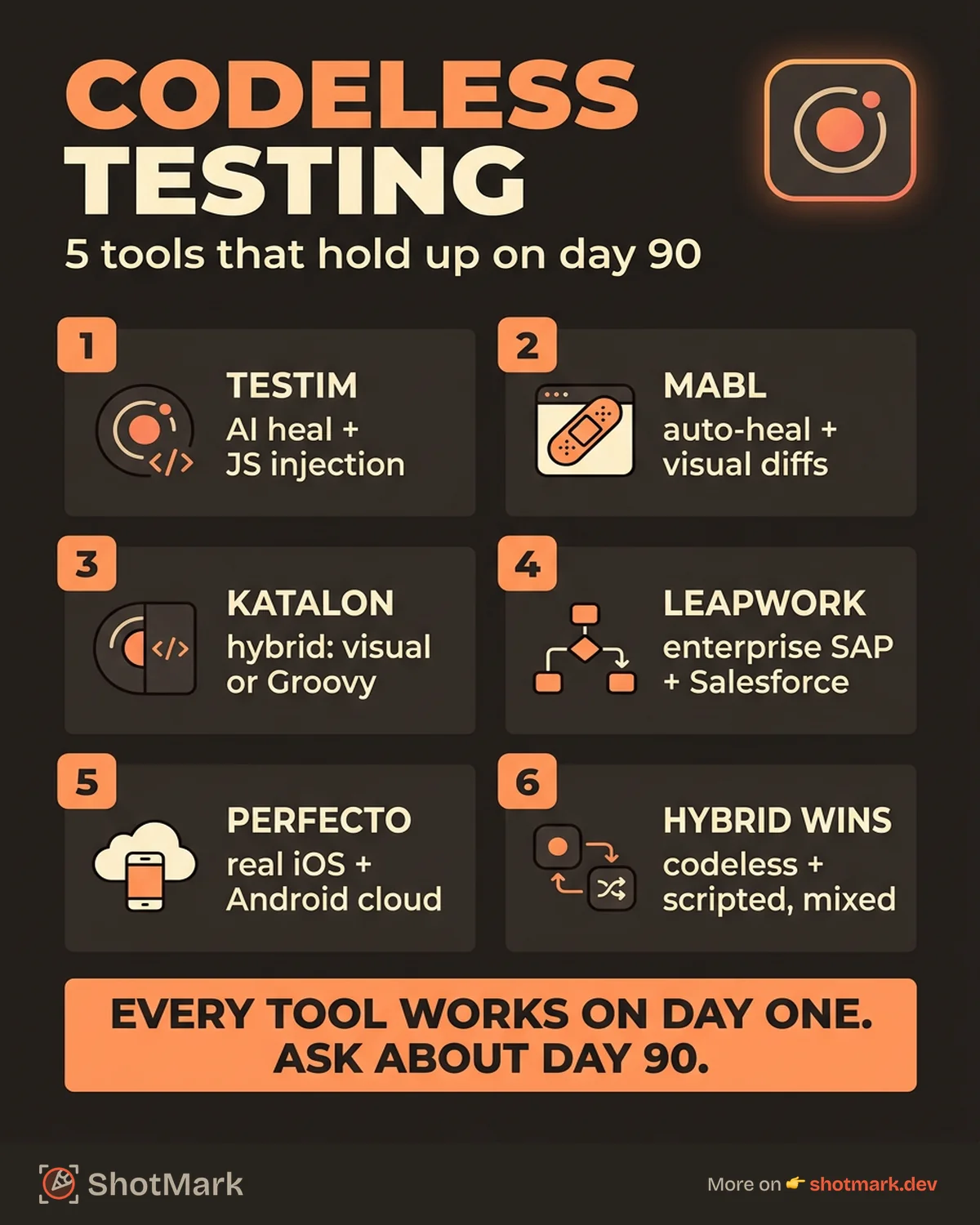
Maintenance is the real test: Every codeless tool works on day one. The question is how it performs on day 90, after the UI has been redesigned twice. Tools without AI-based healing require manual re-recording when elements change. Tools with healing adapt automatically, though the accuracy varies.
The “actually works” test: can the tool handle a login flow, a multi-step form with validation, and a paginated table with dynamic data? If yes, it will handle most standard web application testing. If no, it will struggle with anything beyond basic flows.
Teams that succeed with codeless test automation tools typically combine them with coded tests for edge cases. Pure codeless is possible for simple applications. Complex products almost always need a mix.
Best Codeless Test Automation Tools Compared
We evaluated five tools based on their real-world applicability, not marketing claims.
Testim
Testim uses AI-driven element recognition to maintain test stability across UI changes. The tool records browser interactions and creates editable test steps that adapt when element attributes change.
Testim supports JavaScript code injection for edge cases that the visual builder cannot handle. This makes it a practical hybrid option. Teams can record the happy path and add scripted logic where needed.
Best for: web application teams that want AI healing with the option to add code.
mabl
mabl combines codeless test creation with auto-healing tests and built-in visual regression detection. The tool learns the application’s UI patterns and adapts to minor changes without manual intervention.
mabl’s CI/CD integration is well designed. Tests run in parallel across browsers, and the dashboard surfaces flaky tests and performance regressions alongside functional failures.
Best for: teams that want a comprehensive testing platform with strong CI integration and low maintenance overhead.
Katalon Studio
Katalon Studio takes a hybrid approach from the start. Testers can record tests visually or write them in Groovy. The tool supports web, API, mobile, and desktop testing from a single platform.
Katalon’s breadth is its strength and its weakness. The tool covers many testing types, but each individual capability is less polished than a specialized tool. The Katalon blog on codeless testing describes this spectrum well.
Best for: teams that want one tool for multiple testing types and are comfortable with a hybrid workflow.
Leapwork
Leapwork uses a visual flowchart-based approach where testers build test flows by connecting blocks on a canvas. The interface is approachable for non-technical users.
Leapwork targets enterprise workflows and supports SAP, Salesforce, and desktop application testing alongside web applications. The visual metaphor makes complex flows readable, though large test suites can become visually cluttered.
Best for: enterprise teams testing complex workflows across web and desktop applications.
Perfecto Scriptless
Perfecto Scriptless is a cloud-based codeless testing platform with strong cross-browser and mobile device support. Tests run on real devices in Perfecto’s cloud infrastructure.
The cloud device access is Perfecto’s differentiator. Teams can test on real iOS and Android devices without maintaining a device lab.
Best for: teams that need cross-browser and cross-device testing without managing their own infrastructure.
| Tool | AI Healing | CI/CD Support | Hybrid (Code + Codeless) | Learning Curve | Best For |
|---|---|---|---|---|---|
| Testim | Strong | Good | Yes | Low | Web apps with hybrid needs |
| mabl | Strong | Excellent | Limited | Low | Low-maintenance regression |
| Katalon | Moderate | Good | Yes | Medium | Multi-platform testing |
| Leapwork | Moderate | Good | Limited | Medium | Enterprise workflows |
| Perfecto | Moderate | Good | Limited | Medium | Mobile and web testing |
Codeless vs Coded Test Automation: When Each Wins
The codeless vs coded debate follows the same pattern as the manual vs automated debate. Both approaches have legitimate strengths, and most teams end up using both.
Codeless wins for fast setup and low barrier to entry: A manual tester can record a test in minutes without learning a programming language. This is valuable for teams without automation engineers or for tests that need to be created quickly.
Coded wins for flexibility and complex logic: Version control integration, data-driven testing with external datasets, API orchestration, and conditional branching are all more manageable in code. Coded tests also integrate more naturally with developer workflows.
The hybrid approach is the practical default: Use codeless tools for UI regression on stable paths. Use coded tests for integration testing, API testing, and scenarios that require complex logic. Most teams that succeed with codeless testing adopt this mix.
The decision depends on three factors: team skill set (do you have SDETs?), application complexity (how dynamic is your UI?), and release frequency (how often do you need to run these tests?).
Vendor lock-in is a real consideration. Coded tests written in Playwright or Cypress are portable. Your team owns the scripts, and they run anywhere. Codeless tests are tied to the vendor’s platform. If you switch tools, you rebuild your entire suite. Factor this into long-term planning, especially for large regression suites.
How to Evaluate a Codeless Tool Before You Commit
Vendor demos are optimized to look impressive. Your actual application is not a demo. Here is how to evaluate whether a codeless tool will work for your team.
Run a pilot on your real application: Record tests against your actual UI, not the vendor’s sample app. Pay attention to how the tool handles your specific element patterns, dynamic content, and authentication flows.
Test the maintenance story: Record a test, then change a UI element (rename a button, move a form field, update a CSS class). See if the tool adapts automatically or requires re-recording. This is the most important evaluation criterion.
Check CI/CD integration: Does the tool fit into your existing pipeline? Can tests run headlessly in CI? Are results available in a format your team already uses? A codeless tool that cannot integrate into CI/CD is a manual tool with extra steps.
Evaluate the reporting: When a test fails, does the tool provide enough context for developers to act? A screenshot alone is not enough. Developers need console logs, network request data, and environment details to diagnose failures without reproducing them. This is where most codeless tools fall short: they catch bugs but do not produce bug reports that developers can act on quickly.
The State of Testing Report shows that tool selection is the top challenge teams cite when adopting test automation. Running a pilot against your real application (not a demo) is the only reliable way to make the decision.
Bug reports from failed tests need screenshots, console logs, and environment data to be useful. ShotMark fills this gap by capturing all of that context in a single click, regardless of whether the bug was found by a codeless tool, a coded framework, or a manual tester. The full context travels with the bug report, so developers can diagnose and fix without reproducing the issue themselves.
What Comes Next
Codeless test automation tools lower the barrier to automation, but they work best as part of a layered testing strategy. They handle the UI regression layer efficiently. Coded frameworks handle the layers below.
For teams building that broader strategy, our guide to frontend testing tools covers every layer of the stack. And if you are still deciding which tests to automate at all, our breakdown of manual testing vs automated testing provides the decision framework.
When your codeless test automation tools catch a bug, try ShotMark free to turn that failure into a report your developers can fix without asking a single follow-up question.
Get new posts in your inbox.
One email when we publish: notes on QA, AI, and shipping faster. No spam, unsubscribe anytime.