Most user acceptance testing process failures are not caused by bad testers or missed bugs. They are caused by a missing process. Teams jump into testing without defining what they are testing, who is testing, or what “done” means. The result is wasted cycles, vague defect reports, and a go-live date that slips.
A structured UAT process prevents all of that. This walkthrough covers the eight steps that take you from requirement analysis to stakeholder sign-off, whether you run waterfall releases or agile sprints. For a broader overview of UAT concepts and types, see our complete guide to user acceptance testing.
The UAT Process at a Glance
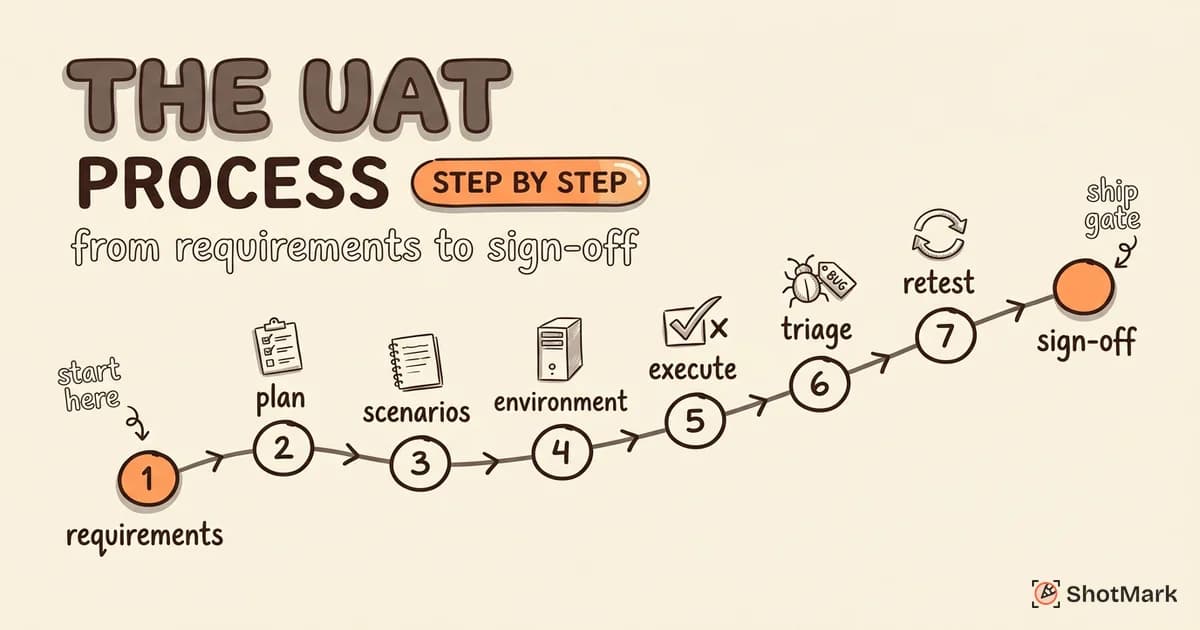
The user acceptance testing process follows a predictable sequence: understand what to test, plan how to test it, execute the tests, fix what breaks, and get sign-off.
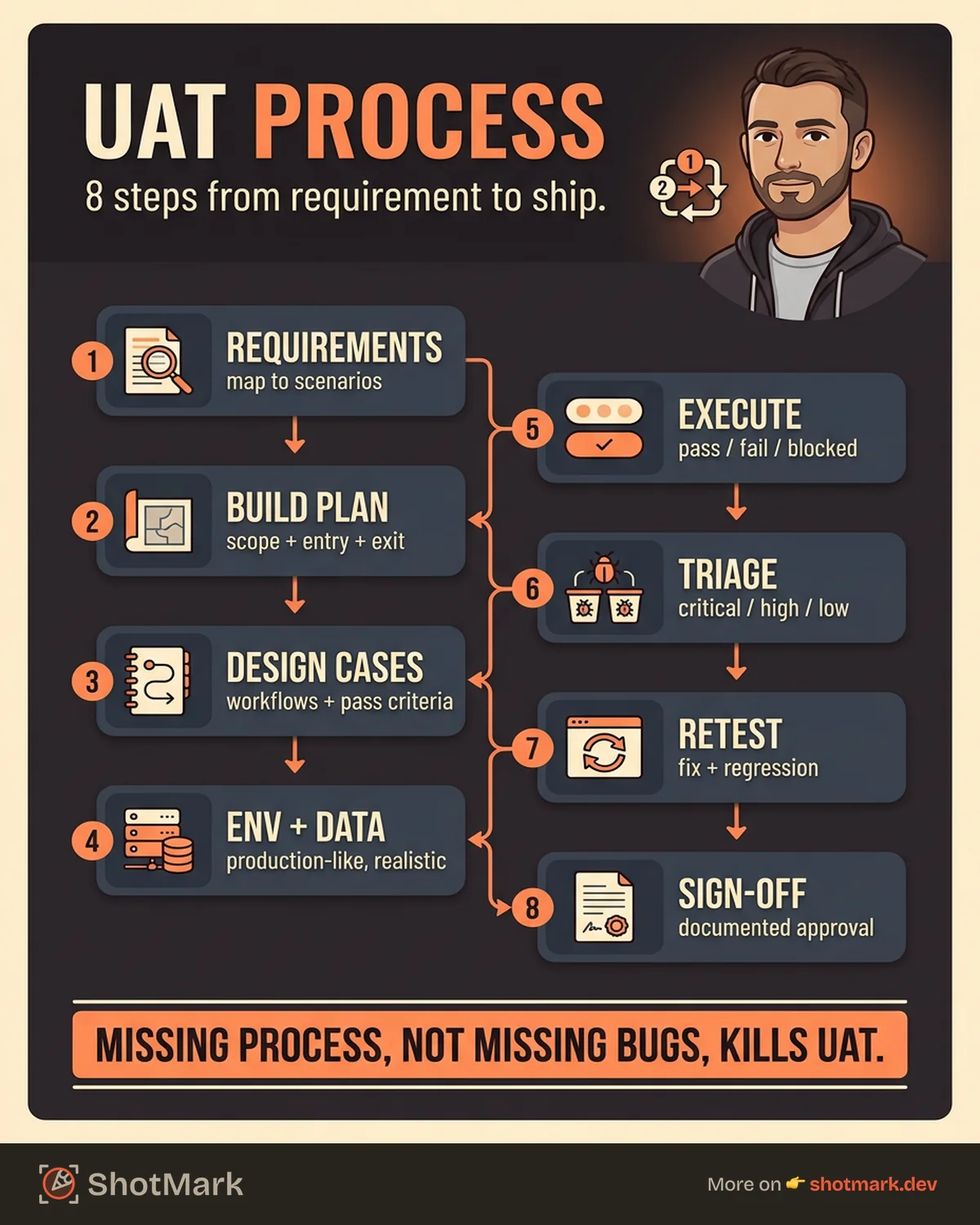
Here are the eight steps:
- Review business requirements
- Build the UAT plan
- Design test scenarios and cases
- Prepare the test environment and data
- Execute test cases
- Triage and fix defects
- Retest and regression
- Sign-off and go-live approval
This sequence applies to both waterfall and agile, with agile teams running shorter cycles per sprint or per feature. The steps remain the same. The scope and duration change.
Step 1: Review Business Requirements
Every UAT cycle starts here. You cannot test what you have not defined.
Gather all business requirements, user stories, and acceptance criteria for the features under test. Meet with product owners and stakeholders to clarify any requirement that is ambiguous, contradictory, or incomplete. This is not the time to assume. A vague requirement like “the dashboard should load quickly” needs a specific acceptance criterion: “the dashboard loads within 3 seconds with 10,000 records.”
Map each requirement to at least one testable scenario. The output of this step is a requirements traceability matrix that connects every business requirement to the test scenarios that will validate it.
If a requirement cannot be mapped to a scenario, it either needs rewriting or is not ready for UAT.
Step 2: Build the UAT Plan
The UAT plan is the operational blueprint for the entire testing cycle. Without it, testing drifts, scope creeps, and nobody agrees on when UAT is “done.”
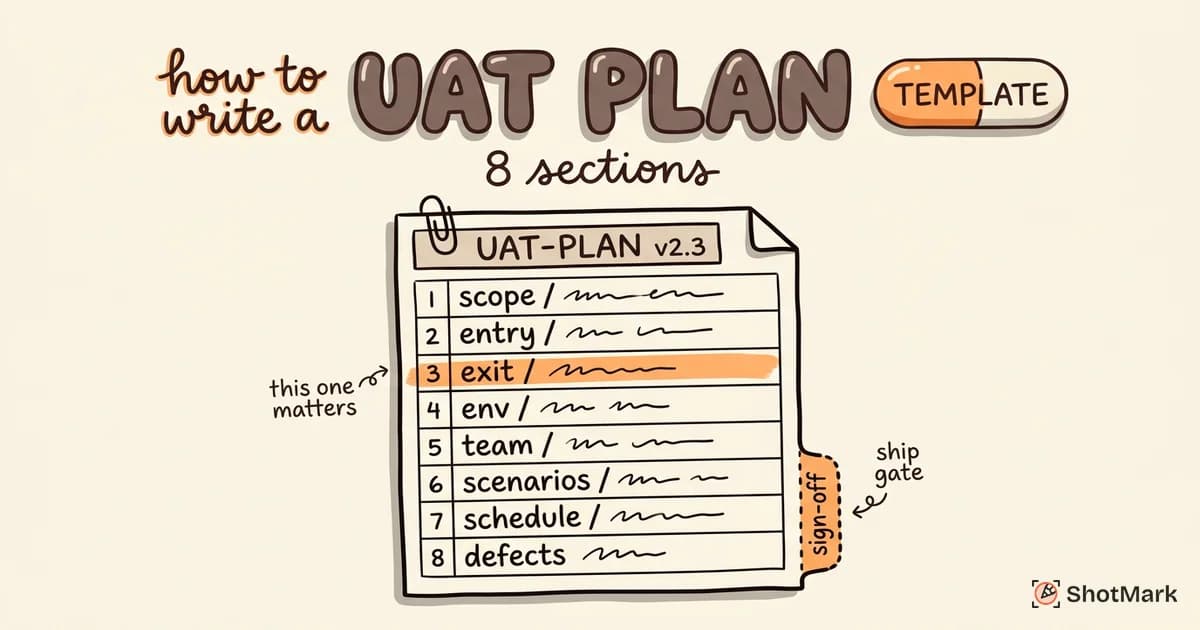
Your plan should define:
- Scope: Which features, modules, or user stories are included in this UAT cycle
- Schedule: Start date, end date, and daily testing windows
- Team: Who is testing (business users), who is coordinating (QA), who is fixing (development)
- Environment: Where testing happens (staging URL, credentials, access instructions)
- Entry criteria: What must be true before UAT starts (all QA tests pass, environment is stable, test data is loaded)
- Exit criteria: What must be true before UAT ends (all critical test cases pass, no open blockers, stakeholder review complete)
The entry and exit criteria are the most important parts. Entry criteria prevent you from starting UAT on an unstable build. Exit criteria prevent you from signing off prematurely.
For detailed guidance on building your plan, see our guide on how to write a UAT plan.
Step 3: Design Test Scenarios and Cases
This step translates business requirements into actions that testers can execute.
Write test scenarios based on real business workflows, not technical specifications. A UAT scenario should read like a description of what a user actually does: “A new customer creates an account, browses products, adds items to cart, completes checkout with a credit card, and receives a confirmation email.”
For each scenario, create test cases that specify:
- Preconditions: What must be set up before the test (user account exists, product catalog is loaded)
- Steps: The exact sequence of actions the tester performs
- Expected result: What should happen at each step and at the end of the scenario
- Pass/fail criteria: The objective standard for determining the result
Include both positive scenarios (happy path) and negative scenarios (error handling, invalid input, missing data). UAT that only covers happy paths misses the edge cases that real users encounter daily.
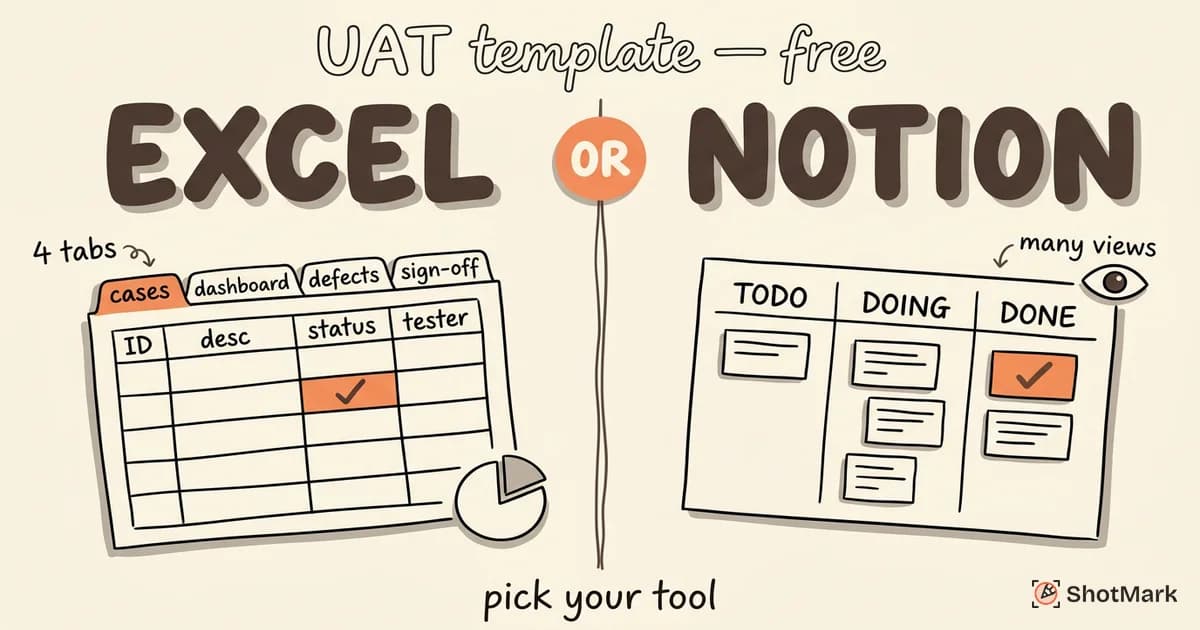
Grab our free UAT templates for Excel and Notion to structure your test cases consistently.
Step 4: Prepare the Test Environment and Data
A UAT environment that does not match production produces unreliable results. Differences in configuration, data volume, or third-party integrations can mask defects or create false failures.
Set up a staging or pre-production environment that mirrors production as closely as possible. This includes:
- Application configuration: Same settings, feature flags, and permissions as production
- Data: Realistic test data, ideally anonymized production data. “Test User 1” and “Sample Product” do not simulate real usage patterns
- Integrations: All third-party APIs, payment gateways, email services, and analytics tools should be connected (or stubbed with realistic responses)
- Access: Every UAT tester has credentials, knows the environment URL, and can reach the application without IT support
Verify the environment before testers start. Running through one end-to-end scenario yourself confirms that the basics work. Nothing kills UAT momentum faster than testers discovering on day one that the login page is broken.
Step 5: Execute Test Cases
This is where business users do the actual testing. Testers walk through each scenario following the documented steps and record actual results against expected results.
For each test case, the result is one of three statuses:
- Pass: Actual behavior matches the expected result
- Fail: Actual behavior deviates from the expected result
- Blocked: The test cannot be executed due to an external dependency or environment issue
Every failed test case should produce a defect report. Every blocked test case should produce an escalation to the QA coordinator.
Track progress daily. A simple dashboard showing total test cases, passed, failed, and blocked gives everyone visibility into UAT status without lengthy status meetings.
How to Log UAT Defects Effectively
This is the step where UAT cycles either succeed or stall. A defect report that says “the checkout is broken” forces a developer to guess what happened, spend time reproducing the issue, and then ask follow-up questions. That round trip can cost hours per defect.
An effective UAT defect report includes:
- Steps to reproduce: The exact sequence that triggered the issue
- Expected vs actual result: What should have happened and what actually happened
- Screenshots or screen recordings: Visual evidence of the problem
- Browser and device info: Chrome 126 on Windows 11, Safari on iPhone 15, etc.
- Console errors: JavaScript errors that the tester may not even notice
- Network request details: Failed API calls, slow responses, timeout errors
Business users cannot be expected to open DevTools and collect console errors manually. This is where visual bug reporting tools earn their value. A tool that captures all of this context in one click saves minutes per defect report and eliminates the follow-up questions that slow down resolution.
For concrete examples of well-documented UAT scenarios, see our UAT examples for web apps.
Step 6: Triage and Fix Defects
Not every defect is equal. The QA coordinator triages defects by severity and priority to help the development team focus on what matters most.
Critical defects block core business workflows. These get fixed immediately. A checkout flow that throws an error is critical. A misaligned label is not.
High-priority defects affect important functionality but have workarounds. These get fixed during the UAT cycle.
Low-priority defects are cosmetic issues, minor inconsistencies, or edge cases that do not affect core workflows. These can be deferred to a post-launch patch, with stakeholder agreement.
Track fix status in your defect management tool. Developers should update defect tickets when a fix is deployed to the UAT environment so testers know when to retest.
Step 7: Retest and Regression
After developers deploy fixes, testers re-execute the failed test cases to confirm the defects are resolved. Do not assume a fix works just because a developer marked the ticket as done.
Beyond retesting individual fixes, run regression on related test scenarios. A fix to the checkout flow could inadvertently affect the cart, the payment gateway, or the confirmation email. Regression testing catches these side effects.
Update test case results as you go. At the end of this step, every test case should have a final status: Pass, Fail (still open), or Deferred (agreed with stakeholders).
Step 8: Sign-Off and Go-Live Approval
The final step formalizes the UAT results and transfers responsibility from the testing team to the release team.
Review the UAT results with stakeholders. Present the data: total test cases executed, pass rate, open defects (with severity), deferred items, and any known risks. Confirm that all exit criteria defined in the UAT plan have been met.
Obtain formal sign-off. This is a documented approval, not a verbal “looks good.” The sign-off record should include stakeholder names, date, any conditions or caveats, and the scope of what was approved.
Hand off to the release and deployment team with the UAT report, sign-off document, and any notes about deferred defects or known limitations.
Before you sign off, run through our UAT checklist to confirm nothing was missed.
Adapting the UAT Process for Agile Teams
The eight steps above work for waterfall and agile. The difference is scope and frequency.
In waterfall, UAT runs once at the end of the project. The scope is the entire release. The timeline might be 2 to 4 weeks. The pressure is high because there is one chance to catch everything.
In agile, UAT runs every sprint. The scope is the sprint increment (one feature, one user story, or a small set of changes). The timeline is 1 to 3 days. The feedback loop is shorter, and defects are caught closer to when they were introduced.
For agile teams, UAT becomes part of the Definition of Done. A user story is not “done” until business users have validated it. This shifts UAT from a separate phase to an integrated step in the sprint workflow.
Automated regression testing becomes important in agile UAT. Once a scenario passes UAT, automate the regression check so business users do not have to retest stable features every sprint.
Speed Up Your UAT Process
The single biggest time sink in the user acceptance testing process is the back-and-forth between testers and developers over unclear defect reports. Every “Can you reproduce this?” and “What browser were you using?” adds hours to the resolution timeline.
ShotMark eliminates that back-and-forth. One click captures a screenshot with annotations, console logs, network requests, and browser metadata. Business users do not need to know what a console error is. They click, annotate, and submit. Developers get a complete defect report with every detail they need.
Join the ShotMark waitlist to cut your UAT defect resolution time in half. Faster defect reports mean faster fixes, shorter UAT cycles, and on-time releases.
Get new posts in your inbox.
One email when we publish: notes on QA, AI, and shipping faster. No spam, unsubscribe anytime.