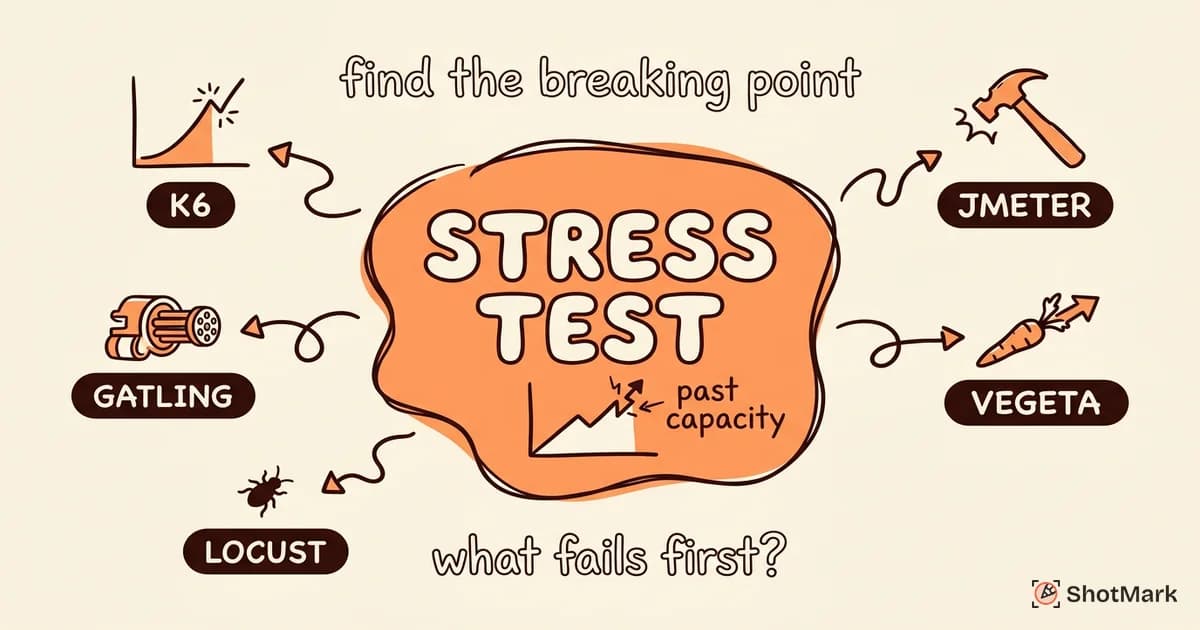
Stress testing tools push your web application past its breaking point on purpose. The goal isn’t to prove the app works under normal conditions (that’s load testing). It’s to find out where and how it fails, so you can build resilience before real traffic does the same thing unpredictably.
Most teams run load tests, call it stress testing, and move on. But knowing your app handles 1,000 concurrent users tells you nothing about what happens at 5,000. Stress testing fills that gap by intentionally exceeding capacity and observing the failure mode.
Stress Testing vs Load Testing: The Key Difference
These terms get used interchangeably, but they test different things. Understanding the distinction changes how you configure your tools and interpret results.
Load testing verifies performance under expected traffic levels. You define normal usage patterns, simulate them, and confirm response times stay acceptable. This answers “can we handle our projected traffic?”
Stress testing pushes beyond expected limits to find the breaking point. You ramp traffic until errors appear, then keep pushing to see how the system degrades. This answers “what happens when things go wrong?”
Two related variations deserve attention:
- Soak testing: sustained load over hours or days to find memory leaks, connection pool exhaustion, and gradual performance degradation
- Spike testing: sudden traffic surges to test auto-scaling behavior and recovery speed
| Type | Goal | Duration | Traffic Level |
|---|---|---|---|
| Load testing | Verify normal performance | Minutes | Expected peak |
| Stress testing | Find breaking point | Minutes to hours | Beyond capacity |
| Soak testing | Find degradation over time | Hours to days | Normal to high |
| Spike testing | Test sudden surges | Minutes | Instant 5-10x spike |
Why does the distinction matter? Different goals require different tool configurations. A load test ramps to a steady state and measures response times. A stress test ramps aggressively and watches for errors. A soak test holds steady and monitors resource trends over time.
Best Stress Testing Tools for Web Applications
Each tool takes a different approach to defining and executing stress scenarios. Here’s how they compare for stress testing specifically (not just load testing).
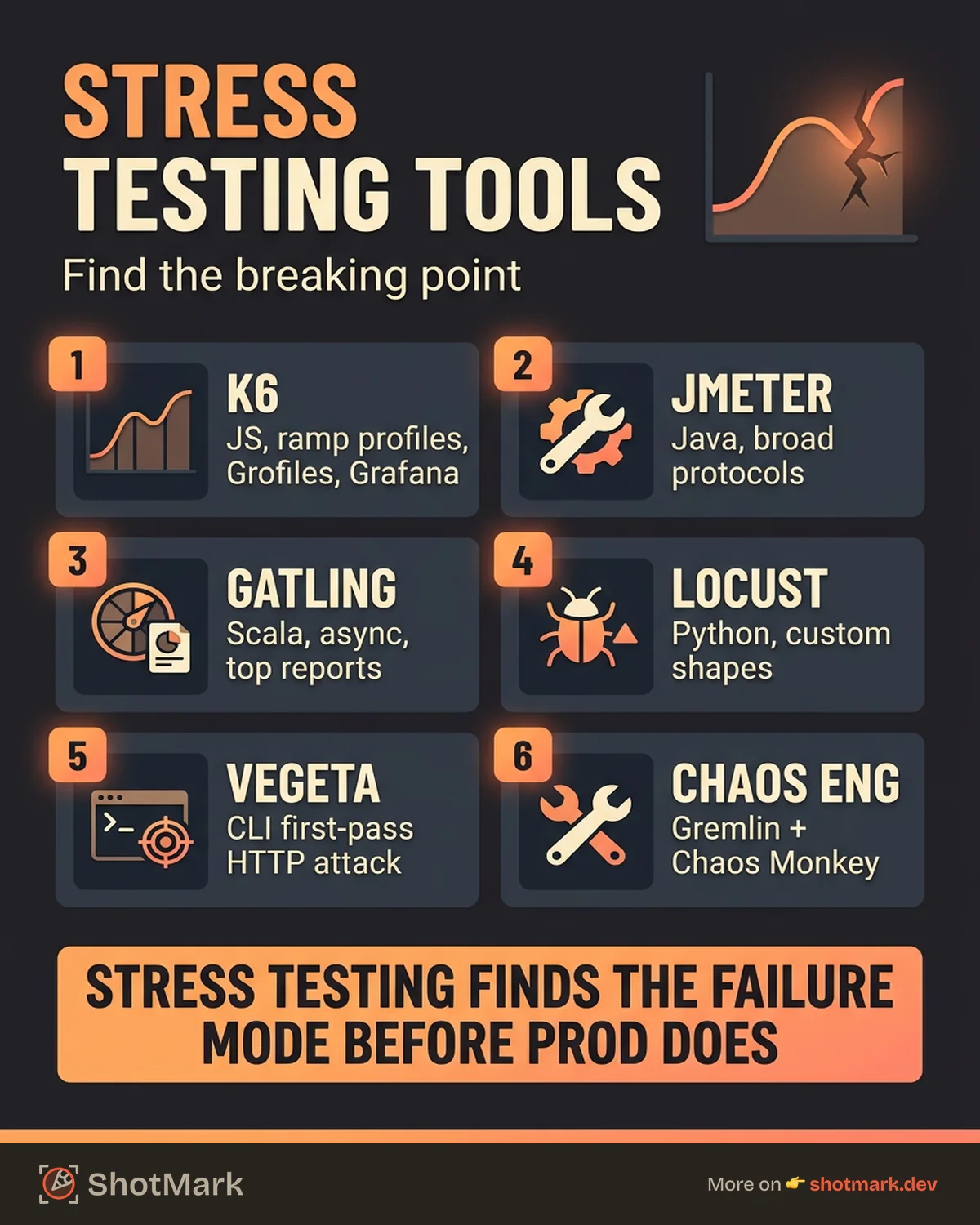
k6 (Grafana)
k6 uses JavaScript to define test scenarios with precise control over virtual user ramping. This makes stress profiles straightforward to configure.
// k6 stress test scenario
export const options = {
  stages: [
    { duration: '2m', target: 100 },   // ramp to normal load
    { duration: '5m', target: 100 },   // hold at normal
    { duration: '2m', target: 500 },   // ramp beyond capacity
    { duration: '5m', target: 500 },   // hold at stress level
    { duration: '2m', target: 0 },     // ramp down (recovery test)
  ],
};
k6 excels at stress testing because the scenario syntax makes it easy to define the “ramp beyond, hold, recover” pattern that reveals meaningful failure behavior. Grafana Cloud integration provides real-time dashboards during execution.
Apache JMeter
JMeter uses thread groups with configurable ramp-up periods. For stress testing, you set aggressive ramp-up rates and high thread counts.
JMeter’s strength is its plugin ecosystem and protocol support (HTTP, HTTPS, SOAP, REST, FTP, database, and more). The GUI works for test design, but most teams run tests in headless mode from CI.
The downside: JMeter’s resource footprint is high. Each thread consumes significant memory, which limits how many virtual users you can simulate from a single machine.
Gatling
Gatling uses Scala-based DSL for defining injection profiles. The syntax maps cleanly to stress patterns.
// Gatling stress scenario
scenario("StressTest")
  .exec(http("request").get("/api/data"))
  .inject(
    rampUsersPerSec(10) to 200 during (5.minutes), // aggressive ramp
    constantUsersPerSec(200) during (10.minutes),  // hold at stress
  )
Gatling generates detailed HTML reports with response time percentiles and error breakdowns. The async architecture handles high virtual user counts efficiently.
Locust
Locust lets you write load tests in Python with custom load shapes. This flexibility is Locust’s biggest advantage for stress testing.
You can define programmatic load shapes that simulate complex stress patterns: gradual ramps, sudden spikes, oscillating traffic, or any custom curve. The web UI shows real-time metrics during execution.
Vegeta
Vegeta is a CLI tool for HTTP load testing. It’s not designed for complex scenarios, but it’s excellent for quick stress tests from the command line.
# Vegeta stress test from CLI
echo "GET https://your-app.com/api/endpoint" | \
  vegeta attack -duration=60s -rate=500 | \
  vegeta report -type=text
Vegeta works well as a first-pass stress tool before investing time in more complex setups.
Chaos Engineering Tools
Stress testing and chaos engineering complement each other. Stress testing overloads the system from outside. Chaos engineering breaks it from inside.
Gremlin and Chaos Monkey (Netflix’s open-source tool) inject failures like CPU spikes, network latency, and service outages. The principles of chaos engineering guide this practice.
Running stress and chaos tests together reveals how your system behaves when overloaded and degraded simultaneously, which is exactly what happens during real incidents.
| Tool | Stress Profiles | Distributed | Real-Time Monitoring | Open Source |
|---|---|---|---|---|
| k6 | Excellent | Yes (k6 Cloud) | Yes (Grafana) | Yes |
| JMeter | Good | Yes (Grid) | Plugins | Yes |
| Gatling | Excellent | Yes (Enterprise) | Yes | Partial |
| Locust | Excellent | Yes (built-in) | Yes (web UI) | Yes |
| Vegeta | Basic | No | No | Yes |
How to Design a Stress Test That Reveals Real Failures
A bad stress test crashes the server and tells you nothing useful. A good stress test reveals which component fails first, how it fails, and whether the system recovers.
Start From Your Load Test Baseline
You need to know normal performance before testing abnormal conditions. Run a load test first to establish baseline response times, throughput, and resource usage at your expected traffic level.
Ramp Beyond Capacity
Increase users or requests per second until errors appear. Then keep going. You want to find the point where error rates spike, response times explode, or the system becomes unresponsive.
Monitor the Right Metrics
Error rate tells you when the system breaks. Response time percentiles (p95, p99) tell you how it degrades. CPU and memory usage tell you which resource bottlenecks first. Connection pool stats and queue depths reveal saturation in specific components.
Test Recovery
The most overlooked part of stress testing: what happens when load drops back to normal? Does the system recover gracefully, or does it stay degraded? A system that doesn’t recover from stress is arguably worse than one that fails cleanly.
Test Individual Components
Full-system stress tests are valuable, but they don’t tell you which component is the bottleneck. Stress test your database, API layer, CDN, and third-party services independently. The AWS Well-Architected Framework reliability pillar provides a solid structure for this analysis.
Document your failure thresholds. These become the basis for capacity planning and alerting.
From Stress Test Results to Reliability Improvements
Running the stress test is only half the job. The other half is acting on what you find.
Identify bottlenecks: Which component fails first? Is it the database running out of connections? The API server hitting CPU limits? A third-party service rate-limiting your requests?
Set capacity alerts: Configure monitoring to trigger scaling or alerts before you hit the breaking point. If your stress test shows failures at 3,000 concurrent users, set alerts at 2,000.
Fix cascading failures: Implement circuit breakers to prevent one failing service from taking down the entire system. Add rate limiting to protect against traffic spikes. Design graceful degradation so core functionality survives even when secondary features fail.
Retest after fixes: Every infrastructure change deserves a follow-up stress test. Verify that your fixes actually moved the needle.
When stress tests surface bugs, your team needs detailed reports with both server-side metrics and client-side state. Server logs show the backend failure. But the user experience during that failure (broken layouts, stuck loaders, missing data) lives on the client side. ShotMark captures the client-side context that complements your server-side stress test data, giving developers the complete picture of what users experienced during the failure.
Stress testing is one dimension of performance validation. The tools and techniques here give you a structured way to find your limits before your users do.
Get new posts in your inbox.
One email when we publish: notes on QA, AI, and shipping faster. No spam, unsubscribe anytime.