Error monitoring is not optional, even for a three-person team shipping to 500 daily active users. Without it, you only hear about the loudest failures, usually from an angry customer on Twitter, and only after the damage is already done.
The good news is that every major error monitoring tool offers a free tier, and open source alternatives let you self-host for the price of a small VPS. This guide compares the free options, walks through the self-hosted alternatives, and shows how to build a “total cost: $0” stack that actually works for a small team.
Why Small Teams Need Error Monitoring
Small teams cannot afford to waste engineering hours chasing bugs that users report in vague Slack messages. A JavaScript exception that affects 5% of sessions is invisible without monitoring, but it is very visible in your churn numbers.
A three-person startup benefits from error tracking just as much as a 50-person engineering org. The cost of one angry customer leaving a one-star review is higher than the cost of a decent monitoring setup. In most cases, that setup is free.
Before picking a tool, it helps to understand the fundamentals. Our practical guide to error monitoring for web apps covers the core concepts (event capture, grouping, alerting) and how they fit into a release workflow. The rest of this post focuses on tooling and cost.
Free Tier Comparison: The Main Options
Every major error monitoring vendor offers a free tier. The limits and features vary, so the right choice depends on your event volume and stack.
| Tool | Free Tier Limit | Key Features | Best For |
|---|---|---|---|
| Sentry | 5,000 errors/mo | Full stack, session replay, AI root cause | Most teams |
| BugSnag | 7,500 events/mo | Stability scores, mobile support | Mobile + web |
| Rollbar | 5,000 events/mo | Deploy tracking, CI/CD integration | DevOps teams |
| Highlight.io | 500 sessions/mo | Errors + sessions + logs | Full observability |
| TrackJS | 50 errors/day | Lightweight, frontend only | Simple web apps |
| Honeybadger | 5 contributors | Unlimited errors on developer plan | Indie developers |
Which Free Tier Is Best for Small Teams?
Sentry’s free tier is the most generous for typical web apps and includes session replay, which most competitors put behind a paid plan. The Sentry pricing page lists current limits. If you outgrow the free tier, the developer plan starts low and scales linearly with event volume.
BugSnag (pricing ) gives you more raw events but fewer advanced features on the free plan. It shines for teams shipping native mobile apps because its SDKs handle iOS, Android, and React Native first-class.
Rollbar (pricing ) targets teams with strong CI/CD pipelines. Deploy tracking ties each error back to the release that introduced it, which is useful when you ship multiple times a day.
Honeybadger has an unusual free plan: unlimited errors for up to five contributors. It is a strong pick for solo developers and indie hackers who ship a lot of exceptions but have tiny teams.
Open Source Error Monitoring (Self-Hosted)
If you prefer to own your data or hit a free tier ceiling fast, open source error monitoring tools fill the gap. All three options below run on Docker, so the setup is more like “rent a VPS and run one command” than “hire a DevOps engineer.”
GlitchTip
GlitchTip is the most approachable option. It is Sentry SDK-compatible, so any Sentry client library works against a GlitchTip server with only a DSN change. That means you can migrate off Sentry later without touching application code.
Deployment is a single Docker Compose file documented in the GlitchTip install guide . Resource requirements are modest: a 2 GB RAM VPS handles a small team comfortably. A $5 to $20 per month DigitalOcean droplet or Hetzner box is enough.
The trade-off is a simpler UI and no AI-powered features. For most small teams, that is fine. You get error capture, grouping, alerts, and a clean dashboard.
Sentry Self-Hosted
If you want every Sentry feature without paying for the hosted plan, Sentry offers a self-hosted version under a source-available license. You get the full product: session replay, performance monitoring, AI root cause suggestions, and all integrations.
The catch is operational weight. Sentry self-hosted recommends 8 GB of RAM minimum and runs multiple services (Postgres, Redis, Kafka, Snuba). Expect to spend $20 to $50 per month on hosting and real time on upgrades. It is the right choice if you care more about feature parity than simplicity.
Highlight.io
Highlight.io is a newer open source project that bundles error tracking, session replay, and log aggregation in one tool. It deploys via Docker Compose and is fully MIT-licensed.
The trade-off is maturity. The community is smaller than Sentry’s and documentation is still catching up. If you want an all-in-one observability stack and do not mind being an early adopter, it is worth a look.
What to Prioritize on a Budget
Free tiers are generous, but they still have limits. Here is how to stretch them and get meaningful coverage without overspending.
Start With Frontend Only
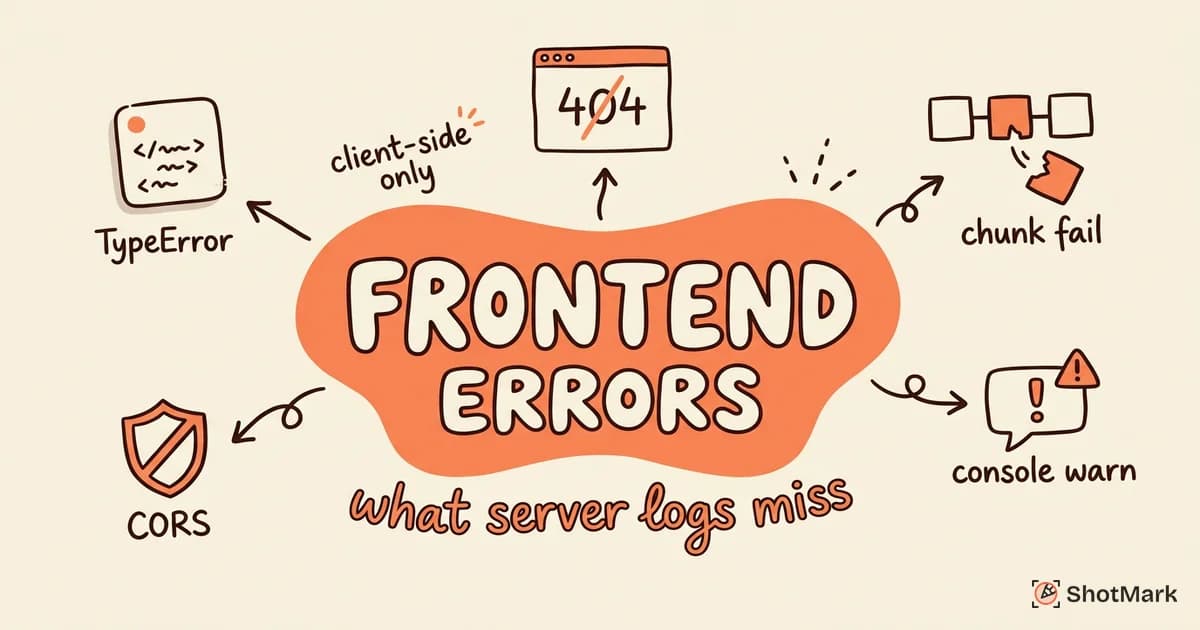
Frontend errors are the ones users experience directly. A broken button on the checkout page costs you revenue immediately, while a background worker exception might never reach a customer.
Start by installing an SDK in your web client. You will catch the errors that drive churn first. Our post on frontend error monitoring tools and practices breaks down the SDK options and the trade-offs between bundle size and coverage.
Backend errors are often caught by server logs, existing APM tools, or load balancer metrics. They matter, but they are rarely where you should spend your first dollar.
Set Up Source Maps First
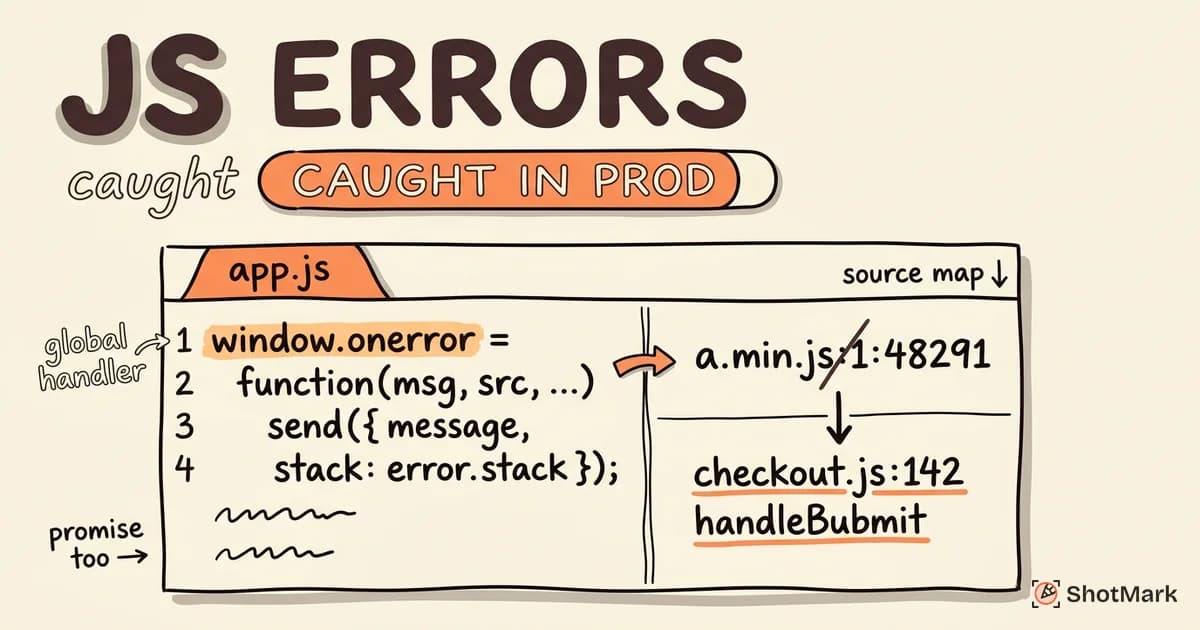
Without source maps, a minified production stack trace looks like a.js:1:2453. That is unreadable and nearly useless for debugging. Uploading source maps turns that into checkout.js:142 handleSubmit.
This is the highest-ROI setup step in error monitoring. Most SDKs ship a CLI that uploads maps as part of your build pipeline. The Sentry source maps guide covers the standard flow, and GlitchTip follows the same pattern.
Skip this step and you will waste hours squinting at mangled traces. Do it once and every future error is ten times more useful.
Configure Alerts, Not Dashboards
Small teams do not have time to check dashboards every morning. Dashboards are for companies with dedicated on-call rotations. You need alerts.
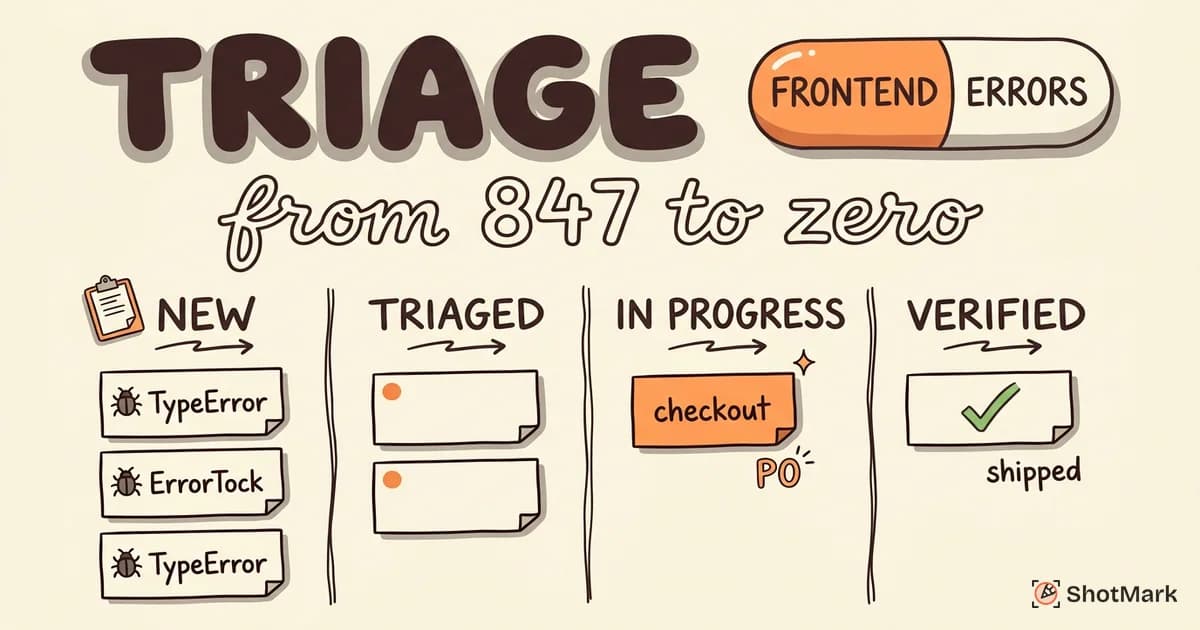
Set up two rules: notify Slack when a new error type appears, and notify Slack when any error’s rate spikes over its baseline. Review errors weekly, not continuously. This keeps you focused on shipping while still catching real regressions.
Combine With Visual Bug Reports
Error monitoring tells you what broke. Visual context tells you how it happened. The two work together, not in competition.
A stack trace is invaluable, but a screenshot plus a console log plus the failing network request is faster to act on. This is where a tool like ShotMark fits in the budget stack. It handles one-click capture of screenshots, console logs, network requests, and session replay, so QA and support staff can file complete bug reports without opening DevTools. The open source SDK is free to use, and you can join the waitlist for the hosted version.
When to Upgrade From the Free Tier
Free tiers work until they do not. Here are the four signals that it is time to pay for error monitoring.
You are hitting event limits consistently. If Sentry keeps dropping events toward the end of the month, your data is incomplete and your alerts are unreliable. Upgrade before you miss a real incident.
You need advanced features. Session replay, performance monitoring, and release health are often limited or absent on free plans. If debugging is taking too long, those features pay for themselves quickly.
Your team grew past the free seat limit. Honeybadger’s five-contributor cap and similar limits on other plans are common reasons teams upgrade. Once you have six engineers, the math changes.
You have compliance requirements. SOC 2, HIPAA, GDPR retention rules, and SLA guarantees usually require a paid plan. If enterprise customers ask about your monitoring stack, free tier is a red flag.
Sentry Free Tier vs GlitchTip Self-Hosted
This is the most common comparison for small teams and worth a direct look.
Sentry’s free tier gives you 5,000 errors per month, session replay, and all SDK features without operational overhead. You trade data residency and the event cap.
GlitchTip self-hosted gives you unlimited events, full data control, and a $5 VPS bill. You trade operational simplicity (someone has to patch the server) and some features (no AI, simpler UI).
If you ship fewer than 5,000 errors per month and do not have strict data requirements, Sentry free is the faster path. If you are privacy-conscious, expect to exceed the free tier soon, or want to avoid vendor lock-in, GlitchTip is the better long-term bet. Its Sentry SDK compatibility means you can switch direction later without code changes.
Error Monitoring Without Paying for Sentry
If paid Sentry is off the table, you still have strong options. A GlitchTip instance on a $5 VPS handles tens of thousands of events per month. BugSnag’s free tier gives you 7,500 events with mobile support built in. Honeybadger’s developer plan is free for small teams and has no event cap.
The Rollbar blog maintains a running list of error monitoring tools that is useful for comparison shopping. Community threads on r/webdev and r/devops are also worth skimming for real-world experiences with each tool.
The one setup to avoid is running no error monitoring at all and hoping users will report issues. They will not. They will churn.
A $0 Error Monitoring Stack for a Team of Three
Here is a recommended stack for a small engineering team that wants full coverage without a budget line.
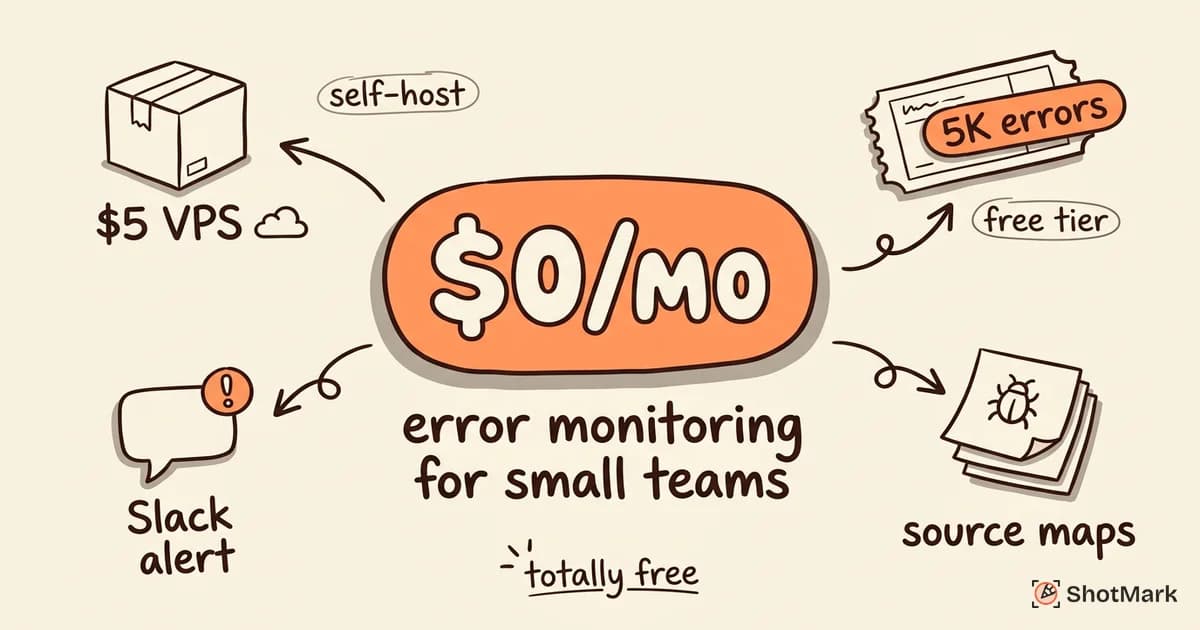
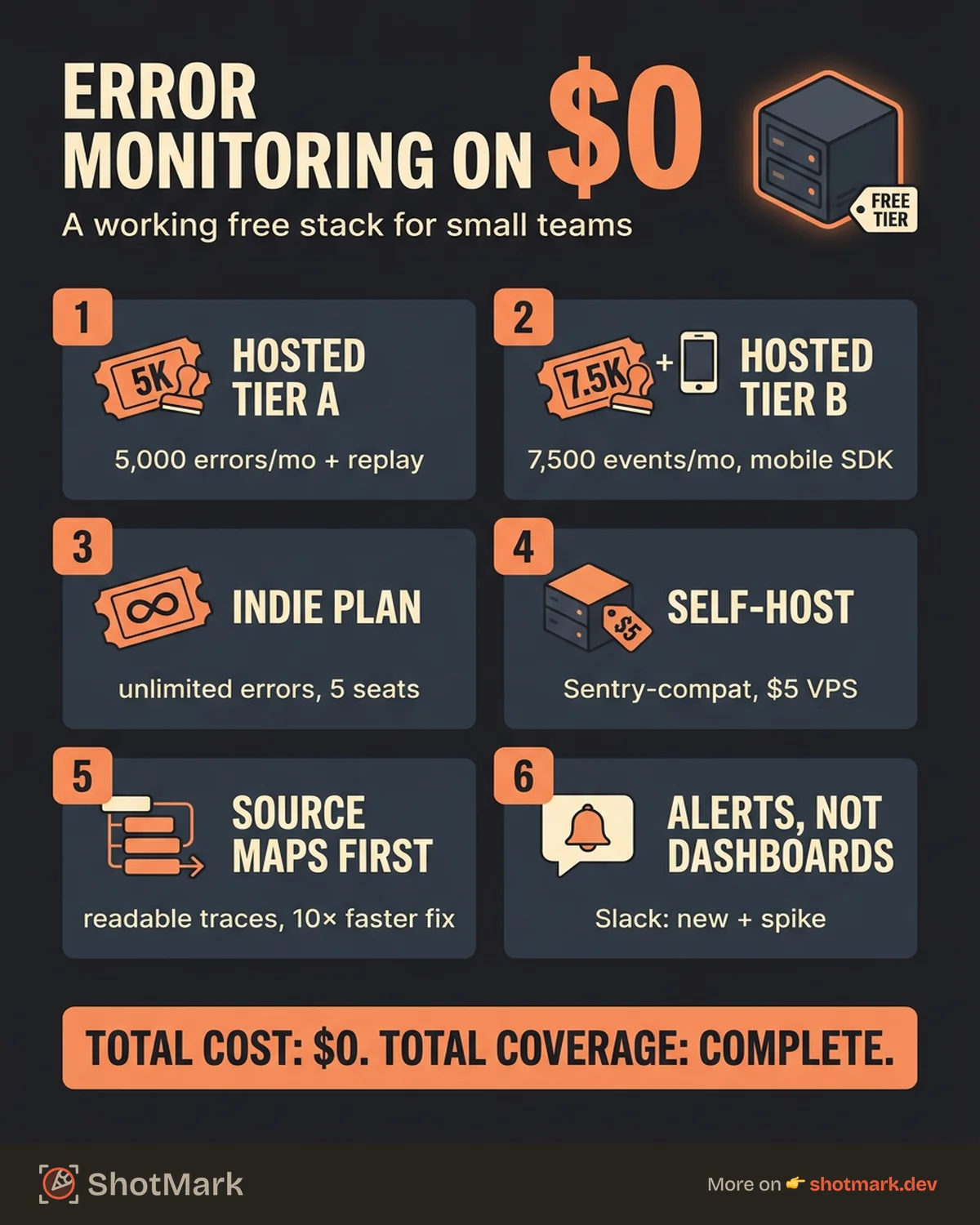
- Error monitoring: Sentry free tier (5,000 errors per month, session replay included).
- Bug reporting: ShotMark for one-click visual capture of screenshots, console logs, and network requests.
- Alerting: Sentry’s Slack integration, with two rules (new error type, error rate spike).
- Source maps: Uploaded on every production build via your CI pipeline.
- Total cost: $0 per month.
This stack covers the whole loop: users hit an error, Sentry captures it, Slack alerts the team, and a QA engineer using ShotMark can reproduce the issue with full context in 30 seconds. Scale up when you hit the event cap or the team passes five engineers.
Start with the free tier today and see how far it gets you. Error monitoring for small teams is no longer a budget question, it is a setup question, and the setup takes an afternoon. Once your first SDK is live and source maps are uploading, you will wonder how you shipped without it.
Get new posts in your inbox.
One email when we publish: notes on QA, AI, and shipping faster. No spam, unsubscribe anytime.