Where Bugs Get Caught or Slip Through
Every code review tool shapes how your team catches bugs. A good tool makes reviews faster and more thorough. A bad one turns every pull request into a chore that developers rush through to get back to coding.
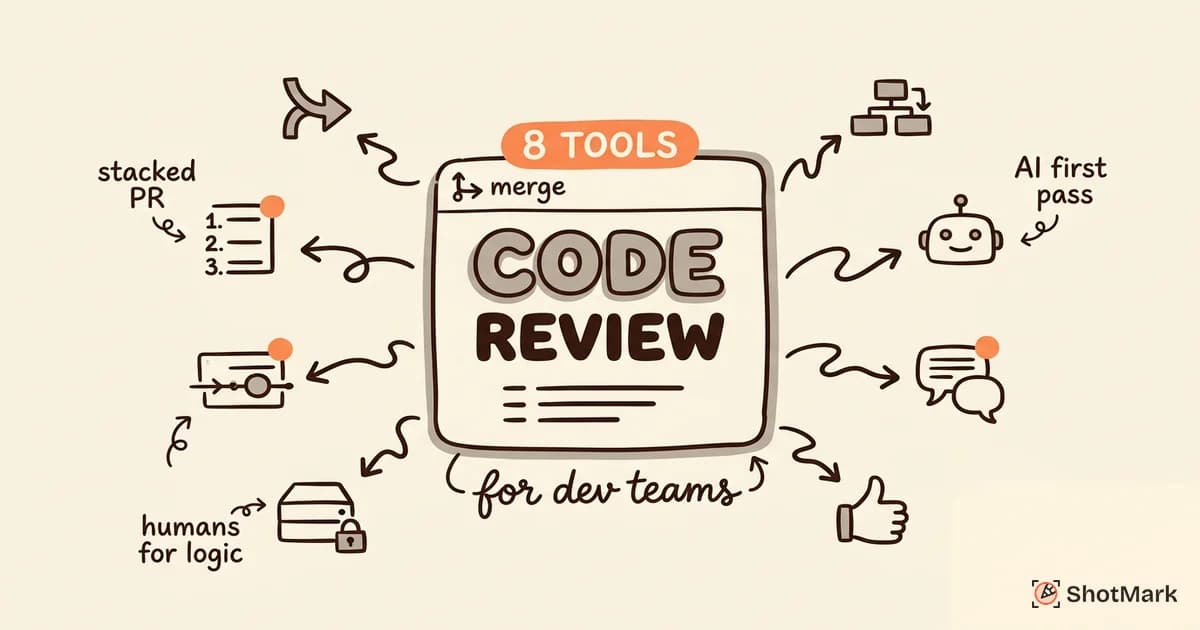
We compared 8 code review tools on features, pricing, AI support, and team fit. Whether you’re a 3-person startup or a 200-person engineering org, this breakdown will help you pick the right platform for your pull request workflow.
What to Look For in a Code Review Tool
Integration With Your Git Provider
The first filter is compatibility. Your code review tool needs to work with whatever Git provider your team uses: GitHub, GitLab, or Bitbucket. Most tools are built around one provider and offer limited support for others.
If your team uses GitHub, you have the most options. GitLab teams benefit from built-in merge request features. Bitbucket shops are somewhat limited and typically end up on Crucible or the built-in review system.
Switching Git providers to get a better review tool is almost never worth it. Pick the best tool that works with what you already have.
AI-Assisted Review vs. Manual Review
AI code review tools have matured significantly. In 2026, they reliably catch:
- Style inconsistencies and linting issues
- Common security patterns (SQL injection, XSS, hardcoded secrets)
- Null reference risks and type mismatches
- Performance anti-patterns (N+1 queries, unnecessary re-renders)
What AI still misses:
- Whether the approach is architecturally sound
- Business logic correctness
- Whether the code solves the right problem
- Edge cases that require domain knowledge
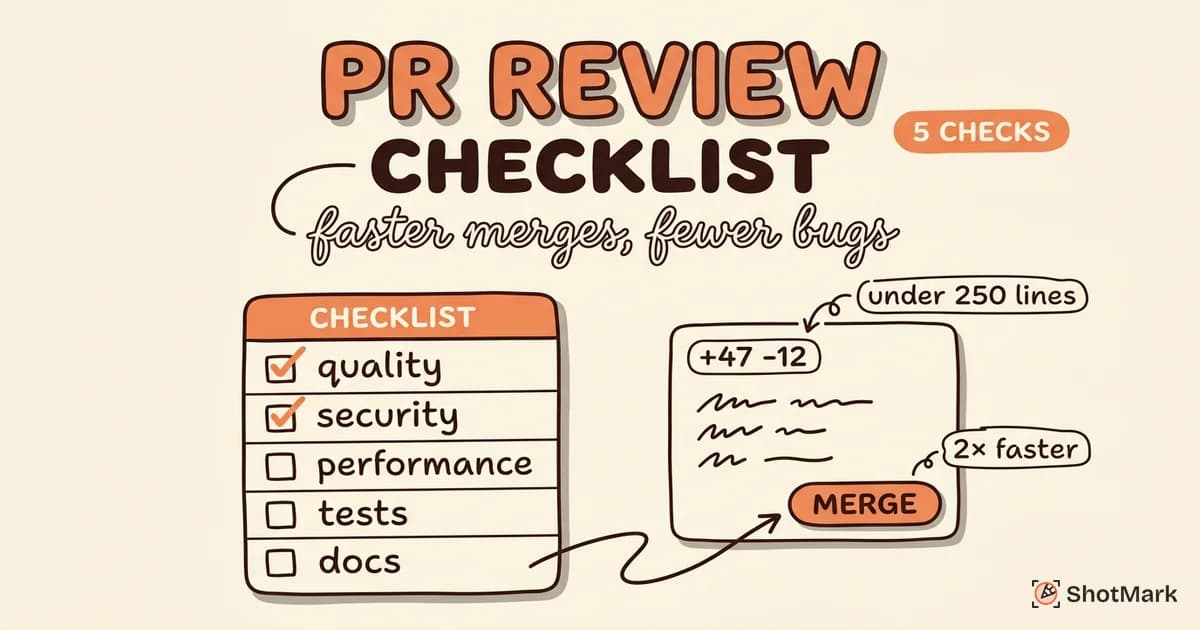
The best setup for most teams: AI handles the first pass (style, security, common bugs), and human reviewers focus on logic, architecture, and design.
Team Size and Workflow Fit
A 3-person team needs something different than a 50-person engineering org. Small teams prioritize speed and simplicity. Large teams need audit trails, approval policies, and integration with project management tools.
Consider your review cadence too. Teams that review PRs within hours benefit from lightweight tools. Teams with multi-day review cycles need better tracking and notification systems.
8 Code Review Tools Compared
GitHub Pull Requests (Built-in)
GitHub Pull Requests is the default for millions of developers. It’s free with any GitHub plan, and every developer already knows how to use it.
Strengths: Zero setup. Inline comments, suggested changes, review approvals, and draft PRs. CODEOWNERS files automate reviewer assignment. GitHub Actions integrates CI checks directly into the review flow.
Weaknesses: Limited diff viewing for large PRs. No built-in support for stacked PRs. Review tracking is basic compared to dedicated tools.
Best for: Teams already on GitHub who want the simplest path. Works well for small to mid-size teams (under 30 developers).
Pricing: Free with GitHub. Advanced features (required reviews, branch protection) require GitHub Team ($4/user/month) or Enterprise.
Graphite (Stacked PRs)
Graphite solves a specific problem that frustrates senior developers: large PRs that sit in review for days because they’re too big to review quickly.
Strengths: Stacked PRs let you break a large change into small, reviewable chunks that merge in sequence. The CLI tool manages rebasing and dependency tracking automatically. The dashboard shows review queue status at a glance.
Weaknesses: Requires the team (or at least reviewers) to adopt the stacking workflow. Learning curve for developers used to traditional PRs.
Best for: Teams with senior developers who write large features. Particularly strong for teams that value small, incremental PRs but find the manual rebasing painful.
Pricing: Free for individuals. Team plan at $30/user/month.
CodeRabbit (AI-Powered)
CodeRabbit is a dedicated AI code review tool that automatically reviews every pull request and posts comments.
Strengths: Automated review comments appear within minutes of PR creation. Summarizes changes for reviewers. Catches security issues, performance problems, and common bugs. Learns from your codebase patterns over time.
Weaknesses: Can be noisy on large PRs, generating comments that human reviewers dismiss. Requires tuning to match your team’s standards. False positives on domain-specific code.
Best for: Teams that want automated first-pass reviews. Works as a complement to human review, not a replacement.
Pricing: Free for open source. Pro at $12/user/month.
Reviewable
Reviewable focuses on the review experience itself, with advanced diff viewing and threaded discussions that persist across force-pushes.
Strengths: Side-by-side diffs with intelligent grouping. Discussion threads that track resolution status. Customizable review completion conditions. Preserves review context even after rebases.
Weaknesses: UI takes getting used to. Smaller community than GitHub’s native tools. Limited outside the GitHub ecosystem.
Best for: Teams doing thorough, multi-round reviews on complex codebases.
Pricing: Free for open source. $10/user/month for private repos.
Phabricator (Self-Hosted)
Phabricator offers a self-hosted code review platform (Differential) that gives teams full control over their review infrastructure.
Strengths: Complete ownership of data and infrastructure. Pre-commit review workflow (review before merge, not after). Tight integration with its own task tracker and wiki. Highly customizable.
Weaknesses: Phabricator’s original maintainers shut down Phacility in 2021. Community forks (like Phorge) continue development, but the ecosystem is smaller. Self-hosting requires ops investment.
Best for: Teams with strict data residency requirements or those already running Phabricator. Not recommended for new adoptions.
Pricing: Free (self-hosted). Infrastructure costs vary.
GitLab Merge Requests
GitLab Merge Requests provide code review integrated with CI/CD pipelines, making it natural to review code alongside test results and deployment previews.
Strengths: Review and CI/CD in one platform. Built-in approval rules, merge trains, and branch policies. Code quality reports appear directly in the merge request. Strong support for monorepos.
Weaknesses: The UI can feel slower than GitHub’s for simple reviews. Some advanced features (merge trains, advanced approvals) require Premium or Ultimate tiers.
Best for: Teams already on GitLab who want a unified platform for code, CI, and review.
Pricing: Free tier available. Premium at $29/user/month. Ultimate at $99/user/month.
Crucible (Atlassian)
Crucible is Atlassian’s dedicated code review tool, designed to work with Bitbucket and Jira.
Strengths: Deep Jira integration for linking reviews to tickets. Supports pre-commit and post-commit reviews. Detailed reporting on review metrics (time to review, comments per review).
Weaknesses: The interface feels dated compared to modern tools. Atlassian’s focus has shifted toward Bitbucket’s built-in review features. Server/Data Center deployment only (no cloud version).
Best for: Enterprise teams locked into the Atlassian ecosystem who need review metrics and audit trails.
Pricing: $10 for 5 users (Data Center). Scales with team size.
Linear + GitHub (Workflow Integration)
Linear isn’t a code review tool by itself, but its GitHub integration creates a workflow where issues, branches, and PRs stay connected automatically.
Strengths: Creating a branch from a Linear issue auto-links the PR. PR merges automatically move issues to “Done.” Review status is visible in the issue tracker. Fast, keyboard-driven interface.
Weaknesses: Relies on GitHub for the actual review experience. Doesn’t add review features, it adds workflow context around them.
Best for: Teams that want tight issue-to-PR traceability without manual linking. Works best paired with GitHub PRs or another review tool.
Pricing: Free for small teams. Standard at $8/user/month.
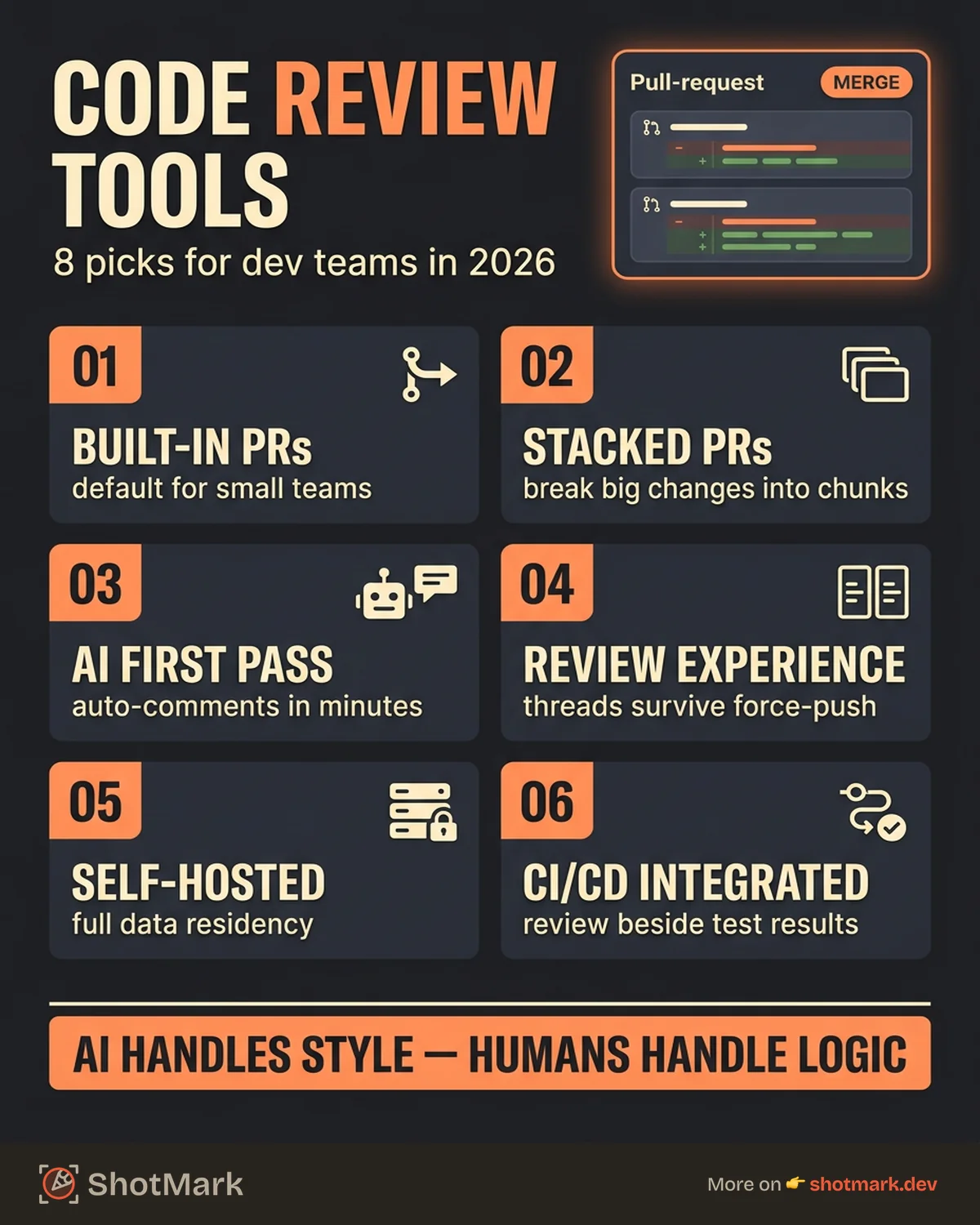
Comparison Table
| Tool | Git Provider | AI Review | Stacked PRs | Self-Hosted | Best For | Starting Price |
|---|---|---|---|---|---|---|
| GitHub PRs | GitHub | Via extensions | No | No | Default choice | Free |
| Graphite | GitHub | No | Yes | No | Fast review cycles | Free |
| CodeRabbit | GitHub, GitLab | Yes (core) | No | No | Automated first-pass | Free (OSS) |
| Reviewable | GitHub | No | No | No | Thorough reviews | Free (OSS) |
| Phabricator | Any | No | No | Yes | Data control | Free |
| GitLab MRs | GitLab | Via features | No | Yes | Unified platform | Free |
| Crucible | Bitbucket | No | No | Yes | Atlassian shops | $10/5 users |
| Linear + GitHub | GitHub | No | No | No | Issue-PR linking | Free |
How Code Review Connects to Bug Reporting
Code review catches bugs before they reach production. But not every bug gets caught in review. The ones that slip through often surface as visual issues, broken API calls, or console errors that only appear in specific browser states.
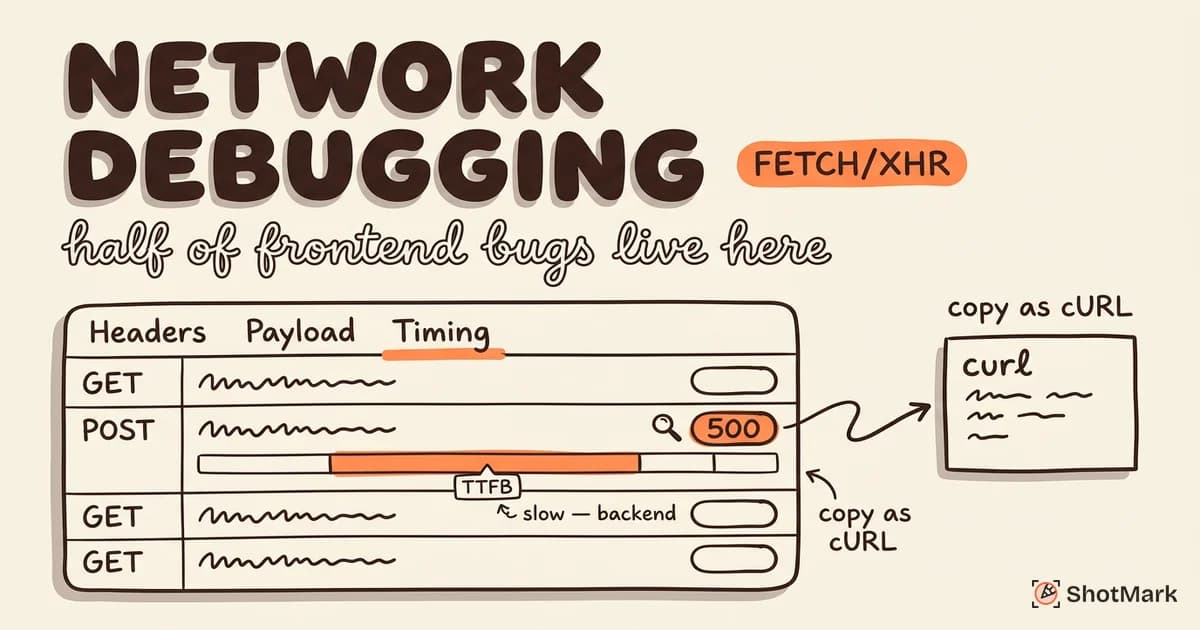
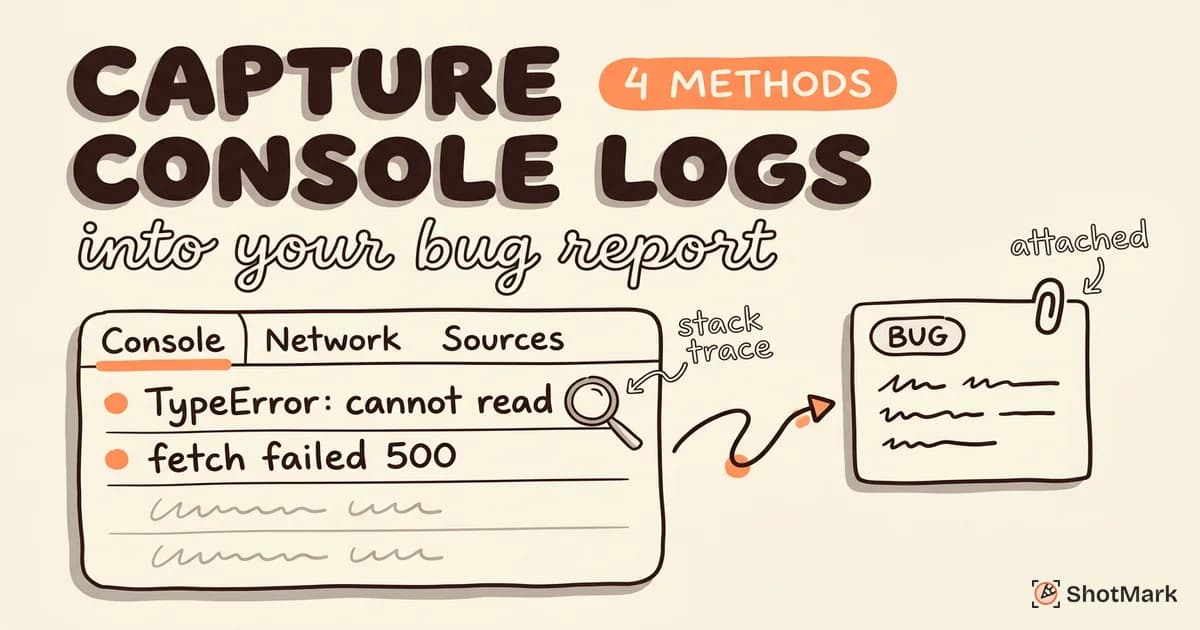
When bugs make it past review and into staging or production, the speed of the fix depends on how much context the reporter provides. A bug report that says “the page is broken” sends the developer on a scavenger hunt. A report that includes a screenshot, the console output, and the failing network requests points them directly at the cause.
This is where visual bug reporting tools complement your code review workflow. For bugs found during QA, user testing, or production monitoring, having console logs and network data attached to every report means fewer round-trips between the reporter and the developer.
For a broader look at how code review fits into the senior developer toolkit, we cover that in our productivity tools guide.
Picking the Right Code Review Tool
The best code review tool for your team depends on two things: your Git provider and your team size. GitHub teams with fewer than 20 developers often do fine with built-in PRs. Growing teams that struggle with large PRs should look at Graphite. Teams that want automated quality gates should add CodeRabbit on top of whatever platform they use.
Whatever tool you choose, the bugs that slip past code review still need fast, clear reporting. ShotMark captures screenshots, console logs, and network requests in one click, so the bugs that make it to staging get fixed on the first try. Join the waitlist .
Get new posts in your inbox.
One email when we publish: notes on QA, AI, and shipping faster. No spam, unsubscribe anytime.