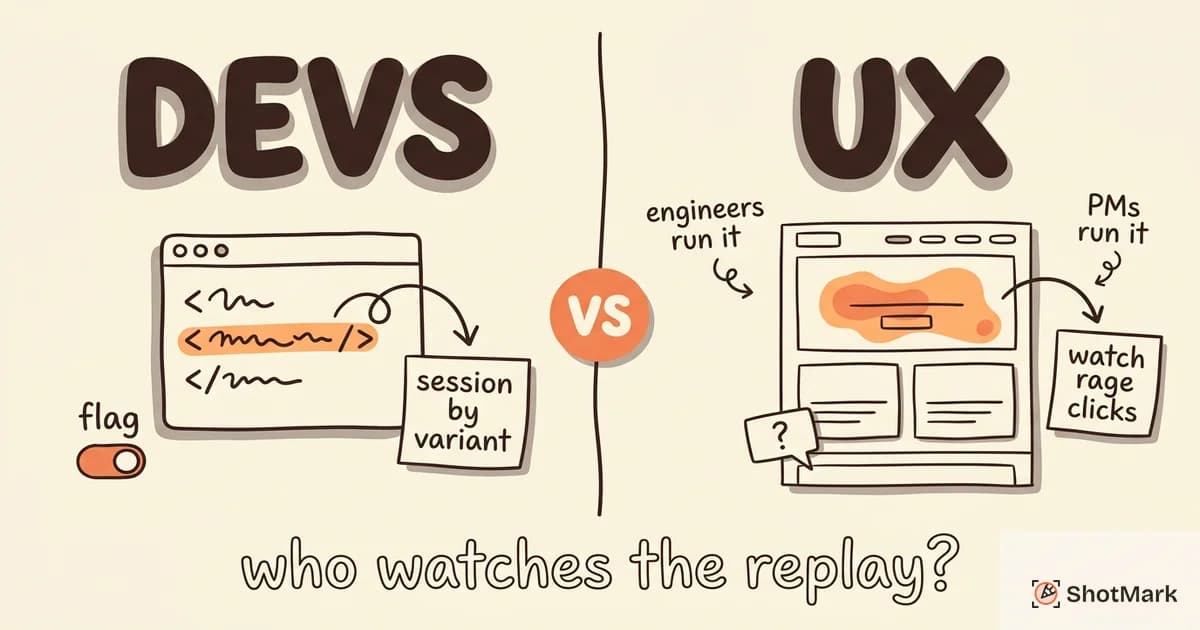
Choosing the right session replay tools for your team means sorting through dozens of options that all claim to “show you what your users see.” The reality is more nuanced. Some tools are built for product teams studying conversion funnels. Others are built for developers debugging production errors. A few try to do both, with varying success.
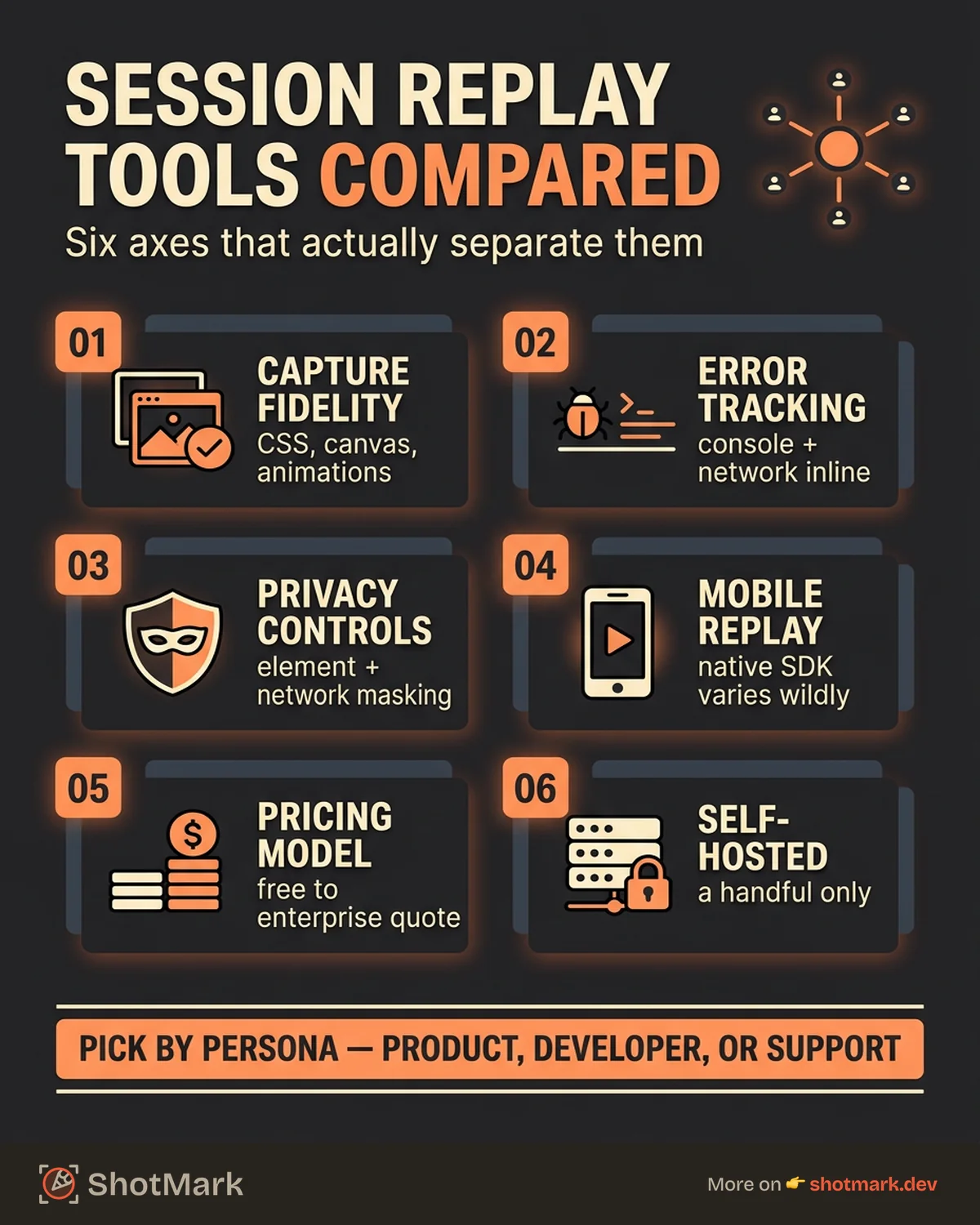
We tested 10 session replay tools on a sample React application and evaluated each on capture fidelity, error tracking integration, privacy controls, mobile support, pricing, and self-hosting options. This comparison covers what each tool does well, where it falls short, and which teams it’s built for.
What Session Replay Tools Actually Do (and Who Needs Them)
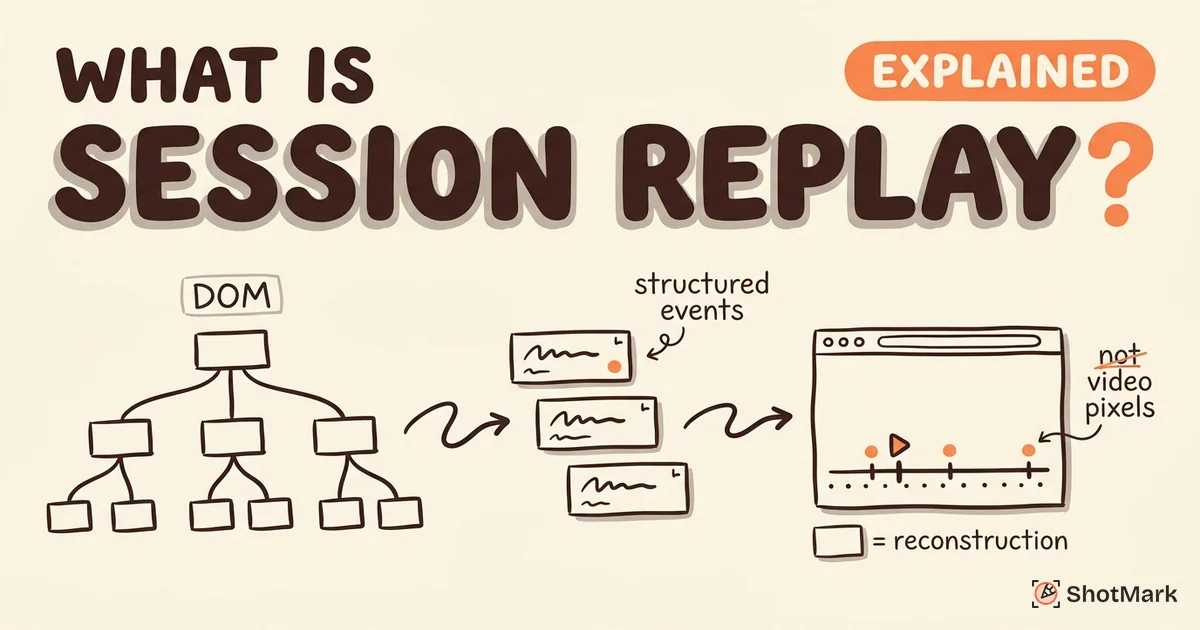
Session replay tools reconstruct user browser sessions using DOM snapshots and event streams, not screen recordings. They capture clicks, scrolls, page transitions, and JavaScript errors, then replay them in a viewer that looks like a video but is actually a lightweight reconstruction. For a technical breakdown of how this works, see our guide on what is session replay.
Three types of teams buy session replay tools:
- Product teams want to understand user behavior: where people click, where they drop off, what confuses them
- Developer teams want to debug production bugs: what happened before an error, what network requests failed, what the console showed
- Support teams want context for customer tickets: attach a replay link instead of asking “can you describe what happened?”
The average CPC for “session replay tools” exceeds $40, which signals strong commercial interest from vendors. That also means the market is crowded and vendor comparisons tend to be self-serving. We’ve tried to keep this one neutral.
How We Evaluated These Session Replay Tools
We installed each tool’s SDK on a React single-page application with authenticated routes, form inputs, API calls, and client-side errors. We evaluated:
- Capture fidelity: Does the replay look like the actual session?
- Error tracking: Can the tool surface JavaScript errors, network failures, and console logs alongside the replay?
- Privacy controls: How granular is PII masking? Can you mask specific elements, text, or network bodies?
- Mobile support: Does the tool offer native mobile replay SDKs, or web-only?
- Pricing model: Per-session, per-event, or per-seat? What does it cost at 10K, 50K, and 100K monthly sessions?
- Self-hosted option: Can you run the tool on your own infrastructure?
| Tool | Free Tier | Starting Price | Mobile Replay | Open Source | Error Tracking |
|---|---|---|---|---|---|
| FullStory | Yes (1yr retention) | Enterprise quotes | Yes | No | No (integrations) |
| LogRocket | 1,000 sessions/mo | $99/mo (Team) | Limited | No | Yes |
| PostHog | 5,000 recordings/mo | Usage-based | No | Yes | Yes |
| Sentry | Included in Team | Usage-based | No | Partial | Yes (core feature) |
| Datadog | No | $1.80/1K sessions | No | No | Yes (via RUM) |
| Hotjar | 35 daily sessions | $39/mo (Plus) | No | No | No |
| Amplitude | Included in paid | Contact sales | Beta | No | No |
| Mixpanel | Included in Growth | Contact sales | Beta | No | No |
| Microsoft Clarity | Unlimited | Free | No | No | No |
| OpenReplay | Self-hosted free | $3.95/1K sessions | No | Yes | Yes |
Session Replay Tools Compared: Feature Breakdown
FullStory
FullStory pioneered the autocapture approach: install the SDK and it records everything without manual event instrumentation. Their StoryAI feature uses machine learning to generate session summaries and flag frustration signals like rage clicks and error clicks.
Strengths: Industry-leading capture fidelity, native mobile replay for iOS and Android, AI-powered session summaries, strong privacy controls with element-level blocking.
Weaknesses: No built-in error tracking (you need integrations with Sentry or Datadog). Enterprise pricing means small teams can’t easily estimate costs. The free tier has a one-year retention limit.
Best for: Product teams at mid-to-large companies that need high-fidelity replay with autocapture and mobile support.
LogRocket
LogRocket targets developers more than product teams. It captures Redux and Vuex state changes alongside DOM replay, letting you see exactly what your application’s state looked like when a bug occurred. Network request inspection and performance monitoring are built in.
Strengths: Redux/Vuex state replay is unique in this category. Network waterfall view helps debug API issues. Performance monitoring includes page load metrics and web vitals.
Weaknesses: Mobile replay is limited compared to FullStory. Some teams report page load impact from the SDK. The free tier caps at 1,000 sessions per month.
Best for: Front-end developer teams debugging state management issues and API integrations. See our FullStory vs LogRocket comparison for a detailed matchup.
PostHog
PostHog bundles session replay with product analytics, feature flags, A/B testing, and surveys in a single open-source platform. You can self-host the entire stack, which appeals to teams with strict data residency requirements.
Strengths: Open source and self-hostable. 5,000 free recordings per month on the cloud tier. Usage-based pricing scales predictably. Analytics and replay in one tool reduces context-switching.
Weaknesses: Replay fidelity is lower than FullStory on complex CSS animations and canvas elements. No native mobile replay SDK. The all-in-one approach means each feature is less polished than dedicated tools.
Best for: Startups and mid-size teams that want analytics and replay in one platform without vendor lock-in. For a head-to-head with the UX-focused alternative, see PostHog vs Hotjar.
Sentry
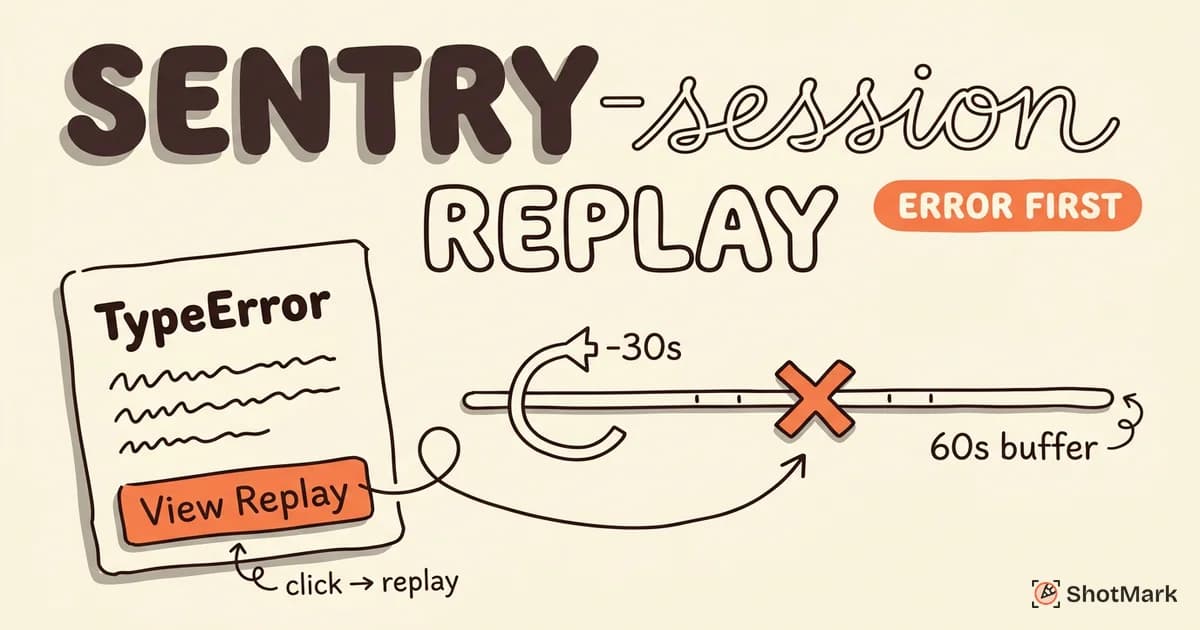
Sentry approaches session replay from an error-first perspective. Replays are attached to error events, so you can watch exactly what a user did before triggering an exception. Breadcrumbs, console logs, and network requests appear in a timeline alongside the replay.
Strengths: Replay + error context is the tightest integration in this list. Breadcrumb timeline shows DOM mutations, console output, and network activity. Included in Team plan pricing. Open-source SDK.
Weaknesses: Not designed as a standalone UX analytics tool. Filtering and segmentation options are limited for product teams. No mobile replay yet.
Best for: Developer teams already using Sentry for error tracking who want replay context on production bugs. More details in our Sentry session replay overview.
Datadog
Datadog’s session replay is part of their Real User Monitoring (RUM) suite. It correlates replays with APM traces, infrastructure logs, and backend metrics, giving full-stack visibility from the browser click to the database query.
Strengths: Unmatched correlation between front-end replay and back-end observability. If you already use Datadog for infrastructure, adding RUM replay is a natural extension.
Weaknesses: Complex setup with multiple SDKs and configuration. Pricing at $1.80 per 1,000 sessions adds up on top of existing Datadog costs. Overkill for teams that only need front-end replay.
Best for: Enterprise DevOps teams already invested in the Datadog ecosystem. See Datadog session replay for a deeper look.
Hotjar
Hotjar combines session recordings with heatmaps, surveys, and feedback widgets. It’s designed for UX researchers and product managers who want qualitative insights into user behavior.
Strengths: Intuitive interface that non-technical team members can use immediately. Heatmaps and surveys alongside replay provide a complete UX research toolkit. Affordable pricing for small teams.
Weaknesses: No error tracking, no console log capture, no developer tooling. No mobile SDK. The free tier allows only 35 daily sessions.
Best for: Product and UX teams focused on understanding user behavior, not debugging code.
Amplitude
Amplitude added session replay to its analytics platform, letting teams watch user sessions alongside funnel analysis, cohort breakdowns, and behavioral data. The replay feature is still maturing.
Strengths: Deep integration with Amplitude’s analytics engine. If you’re already tracking events in Amplitude, replay adds visual context without a new vendor.
Weaknesses: Session replay is a newer feature with rougher edges than dedicated tools. Mobile replay is still in beta. Pricing requires contacting sales for most plans.
Best for: Teams already using Amplitude for product analytics who want replay as an add-on. According to Amplitude’s own comparison , they position replay as complementary to their analytics core.
Mixpanel
Mixpanel integrated session replay with its event-based analytics and added heatmaps to the package. Replays are linked to user event streams, so you can jump from a conversion funnel to the actual session where a user dropped off.
Strengths: Tight integration with Mixpanel’s event tracking. Heatmaps and replay in one view provide useful UX context.
Weaknesses: Web only (mobile replay is in beta). Privacy controls are less granular than FullStory or PostHog. Available only on Growth plan and above.
Best for: Mixpanel customers who want session context alongside their existing analytics.
Microsoft Clarity
Clarity is completely free with no session limits. It offers session replay, heatmaps, and basic analytics powered by Microsoft’s infrastructure. There’s no catch beyond data being processed on Microsoft’s servers.
Strengths: Free, unlimited sessions. Easy setup. Copilot summaries and insights. Good enough for teams that need basic replay without paying for it.
Weaknesses: No error tracking. Basic filtering and segmentation. Data is stored and processed by Microsoft, which may not meet data residency requirements. No mobile SDK.
Best for: Small teams, personal projects, and anyone who wants session replay at zero cost.
OpenReplay
OpenReplay is a fully open-source session replay platform you can self-host. It includes co-browsing (watch a user’s session in real time for support purposes), error tracking, and network request inspection.
Strengths: Fully open source. Self-hosted option gives you complete data control. Co-browsing feature is unique in this category. Cloud pricing starts at $3.95 per 1,000 sessions.
Weaknesses: Smaller community and fewer third-party integrations compared to PostHog. Self-hosting requires DevOps capacity. Replay fidelity can lag behind commercial tools on complex UI. As noted by Rollbar’s session replay comparison , OpenReplay’s ecosystem is growing but still catching up.
Best for: Teams that need self-hosted replay with full data ownership and don’t mind managing infrastructure.
Session Replay Pricing Compared (2026)
Pricing is where session replay tools diverge most. Here’s what each tool costs at scale:
| Tool | 10K Sessions/mo | 50K Sessions/mo | 100K Sessions/mo |
|---|---|---|---|
| FullStory | Enterprise quote | Enterprise quote | Enterprise quote |
| LogRocket | ~$99/mo (Team) | Custom | Custom |
| PostHog | Free | ~$50/mo | ~$155/mo |
| Sentry | Included in Team (~$26/mo) | Usage-based | Usage-based |
| Datadog | ~$18/mo (on top of RUM) | ~$90/mo | ~$180/mo |
| Hotjar | ~$39/mo | ~$99/mo | Custom |
| Amplitude | Contact sales | Contact sales | Contact sales |
| Mixpanel | Growth plan required | Growth plan required | Growth plan required |
| Clarity | Free | Free | Free |
| OpenReplay | ~$39.50/mo | ~$197.50/mo | ~$395/mo |
Watch for hidden costs: storage retention limits, mobile SDK add-ons, and per-seat fees can push the actual price well beyond the headline number. Zapier’s session replay roundup and G2’s analysis both note that pricing transparency varies widely across vendors.
Privacy and Compliance Across Session Replay Tools
Session replay captures user interactions, which means it can accidentally capture personal data. Every tool in this list offers some form of PII masking, but the depth varies.
Text masking replaces all visible text with asterisks or placeholder characters. Most tools default to this for input fields. FullStory and PostHog let you configure masking at the element level, so you can expose non-sensitive UI while blocking specific components.
Network body scrubbing removes request and response payloads from captured data. This matters for tools like LogRocket and Sentry that capture API traffic alongside replay.
GDPR and CCPA require informed consent before recording sessions. Most tools support consent banners and provide options to only start recording after the user opts in. Userpilot’s session replay analysis highlights that consent implementation varies: some tools block recording entirely without consent, while others capture but anonymize.
Self-hosted and EU-hosted options: PostHog, OpenReplay, and Sentry offer self-hosting. Datadog and FullStory offer EU data residency. Clarity, Mixpanel, and Amplitude process data in the US.
For teams in regulated industries (healthcare, finance, government), self-hosting or EU residency isn’t optional. Factor this into your tool selection early.
Choosing the Right Session Replay Tool for Your Team
For Developer Teams Debugging Production Bugs
Start with Sentry if you’re already using it for error monitoring. The replay-attached-to-error workflow is the fastest path from “something broke” to “here’s what the user was doing.” LogRocket is the alternative if you need Redux/Vuex state visibility.
ShotMark complements both. Session replay shows what happened after code reaches production. ShotMark captures bugs during QA and development, before they reach production, with screenshots, console logs, and network request data in one click.
For Product Teams Analyzing User Behavior
FullStory leads this category with autocapture, mobile replay, and AI-powered session summaries. Hotjar is the budget-friendly alternative with heatmaps and surveys bundled alongside replay.
For Teams That Want Everything in One Platform
PostHog offers analytics, replay, feature flags, and A/B testing in a single open-source platform. Amplitude takes a similar bundled approach for teams already in its ecosystem. Quantum Metric covers the enterprise end of this spectrum with AI-driven insights.
Where ShotMark Fits in Your Session Replay Stack
Session replay tools are reactive. They show you what happened after your code is deployed and users encounter problems. That’s valuable for production monitoring and UX analysis.
ShotMark operates earlier in the development lifecycle. It captures bugs during QA and development with annotated screenshots, browser console logs, and network request data, all in a single click. When a tester finds a bug, ShotMark packages the complete context and sends it to your issue tracker. No back-and-forth asking “what browser were you using?” or “can you open the console and check for errors?”
The best workflow combines both: ShotMark for pre-production bug capture, session replay tools for post-production monitoring. Together, they cover the full spectrum from development through deployment.
Join the ShotMark waitlist to get early access to visual bug capture that fits alongside your session replay stack.
Get new posts in your inbox.
One email when we publish: notes on QA, AI, and shipping faster. No spam, unsubscribe anytime.