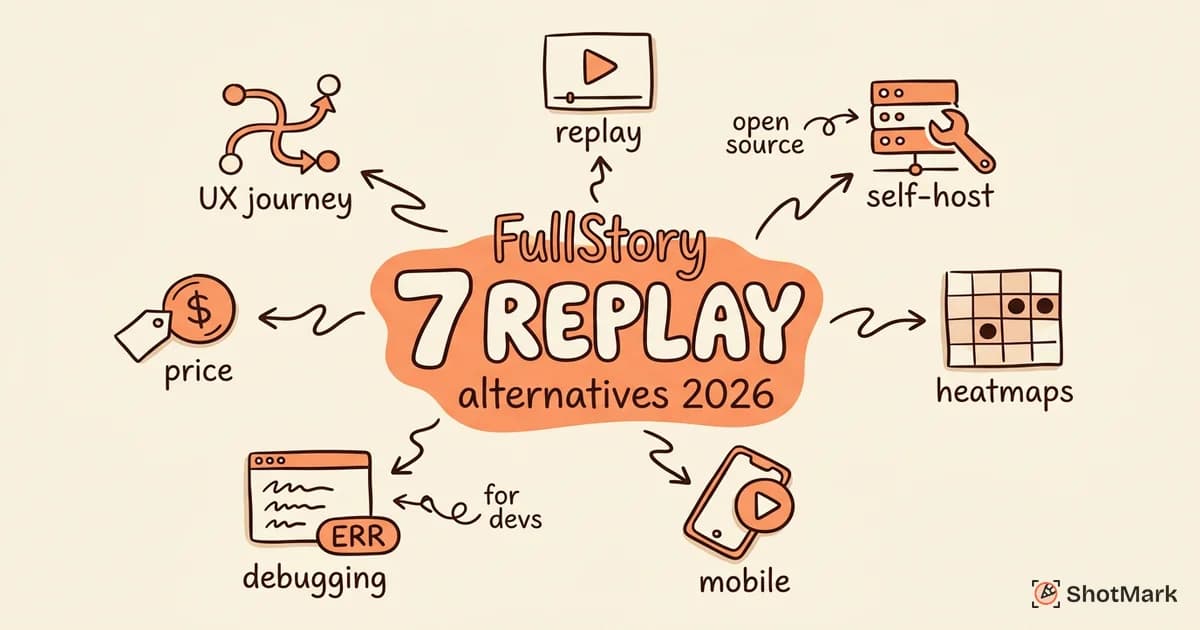
FullStory set the standard for session replay and digital experience analytics. Its fidelity, search capabilities, and frustration signal detection make it a favorite among UX researchers and product teams at enterprise companies. But FullStory’s pricing isn’t published, the minimum commitment is significant, and the feature set is more than many teams need. If you’re a startup, a mid-market SaaS company, or a team that primarily wants developer-friendly replay, a FullStory alternative might serve you better.
The gap between what FullStory offers and what most teams actually use is wider than it appears. Many teams sign up for FullStory thinking they need enterprise-grade digital experience analytics, then use it almost exclusively for session replay. The frustration signals, DX scoring, and advanced journey analytics collect dust while the team watches replays and checks heatmaps. A cheaper, more focused tool often delivers the same core value at a fraction of the cost.
We evaluated seven alternatives on session replay quality, analytics depth, pricing transparency, self-hosting options, and whether they combine replay with debugging or bug reporting features. Each tool below was assessed for a range of team sizes, from small product teams to large engineering organizations.
Why Teams Look for FullStory Alternatives
FullStory is an excellent product. The reasons teams switch are practical, not qualitative.
Pricing is the most common driver: FullStory requires a custom quote and typically targets enterprise budgets. Teams under 100 employees often find the cost hard to justify, especially when they only use replay and heatmaps, not the full analytics suite. A best FullStory alternative for a 15-person startup looks different than one for a 500-person company.
Feature overlap is the second reason: Teams already running product analytics (Amplitude, Mixpanel, PostHog) or error monitoring (Sentry, Datadog) sometimes find that FullStory duplicates existing functionality. Session replay becomes the only reason to keep it, and paying enterprise pricing for replay alone feels inefficient.
Privacy and self-hosting requirements push some teams away. FullStory is cloud-only. Organizations in healthcare, finance, or government that need on-premise data hosting or strict data residency controls need a self-hosted FullStory alternative. PostHog and a few others fill that gap.
Wanting bug-reporting features alongside replay is a newer motivation. FullStory shows you what happened, but turning a replay session into an actionable bug report requires manual work. Teams that want replay data captured inside bug reports, not just alongside them, look for tools that blend the two workflows.
7 FullStory Alternatives
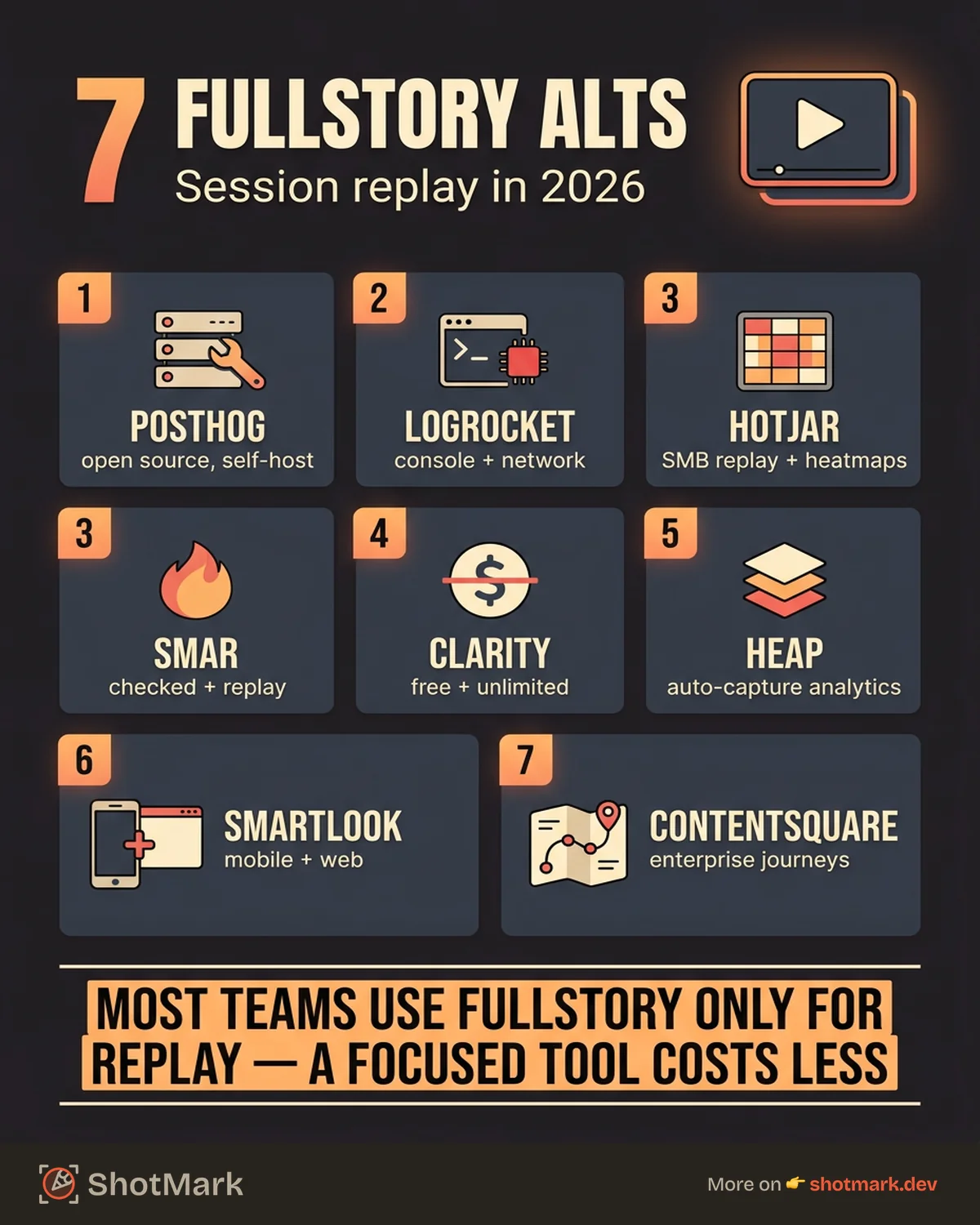
PostHog
PostHog is the most popular open-source FullStory alternative. It’s self-hostable, combines product analytics with session replay, and includes feature flags and error tracking in the same platform.
Strengths: Open-source and self-hostable, which addresses data residency and privacy directly. Free cloud tier covers 5,000 recordings and 1 million events per month. Product analytics (funnels, retention, paths) are well-developed. Privacy masking controls for sensitive elements.
Weaknesses: Replay fidelity on complex single-page applications trails FullStory. Analytics features are more mature than the replay features. Self-hosting requires infrastructure maintenance. Documentation for replay configuration could be more detailed.
PostHog makes the most sense as a FullStory alternative when your team already uses it for product analytics or when self-hosting is a hard requirement. The replay quality is good enough for most debugging and UX research use cases, even if it doesn’t match FullStory’s pixel-perfect reconstruction on complex SPAs.
Best for: Teams that want the best FullStory alternative they can self-host, especially those already using PostHog for analytics.
LogRocket
LogRocket approaches session replay from a developer perspective. It records DOM state, console logs, network requests, and Redux store state alongside the visual replay. That makes it more useful for debugging than pure UX research.
Strengths: Console log and network request capture during replay is invaluable for frontend debugging. Redux, MobX, and Zustand state inspection. Integrates with error monitoring tools like Sentry. GraphQLe and REST API logging.
Weaknesses: Not designed for UX researchers or marketing teams. Heatmap features are limited. Pricing scales with sessions and becomes expensive for high-traffic applications. The developer-centric interface means non-technical team members may need guidance to navigate sessions.
LogRocket is the clear FullStory alternative for engineering teams that want replay for debugging, not UX research. If your primary question is “what broke and why” rather than “how do users experience this flow,” LogRocket’s focus on technical context alongside replay is a better fit than FullStory’s broader analytics suite.
For a detailed comparison of LogRocket and similar tools, see our LogRocket alternatives for frontend debugging analysis.
Hotjar
Hotjar is the SMB-focused alternative to FullStory. It trades replay fidelity for accessibility and price. For teams that want basic session recording and heatmaps without enterprise contracts, Hotjar is the starting point.
Strengths: Easy setup with a single script tag. Heatmaps (click, scroll, move) are straightforward. Survey and feedback collection tools included. Priced for small and mid-size teams, starting at $32 per month.
Weaknesses: Replay quality is noticeably lower than FullStory, especially on SPAs. No console or network capture. Limited session filtering and search. Session caps even on paid plans.
For a broader comparison of Hotjar and its competitors, see our Hotjar alternatives with better session replay breakdown.
Microsoft Clarity
Microsoft Clarity is free with no traffic limits. It records sessions, generates heatmaps, and detects rage clicks and dead clicks. The price point (zero) makes it worth considering alongside any paid tool.
Strengths: Free, unlimited recordings and heatmaps. Rage click and dead click detection. Simple setup. No traffic caps.
Weaknesses: No product analytics. Limited filtering and segmentation. No console or network capture. Data stored on Microsoft infrastructure with no self-hosting.
Best for: Teams that need basic replay and heatmaps without budget, or teams that want to run Clarity alongside a paid tool for additional coverage.
Heap
Heap takes an auto-capture approach to analytics. Instead of defining events manually, Heap captures every user interaction and lets you retroactively define metrics. Session replay is available on higher-tier plans.
Strengths: Auto-capture means no missed events. Retroactive analysis lets you define metrics after the fact. Good for product teams that want exhaustive behavioral data. Replay integrates with the event stream.
Weaknesses: Replay is only available on Growth and Premier plans, which are enterprise-priced. Auto-capture generates large data volumes that increase costs. Not developer-focused. No self-hosting.
Best for: Product teams that already use Heap for analytics and want replay without adding another vendor.
Smartlook
Smartlook covers both web and mobile session replay, which differentiates it from most competitors in this list.
Strengths: Mobile replay for iOS and Android. Event-based filtering lets you find sessions where specific actions occurred. Free tier covers 3,000 sessions per month. EU-based data hosting for GDPR compliance.
Weaknesses: Replay quality on web is a step below FullStory. Analytics features are lighter than PostHog or Heap. Integration ecosystem is smaller. Heatmap features are basic.
Best for: Teams that need mobile and web replay in one tool, especially those with EU data requirements.
Contentsquare
Contentsquare competes directly with FullStory for enterprise digital experience analytics. It emphasizes zone-based heatmaps, journey analysis, and conversion funnel visualization.
Strengths: Deepest zone-based heatmap analysis available. Journey mapping handles complex multi-step flows. Merchandising and content performance analytics. Dedicated customer success and onboarding.
Weaknesses: Enterprise pricing only. Requires dedicated analyst resources. No self-serve option. Not designed for developer workflows or debugging.
Best for: Enterprise e-commerce and large SaaS companies with dedicated UX research teams.
Comparison Table
| Tool | Replay Quality | Self-Hosted | Free Tier | Analytics Depth | Pricing |
|---|---|---|---|---|---|
| PostHog | Medium | Yes | Yes | Deep | Free tier |
| LogRocket | High | No | Yes | Medium | $69/mo |
| Hotjar | Medium | No | Yes | Basic | $32/mo |
| Microsoft Clarity | Medium | No | Yes (unlimited) | Basic | Free |
| Heap | High | No | Trial only | Deep | Custom |
| Smartlook | Medium | No | Yes | Medium | Custom |
| Contentsquare | High | No | No | Deep | Custom |
When FullStory Is Still Worth It
FullStory remains the right choice for teams that need the highest replay fidelity available and have the budget to match. Large product organizations with dedicated UX research teams get significant value from FullStory’s search capabilities, frustration signals, and DX (digital experience) scoring. If your team actively uses FullStory’s analytics features beyond replay and you’re getting ROI from those insights, the switching cost may not be worth it.
The fullstory vs PostHog decision often comes down to self-hosting requirements. If you need to keep data on your own infrastructure, PostHog wins by default. If you want the highest-fidelity replay and don’t have data residency constraints, FullStory still has the edge.
Pairing Session Replay With Bug Reporting
Session replay reveals problems. A user gets stuck on a form, a layout breaks on a specific viewport, an interaction produces unexpected behavior. But a replay alone isn’t a bug report. Someone still has to watch the replay, identify the issue, write reproduction steps, and file a ticket.
ShotMark reduces that friction. One click captures a screenshot with annotations, console logs, network requests, and a short session replay. The result is a shareable bug report that a developer can act on without watching a 10-minute recording or asking “what browser were you using?” It complements your session replay tool by turning observations into actionable reports. For the full landscape of tools in this space, our best bug reporting tools compared for 2026 roundup covers the capture and reporting side.
The right FullStory alternative depends on your constraints. Need self-hosting? PostHog. Need developer debugging? LogRocket. Need free and unlimited? Microsoft Clarity. Need mobile coverage? Smartlook. Pick based on the problem you’re solving most often, then pair it with a bug reporting tool that turns what you observe into what your team fixes.
Get new posts in your inbox.
One email when we publish: notes on QA, AI, and shipping faster. No spam, unsubscribe anytime.