Teams often treat user acceptance testing vs usability testing as interchangeable. They’re not, and confusing them creates gaps in your QA process that neither method alone can fill. We see this mistake regularly: a team runs UAT, skips usability testing entirely, and then wonders why users struggle with a feature that technically passed every acceptance criterion.
Both involve real users interacting with software. But they answer fundamentally different questions, happen at different stages, and produce different outputs. Understanding the distinction helps you plan both effectively.
UAT and Usability Testing Are Not the Same
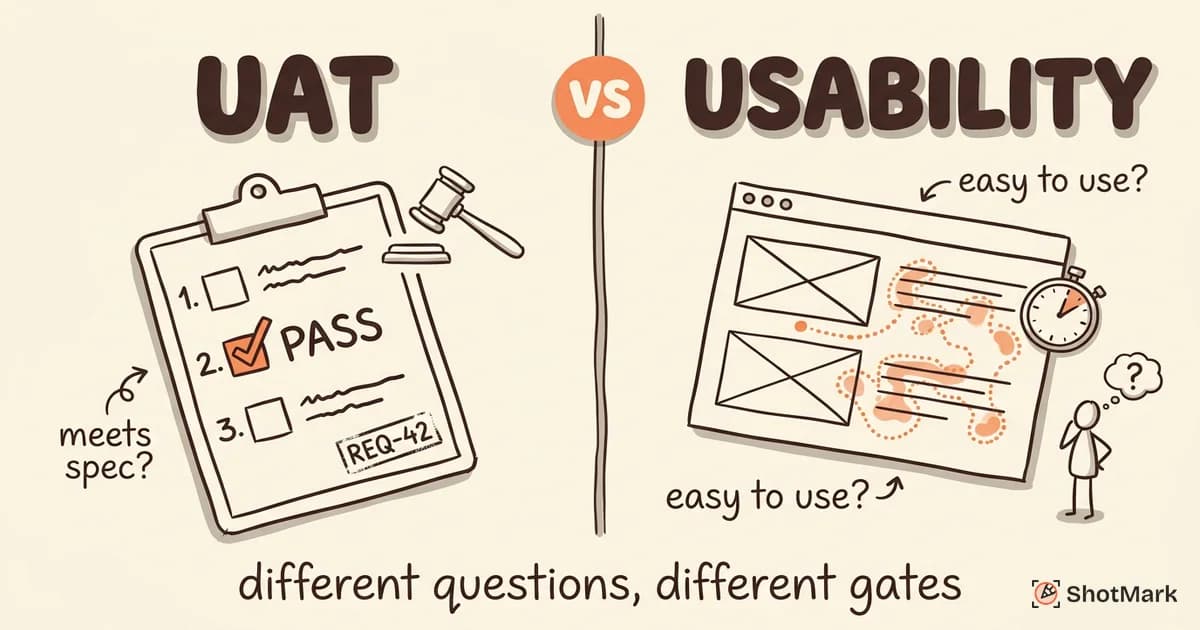
User acceptance testing asks: “Does the software meet the agreed business requirements?” Usability testing asks: “Can users accomplish their goals easily and efficiently?”
A feature can pass UAT perfectly (it does what the spec says) and still fail usability testing (users can’t figure out how to use it). Conversely, a beautifully intuitive interface can fail UAT if it doesn’t implement the required business logic.
Confusing the two leads to testing gaps. If you treat usability testing as UAT, you’ll miss requirement violations. If you treat UAT as usability testing, you’ll ship software that works correctly but frustrates users.
What Is User Acceptance Testing?
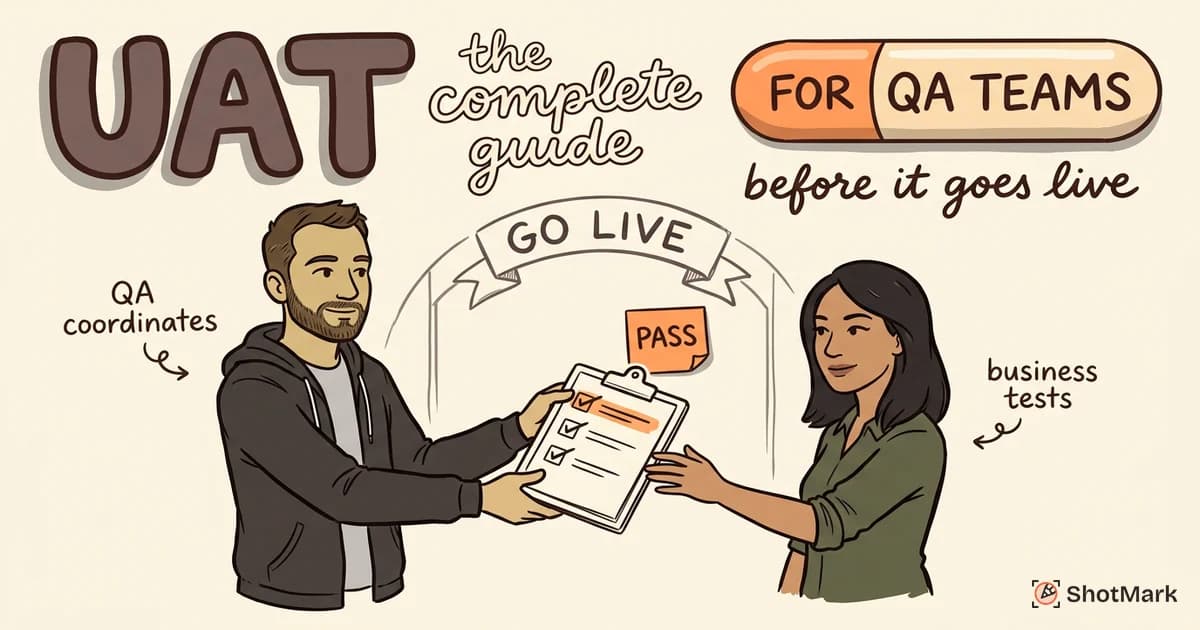
User acceptance testing is the final testing phase before production release. Business users (not developers, not QA engineers) validate that the software meets the documented requirements and acceptance criteria.
The focus is functional correctness. Does the checkout flow process payments as specified? Does the report generate accurate totals? Does the notification system trigger at the right events?
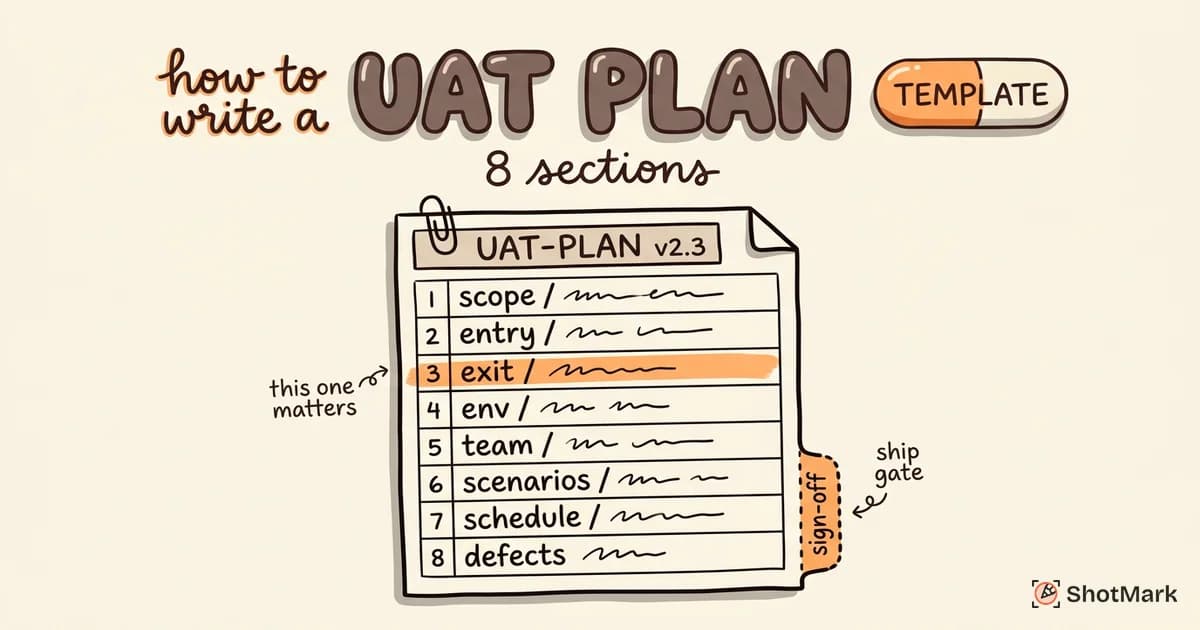
UAT produces a binary outcome: pass or fail against predefined acceptance criteria. When all critical test cases pass and stakeholders are satisfied, they provide formal sign-off. That sign-off is the green light for production deployment.
UAT typically happens late in the development cycle, after system testing and integration testing are complete. The software should be functionally stable before business users see it.
What Is Usability Testing?
Usability testing measures how easily users can complete tasks with the software. It evaluates the user experience rather than functional correctness.
The focus is on ease of use, intuitiveness, error prevention, and learnability. Can a new user complete the signup process without help? Do users understand the navigation structure? When they make a mistake, does the interface help them recover?
Usability testing produces qualitative and quantitative data: task completion rates, time on task, error rates, satisfaction scores, and observational notes about where users hesitate or get confused.
This testing typically happens earlier in the development cycle, often during design and prototyping. Running usability tests on wireframes or prototypes catches UX problems before they’re expensive to fix.
Side-by-Side Comparison
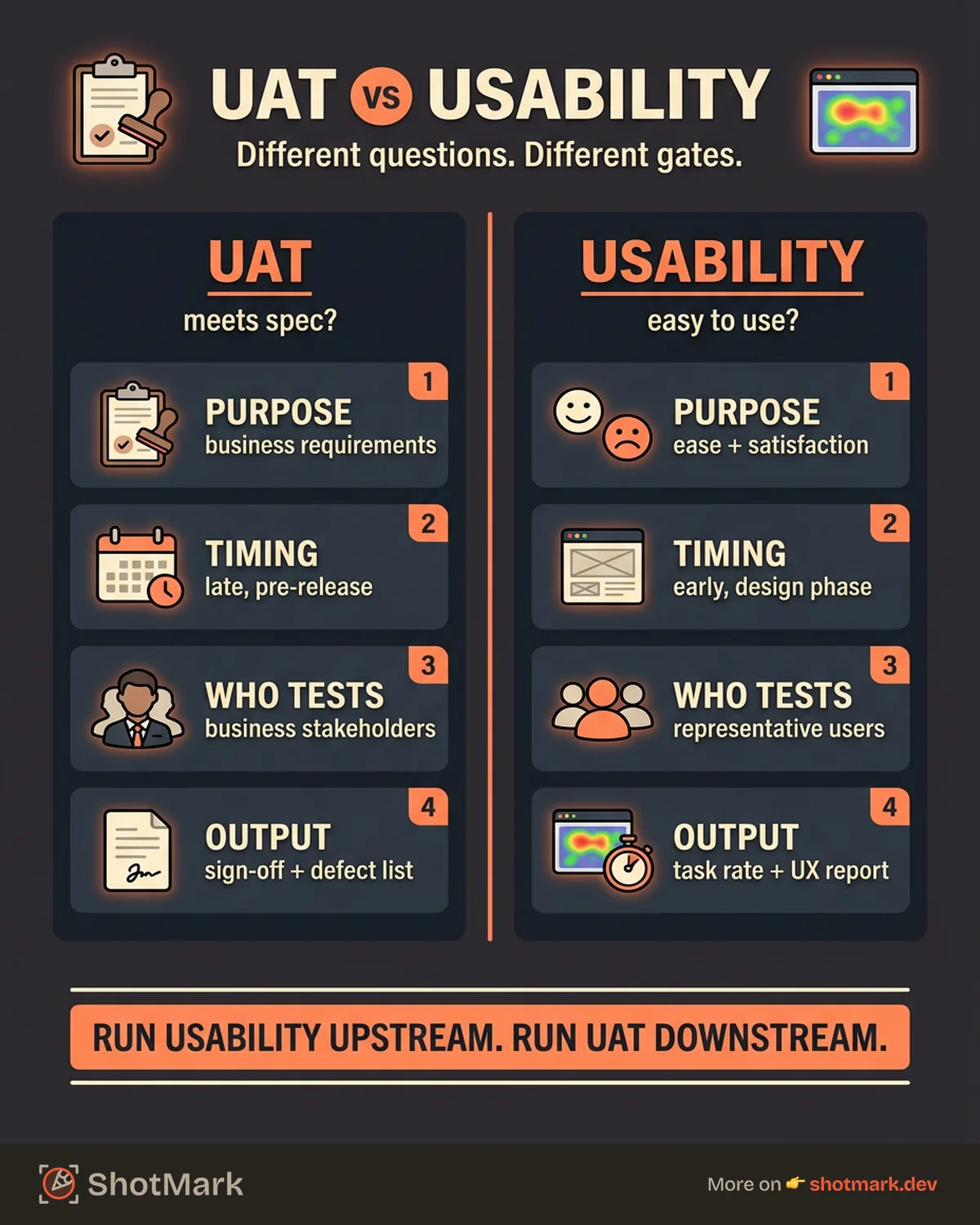
Here’s how user acceptance testing vs usability testing compare across the dimensions that matter most:
| Dimension | User Acceptance Testing | Usability Testing |
|---|---|---|
| Purpose | Validate business requirements are met | Evaluate ease of use and user satisfaction |
| Timing | Late in SDLC (pre-release) | Early to mid SDLC (design/prototype phase) |
| Participants | Business stakeholders, end users | Representative users (often recruited) |
| What it measures | Requirements fulfilled, workflows complete | Task completion rate, time on task, errors |
| Pass/fail criteria | Acceptance criteria from requirements | Task success rate, satisfaction benchmarks |
| Output | Sign-off document, defect list | Usability report with recommendations |
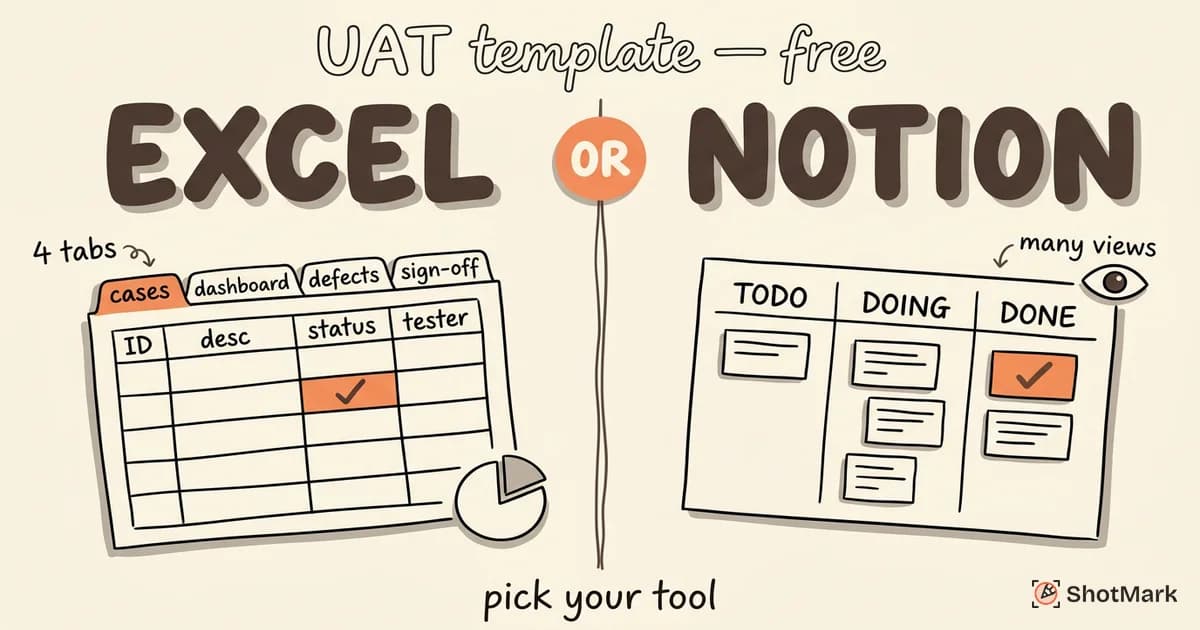
| Tools | Test management, bug trackers, checklists | Screen recording, heatmaps, session replay |
The difference between UAT and usability testing becomes clear when you look at the outputs. UAT produces a sign-off decision. Usability testing produces a list of UX improvements.
When to Use UAT
Run user acceptance testing before every production release. It’s the final quality gate that confirms the software does what the business asked for.
UAT is essential when business stakeholders need to formally approve software before it ships. This is common in enterprise environments, client projects, and regulated industries where documented sign-off is mandatory.
Use UAT when validating that requirements are met as specified. If the requirement says “the report calculates tax at 8.25%,” UAT verifies that exact behavior. No interpretation, no judgment call.
For a complete walkthrough, see our guide on UAT best practices.
When to Use Usability Testing
Run usability testing during design and prototyping phases, before you’ve written most of the code. Testing on wireframes and prototypes is faster and cheaper than testing on a finished product.
Usability testing is especially valuable when launching a new feature with unfamiliar user flows. If your users have never interacted with a particular interface pattern, test it before committing to production code.
Watch for signals that demand usability testing: high support ticket volume around a specific feature, user feedback indicating confusion, or analytics showing drop-offs at unexpected points in a workflow. These all suggest that the interface itself, not the functionality, is the problem.
Treat usability testing as part of continuous UX improvement, not a one-time event. The best teams run lightweight usability tests on every major feature before it enters development.
Can You Do Both at the Same Time?
Yes, but keep them separate in your process. Running UAT and usability testing simultaneously works if you’re disciplined about separating the findings.
UAT focuses on structured test cases: does feature X work according to requirement Y? Testers follow predefined steps and record pass or fail results.
Usability insights will surface during UAT naturally. A business user might say, “I found the settings page, but the layout is confusing.” That’s usability feedback, not a UAT defect. Capture it separately so it doesn’t cloud the UAT results or delay sign-off.
Do not let usability feedback delay UAT sign-off unless it reveals a genuine requirement gap. If the software does what the spec says but users find it confusing, that’s a valid UX issue for the next sprint. It’s not a reason to block the release (unless the confusion makes the feature effectively unusable).
How They Complement Each Other
Usability testing upstream prevents UAT failures downstream. If users can’t figure out a workflow during usability testing, they’ll fail to complete it during UAT too. Catching that UX problem early saves everyone time.
Both methods contribute to a better product launch. UAT ensures functional correctness. Usability testing ensures user satisfaction. Together, they cover both sides of software quality.
The most effective QA processes run usability testing during design, fix UX issues before development, then run UAT on functionally stable code. This sequence minimizes rework and produces software that both works correctly and works well.
For practical user acceptance testing examples you can adapt to your projects, see our dedicated examples guide.
Use the Right Tools for Each
UAT and usability testing benefit from different toolsets. Test management platforms, bug trackers, and checklist templates support UAT workflows. Screen recording, heatmaps, session replay, and surveys support usability evaluations.
Some tools span both. Visual bug reporters capture defects during UAT with full context. Session replay tools provide usability insights by showing exactly how users navigate the interface.
ShotMark supports the UAT side with one-click defect capture: annotated screenshots, console logs, network requests, and browser metadata in a single report. Pair it with dedicated usability tools for complete coverage of both user acceptance testing vs usability testing needs.
Join the ShotMark waitlist for visual bug reporting during your UAT cycles.
Get new posts in your inbox.
One email when we publish: notes on QA, AI, and shipping faster. No spam, unsubscribe anytime.