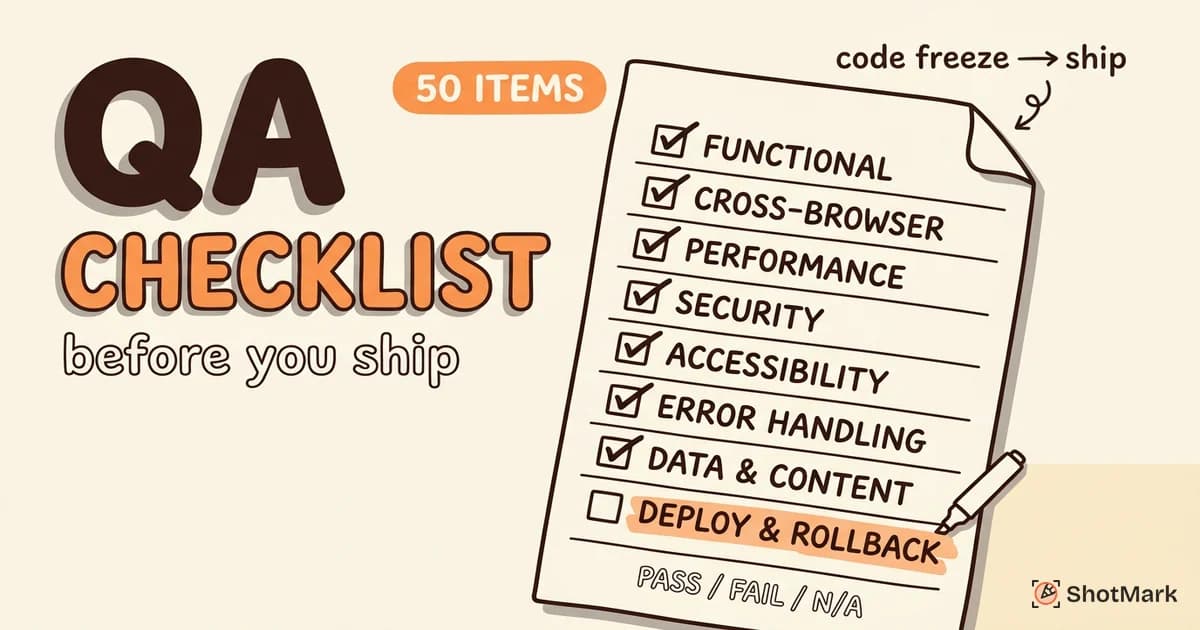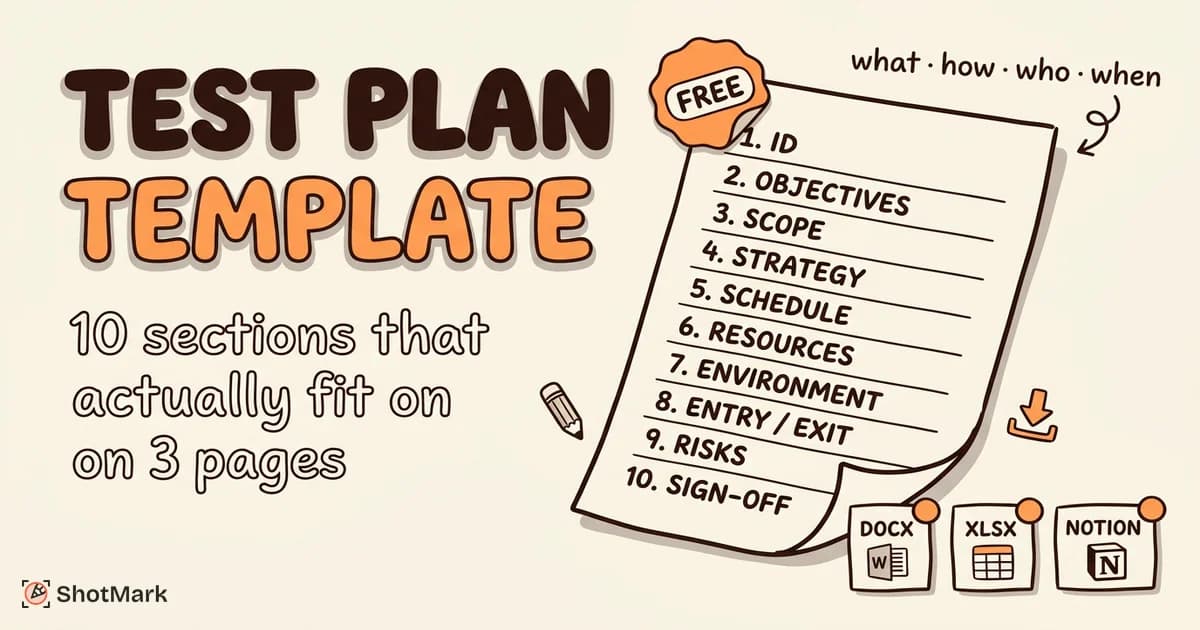
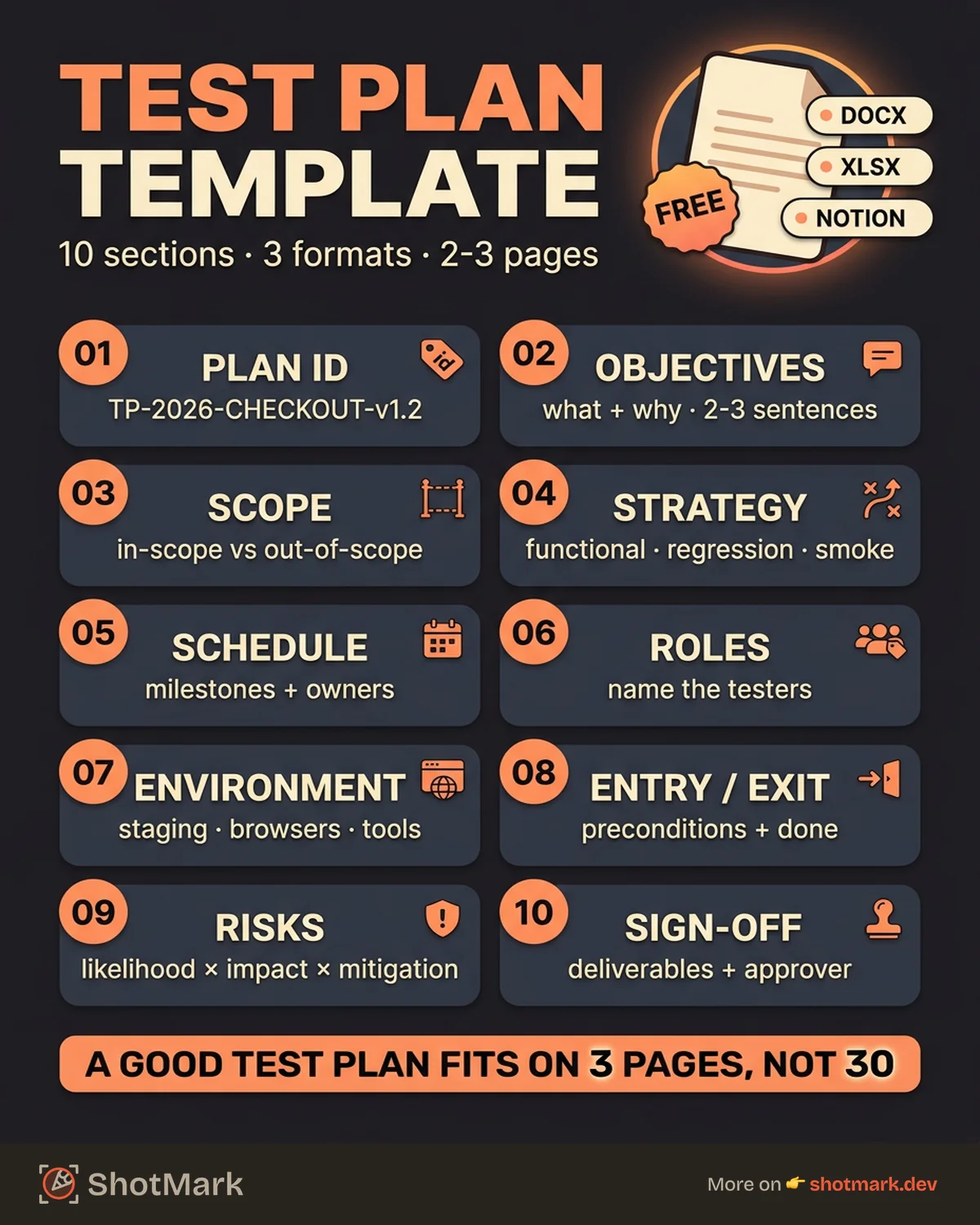
A test plan template is the first artifact a QA team creates for any release, yet most teams either skip it entirely or dust off a 20-page IEEE 829 document that nobody reads. A good test plan fits on 2-3 pages and answers four questions: what are we testing, how are we testing it, who is testing it, and when will it be done.
We built this template to be practical, not ceremonial. It’s available in Word, Excel, and Notion formats. Download it, fill in the blanks, and start testing with a clear plan.
What Is a Test Plan (and When You Need One)
A test plan is a document that describes the scope, approach, resources, and schedule for testing a software release. It aligns the QA team, developers, and stakeholders on what will be tested, what won’t, and what “done” looks like.
When to create one:
- New feature releases with multiple test scenarios
- Major refactors that touch core functionality
- Compliance requirements (SOC 2, HIPAA, PCI-DSS)
- Onboarding a new QA engineer who needs context
When to skip the formality:
- Hotfixes with a single, well-defined change
- Minor UI tweaks (color changes, copy updates)
- Single-developer projects with no handoff
One important distinction: a test plan is not a test strategy, and it’s not a test case. The test strategy defines your overall testing approach across the organization. The test plan applies that strategy to a specific release or project. Test cases are the individual steps executed during testing. They all work together, but they’re different documents.
The 10 Sections Every Test Plan Needs
The original IEEE 829 standard defined test plan sections in the 1990s. Our software test plan template modernizes that structure for today’s agile and sprint-based teams.
1. Test Plan ID and Version
Every test plan needs a unique identifier and version number. When scope changes mid-sprint (and it will), you need to track which version of the plan the team is working from.
Example: TP-2026-04-CHECKOUT-v1.2
2. Introduction and Objectives
State what this test plan covers and why. Keep it to 2-3 sentences.
Example: “This test plan covers functional and regression testing for the new checkout flow (v3.2). The objective is to verify all payment methods, error handling, and cart persistence before the April 22 release.”
3. Scope (In-Scope and Out-of-Scope)
Explicitly list what you’re testing and what you’re not. This prevents scope creep and sets expectations with stakeholders.
In-scope example: Credit card payments, PayPal integration, cart persistence across sessions, error messaging for declined transactions.
Out-of-scope example: Mobile app checkout (covered by mobile QA team), internationalization, load testing (separate test plan).
4. Test Strategy and Approach
Define which test types you’ll use and why. Common options: functional testing, regression testing, smoke testing, exploratory testing, and integration testing.
Example: “We will run smoke tests on each build, functional tests for all new checkout features, and a full regression suite before release. Exploratory testing will focus on edge cases in payment error handling.”
5. Test Schedule and Milestones
Map testing activities to dates or sprint days. Include dependencies (e.g., “Regression testing starts after Feature X is merged”).
| Milestone | Date | Owner |
|---|---|---|
| Test case design complete | April 14 | QA Lead |
| Smoke test on staging build | April 16 | QA Engineer |
| Functional testing complete | April 18 | QA Team |
| Regression suite executed | April 20 | QA Team |
| Go/no-go decision | April 21 | QA Lead + PM |
6. Resource Allocation and Roles
Who is testing what? Name the people and their responsibilities. This avoids the “I thought you were testing that” problem.
Example: Sarah (QA Lead) owns the test plan and go/no-go decision. Jake handles payment flow testing. Maria runs the regression suite. Dev team is responsible for unit tests.
7. Environment and Tool Requirements
Specify where testing happens, what browsers and devices are in scope, and which tools the team will use.
Example: Testing on staging environment (staging.app.com). Browsers: Chrome 124, Firefox 125, Safari 17. Tools: qase.io for test management, GitHub Issues for bug tracking, Playwright for automated regression.
8. Entry and Exit Criteria
Entry criteria define what must be true before testing starts. Exit criteria define what must be true before testing is complete.
Entry criteria example: Build deployed to staging, all unit tests passing, test data seeded, no known blockers.
Exit criteria example: All critical and high-severity test cases passed, no open P0/P1 bugs, regression suite at 95%+ pass rate, QA Lead sign-off.
9. Risk Assessment and Mitigation
Identify what could go wrong and how you’ll handle it. This section saves you from scrambling when a risk materializes.
| Risk | Likelihood | Impact | Mitigation |
|---|---|---|---|
| Staging environment unstable | Medium | High | Maintain local test environment as backup |
| Payment gateway sandbox downtime | Low | High | Use mock payment responses for functional tests |
| QA engineer out sick | Medium | Medium | Cross-train second engineer on critical paths |
10. Deliverables and Sign-Off
List what the testing cycle produces and who approves the results. Typical deliverables: test execution report, defect summary, coverage metrics, and go/no-go recommendation.
Download the Template
We’ve built this test plan template in three formats so it works with your team’s existing tools.
- Word (.docx): Traditional document format, easy to share via email or Google Docs
- Excel (.xlsx): Spreadsheet format with structured fields, good for tracking and filtering
- Notion: Native Notion template you can duplicate into your workspace
Each format includes all 10 sections with placeholder text and examples you can replace with your own project details.
How to Fill Out the Template (Step-by-Step)
Let’s walk through filling out the template using a real example: testing a new checkout flow for an e-commerce web app.
Step 1: Start with scope: This is the most important section. Write down every feature in scope, then explicitly list what’s out of scope. When someone asks “are we testing X?” later in the sprint, you’ll have the answer documented.
Step 2: Define your test strategy: Pick the test types that match your risk profile. A payment flow gets functional testing, regression, and exploratory. A copy change might only need a visual check.
Step 3: Build the schedule: Work backward from your release date. If you ship on Friday, regression needs to finish by Thursday, which means functional testing wraps by Wednesday.
Step 4: Assign people: Don’t just write “QA team.” Name the person responsible for each area. Shared ownership is no ownership.
Step 5: Set exit criteria: This is what most teams skip, and it’s what causes the most arguments at release time. Define the pass/fail threshold before testing starts, not after.
Before (vague): “Testing should be mostly done.”
After (specific): “All P0/P1 test cases passed. Zero open critical bugs. Regression suite at 95%+ pass rate. QA Lead has signed off.”
Test Plan Examples for Common Scenarios
Web app feature release: Focus sections on browser matrix, functional test cases for the new feature, and regression tests for related features. Keep the plan to 2-3 pages. Link test cases from your test management tool rather than embedding them.
API integration test plan: Scope centers on endpoint-level testing: request/response validation, error codes, authentication, rate limiting, and timeout handling. Environment section is critical here since you need to specify which API version and sandbox credentials to use.
Regression test plan for sprint cycles: This is a lightweight, repeatable plan that your team reuses every sprint. The scope section updates each sprint with new features added to the regression suite. The schedule is fixed (same days every sprint). The exit criteria stay consistent. This is the most common test plan template for agile teams, where a heavy document would slow down the sprint cadence.
Mobile vs web test plan differences: Web app test plans need browser matrix and viewport coverage. Mobile test plans need device matrix, OS version coverage, and network condition testing. The template structure stays the same, but the environment and scope sections look different.
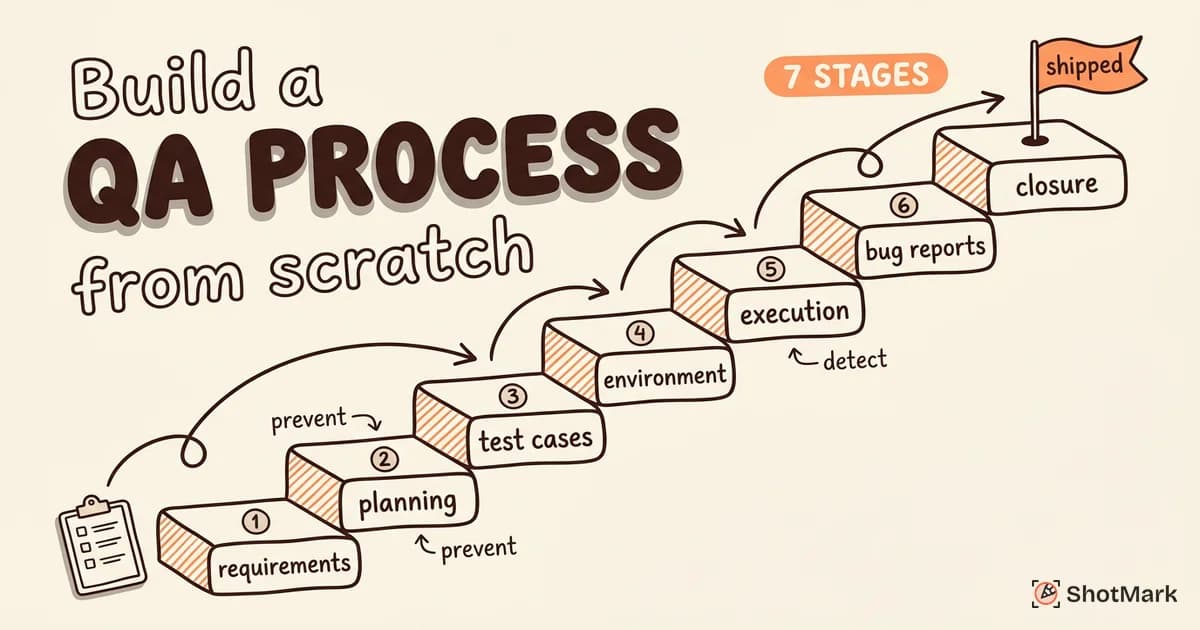
For a broader view of how test planning fits into your overall quality assurance workflow, see our guide on how to build a QA process from scratch. And for the test cases that go inside your plan, check our test case template for manual and automated QA.
Common Test Plan Mistakes
Making it too long: If your test plan is 20 pages, nobody will read it. A test plan should be a working document, not a compliance artifact. Two to three pages is the sweet spot for most feature releases.
Not updating it when scope changes: Requirements change mid-sprint. If the test plan doesn’t reflect those changes, testers are working from outdated assumptions. Version your test plan and communicate updates to the team.
Missing exit criteria: Without clear exit criteria, the “are we done testing?” conversation becomes subjective. One person thinks quality is fine, another disagrees, and the debate delays the release.
No risk section: Every release has risks. Acknowledging them upfront and planning mitigations is faster than reacting when things break. The teams that skip this section are the ones that scramble during release week.
Treating the template as sacred: Our template is a starting point. If a section doesn’t apply to your project, remove it. If you need a section we didn’t include, add it. The goal is a useful plan, not a filled-out form.
Writing the plan after testing starts: A test plan written retroactively is just documentation, not planning. The value of a test plan comes from the conversations it forces before testing begins: alignment on scope, agreement on exit criteria, and clarity on who owns what.
How to Write a Test Plan for QA (Quick Tips)
If you’re writing your first test plan, here are the essentials:
- Start with scope: This one section prevents more confusion than everything else combined.
- Keep it short: If nobody reads it, it’s not useful. Two pages is better than twenty.
- Name people, not roles: “Sarah tests checkout” is clearer than “QA team tests payment flows.”
- Set exit criteria before you start: Not after, not during. Before.
- Version it: When scope changes (and it will), update the plan and communicate the change.
- Store it where the team can find it: A test plan buried in a shared drive is a test plan that doesn’t exist.
For teams using Notion, the Notion template includes linked databases for test cases and bug tracking, making it easy to keep everything connected in one workspace.
Your Test Plan Is a Living Document
The best test plan templates are the ones your team actually uses. Download ours, customize it for your first release, and iterate from there. As your QA process matures, your test plans will get sharper and more efficient.
Need better bug reports to go with your test plan? ShotMark captures screenshots, console logs, and network requests in one click. Join the waitlist .
Get new posts in your inbox.
One email when we publish: notes on QA, AI, and shipping faster. No spam, unsubscribe anytime.