The Toolchain Has Changed
Senior developers don’t use the same developer productivity tools they relied on 3 years ago. AI assistants, smarter terminals, and one-click bug reporting have replaced manual workflows that used to eat hours every week.
We analyzed community discussions on Reddit’s r/ExperiencedDevs, surveyed engineering leads, and reviewed the tools that actually show up in daily workflows. What we found is a gap between what gets recommended in “best of” listicles and what experienced engineers actually keep installed. This guide covers the real stack, organized by category, with honest takes on what works and what’s overhyped.
What Makes a Productivity Tool Worth Keeping
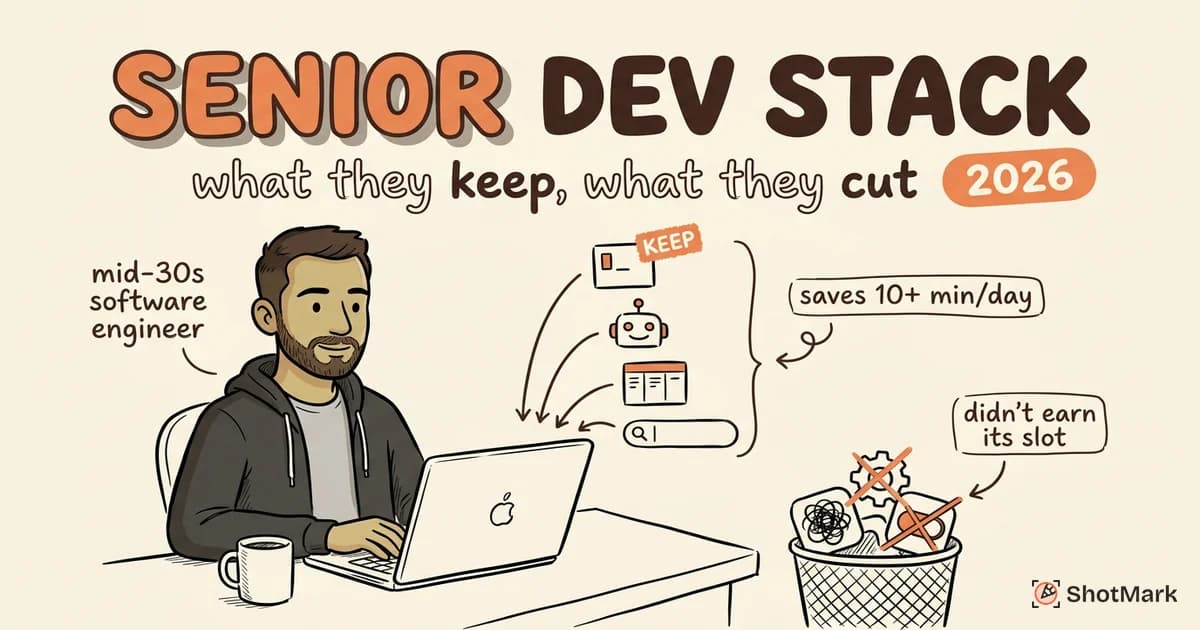
The Senior Dev Test: Does It Save 10+ Minutes Daily?
Experienced engineers audit their tools ruthlessly. If something doesn’t save measurable time, it gets uninstalled within a week.
The framework is simple: adoption cost vs. daily time saved. A tool that takes 2 hours to configure but saves 15 minutes per day pays for itself before the week is over. A tool that takes a week to learn and saves 2 minutes daily never reaches break-even for most people.
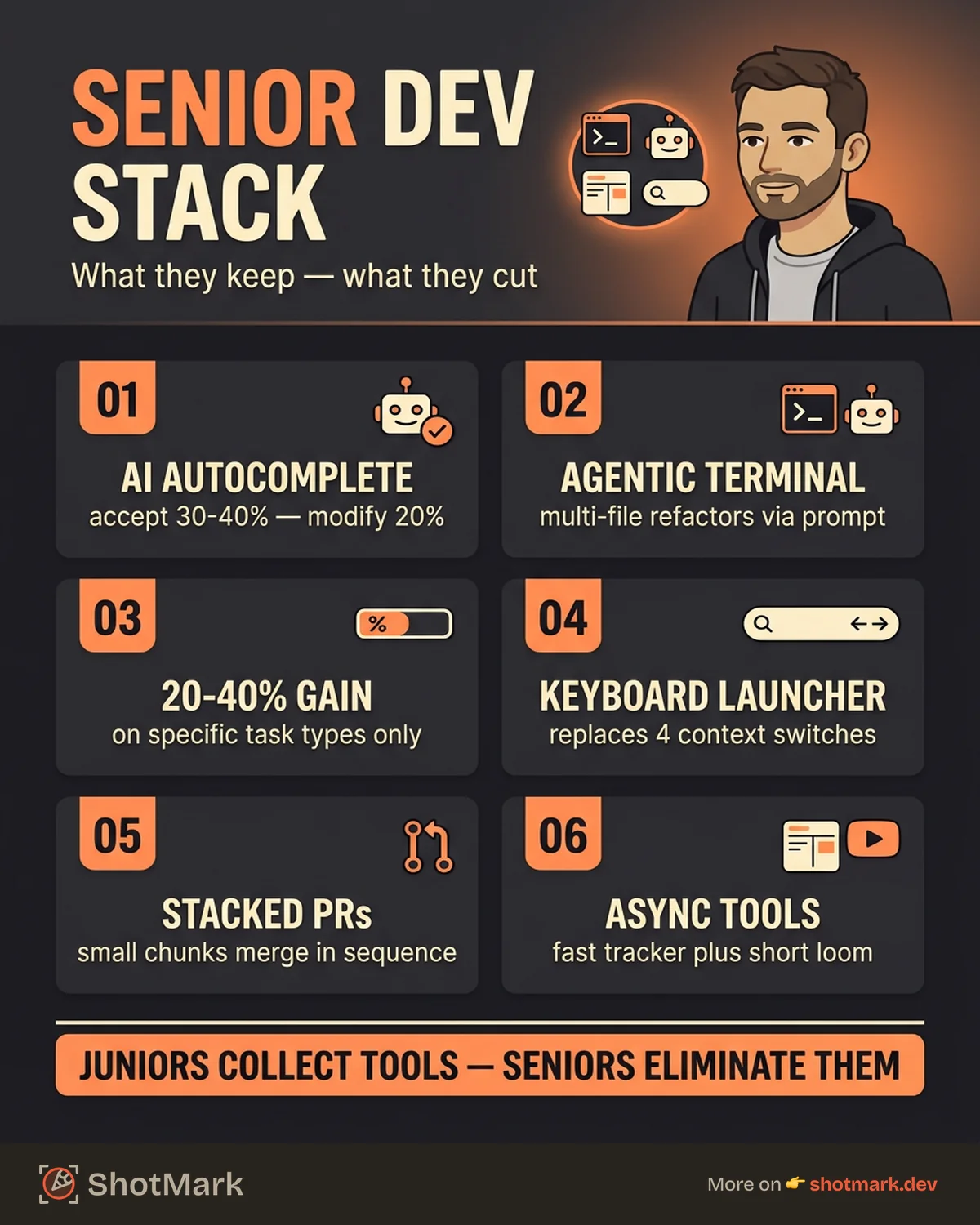
This is where senior devs diverge from juniors. Junior developers collect tools. Senior developers eliminate them.
Integration Over Features
The best software developer productivity tools aren’t the ones with the longest feature lists. They’re the ones that fit existing workflows without friction.
Senior devs pick tools that are CLI-first, keyboard-driven, and composable. They want tools that talk to each other, not walled gardens that try to do everything.
A good example: Raycast replaced Spotlight for most Mac-using developers not because it has more features (it does), but because it integrates with GitHub, Jira, Linear, and custom scripts. One launcher replaces 4 separate context switches.
AI Coding Assistants That Actually Ship Code
GitHub Copilot and Cursor
AI coding assistants are the most adopted new category of developer productivity tools in the last 2 years. But how senior devs use them differs from the marketing pitch.
GitHub Copilot excels at boilerplate: test scaffolding, repetitive patterns, API client wrappers, and type definitions. Cursor takes this further with whole-file awareness and chat-based refactoring built into the editor.
Where AI autocomplete works well:
- Generating unit test boilerplate from function signatures
- Writing repetitive CRUD operations
- Converting between data formats (JSON to TypeScript interfaces)
- Filling in well-documented API calls
Where it falls short:
- Complex business logic that requires domain knowledge
- Security-sensitive code (auth flows, input sanitization)
- Architectural decisions that span multiple services
Senior devs treat AI suggestions as first drafts, not finished code. They accept roughly 30-40% of suggestions, modify another 20%, and reject the rest.
Claude Code and Agentic Coding
The newer category is agentic AI tools that operate in the terminal and handle multi-file changes. Claude Code represents this shift: instead of autocompleting line by line, you describe a task and the AI executes it across files.
This works best for:
- Refactoring function signatures across a codebase
- Migrating configuration formats
- Generating boilerplate for new modules that follow existing patterns
The key difference from autocomplete: agentic tools require clear prompting and review of larger diffs. Senior devs who write better prompts get dramatically better results.
The Honest Take on AI Coding Tools
Productivity gains from AI tools for developer productivity land around 20-40% for specific task types, not across the board. The DX blog reported similar findings in their January 2026 analysis of engineering teams using AI assistants.
The risk that senior devs watch for: AI-generated code that looks correct but isn’t. It compiles, it passes basic tests, and it introduces subtle bugs that surface weeks later. Code review becomes even more important when AI writes the first draft.
Code Editors and Terminal Tools
VS Code vs. JetBrains vs. Neovim
The editor wars never ended. They just became less heated because senior devs split across all three for different reasons.
VS Code dominates by market share. Its extension ecosystem is unmatched, and most AI coding tools target it first. The tradeoff: extension fatigue is real. Many experienced devs have moved toward minimal VS Code setups with fewer than 10 extensions.
JetBrains IDEs (IntelliJ, WebStorm, GoLand) remain the choice for developers who want deep language-specific intelligence out of the box. Refactoring support in JetBrains still outperforms VS Code for Java, Kotlin, and Go.
Neovim holds a dedicated following among developers who optimize for keyboard-only workflows. The learning curve is steep, but developers who invest in it report the highest satisfaction scores in the Stack Overflow Developer Survey .
Modern Terminals: Warp, Ghostty, and Kitty
Terminals got interesting again. Warp introduced AI-powered command suggestions and session sharing, which makes pair debugging over a terminal practical.
Ghostty focuses on speed and native rendering. Kitty gives power users GPU-accelerated rendering with extensive customization.
The trend among senior devs: terminals are becoming collaboration tools, not just command execution environments. Session sharing and AI assistance turn the terminal into a teaching and debugging platform.
Launchers and Productivity Apps
Beyond Raycast, senior devs build personal automation layers:
- Custom shell scripts for repetitive Git workflows
- Keyboard maestro or Hammerspoon for OS-level automation
- Alfred (for those who haven’t switched to Raycast)
The pattern: experienced engineers automate the workflow around coding, not just the coding itself.
Code Review and Collaboration
Code Review Tools for Dev Teams
Code review is where senior developers spend a surprising amount of time. The tooling matters.
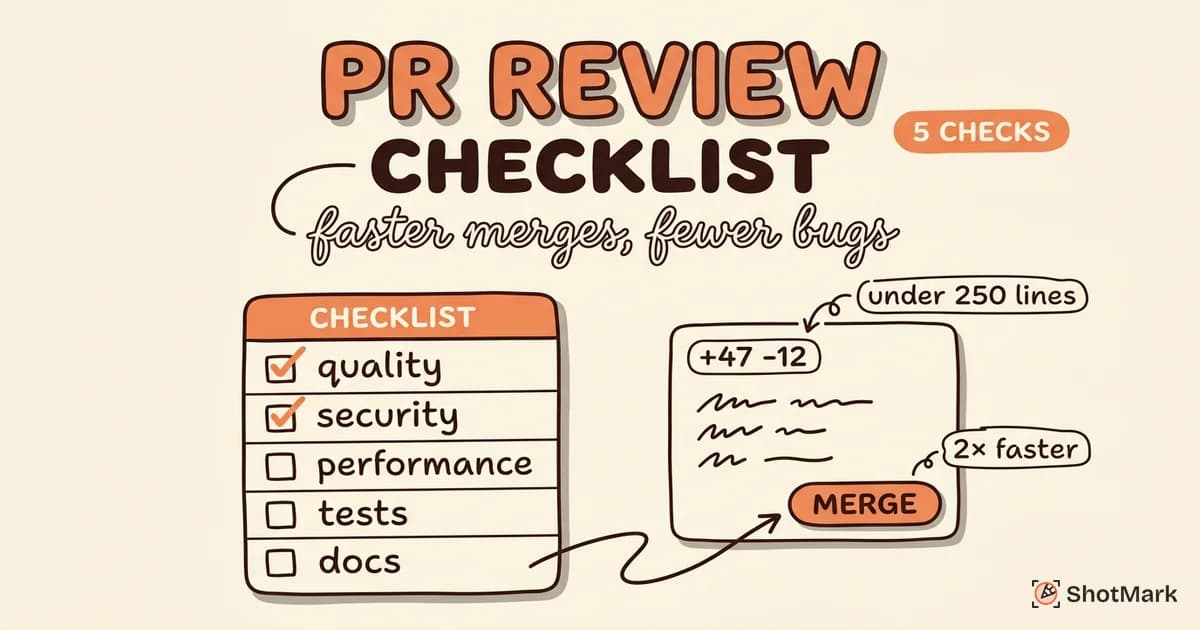
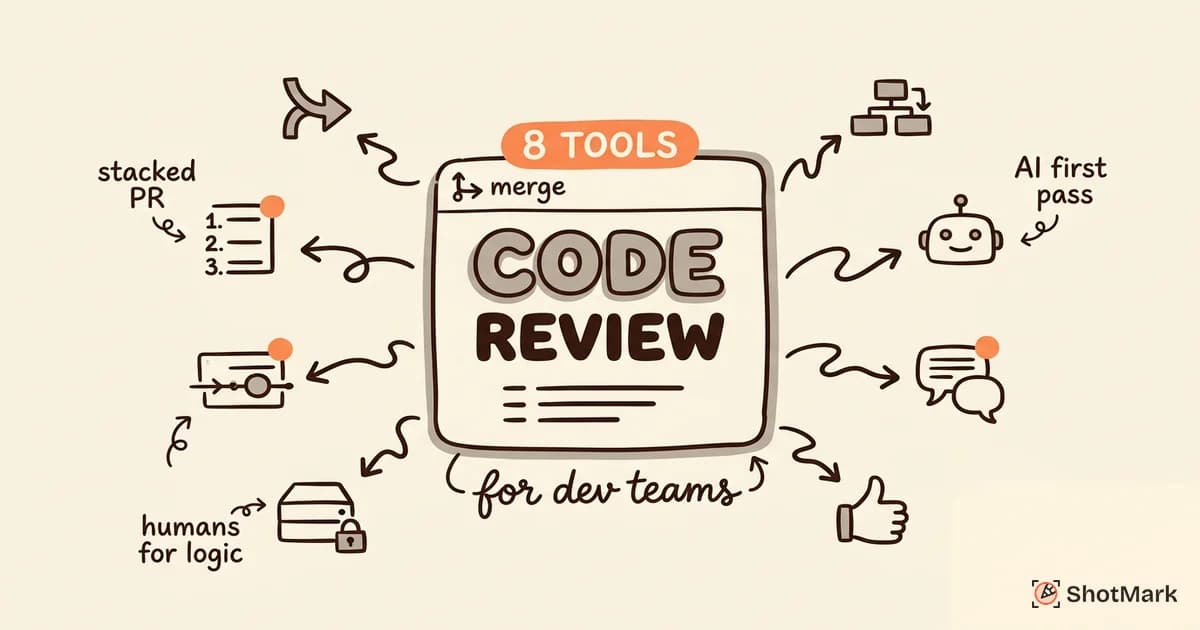
GitHub Pull Requests remain the default, but teams that want faster review cycles are adopting Graphite for stacked PRs. Stacking lets you break large changes into small, reviewable chunks without waiting for each one to merge.
AI-assisted code review through tools like CodeRabbit catches style issues, common bugs, and security patterns automatically. What AI review doesn’t catch: architectural concerns, business logic errors, and whether the approach is the right one. That still requires a human reviewer.
For a deeper comparison of review platforms, we cover 8 tools in detail in our code review tools guide.
Async Communication
Linear has become the issue tracker of choice for many senior engineering teams. The reason: speed. Linear’s interface is keyboard-driven, fast, and opinionated in ways that reduce configuration overhead compared to Jira .
Loom fills the gap for technical walkthroughs that are too complex for a Slack message but don’t warrant a meeting. A 3-minute Loom explaining a PR is often more effective than a 30-minute sync call.
Debugging and Bug Reporting
Chrome DevTools and Beyond
Chrome DevTools remains the most-used debugging tool for frontend and full-stack developers. But most developers only scratch the surface of what it can do.
Keyboard shortcuts alone can save 10+ minutes daily. If you haven’t memorized the full set, our Chrome inspect shortcuts reference covers every shortcut worth knowing.
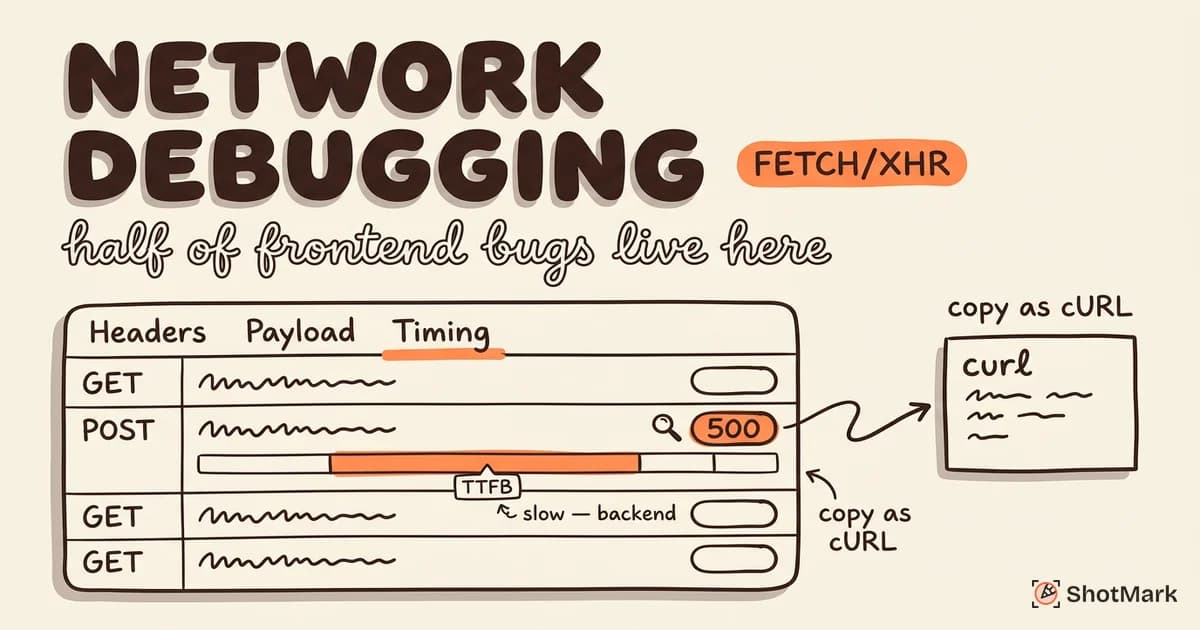
The Network tab is where senior devs spend the most time during debugging: inspecting API responses, checking headers, timing requests, and copying requests as cURL commands for reproduction.
Console Log Capture and Network Debugging
The biggest time sink in debugging isn’t finding the bug. It’s communicating the bug to someone else.
“It works on my machine” still happens daily because browser context is hard to share. Console errors, network failures, viewport dimensions, browser version, and user state all matter for reproduction. Copying this information manually takes 5-10 minutes per bug.
This is exactly the problem visual bug reporters solve. Tools like ShotMark capture console logs, network requests, and annotated screenshots in one click. Instead of a developer spending 10 minutes writing reproduction steps, the context travels with the report automatically.
For teams debugging frontend issues, having console log capture and network request data attached to every bug report eliminates the back-and-forth that slows down fixes.
Error Monitoring
Production error monitoring is a separate category from debugging, and senior devs use both.
Sentry dominates for error tracking with stack traces and release correlation. LogRocket and PostHog add session replay, which shows you exactly what the user did before the error occurred.
When to use session replay vs. error tracking: error tracking tells you what broke. Session replay tells you why the user hit that broken path. Both matter, and most teams with more than 5 frontend developers use both.
Developer Experience and Metrics
Measuring What Matters
DORA metrics (deployment frequency, lead time for changes, mean time to recovery, change failure rate) have become the standard for measuring engineering team health. Tools like DX and Swarmia provide dashboards that track these metrics across repositories.
The important context: these metrics measure team performance, not individual performance. “Lines of code” remains a terrible metric. Senior devs and engineering leaders who use DORA metrics focus on system-level bottlenecks, not developer scorecards.
Personal Productivity Systems
Beyond team metrics, experienced engineers build personal systems for protecting deep work time:
- Time blocking with 90-minute focus sessions
- Do Not Disturb automation that syncs with calendar
- Dedicated “maker days” with no meetings
- Tools like Centered or Focus for flow-state protection
The pattern here: senior devs recognize that productivity is about protecting focus as much as choosing the right tools.
The Tools We Didn’t Include (and Why)
Some popular tools didn’t make this guide:
Overcomplicated project management platforms: If your project management tool requires a certification to use, it’s optimized for managers, not engineers. Senior devs consistently prefer lighter tools (Linear, GitHub Projects) over enterprise PM suites.
AI tools with more marketing than substance: Several AI coding tools promise 10x productivity but deliver autocomplete that’s worse than Copilot. We skipped anything we couldn’t verify with real usage data.
Tools that solve problems created by other tools: If you need a tool to manage your tool integrations, you have too many tools.
Building Your Productivity Stack
Start With the Bottleneck, Not the Tool
The most common mistake: browsing “best developer productivity tools” lists and installing everything that looks interesting. Senior devs do the opposite. They identify their biggest time sink first, then find the one tool that addresses it.
Ask yourself: where do I lose the most time in a typical day? Is it context switching? Debugging? Code review? Bug reporting? Start there.
The 3-Tool Rule
Pick one tool per category and master it. Three core tools (editor, terminal, communication) should cover 80% of your workflow. Everything else is supplementary.
Audit Quarterly
Every 90 days, look at what you actually used vs. what’s installed. Remove anything you haven’t touched in 30 days. Tool sprawl is the silent productivity killer that none of the “best tools” listicles warn you about.
The Senior Dev Advantage
The best developer productivity tools in 2026 aren’t the flashiest ones. They’re the ones that experienced engineers use daily because they solve real problems without creating new ones. AI assistants, modern terminals, stacked PR tools, and one-click bug reporters all share a common trait: they reduce friction in the workflow rather than adding complexity to it.
ShotMark captures screenshots, console logs, and network requests in one click, so you can report bugs without breaking your flow. Join the waitlist .
Get new posts in your inbox.
One email when we publish: notes on QA, AI, and shipping faster. No spam, unsubscribe anytime.