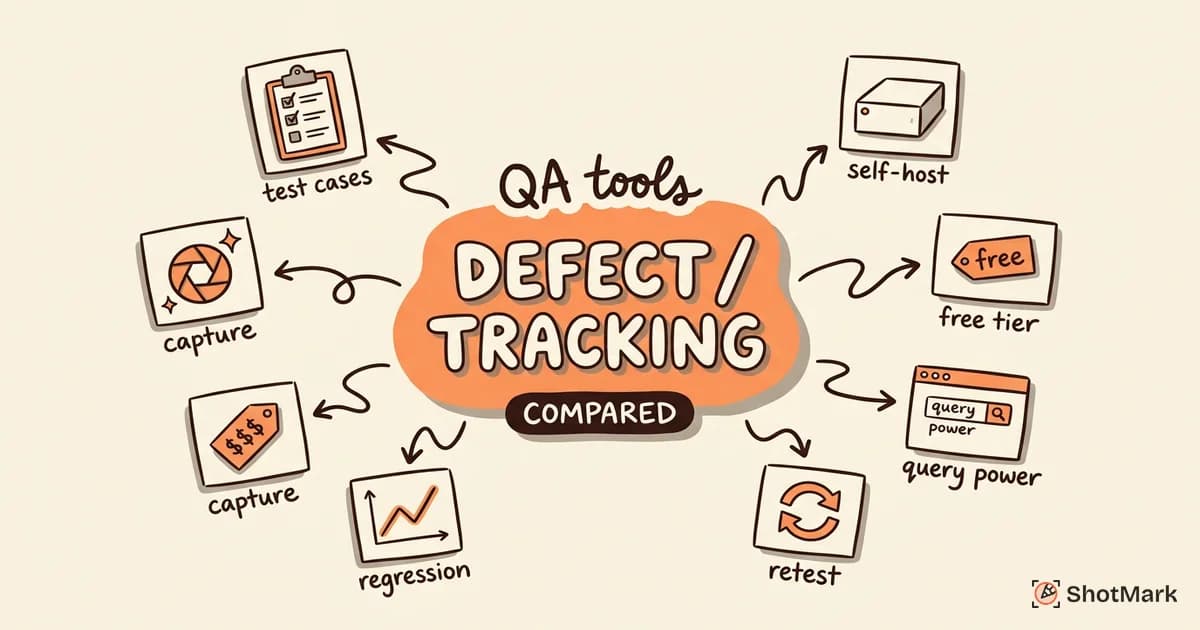
Every defect tracking tool on the market claims to be the best fit for QA teams. After evaluating 8 of the most popular options against real QA workflows (triage, retest, regression tracking), we found that the right choice depends less on feature count and more on how well the tool mirrors your team’s actual defect lifecycle.
This comparison is written for QA professionals who already know they need a dedicated defect tracking tool and want a side-by-side look at pricing, features, and workflow fit. We skip the generic “top 20 tools” approach and focus on the criteria that matter once a bug leaves test execution: linking defects to test cases, tracking regressions across releases, and feeding rich technical context into every ticket.
What QA Teams Need From a Defect Tracking Tool
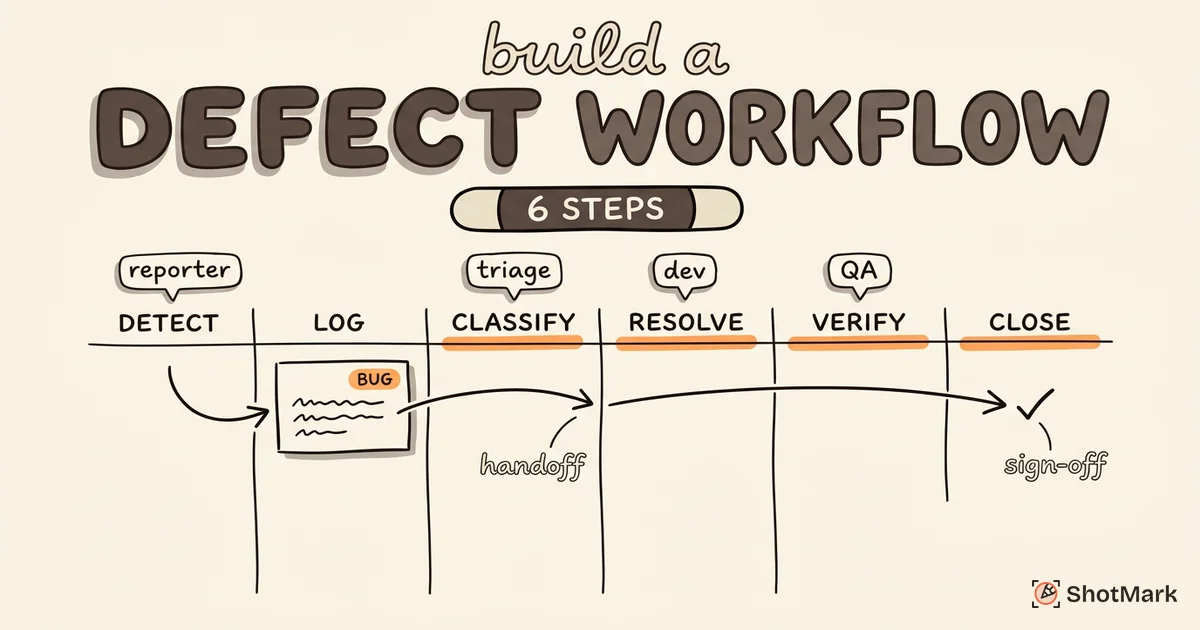
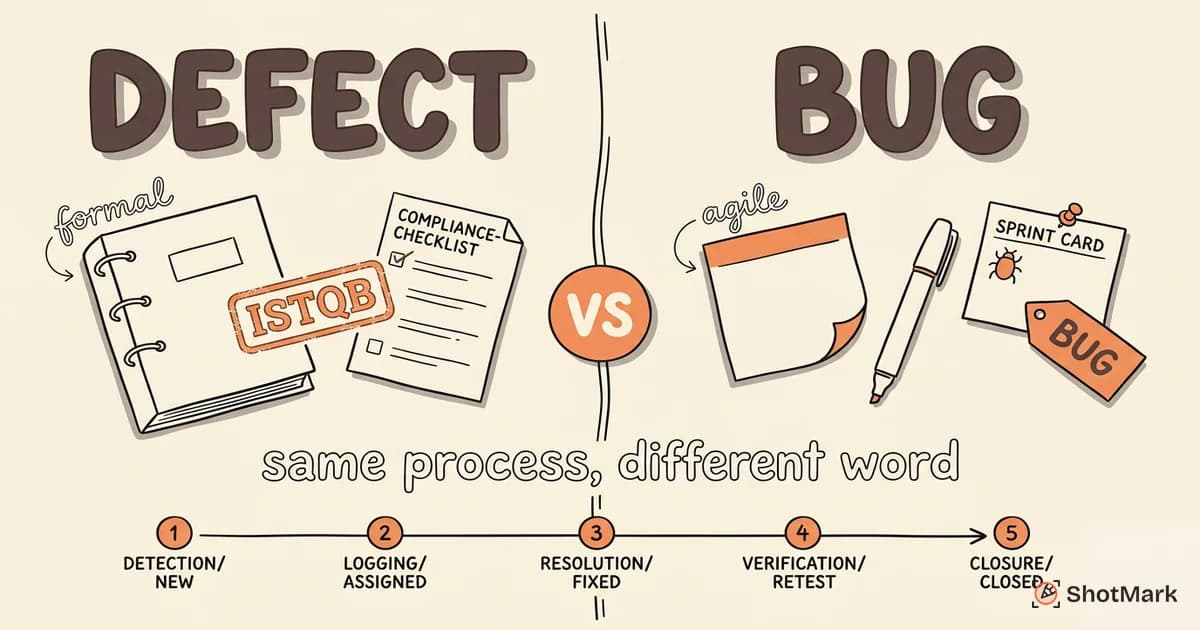
Project management tools and defect tracking tools look similar on the surface. Both have tickets, statuses, and assignees. The differences show up once you run a real QA cycle. A strong defect tracking tool supports the full defect tracking process from discovery to resolution rather than forcing testers to bolt QA workflows onto a generic issue tracker.
Here’s what QA teams actually need:
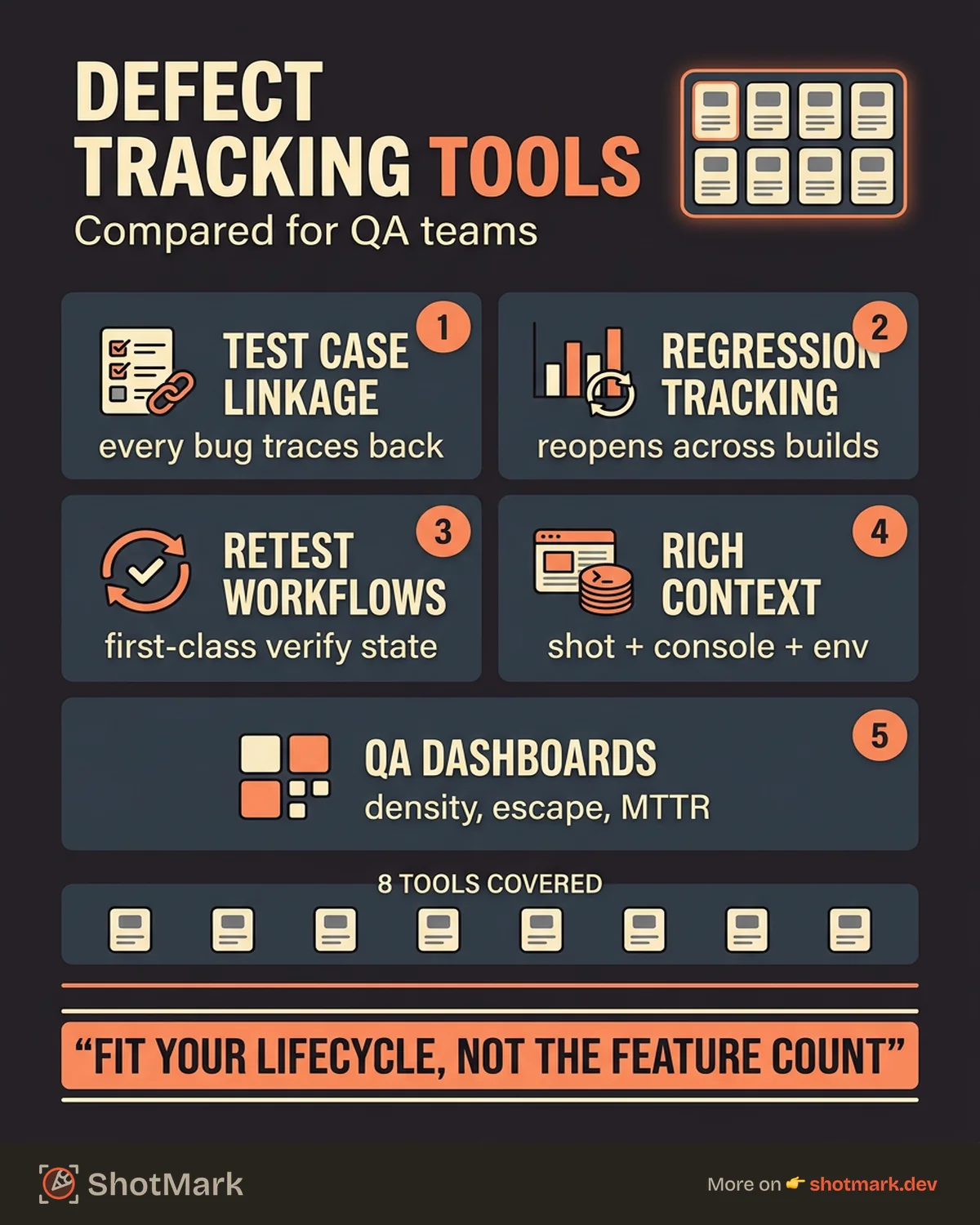
- Test case linkage: Every defect should link back to the test case or test run that caught it. Without this, regression analysis falls apart within a few sprints.
- Regression tracking: The tool should flag defects that reappear in later builds, not just mark them “reopened” manually.
- Retest workflows: When a developer marks a defect fixed, the ticket should route back to QA with a clear retest status, not sit in a generic “Done” column.
- Rich defect context: Screenshots, console logs, network requests, environment data, and reproduction steps should attach to the ticket without manual copy-paste.
- Reporting dashboards: Defect density, escape rate, mean time to resolution, and severity distribution should come out of the box or be easy to build.
Tools that miss any of these turn QA work into bookkeeping. The TestRail defect tracking guide covers similar ground and is worth reading alongside this comparison.
8 Defect Tracking Tools Compared
We looked at 8 tools across commercial, open-source, and QA-native categories. Pricing reflects published list prices as of April 2026 and may have changed by the time you read this.
| Tool | Starting Price | QA-Specific Features | Integrations | Learning Curve |
|---|---|---|---|---|
| Jira | $8/user/mo | Via plugins (Xray, Zephyr) | 3,000+ | Steep |
| Bugzilla | Free (self-hosted) | Moderate | Limited | Steep |
| MantisBT | Free (self-hosted) | Basic | Moderate | Low |
| Linear | $10/user/mo | Minimal | Good | Low |
| YouTrack | Free up to 10 users | Moderate | Good | Moderate |
| Zoho BugTracker | $4/user/mo | Moderate | Zoho suite | Low |
| TestRail | $37/user/mo | Strong (test-native) | Good | Moderate |
| ShotMark | Free during beta | Capture-focused | Jira, Linear, GitHub | Low |
Jira
Jira is where most QA teams end up by default, usually because engineering already uses it. With plugins like Xray or Zephyr, Jira becomes a capable defect tracking tool with test case linkage and retest workflows. Without those plugins, it’s a general-purpose issue tracker that happens to work for bugs.
Strengths: Near-universal integration surface, powerful JQL for custom queries, mature workflow engine, strong reporting once configured.
Weaknesses: Configuration complexity rewards specialists. Plugin pricing stacks up fast. Out-of-the-box experience is not QA-native.
Best for: Mid-size and enterprise QA teams already on Atlassian who can invest in Xray or Zephyr.
Bugzilla
Bugzilla is the open-source veteran. Mozilla built it in 1998 and it still runs some of the largest public bug databases on the internet. The UI shows its age, but the underlying engine is reliable and the search is powerful.
Strengths: Free and self-hosted, mature permissions model, battle-tested at scale, strong CLI and email integration.
Weaknesses: UX feels like 2005. No native test case linkage. Reporting requires manual SQL or custom extensions. Limited modern integrations.
Best for: Teams with strict data residency requirements and the sysadmin capacity to run it.
MantisBT
MantisBT is the friendlier open-source option. It’s lighter than Bugzilla, easier to deploy, and has a more approachable UI. Small QA teams often pick it as a starting point before outgrowing it.
Strengths: Simple installation, low maintenance, decent notification rules, reasonable default workflow.
Weaknesses: Limited plugin ecosystem compared to Jira. No built-in test management. Reporting is basic.
Best for: Small teams (1 to 10 testers) that want self-hosted tracking without Bugzilla’s complexity.
Linear
Linear rebuilt the issue tracker for speed and keyboard-driven workflows. It’s popular with engineering teams at modern startups. For QA specifically, Linear is lean: you get statuses, labels, projects, and a clean API, but not test case linkage or retest-specific workflows.
Strengths: Fast UI, excellent keyboard shortcuts, clean API, strong GitHub integration. Check the Linear changelog for ongoing feature additions.
Weaknesses: No native QA features. Labels and custom fields can approximate test linkage but require discipline. Pricing adds up for larger teams.
Best for: Small-to-mid engineering orgs where QA is embedded with dev and the defect tracker doubles as the general issue tracker.
YouTrack
JetBrains built YouTrack with developers in mind, but the query language and customization options make it flexible enough for QA work. Free for teams under 10, which makes it an easy trial.
Strengths: Powerful query language, built-in knowledge base, flexible workflows, strong IDE integration for JetBrains users.
Weaknesses: Learning curve on the query syntax. Reporting is less polished than Jira. QA-specific features need configuration.
Best for: Mid-size teams that want flexibility without Jira’s overhead.
Zoho BugTracker
Zoho BugTracker is a budget option with reasonable QA features. If your org runs on the Zoho suite (CRM, Projects, Desk), the integration story is strong. Standalone, it’s competent but not standout.
Strengths: Low per-user pricing, tight integration with other Zoho products, custom fields and workflows.
Weaknesses: Smaller ecosystem outside Zoho. UI feels dated compared to Linear or YouTrack. Limited third-party integrations.
Best for: Small teams on Zoho who want consolidated billing and don’t need deep QA tooling.
TestRail
TestRail is a test management tool first and a defect tracking tool second, but that ordering matters. It’s the only option in this list where test case linkage and retest workflows are the starting point rather than a bolt-on. TestRail integrates with Jira, Linear, GitHub, and Azure DevOps, so defects can live in your general tracker while test cases and results live in TestRail.
Strengths: QA-native design, mature test case management, clear retest and regression views, strong reporting.
Weaknesses: Per-user pricing is higher than general trackers. You still need a separate defect tracker for dev-facing tickets. Some integrations require manual configuration.
Best for: Dedicated QA teams at mid-size and enterprise companies where test case management is a first-class concern.
ShotMark
ShotMark is not a defect tracker. It’s a one-click capture layer that feeds screenshots, console logs, network requests, and session replay into whichever defect tracker you already use. The problem we’re solving is the missing context, not the ticket system itself. Most defects get filed with a two-line description and a screenshot, leaving developers to reproduce from guesswork.
Strengths: One-click capture, automatic console and network attachment, session replay for hard-to-reproduce bugs, open-source SDK, native Jira and Linear integration.
Weaknesses: Early access (join the waitlist at shotmark.dev). Doesn’t replace your tracker; complements it.
Best for: QA teams of any size that want to raise the quality floor of every defect ticket without changing their existing tool. The BrowserStack defect tracking tools overview is a useful companion read if you’re also evaluating browser testing platforms alongside capture tools.
How Defect Tracking Software Fits Into the QA Workflow
A defect tracking tool sits between test execution and developer work. The defect enters the system when a test fails or exploratory testing uncovers an issue, and it exits when QA verifies the fix in a later build. Understanding that flow helps you avoid buying a tool that optimizes the wrong step.
How do defect tracking tools differ from project management tools?
Project management tools like Asana or Trello track tasks: “build login page,” “design checkout flow.” They don’t care about severity, reproduction steps, or retest status. Defect tracking tools add those fields and, more importantly, connect defects to test cases and build versions so you can answer questions like “which defects regressed in release 4.2?” or “what’s our escape rate to production?”
General trackers can approximate defect tracking with enough custom fields and discipline. Dedicated tools make those workflows the default rather than a convention the team has to maintain.
Which defect tracking tool integrates with Jira?
Almost all of them. TestRail, Linear, YouTrack, Zoho BugTracker, and ShotMark all have native Jira integrations. Bugzilla and MantisBT offer integrations through third-party plugins, though maintenance is uneven. If Jira is your source of truth for engineering work, most of these tools can push defects into Jira while keeping test management or capture context in their own system.
The more interesting question is whether you need two tools or one. Teams that run heavy QA cycles often use TestRail plus Jira: tests and results in TestRail, defects in Jira, linked bidirectionally. Teams with lighter QA needs can stay in Jira with a single plugin like Xray.
Automating defect creation from failed test runs
The best defect workflows remove manual ticket filing. When an automated test fails, the test framework should create or update a defect in the tracker with the failure log, screenshot, stack trace, and environment. Tools like TestRail support this through their API. ShotMark adds the capture layer: when a tester hits a bug manually, one click attaches the same level of context that automated runs produce.
The payoff is consistency. Every defect has the same minimum set of attachments, so developers never have to ask “what browser?” or “can you reproduce?” again.
Choosing the Right Tool for Your QA Team Size
Tool selection depends more on team size and workflow maturity than on feature count. A 3-person QA team drowning in Jira custom fields is worse off than a 3-person team in MantisBT with a clear process.
Small QA Teams (1 to 5 Testers)
Pick simplicity. MantisBT, Linear, or Zoho BugTracker cover the basics without requiring a dedicated admin. If you’re already on Jira, use the out-of-the-box bug template and resist adding custom fields until you have a concrete reason. See our guide on how to choose a bug tracking tool for a checklist tailored to smaller teams.
Mid-Size QA Orgs (5 to 20 Testers)
Workflow customization and integrations matter more at this scale. YouTrack or Jira with Xray strike a good balance. If test case management is a bottleneck, add TestRail and integrate it with your defect tracker. This is also the point where capture tools like ShotMark pay for themselves by standardizing defect context across testers.
Enterprise QA (20+ Testers)
Audit trails, compliance, role-based access, and SSO become requirements. Jira with Xray or Zephyr remains the default, though TestRail plus Jira is common in regulated industries. Budget for dedicated tooling admins. For a broader look at what works at scale, our roundup of bug tracking tools software testers rely on covers enterprise-grade options in more depth.
Migration Considerations
Switching tools mid-release is painful. Plan migrations between releases, export historical defects with their original IDs, and maintain read-only access to the old system for at least a quarter. Most teams underestimate the data cleanup required: orphaned attachments, dead links, and inconsistent severity labels surface only after migration.
Making Defect Tracking Work, Not Just Exist
A defect tracking tool is only as good as the process around it. The common failure mode is tool sprawl: one team in Jira, another in Linear, a third in a Google Sheet “because it’s faster.” Duplicate defects pile up, stale backlogs grow, and nobody trusts the numbers. Fixing this is a process problem, not a tool problem, and it’s covered in detail in our defect management process and workflow guide.
A few practical habits help:
- Set a single source of truth: Every defect lives in one tool. Sync to others if needed, but the original record has one home.
- Automate notifications and escalation: Stale defects should ping owners automatically. Critical defects should page, not email.
- Measure ROI with resolution metrics: Track mean time to resolution, escape rate, and reopen rate monthly. If the tool doesn’t make these easy, it’s the wrong tool.
- Standardize defect context: Every ticket should have reproduction steps, expected behavior, actual behavior, environment, and attachments. Capture tools make this default.
Beyond tooling, culture matters. The Guru99 defect management fundamentals write-up makes the point that structured reporting is a team habit, not a feature. The tool reinforces the habit; it doesn’t create it.
Picking a defect tracking tool is less about finding the single best option and more about matching tool strengths to your team’s actual bottlenecks. If your bottleneck is test case traceability, TestRail wins. If it’s context quality on every ticket, a capture layer like ShotMark plugs into whatever tracker you already run. ShotMark is free during beta and open-source on the SDK side, so you can try it alongside your existing defect tracking tool without replacing anything. Join the waitlist at shotmark.dev to get early access.
Get new posts in your inbox.
One email when we publish: notes on QA, AI, and shipping faster. No spam, unsubscribe anytime.