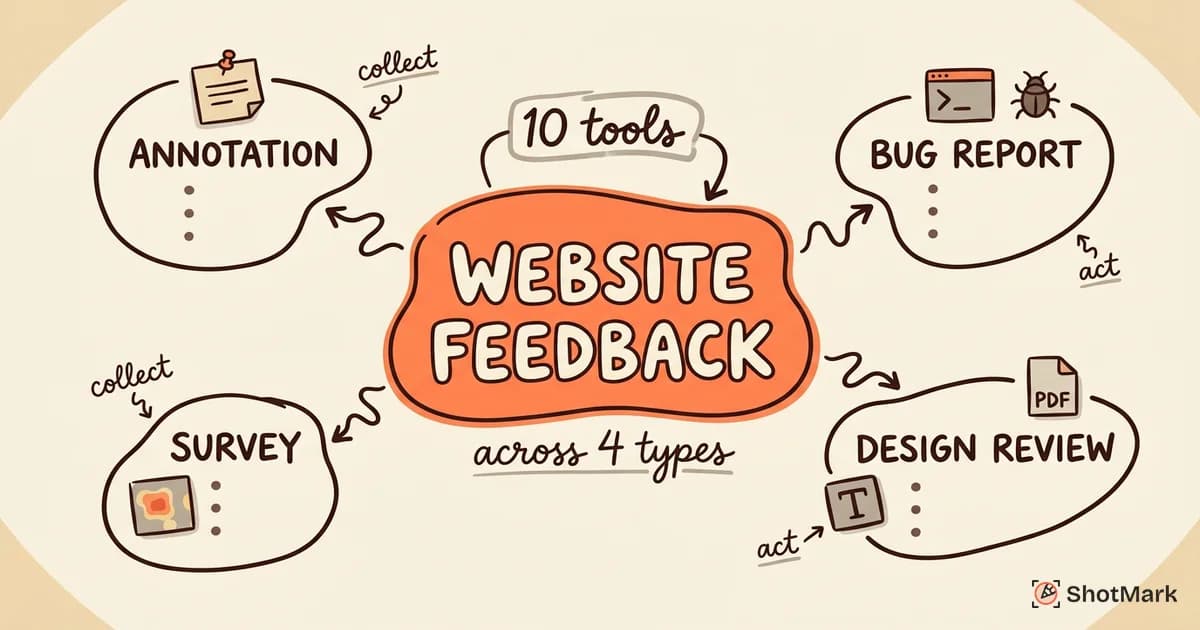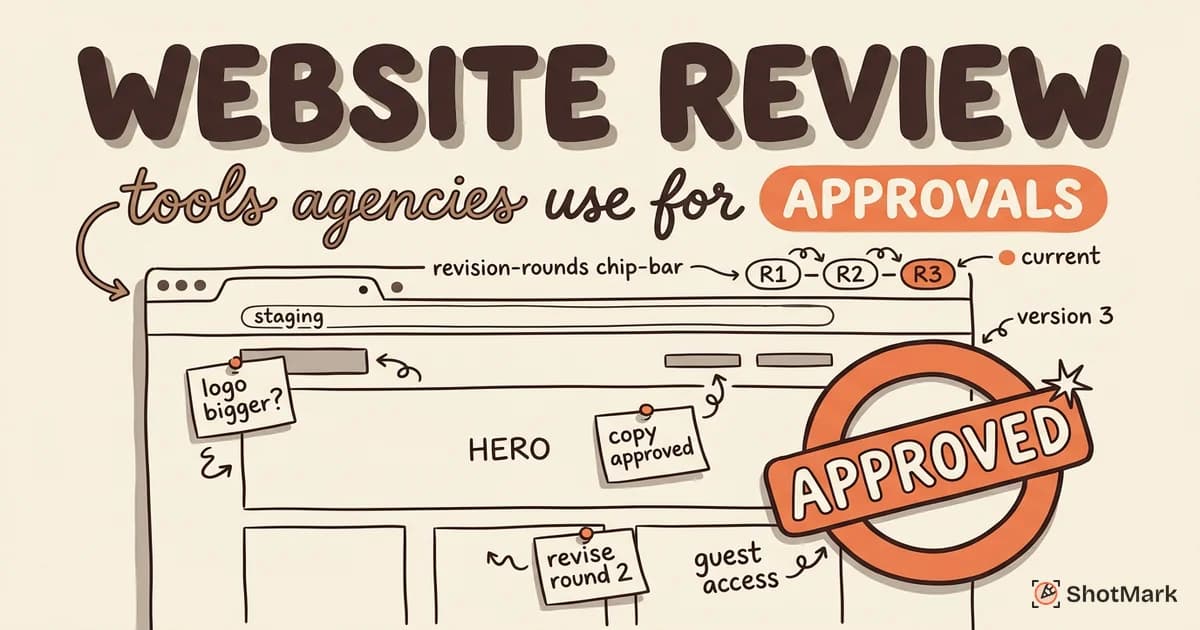
Web agencies lose hours every week chasing client feedback across email threads, Slack messages, and spreadsheet rows that no one can reconcile. A good website review tool fixes that by pinning comments directly on the page, tracking revisions, and routing approvals through a single workflow.
We looked at seven platforms agencies actually use to collect client feedback and close out projects. This guide covers what each one does well, where it falls short, and how to match the tool to your agency’s workflow, whether you handle one-off launches or ongoing maintenance retainers.
The Agency Approval Problem
Client approvals stall for predictable reasons. Feedback arrives in fragments, spread across inboxes and meeting notes, with no single source of truth. One stakeholder asks for a color change in an email. Another rewrites copy in a shared doc. A third sends screenshots with red arrows drawn in Preview.
Without visual context, even clear feedback turns into guesswork. “Move the button to the right on the pricing page” sounds specific until your developer opens the pricing page and sees three buttons. Agencies that centralize feedback on the actual website cut revision rounds roughly in half, which is the whole point of the website feedback tool category.
Multiple stakeholders also introduce conflicting feedback. Marketing wants one thing, legal wants another, and the CEO drops in a week later with a reversal. A website review tool forces all of that into one thread, per element, with timestamps and resolution status.
What Agencies Need in a Website Review Tool
Not every proofing product is built for agency workflows. The ones that stick tend to share a specific feature set.
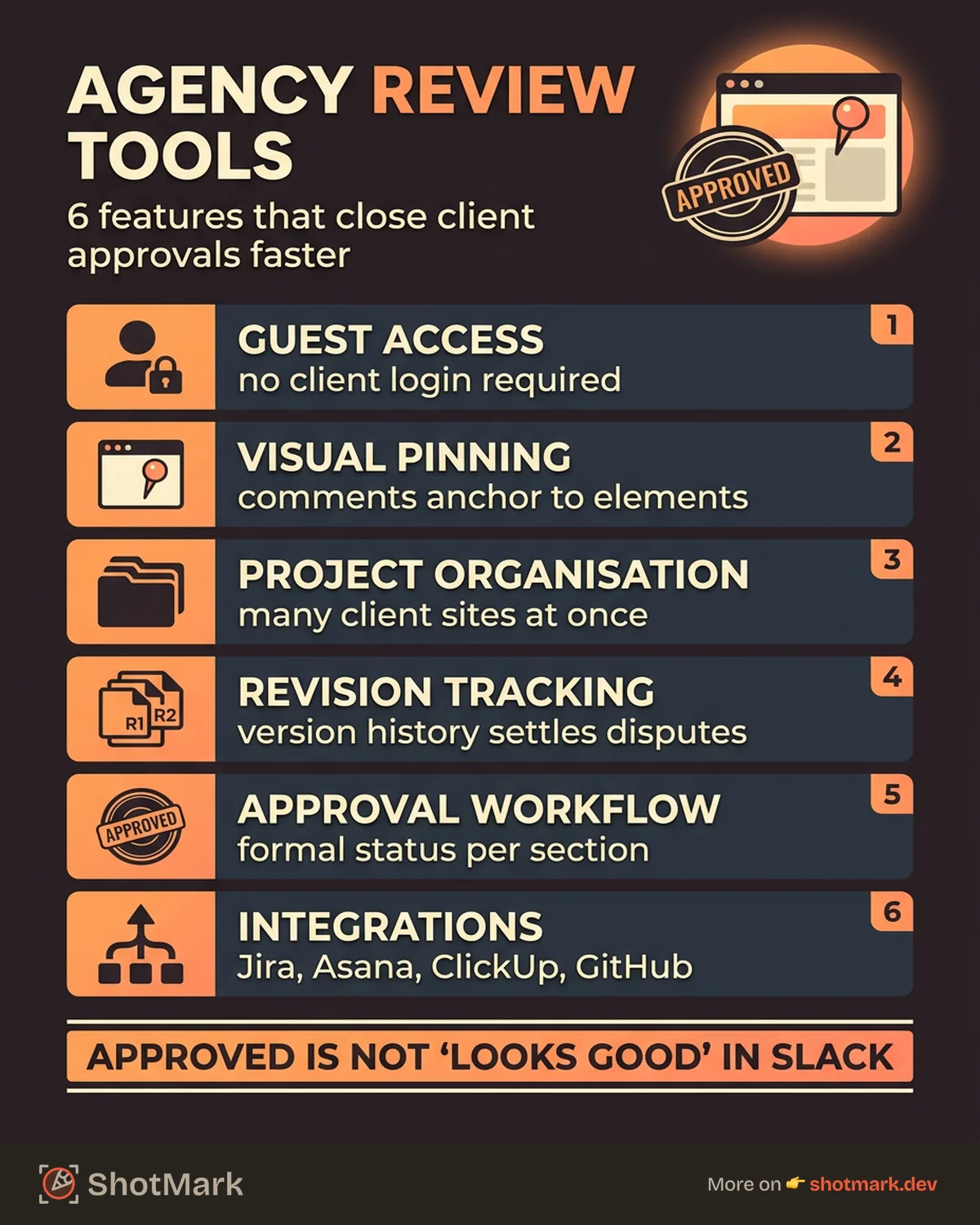
- Guest access so clients can comment without creating an account or learning a new interface
- Visual pinning that attaches comments to page elements, not just general page-level threads
- Project organization for agencies juggling five, ten, or fifty concurrent client sites
- Revision tracking with version history so you can prove what changed between rounds
- Approval workflow with a formal status per page or section, not just resolved comments
- Integrations that push feedback into Jira, Asana, ClickUp, or whatever the delivery team uses
Guest access is the feature agencies underrate the most. If your client needs a login, two rounds of feedback turn into three, and the third round contains a password reset request. Zero-friction client entry is what separates tools designed for agencies from tools retrofitted for them.
Revision tracking comes next on the priority list. Clients forget what they approved two rounds ago, and agencies without version history spend billable hours relitigating settled decisions. A tool that lets you show a side-by-side view of round one versus round three keeps everyone honest. It also protects your scope. If a change request contradicts an earlier sign-off, the history is right there.
Integrations matter more than most agencies realize at the procurement stage. A review tool that doesn’t push comments into your delivery system becomes a second inbox your project managers copy-paste out of. Look for native connectors to whatever your engineering team already uses, not a promised webhook on the roadmap.
7 Website Review Tools for Agencies
We ranked these by agency fit, not raw feature count. A tool that clients will actually use beats a tool with more bells and a steeper learning curve.
1. Pastel
Best for agencies that want the lowest-friction client review possible. Pastel generates a shareable URL of the site being reviewed, and clients leave pinned comments directly on the page without signing up. The interface is built for non-technical reviewers, which matters when your client is a CMO, not a developer.
Strengths: No client login. Clean comment threads. Visual stickers for quick approval. Works on any live or staging URL.
Weaknesses: No formal approval workflow beyond resolved comments. Limited project management features. Pricing scales with canvases, not team seats.
Best for: Marketing agencies, freelancers, and small studios running short-cycle design reviews.
2. BugHerd
BugHerd pins comments to specific page elements using a browser extension or JavaScript snippet. Every pin captures the URL, browser, operating system, and screen size automatically, then lands in a Kanban board your team can triage. Guest reviewers don’t need accounts.
Strengths: Element-level pinning with automatic metadata. Kanban board for triage. Integrations with Jira, Asana, GitHub, and Trello. Strong agency-focused onboarding.
Weaknesses: The browser extension adds a small setup step for clients. Interface feels denser than Pastel.
Best for: Agencies with ongoing maintenance retainers that need both client feedback and internal bug triage in one place.
3. Marker.io
Marker.io puts a feedback widget directly on the client’s site. Reviewers click, draw, and comment, and the tool automatically attaches browser metadata, console errors, and screen recordings. Feedback flows into Jira, Asana, ClickUp, Linear, or Trello as fully formed issues.
Strengths: Deep integrations with engineering tools. Automatic metadata capture. Optional guest access without login. Good for agencies with technical workflows.
Weaknesses: Widget-based capture requires installation on the reviewed site. More expensive than lighter-weight options at higher tiers.
Best for: Agencies with Jira or Asana workflows that want client feedback to convert into engineering tickets without manual rewriting.
4. Ruttl
Ruttl supports visual review across live websites, mobile apps, and PDFs in a single tool. Real-time collaboration lets multiple reviewers annotate together, and the developer handoff mode exposes CSS properties that clients can suggest edits to directly.
Strengths: Multi-format review (web, mobile, PDF, image, video). Real-time commenting. CSS edit mode for fast design tweaks. Generous free plan.
Weaknesses: Approval workflow is lighter than dedicated proofing tools. Mobile app review requires extra setup.
Best for: Full-service agencies reviewing websites alongside app screens, brand assets, and marketing decks.
5. Markup.io
Markup.io handles visual proofing across websites, images, videos, PDFs, and audio files. Threaded comments, version history, and approval stages let agencies run a formal sign-off flow on any creative asset. It’s covered in more depth in our guide on the best design feedback tools for creative teams.
Strengths: Supports nearly every creative format. Strong version control. Guest reviewer access. Clear approval stages.
Weaknesses: Less focused on web-specific features like browser metadata or console logs. Some users report a learning curve on complex projects.
Best for: Agencies with diverse creative outputs, not just web, who need one proofing tool across disciplines.
6. ShotMark
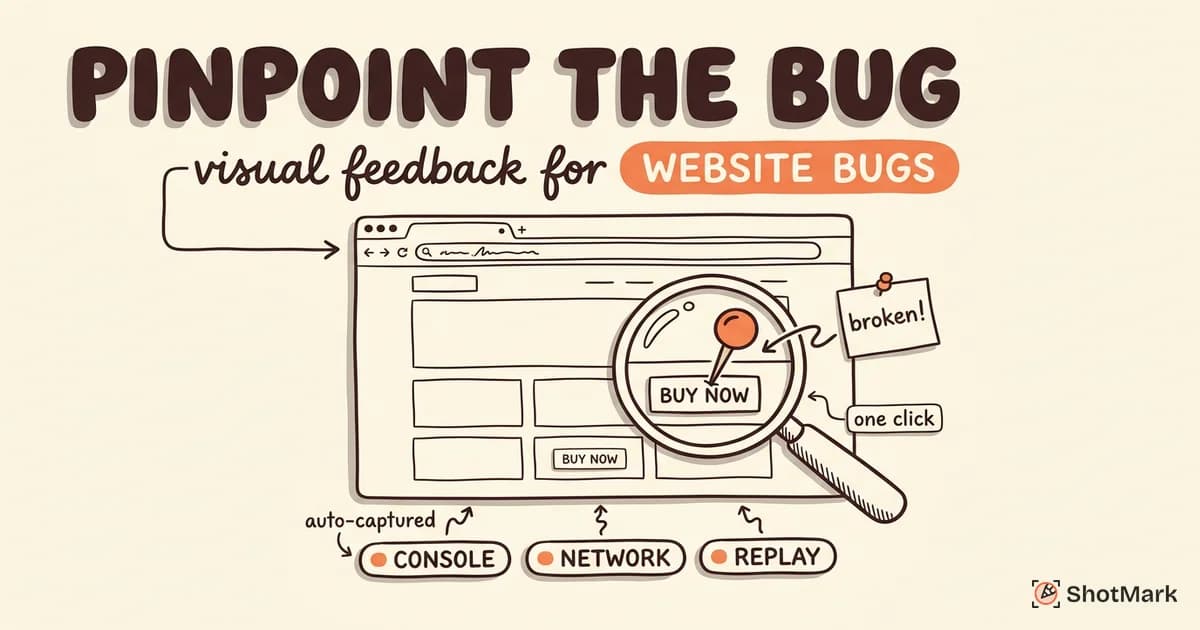
ShotMark bridges client review and developer handoff by capturing annotated screenshots alongside technical context in a single click. Each comment can include the browser console logs, network requests, and session replay leading up to the issue, which turns vague client feedback into an actionable developer ticket without back-and-forth.
Strengths: One-click capture of screenshots, console logs, network requests, and session replay. Open-source SDK for custom integrations. Built specifically to cut revision rounds between clients, QA, and developers.
Weaknesses: Currently in waitlist phase, so agencies signing up now get early access rather than mature enterprise features. Focus skews toward technical context over pure visual proofing.
Best for: Agencies that also run QA on client sites and want a single tool covering both client sign-off and developer bug handoff.
7. Userback
Userback combines a feedback widget with screen recording and session replay, which is useful for agencies that want to understand user behavior on client sites, not just collect stakeholder comments. Video feedback and in-app surveys round out the offering.
Strengths: Session replay included. Video feedback from clients. Portal for centralized project management.
Weaknesses: Heavier setup than simpler tools. Pricing climbs quickly at higher tiers.
Best for: SaaS agencies or product studios collecting both stakeholder feedback and end-user feedback on the same site.
Comparison Table
| Tool | Guest Access | Approval Workflow | Multi-Project | Jira Integration | Starting Price |
|---|---|---|---|---|---|
| Pastel | Yes | Basic | Yes | Limited | ~$29/mo |
| BugHerd | Yes | Yes | Yes | Yes | ~$39/mo |
| Marker.io | Yes | Yes | Yes | Yes | ~$49/mo |
| Ruttl | Yes | Basic | Yes | Yes | Free / ~$12/mo |
| Markup.io | Yes | Yes | Yes | Limited | ~$14/mo |
| ShotMark | Yes | Yes | Yes | Planned | Waitlist |
| Userback | Yes | Yes | Yes | Yes | ~$59/mo |
Pricing reflects entry-tier plans for small teams and can change. Check each vendor for current rates and seat limits.
Notice that every tool in the table supports guest access. That’s table stakes for agency work now. The real differentiators are approval workflow depth and Jira integration quality, which is where tools like BugHerd, Marker.io, and Userback tend to pull ahead of lighter options like Pastel or Ruttl.
How Top Agencies Run Client Website Reviews
The agencies we talked to run a consistent five-step flow, regardless of which tool sits at the center. The tool changes. The workflow doesn’t.
- Deploy to staging and share a review link: Never ask for feedback on a design file when the real artifact is a working site.
- Client pins comments on specific elements: Guest access matters here. Don’t make the client sign up.
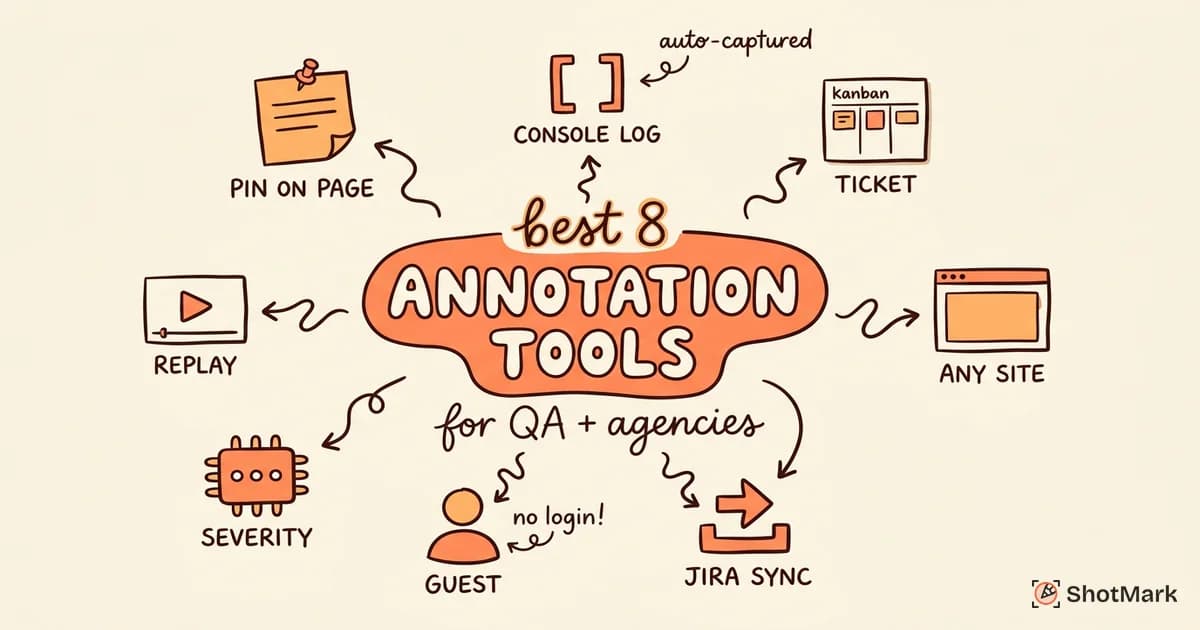
- Agency triages feedback into actionable tasks: Separate design changes from bug reports from scope creep. The best website annotation tools for QA and agencies help with that split.
- Developers fix issues and mark them as resolved: The tool needs to route status changes back to the client side of the workflow.
- Client reviews fixes and approves: Formal sign-off per page or per section, not “looks good” in a Slack DM.
For a deeper walkthrough of each stage, see our client feedback workflow for web design agencies.
The stage most agencies get wrong is triage. A review tool with great capture but weak triage turns into a dumping ground. Assign an owner to every pinned comment within 24 hours of receipt, even if the owner’s first action is “ask client for clarification.”
Set expectations up front about what counts as a feedback round. Most agencies define a round as a complete pass through every open page, not a stream of one-off comments arriving over three weeks. Writing this into the statement of work prevents scope creep later. Tools with formal approval stages, like Markup.io and BugHerd, make it easier to enforce because the client sees “Round 2 review open” as an actual status, not an abstract phase of the project.
Another common failure mode is mixing bugs with preferences. A broken checkout form is not the same kind of ticket as “I prefer this shade of blue,” yet both often live in the same comment thread. A triage taxonomy that labels each pinned comment as a bug, a design preference, or a scope change keeps the developer queue clean and gives the account manager a weapon against scope creep.
From Review to Development
Client feedback is rarely purely aesthetic. A comment like “the signup button doesn’t work on my phone” is a bug report disguised as design feedback, and the developer who fixes it needs technical context the client can’t provide. That’s where visual review tools and technical capture tools start to overlap.
A tool that captures console errors and network requests alongside the visual annotation saves the developer from guessing. The comment becomes a complete ticket: what the client saw, what the browser logged, and which API call failed. Marker.io and ShotMark both work this way, though ShotMark goes further with session replay and an open-source SDK you can extend.
Agencies running QA alongside client review get double value from a tool that does both. One capture feeds the client review loop and the developer triage queue without duplicate work. That’s the gap most agency stacks still have: the client review tool and the bug-reporting tool are separate products, and context gets lost in the translation between them.
The right website review tool for your agency depends on how much of that developer context you need attached to client comments. If your clients are marketers and your developers work in a separate system, a lighter tool like Pastel or Markup.io will do. If your team runs QA on the same site the client is reviewing, consider a tool like ShotMark that bundles one-click capture of screenshots, console logs, network requests, and session replay into every annotation. Join the ShotMark waitlist to lock in early access and start bridging client review and developer handoff on your next project.
Get new posts in your inbox.
One email when we publish: notes on QA, AI, and shipping faster. No spam, unsubscribe anytime.