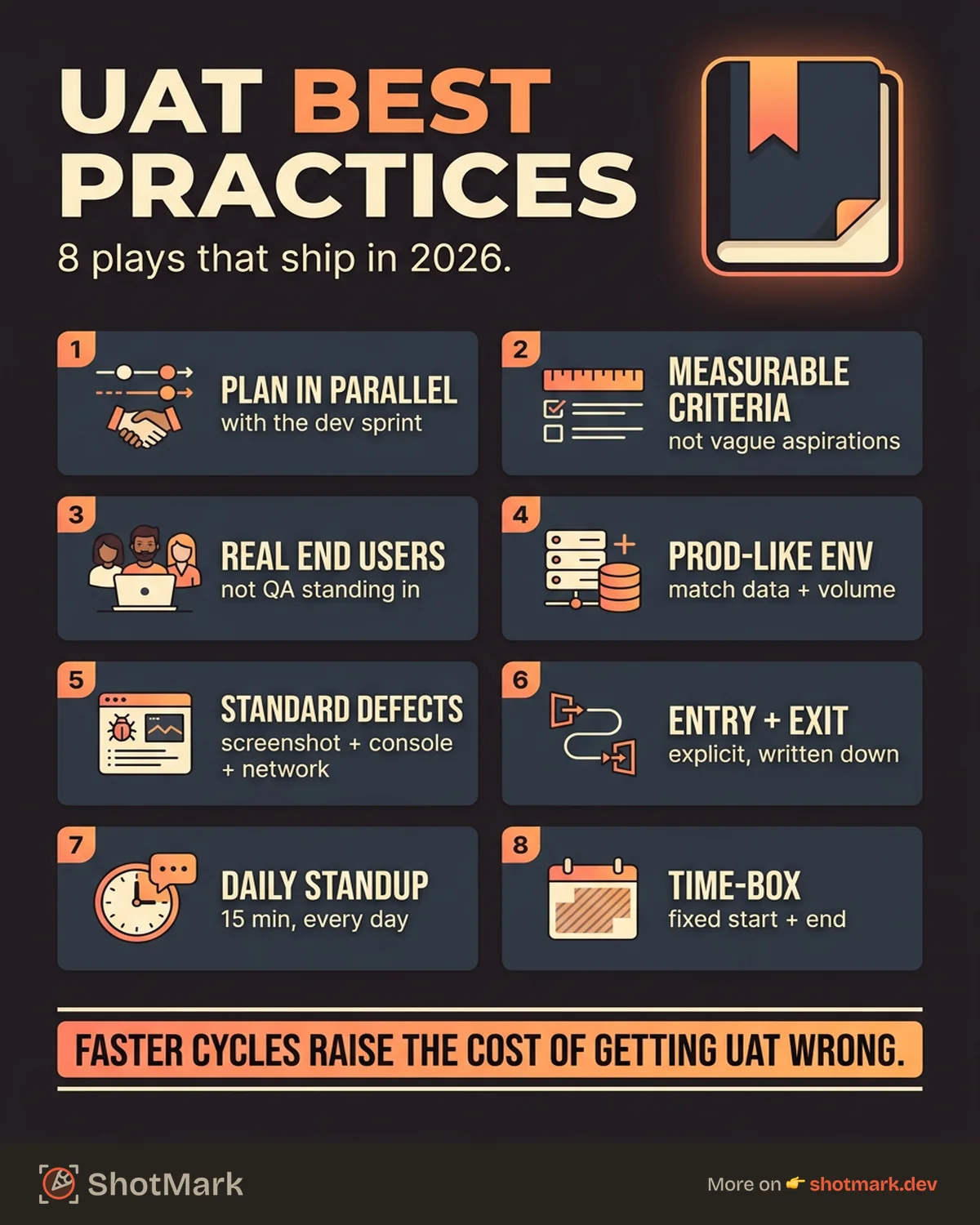
Weekly deployments are the norm, daily deployments are common, and yet 88% of companies still consider user acceptance testing critical to their quality goals. Faster release cycles do not remove the need for UAT. They raise the cost of getting it wrong.
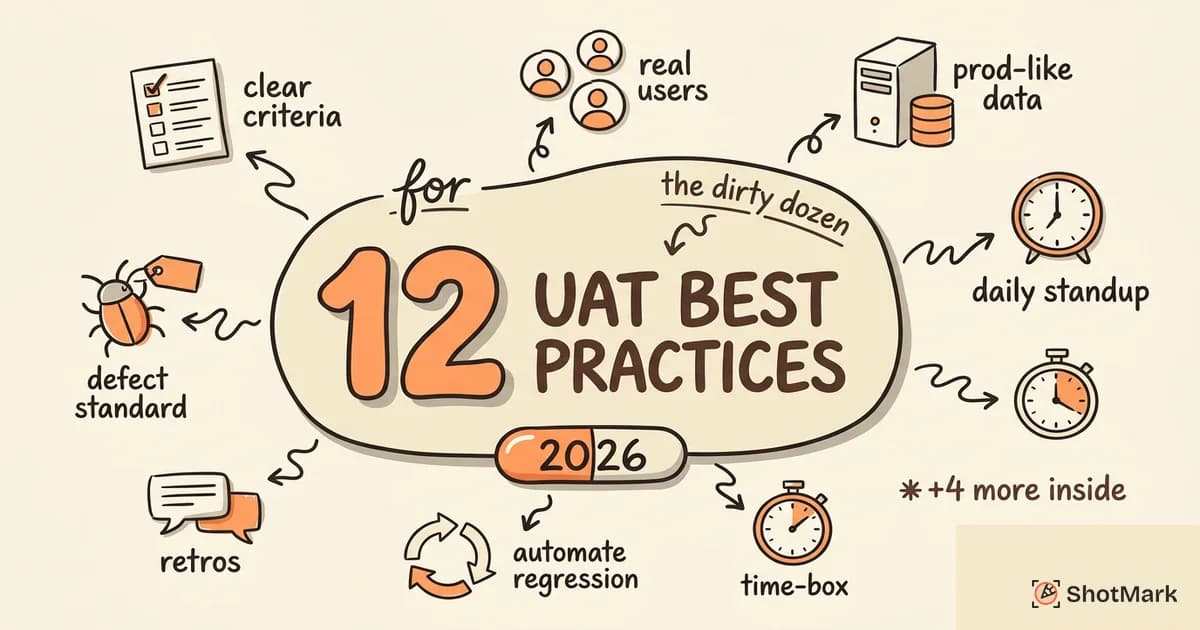
This guide covers 12 user acceptance testing best practices that help teams ship with confidence in 2026. You’ll see what to plan, how to execute, which tools matter, and how to keep stakeholders aligned without stretching the release window.
Why UAT Best Practices Matter More in 2026
Release cycles have compressed. Many product teams now ship weekly or daily, which means UAT has to fit inside a shorter window without losing depth. A sloppy UAT cycle catches up with you in the form of production incidents, rollbacks, and customer support fires.
Remote and distributed teams also complicate UAT. Business users, QA engineers, and product owners often sit in three different time zones. Without a structured process, handoffs drop, defects get lost, and sign-off slips.
AI-assisted testing has reshaped parts of QA, but UAT still depends on human judgment. An AI agent cannot tell you whether a checkout flow feels right to a buyer or whether a new admin screen matches how a finance manager actually closes the books. That validation is the entire point of UAT, and it’s why disciplined user acceptance testing for QA teams still pays off.
Agile and continuous delivery have not killed UAT. They’ve changed its shape. Instead of a monolithic phase at the end of a six-month project, UAT now runs in short cycles attached to each sprint or release train. Teams that adjusted their UAT process step by step to match the faster cadence are the ones keeping defect escape rates low in 2026.
12 UAT Best Practices That Actually Move the Needle
The practices below work across industries and team sizes. Pick the ones that address your biggest current pain and build from there.
1. Start UAT Planning When Development Starts
Do not wait for development to finish before planning UAT. By the time the build is “done,” you have no time to write scenarios, schedule testers, or stage environments.
Write UAT test scenarios in parallel with the development sprints. Pull acceptance criteria straight from the user stories. When the build lands in staging, your testers already know what to check and why.
This shift also changes who owns the work. Product managers, business analysts, and UAT leads should sit in backlog refinement meetings, not just retros. When they see stories take shape, they can flag missing edge cases before a single line of code gets written.
2. Define Clear Acceptance Criteria Up Front
Every user story needs measurable acceptance criteria, not vague aspirations. “The user can check out” is not a criterion. “The user completes checkout in under three steps and sees an order confirmation with the correct total” is.
Clear criteria become UAT test cases directly. Functionize’s team makes the same point in their UAT best practices guide , noting that fuzzy criteria are the single biggest cause of UAT rework.
3. Involve Actual End Users, Not Just QA
QA engineers coordinate UAT. Business users execute it. Skipping the second half of that sentence is how teams end up shipping features that pass tests but still frustrate real users.
End users test real workflows, not idealized happy paths. Block dedicated UAT time on their calendars and treat it as seriously as any other release activity. A sales rep who runs through a new CRM screen for 30 minutes will surface issues that no QA engineer ever would.
Pick your testers deliberately. You want a mix of power users who know every shortcut and newer users who expose friction in the default flow. Two or three of each is usually enough, and rotating the roster between releases keeps the feedback fresh.
4. Use Production-Like Environments and Data
Staging environments should mirror production configuration. Feature flags, third-party integrations, authentication providers, rate limits, everything. Tests that pass on a simplified staging box and fail in production waste everyone’s time.
Test data should reflect real-world volume and variety. Anonymize production data rather than generating tiny synthetic datasets. If production has accounts with 10,000 line items, your UAT needs at least one of those.
Also mirror third-party behavior. Payment gateways, email providers, and identity services all have sandbox modes with quirks that can mask bugs. Document which services are stubbed versus real during UAT and brief your testers so they interpret results correctly.
5. Prioritize Test Cases by Business Risk
Not all features carry equal risk, and not all UAT cycles have unlimited time. Focus on revenue-critical, user-facing, and compliance-related workflows first. A broken checkout costs you customers; a slightly misaligned tooltip on an admin screen does not.
Splunk’s team recommends a similar risk-based approach in their UAT overview , and it’s how most mature QA organizations allocate their UAT budget. Deprioritize cosmetic and low-traffic features so the tests that actually matter get done properly.
6. Standardize Defect Reporting
Every UAT defect should include steps to reproduce, expected versus actual behavior, severity, environment details, and screenshots. Vague defect reports create a loop of “can you send more info?” messages that stretches a one-day cycle into a week.
Use a visual bug reporting tool so every tester captures the same context without extra effort. One-click capture of annotated screenshots, console logs, and network requests removes the biggest source of back-and-forth during UAT. This single change often cuts defect triage time in half.
Agree on a severity scale before the cycle starts and write it down. Critical, major, minor, trivial works for most teams. When every tester uses the same definitions, the triage meeting stops arguing about semantics and starts making decisions.
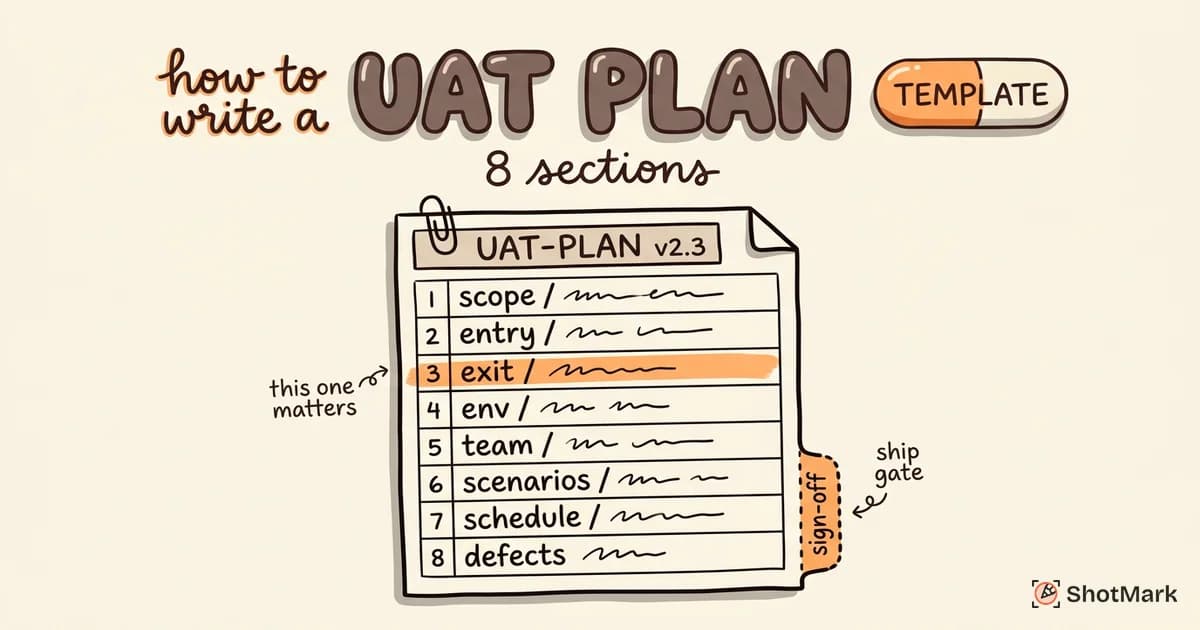
7. Set Entry and Exit Criteria
Entry criteria: all prior testing passed, the environment is stable, test data is loaded, and testers have access. Exit criteria: all critical test cases passed, no open blockers, and stakeholders have signed off.
Without explicit criteria, UAT drifts. It starts before the build is ready, or it ends because someone got tired, not because the bar was met. A good UAT checklist before go-live captures both sides of this gate so the team can defend its decision to ship or hold.
8. Run Daily UAT Standups
Fifteen minutes, every day of the UAT cycle. Cover what tests ran yesterday, what’s planned for today, what defects came up, and what’s blocked.
Daily standups keep momentum and surface issues early. Without them, a tester can spend three days stuck on a broken staging environment before anyone notices. With them, the blocker gets routed to a developer within hours.
Keep the meeting short and text-friendly for distributed teams. Many teams run a written async standup in Slack with a live call only when an issue needs discussion. That format respects time zones and still keeps everyone aligned.
9. Automate Regression, Not UAT
Automate regression tests that verify defect fixes haven’t broken anything else. Keep UAT itself manual and exploratory, because the whole point is human judgment on real workflows.
Human validation and automation serve different purposes in UAT. Abstracta’s team covers this trade-off well in their UAT best practices article , and the short version is: automate the repeatable checks, leave the “does this actually feel right” work to people.
10. Time-Box UAT
Set a fixed UAT window with explicit start and end dates. Communicate those dates to every stakeholder involved, including business sponsors.
If the window expires with open blockers, delay the release. Do not extend UAT indefinitely. Open-ended UAT creates schedule uncertainty, stakeholder fatigue, and a slow-motion release that everyone stops taking seriously. A shorter, firmer UAT window actually produces better results than a sprawling one because people plan around it.
For weekly releases, a two-day UAT window is usually enough when planning started at sprint kickoff. For monthly or quarterly releases, five to seven days is reasonable. Tie the window to release size, not calendar tradition.
11. Conduct UAT Retrospectives
After each UAT cycle, run a 30-minute retrospective. Three questions: what went well, what caused delays, what will we change next time?
Track improvements across releases in a simple doc. Over six months, those small changes compound. Teams that skip retros tend to hit the same pain points cycle after cycle, and nobody can quite remember why.
Invite business users to the retro, not just QA and engineering. They see the process from a different angle and will raise things your internal team considers normal. One retro insight from a finance tester, for example, might reveal that the approval workflow tests missed the quarter-close scenario entirely.
12. Use the Right Tools for the Job
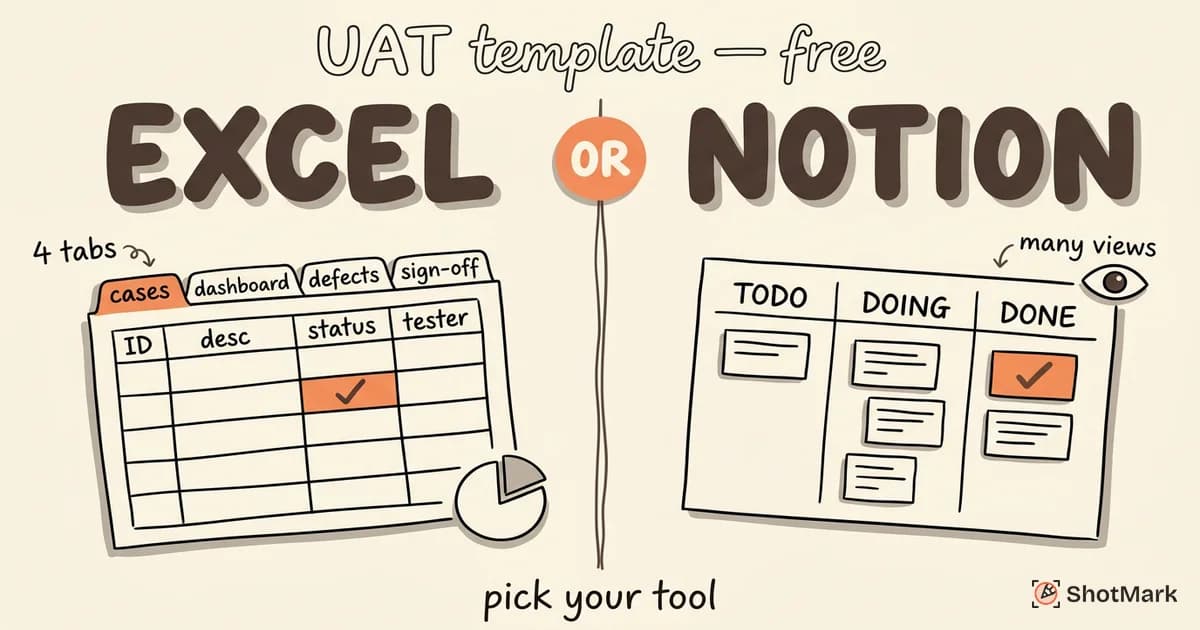
Three categories of tooling matter in UAT: test management software for tracking cases and results, visual bug reporting for capturing defects with full context, and communication tools for stakeholder coordination. You do not need a tool from each vendor, but you do need coverage across all three areas.
Choose tools that business users can actually operate without a training session. A perfect QA tool that your stakeholders refuse to open is worse than a simpler tool that everyone uses. Our breakdown of the best UAT testing software for QA teams compares options by ease of use and integration depth.
The Biggest UAT Mistake Teams Make
Almost every failed UAT cycle we’ve reviewed has the same root cause: treating UAT as a formality instead of genuine validation. The “sign off on it so we can ship” culture undermines the entire purpose, and testers learn quickly that their feedback doesn’t actually change the release date.
The fix is cultural, not procedural. Give testers real authority to block a release, and back them up when they do. A single escalation where UAT feedback actually stopped a ship date resets the team’s expectations for every cycle after.
Engineering leaders can reinforce this by separating “UAT completed” from “sign-off granted” in status tracking. Completion means the tests ran. Sign-off means a stakeholder accepted the result. Conflating the two is how formality creeps back in.
How to Make UAT Testing More Efficient With Better Defect Capture
Defect reporting is the slowest step in most UAT cycles. A tester finds an issue, switches to a bug tracker, writes up the steps, tries to reproduce it for a screenshot, copies the URL and browser version, and maybe grabs a console log if they remember. That’s 10 minutes per defect, and it happens several times a day.
ShotMark collapses that into a single action. The browser extension captures annotated screenshots, console logs, network requests, and a session replay with one click, then packages everything into a structured defect report your team can route to Jira, Linear, or any other tracker. Business users do not need training, and QA engineers stop playing detective to reproduce issues.
Disbug’s industry research found that 88% of companies consider UAT critical to their quality goals, but teams that combine solid process with good tooling are the ones that actually hit those goals. Following the user acceptance testing best practices above gets you most of the way there. A tool that removes the friction from defect reporting handles the rest.
ShotMark is in early access and our open-source SDK is coming soon. Join the waitlist to try it and bring cleaner user acceptance testing into your next release cycle.
Get new posts in your inbox.
One email when we publish: notes on QA, AI, and shipping faster. No spam, unsubscribe anytime.