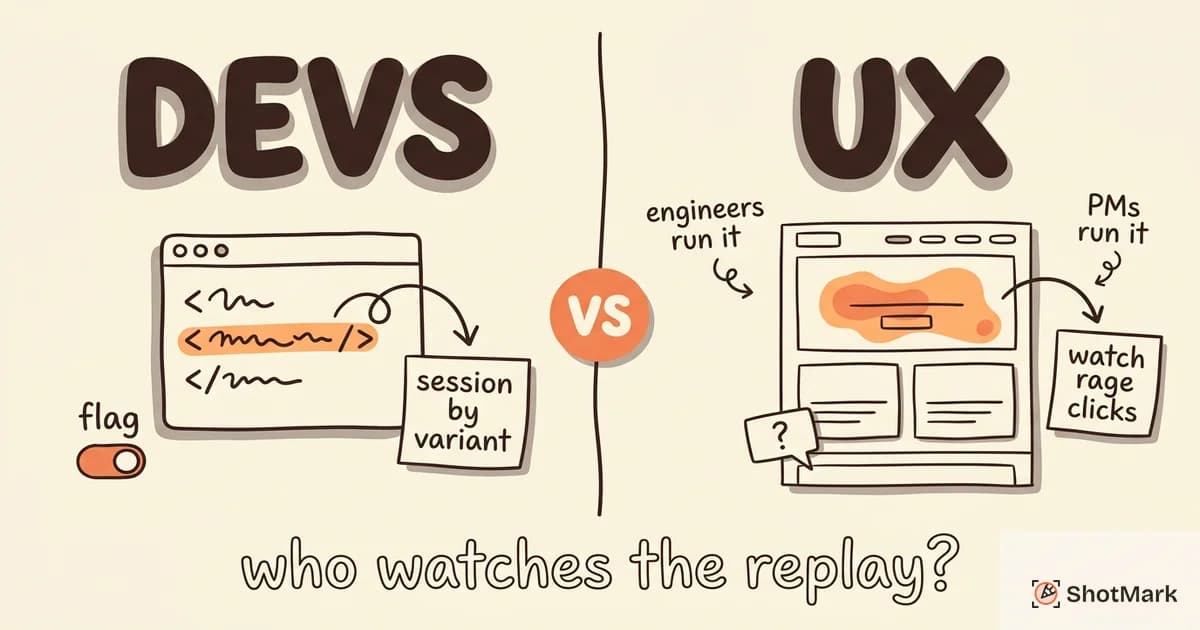
FullStory and LogRocket both record user sessions in the browser, but they’re built for different jobs. FullStory session replay is designed for product and UX teams studying behavior, while LogRocket is tuned for frontend developers chasing bugs.
Pick the wrong one and you’ll pay for features your team never uses while missing the ones they actually need. We compared the two on features, pricing, replay quality, and team fit so you can match the tool to the work.
FullStory and LogRocket Serve Different Teams
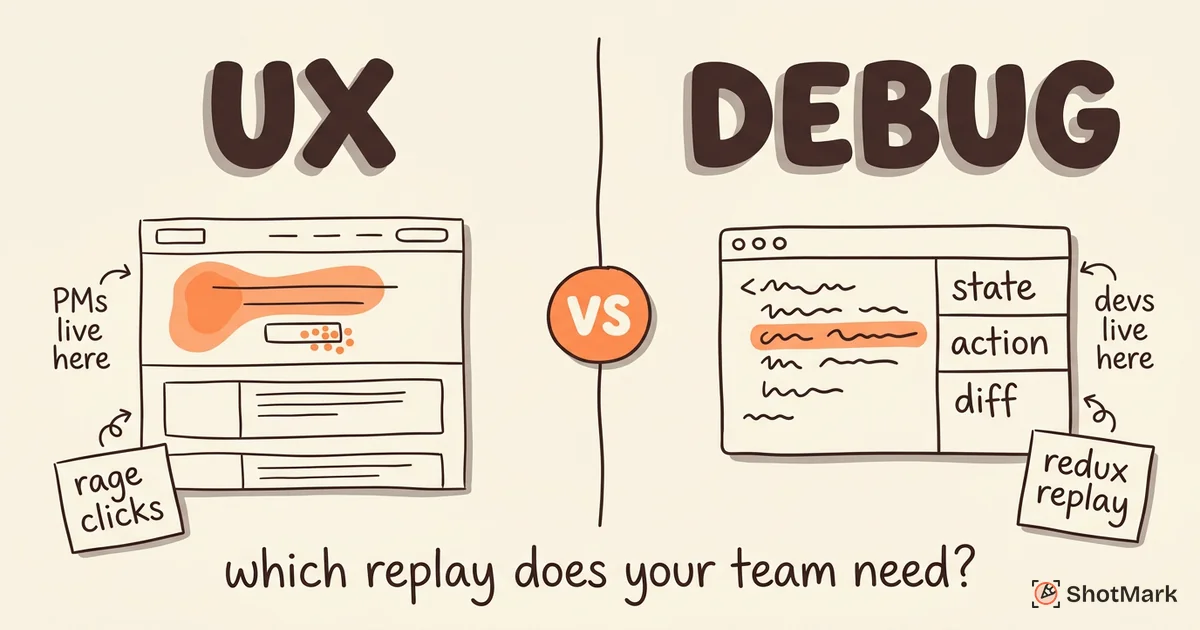
FullStory positions itself as a behavior analytics platform that happens to include replay. Autocapture, heatmaps, funnel analysis, and AI-powered session summaries sit alongside the replay viewer. Product managers are the primary persona.
LogRocket is a developer debugging tool that happens to include replay. Redux and Vuex state inspection, network request bodies, web vitals, and console logs are front and center. Frontend engineers are the primary persona.
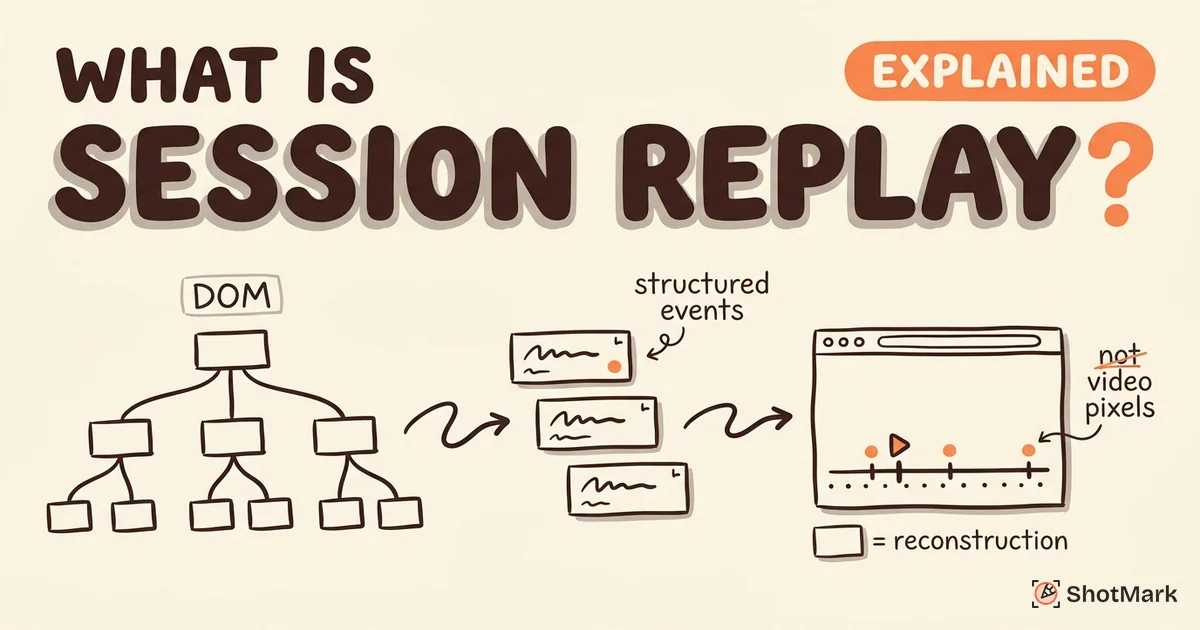
Both tools reconstruct browsing sessions from DOM snapshots rather than video recordings. If you’re new to the concept, our guide on what is session replay covers the technical foundation. The capture mechanics are similar across vendors, but the surrounding tooling is where FullStory and LogRocket diverge.
Is FullStory Better Than LogRocket?
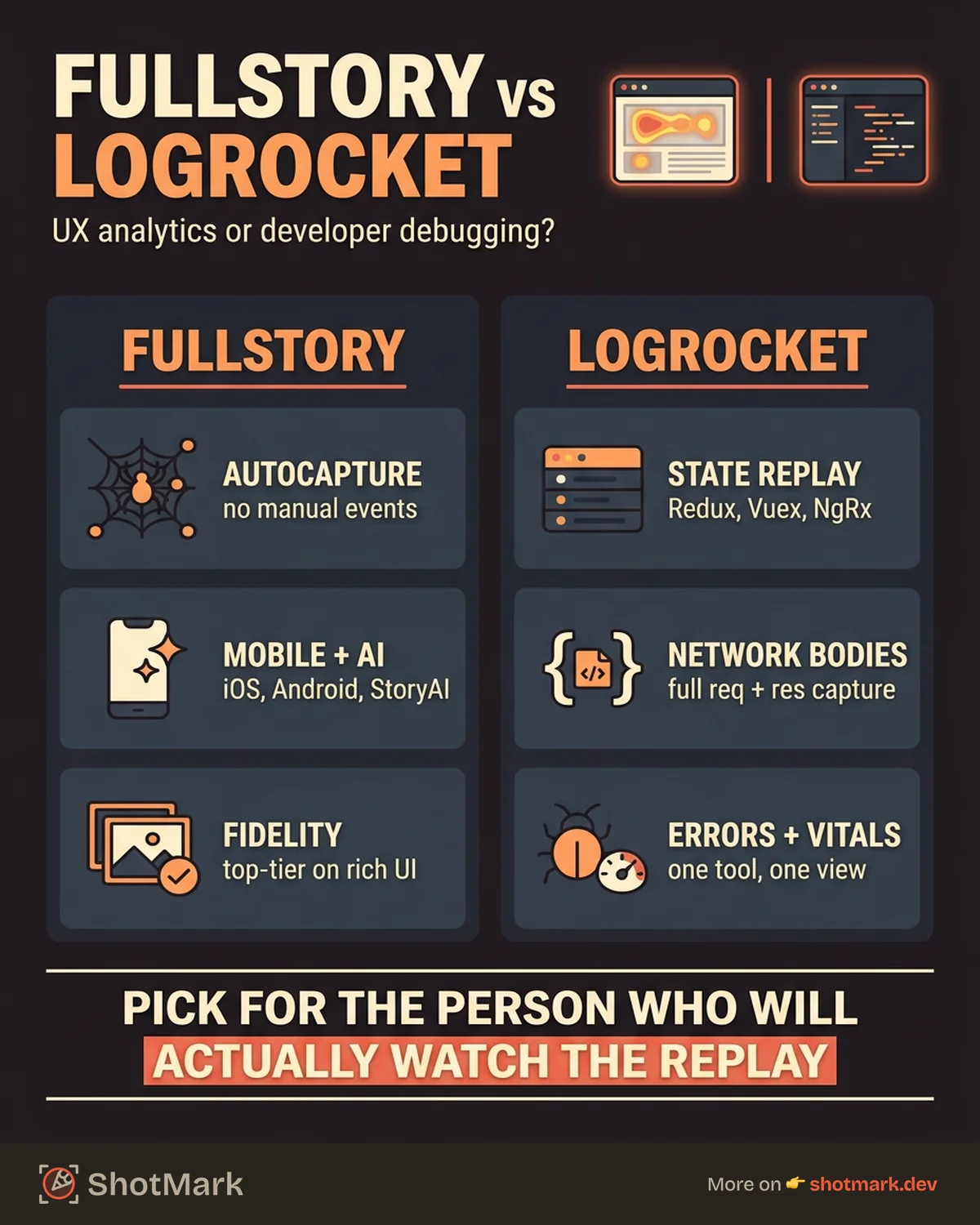
Neither is objectively better. FullStory is the better choice if you need autocapture, mobile replay, and AI session summaries for a product analytics workflow. LogRocket is the better choice if you need Redux state replay, network bodies, and performance data for a debugging workflow.
A product manager who wants to understand why users drop off in checkout will get more value from FullStory. A frontend developer chasing a state mutation bug will get more value from LogRocket. Teams that need both workflows sometimes run both tools, or they pair a replay tool with a dedicated bug-capture workflow.
Feature Comparison
Here’s how the core capabilities stack up side by side. The G2 community has collected detailed user feedback in its FullStory vs LogRocket comparison if you want aggregated review data.
| Capability | FullStory | LogRocket |
|---|---|---|
| Autocapture | Yes | Yes |
| Mobile replay (iOS/Android) | Native SDKs | Limited |
| AI session summaries | StoryAI | Galileo AI (beta) |
| Heatmaps and click maps | Yes | Limited |
| Redux / Vuex / NgRx state replay | No | Yes |
| Network request bodies | No | Yes |
| Performance monitoring | Limited | Yes (web vitals) |
| Error tracking | Via integrations | Built in |
| Console log capture | Limited | Yes |
| Enterprise privacy controls | Extensive | Standard |
FullStory Features
FullStory session replay captures every click, scroll, and page transition automatically. You don’t instrument events manually. That autocapture model means you can ask behavioral questions months after shipping a feature without planning tracking in advance.
StoryAI, detailed on the FullStory StoryAI product page , generates natural-language summaries of sessions and flags frustration signals like rage clicks, dead clicks, and error clicks. For product teams reviewing thousands of sessions per week, AI triage is a real time-saver.
Mobile replay is a meaningful FullStory advantage. Native iOS and Android SDKs, documented on FullStory’s mobile analytics page , extend the same replay and analytics model to native apps. LogRocket’s mobile story is thinner.
Privacy controls include element-level blocking, text masking, and excluded network paths. Enterprise plans add SOC 2, HIPAA, and EU data residency. Reviews on G2’s FullStory reviews page highlight privacy granularity as a recurring strength.
LogRocket Features
LogRocket’s session replay feature captures DOM state the same way, but layers on developer-specific context. The Redux middleware integration records every action and state change alongside the replay timeline, so you can scrub through a bug and see exactly what your store looked like at each moment.
Network inspection captures full request and response bodies by default (with scrubbing available). That’s a noticeable gap in FullStory, which records network timing but not payloads. For debugging API integration bugs, the difference matters.
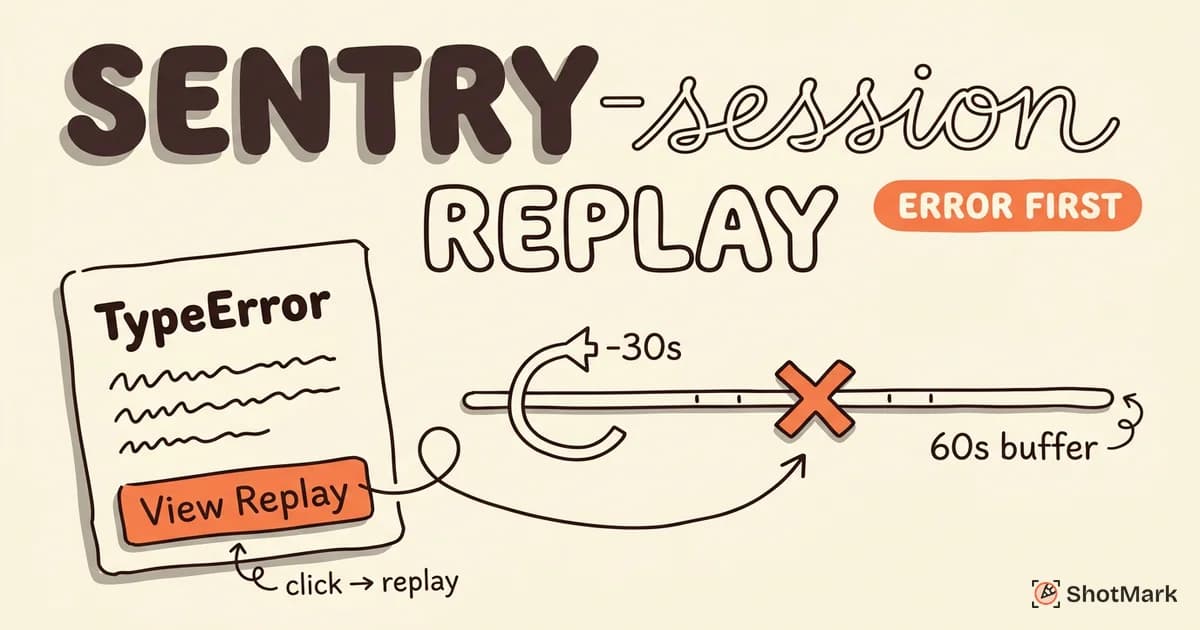
LogRocket performance monitoring tracks page load, Core Web Vitals, and frontend errors in the same dashboard as replays. You can jump from a slow-page alert directly into the session that triggered it.
Error tracking is built in, not bolted on. Reviews aggregated on G2’s LogRocket reviews page call out the error-to-replay workflow as the main reason teams pick LogRocket over standalone replay tools.
Pricing Comparison
Pricing transparency is poor for both vendors at scale, which is a frequent complaint in developer communities like r/webdev on Reddit . Here’s what the public pages disclose.
FullStory’s pricing page lists a free Business plan with 1,000 sessions per month and one year of retention. Enterprise tiers require a sales conversation. Mobile replay, advanced AI features, and HIPAA compliance are typically gated behind custom contracts.
LogRocket’s pricing page is more transparent at the low end. The free tier covers 1,000 sessions per month. Team starts at $99 per month for 10,000 sessions. Professional and Enterprise tiers are quote-based.
| Monthly Sessions | FullStory | LogRocket |
|---|---|---|
| 1,000 | Free (Business) | Free |
| 10,000 | Enterprise quote | ~$99/mo (Team) |
| 50,000 | Enterprise quote | Custom (Professional) |
| 100,000 | Enterprise quote | Custom (Professional) |
Hidden costs to watch: mobile SDK add-ons (FullStory), extended retention (both), per-seat fees on enterprise plans, and add-on AI features. Ask for a complete line-item quote before committing.
How Much Does FullStory Cost?
FullStory doesn’t publish enterprise pricing. Community reports place typical mid-market contracts between $25,000 and $80,000 per year depending on session volume, retention, mobile, and AI add-ons. Startups can access the free Business tier, but it caps at 1,000 sessions per month with no support SLA.
LogRocket’s public pricing makes budgeting easier for smaller teams. At 10,000 sessions the $99 per month Team plan is predictable. Above 50,000 sessions you’ll also need a custom quote, and the spread widens depending on retention and seats.
Replay Quality and Performance Impact
FullStory’s capture fidelity is widely considered top-tier. CSS animations, canvas elements, custom fonts, and dynamic content render close to one-to-one with the original session. The SDK is optimized to minimize page-load impact, and most teams report negligible overhead.
LogRocket’s fidelity is good but not quite at FullStory’s level on complex visual elements. The bigger trade-off is SDK weight. Because LogRocket captures more by default (network bodies, Redux state, console logs), the script is heavier. Some teams report 50 to 100 milliseconds of added page load time, though you can tune this by disabling modules you don’t need.
Both tools handle single-page apps, modals, overlays, and authenticated routes without special configuration. If replay fidelity on rich visual UI is critical, FullStory has the edge. If you’re willing to trade a bit of fidelity for deeper debugging data, LogRocket’s payload is worth it.
Who Should Choose FullStory
Product teams analyzing user behavior and conversion funnels get the most from FullStory. Autocapture removes the planning burden of event instrumentation, and StoryAI surfaces patterns across thousands of sessions without manual review.
Organizations with mobile apps benefit from FullStory’s native iOS and Android SDKs. If mobile replay is part of your requirement list, LogRocket isn’t really competitive here.
Enterprise teams with strict compliance needs (HIPAA, SOC 2, EU data residency) will find FullStory’s privacy tooling more mature. Element-level blocking and consent-aware recording are configurable in ways that scale across large organizations.
UX researchers who pair replay with heatmaps, scroll maps, and funnel analysis get a coherent toolkit rather than a stack of point tools.
Who Should Choose LogRocket
Frontend developers debugging state management bugs should start with LogRocket. The Redux, Vuex, and NgRx integrations are the strongest reason to choose it over any other replay tool. Watching state changes alongside DOM updates collapses hours of debugging into minutes.
Teams that need full network request and response bodies in replay context will hit a wall with FullStory. LogRocket captures payloads by default, which is essential for API integration bugs and GraphQL debugging.
Performance-focused teams monitoring Core Web Vitals benefit from LogRocket’s unified view. You see the slow session and the replay in one place instead of correlating across tools.
Smaller engineering teams that want error tracking plus replay in a single tool avoid the Sentry-plus-replay setup by picking LogRocket. One subscription, one dashboard, fewer integrations to maintain.
Where Each Tool Stops (and What Fills the Gap)
Both FullStory and LogRocket are production monitoring tools. They show you what happened after your code shipped and real users encountered something. That’s the right tool for live traffic, regressions in production, and understanding behavior at scale.
Neither tool is built for the development or QA loop, when a tester on staging spots a bug and needs to hand the complete context to an engineer. That’s a different workflow: one-click capture of a screenshot with annotations, the browser console, and the network tab, bundled and sent to your issue tracker.
ShotMark fills that gap. One-click capture of screenshots, console logs, network requests, and session replay packages everything a developer needs to reproduce a bug, without asking “what browser were you using?” or “can you open DevTools and check the console?” The SDK is open source, and the extension is on the waitlist.
The best stack pairs both layers: ShotMark for pre-production bug capture during QA and development, FullStory or LogRocket for post-production monitoring. For more options, our roundup of session replay tools compared covers 10 platforms, and the PostHog vs Hotjar session replay comparison looks at another common matchup.
If you’re weighing FullStory session replay against LogRocket for a real purchase, the honest summary is this: pick FullStory when UX analytics and mobile coverage matter most, pick LogRocket when developer debugging and state replay matter most, and pair either one with a pre-production bug-capture workflow so your team isn’t using production monitoring to diagnose issues that should never have shipped. Join the ShotMark waitlist to get early access.
Get new posts in your inbox.
One email when we publish: notes on QA, AI, and shipping faster. No spam, unsubscribe anytime.