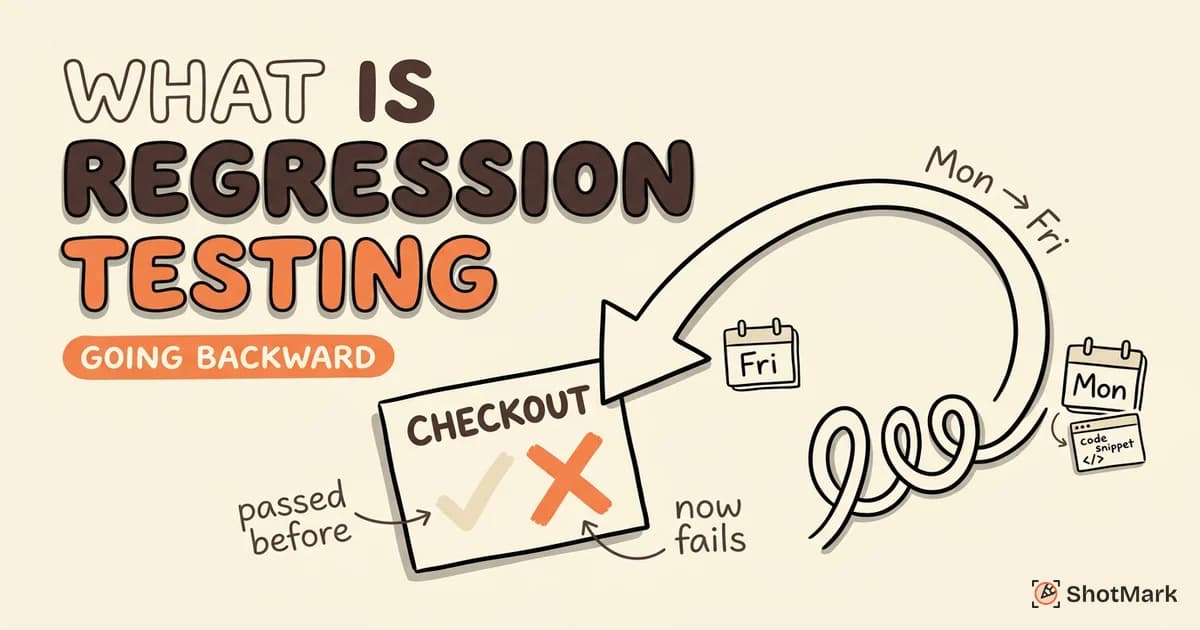
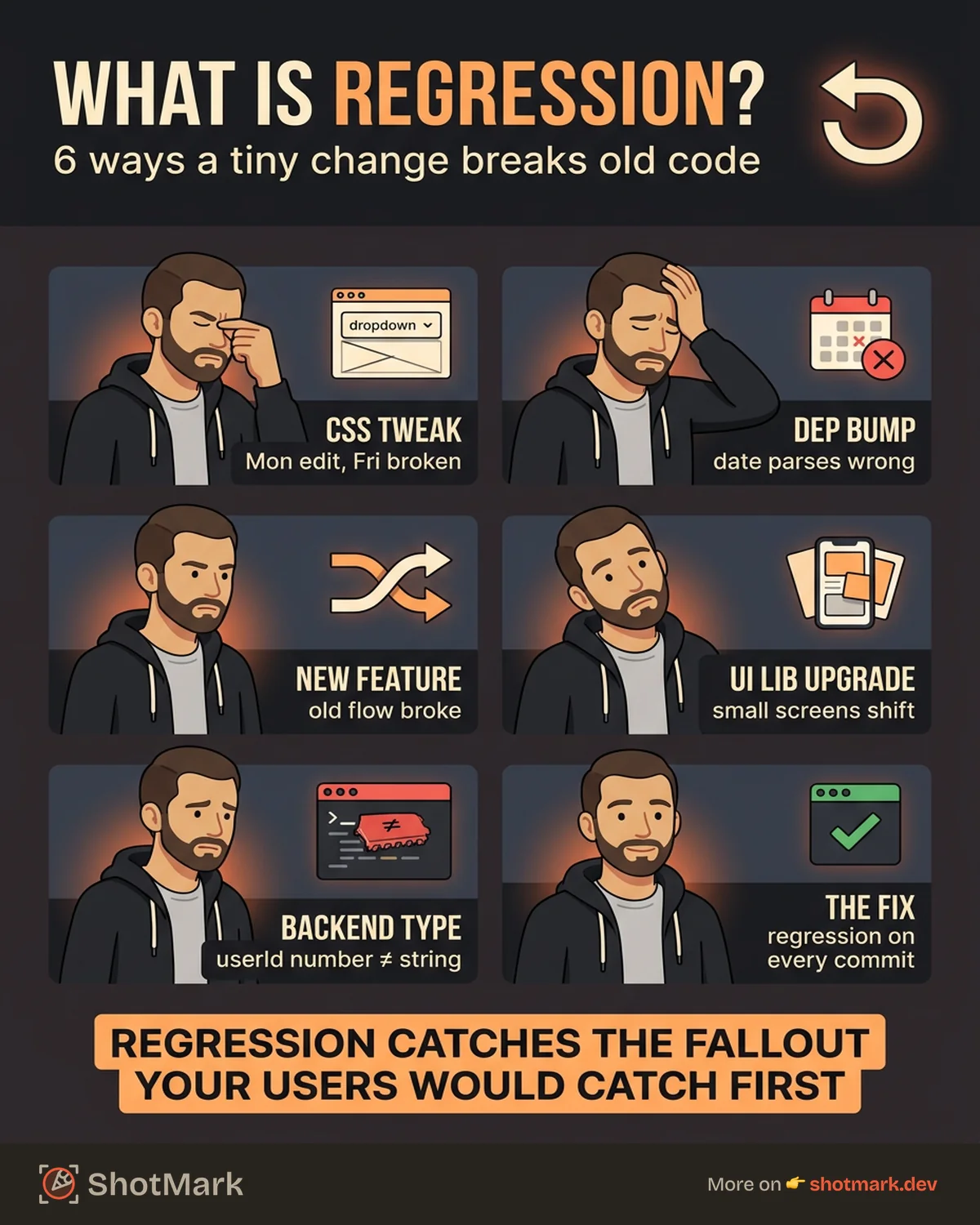
Ship a tiny CSS tweak on Monday, break the checkout dropdown by Friday. That’s the loop regression testing exists to close. Every change you push to a codebase carries the risk of breaking something you already shipped, and without a repeatable way to check the unchanged parts, you find out from your users instead of your CI pipeline.
So what is regression testing, and why does every software team end up needing it? This guide explains the concept in plain English, why it matters, how it works step by step, and when to run it. We’ll cover real examples, the manual-versus-automated trade-off, and what to do after a regression test fails.
What Is Regression Testing?
Regression testing is the practice of re-running tests on existing features after you change the code, to confirm those features still work the way they did before. The word “regression” means going backward, so the goal is to catch any behavior that has regressed, any functionality that used to pass and now fails.
It’s one of the core practices in software testing basics every developer should know, and it sits alongside unit tests, integration tests, and acceptance tests as a safety net for shipping code with confidence. The ISTQB glossary defines it as a type of change-related testing performed to detect whether defects have been introduced or uncovered in unchanged areas of the software.
The reason it matters is simple. Software is a web of dependencies. A change to a shared utility function can ripple into twelve different screens. A new payment method can reuse checkout logic in ways that expose a bug in the old credit card flow. Regression testing is how you catch those side effects before your customers do.
Why Regression Testing Is Necessary
Every code change, no matter how small, can introduce unintended consequences. Refactoring a helper function, upgrading a dependency, or even renaming a CSS class can break features that were working yesterday. Without regression tests, you’re shipping on hope.
The practical cost of skipping it shows up as production bugs, emergency rollbacks, and customer complaints that hit support before they hit your backlog. Teams that invest in regression testing ship faster over time, not slower, because they stop spending weeks debugging issues that a 10-minute test run would have caught.
Here’s a real scenario. Your designer refactors the global stylesheet to standardize spacing. The diff looks harmless. Two days after release, support tickets come in: the dropdown on the account settings page no longer opens because a flex rule changed. A regression suite that clicks through settings pages would have flagged it before merge. Atlassian’s guide to regression testing walks through similar scenarios and explains how continuous delivery pipelines depend on this safety net.
How Regression Testing Works
Regression testing follows a repeatable three-step loop: figure out what might break, pick the right tests, run them, and compare results to a known baseline.
Identify Affected Areas
Start with impact analysis. For every code change, ask which modules, features, or user flows could be touched directly or indirectly. Look at dependency graphs, shared utilities, and any cross-cutting concerns like authentication or feature flags.
Code review helps surface non-obvious impacts. A change to a date formatter might affect the reports page, the billing section, and every email template. Mapping these connections early is what separates a thoughtful regression pass from a blind one.
Select or Update Test Cases
Once you know the affected areas, pick test cases that exercise them. For unchanged functionality, reuse existing test cases. For modified features, update the assertions to match new expected behavior. For new functionality, add fresh test cases to the regression suite so future changes get covered too.
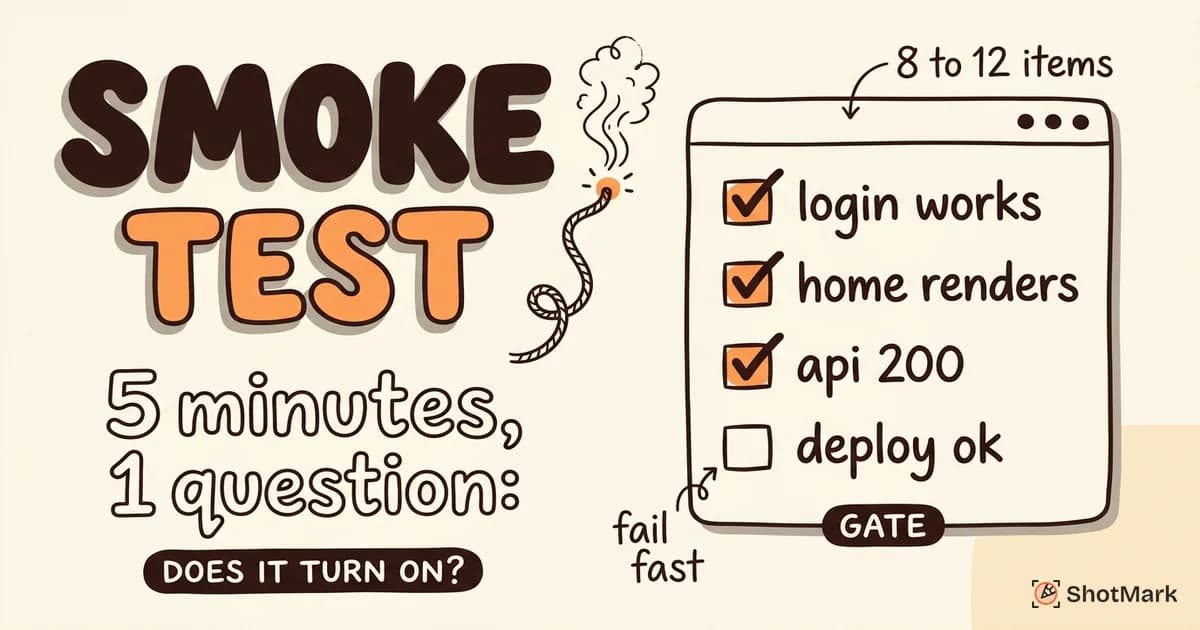
Most teams maintain a tiered regression suite: a fast “smoke” subset that runs on every commit, a broader suite that runs before release, and a full suite that runs nightly. BrowserStack’s regression testing guide covers selection strategies in more depth, including risk-based and priority-based approaches.
Execute and Compare Results
Run the selected tests and compare results against a baseline, usually the last known good state on your main branch. Any test that used to pass and now fails is a potential regression.
The word “potential” matters. Sometimes a failure is a real regression, but sometimes the test itself is outdated because expected behavior genuinely changed. Triage each failure, classify it, and either fix the code or update the test. Katalon’s overview of regression testing offers useful patterns for managing this triage process at scale.
Regression Testing Examples
Concrete examples make the concept stick. Here are three scenarios we’ve seen across real teams.
Example 1: New payment method breaks existing flow: A team adds Apple Pay to the checkout page. The new code shares a validation utility with the credit card flow. A subtle change to the phone number regex causes valid US numbers to be rejected in the credit card path. A regression test that runs the full credit card flow end to end catches this within minutes of the merge.
Example 2: UI library upgrade shifts layout: A developer bumps the component library from v4 to v5. The release notes mention “minor spacing adjustments.” Two days later, the dashboard header overlaps with a banner on screens smaller than 1280px. Visual regression snapshots across common breakpoints would have flagged the pixel diff before release. For more scenarios like this, regression testing explained with real examples walks through additional patterns.
Example 3: Backend API change breaks the frontend: The backend team changes an endpoint to return userId as a number instead of a string. The frontend still concatenates it with a URL string, which technically works, but a related parsing function silently fails, breaking the profile page. An end-to-end test that loads the profile page and asserts on visible content catches the bug; a unit test on either side alone would not.
When to Perform Regression Testing
Regression testing isn’t a one-time event. Run it at every point in the development cycle where the code changes, which is more often than you might think.
- After bug fixes: A fix often touches code paths other features depend on. Always regression-test around the fix.
- After new features: New code can share modules, state, or styles with existing features in non-obvious ways.
- After refactoring: Pure refactors should change nothing user-facing, but in practice they often do. Regression tests are your safety check.
- After dependency or library updates: A minor version bump can include behavior changes that ripple through your app.
- Before every production release: A full regression pass on a release candidate gives you the confidence to ship.
Continuous integration makes this easier. Hook your regression suite into pull request checks and you catch most issues before they ever reach main.
Manual vs Automated Regression Testing
Regression testing is inherently repetitive, which is why automation is the norm. Most teams automate 70 to 90 percent of their regression suite and reserve manual testing for exploratory work and edge cases that are hard to encode.
Automated regression testing runs fast, runs consistently, and scales with your codebase. Tools like Playwright , Cypress , and Selenium drive real browsers through test scenarios and flag failures automatically. For a deeper comparison of the tooling landscape, check regression testing automation tools compared.
Manual regression testing still has a role, especially for visually subtle bugs, accessibility checks, and flows that depend on human judgment. The split most teams land on: automation for the predictable 80 percent, manual for the trickier 20 percent. It’s also worth understanding how regression differs from adjacent practices, which is why smoke testing vs regression testing is a useful companion read.
From Failed Tests to Fixed Bugs
A failing regression test is only half the job. The other half is communicating what failed, clearly enough that a developer can fix it without a round of back-and-forth on Slack. A vague “test failed on the settings page” ticket wastes an hour. A ticket with a screenshot, the console error, the failing network request, and a short repro video saves one.
This is the gap ShotMark closes. When a regression test fails, ShotMark captures the full context in one click: a screenshot with annotations, console logs, network requests, and a session replay showing exactly what happened. The SDK is open-source, and you can join the waitlist to get early access to the hosted product. When you’re doing regression testing in software testing, the speed from “test failed” to “fix shipped” depends entirely on how well the failure is documented. Better context means faster fixes.
Get new posts in your inbox.
One email when we publish: notes on QA, AI, and shipping faster. No spam, unsubscribe anytime.