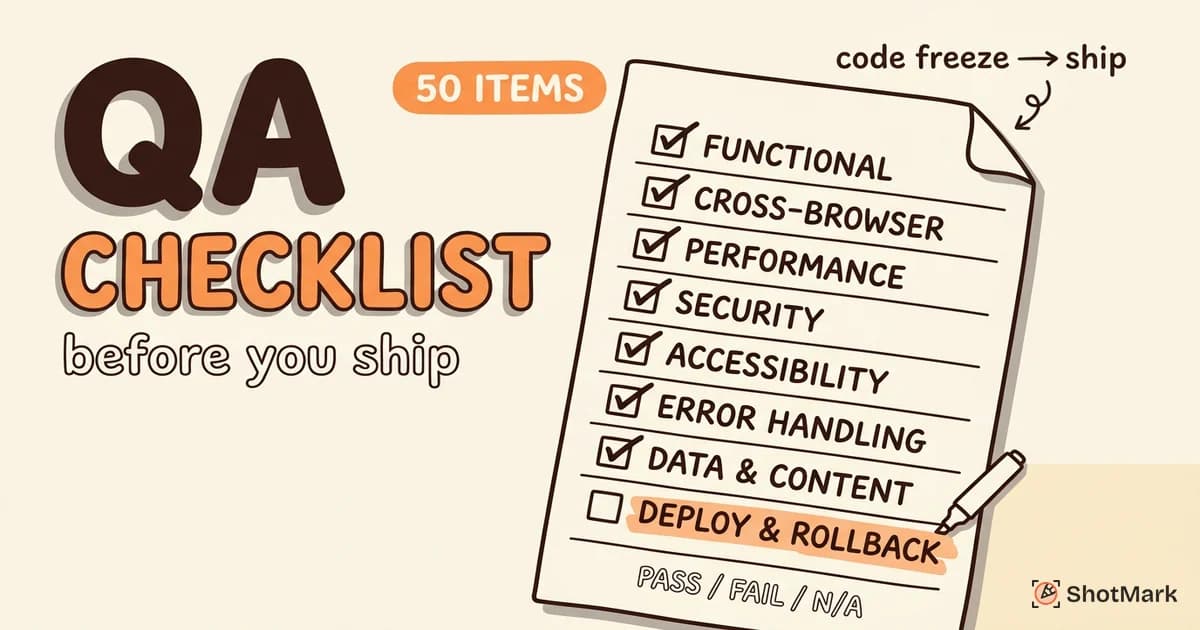
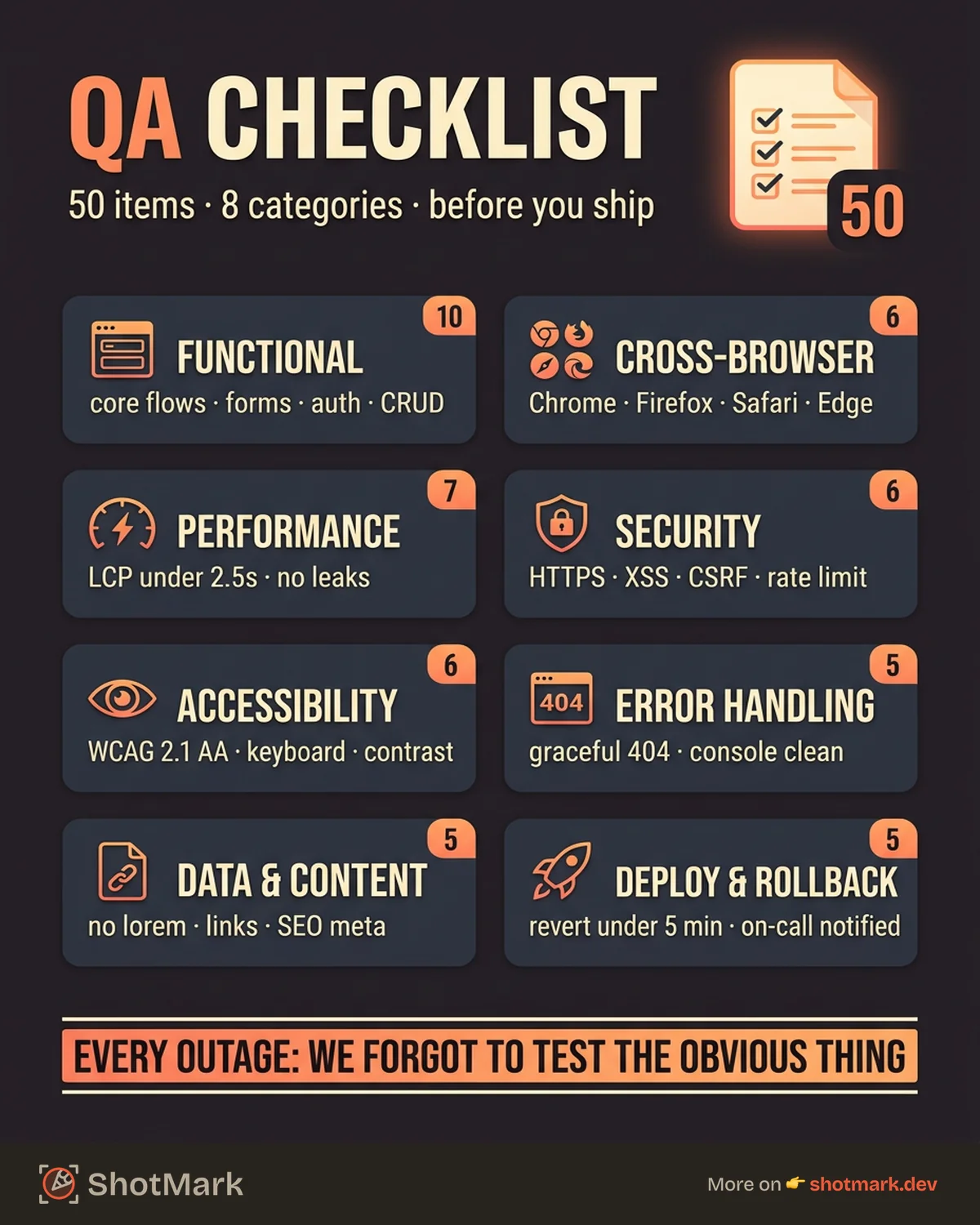
Every production outage has the same postmortem: “We forgot to test [obvious thing].” A QA checklist prevents that outcome by converting institutional knowledge into a repeatable process. This checklist covers 50 items across 8 categories, built specifically for web application releases. Copy it, customize it for your stack, and run it before every deploy.
We put this together after watching teams ship broken login flows, unoptimized images, and missing CSRF tokens. None of those bugs were hard to catch. They were hard to remember.
Why Use a QA Checklist
Human memory is unreliable under deadline pressure. When a sprint ends on Friday and stakeholders want a Monday deploy, the things you skip are the things you assumed were fine.
Checklists reduce what QA teams call the “bug escape rate,” the percentage of bugs that reach production. Atul Gawande made this argument in The Checklist Manifesto: pilots use checklists for every flight, regardless of how many hours they’ve logged. Surgeons who adopted checklists cut complications by 36%.
A QA checklist is not a test plan. It does not replace exploratory testing or automated test suites. It is a final verification layer, a last pass that catches the items your other processes might miss.
The QA Checklist (50 Items)
Functional Testing (10 Items)
- Core user flows work end-to-end (registration through first value action)
- Form validation fires correctly (required fields, input types, error messages)
- Authentication flows verified (login, logout, password reset, session expiry)
- Permission and role-based access enforced (admin vs user vs guest)
- Data persistence confirmed (create, read, update, delete operations)
- Search and filtering returns correct results
- Pagination and infinite scroll load correctly at boundaries
- Email notifications trigger with correct content and recipients
- Third-party integrations verified (payment processing, analytics, OAuth)
- Feature flags configured correctly for production environment
Cross-Browser and Device Testing (6 Items)
- Chrome, Firefox, Safari, and Edge latest versions tested
- Mobile responsive layout verified on iOS Safari and Android Chrome
- Tablet breakpoint verified (iPad and common Android tablets)
- Touch interactions work on mobile (swipe, pinch, long press)
- Browser-specific CSS rendering verified (flexbox, grid, scroll behavior)
- Visual regressions checked across all target browsers
When you find a browser-specific bug, capturing the exact environment matters. ShotMark records the browser, OS, and viewport alongside every screenshot, so the developer sees exactly which configuration broke.
Performance Testing (7 Items)
- Page load time under 3 seconds on a simulated 3G connection
- Largest Contentful Paint (LCP) under 2.5 seconds (per Google’s Web Vitals thresholds)
- No memory leaks during single-page app navigation (monitor heap in DevTools)
- Images optimized and lazy-loaded below the fold
- API response times under acceptable thresholds for critical paths
- Database queries optimized (no N+1 queries on listing pages)
- CDN configured with correct caching headers for static assets
Security Testing (6 Items)
- HTTPS enforced with no mixed content warnings
- Input sanitization in place for XSS prevention (per OWASP Top 10 guidelines)
- CSRF tokens present on all state-changing forms
- SQL injection prevention verified on user-facing inputs
- Rate limiting active on authentication and password reset endpoints
- Sensitive data not exposed in client-side code, local storage, or network responses
Accessibility Testing (6 Items)
- Keyboard navigation works for all interactive elements (tabs, modals, dropdowns)
- Screen reader compatibility verified (VoiceOver on Mac, NVDA on Windows)
- Color contrast meets WCAG 2.1 AA minimum (4.5:1 ratio for normal text)
- Alt text present on all meaningful images
- Form labels programmatically associated with their inputs
- Focus indicators visible on all interactive elements
Error Handling (5 Items)
- Custom 404 page displays correctly for invalid routes
- API error responses handled gracefully in the UI (no raw JSON shown to users)
- Network timeout scenarios display user-friendly messaging
- Browser console free of unhandled exceptions and errors
- Error monitoring tool configured and receiving events (Sentry, BugSnag, or equivalent)
Data and Content (5 Items)
- No placeholder text, lorem ipsum, or test data visible in production
- All internal and external links verified (no broken links)
- Dates, numbers, and currency formatted for the target locale
- SEO meta tags present on all pages (title, description, Open Graph tags)
- Analytics tracking events firing correctly for key user actions
Deployment and Rollback (5 Items)
- Database migrations tested successfully on staging
- Environment variables configured and verified for production
- Rollback plan documented and tested (can you revert in under 5 minutes?)
- Monitoring dashboards configured for post-deploy observation
- On-call rotation notified of the upcoming deployment
How to Use This Checklist
Run this checklist after code freeze and before the production deploy. It works best as a team activity, not a solo task.
Assign sections to team members based on expertise. Your frontend developer handles cross-browser and performance. Your security-conscious engineer takes the security section. Your QA lead covers functional testing.
Track each item with a simple status: Pass, Fail, or N/A. Any single “Fail” blocks the release until resolved or explicitly accepted as a known issue with a tracking ticket.
Update the checklist as your application evolves. When a new category of bug escapes to production, add a checklist item for it. That is how institutional knowledge compounds over time.
You can adapt this checklist for your preferred tool. It works in Notion databases, Google Sheets, or as a Markdown file checked into your repository.
Customizing the Checklist for Your Team
No two web applications are identical. A SaaS product with Stripe integration needs payment-specific items. A real-time collaboration app needs WebSocket verification. An e-commerce platform needs inventory and cart edge cases.
Add items specific to your domain. If your app supports file uploads, add items for file size limits, type validation, and virus scanning. If you serve multiple locales, add items for translation completeness and RTL layout.
Remove items that don’t apply. If you don’t use feature flags, drop item 10. If your app has no email notifications, drop item 8. A shorter, relevant checklist gets used. A long, generic one gets ignored.
Version the checklist alongside your code. When a developer adds a new feature, they add the corresponding checklist items in the same pull request. Review and refine quarterly.
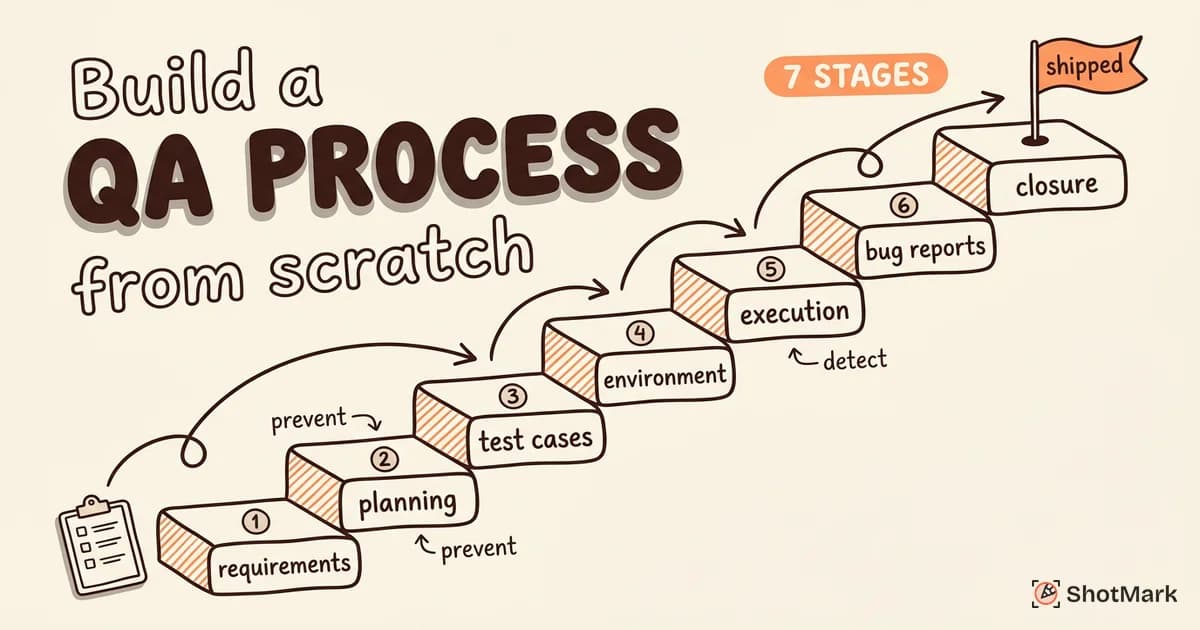
Your QA process should define when this checklist gets used. Your test plan covers the testing strategy. This checklist is the final gate before shipping. Together with a well-defined bug-to-resolution workflow, these artifacts form the backbone of a reliable release cycle.
Ship With Confidence
A QA checklist is cheap to create and expensive to skip. The 15 minutes it takes to run through 50 items can save your team days of firefighting, customer complaints, and emergency hotfixes.
Found a bug during your release check? Capture it in one click with ShotMark . Screenshots, console logs, and network requests get attached automatically, so the developer fixing it sees the full picture without a back-and-forth thread. Join the waitlist .
Get new posts in your inbox.
One email when we publish: notes on QA, AI, and shipping faster. No spam, unsubscribe anytime.