A client feedback workflow is the difference between shipping a site in 6 weeks and watching it slide into month four with no end in sight. Most web design agencies lose more hours to vague revisions and inbox chaos than to actual design and development work.
This guide lays out a five-stage client feedback workflow that agency owners, project managers, and freelance designers can adopt today. We’ll cover the tooling, the communication templates, and the specific rules that keep scope creep from swallowing your margins.
Most Agency Feedback Workflows Are Broken
The typical flow looks the same across agencies of every size. You send the client a staging link. You wait three days. You get an email reply that says “the hero doesn’t feel right” with no screenshot attached.
You reply asking for clarification. The client CCs their marketing director, who adds four more requests unrelated to the original scope. Someone on your team takes a guess at what “doesn’t feel right” means, pushes a change, and the cycle repeats.
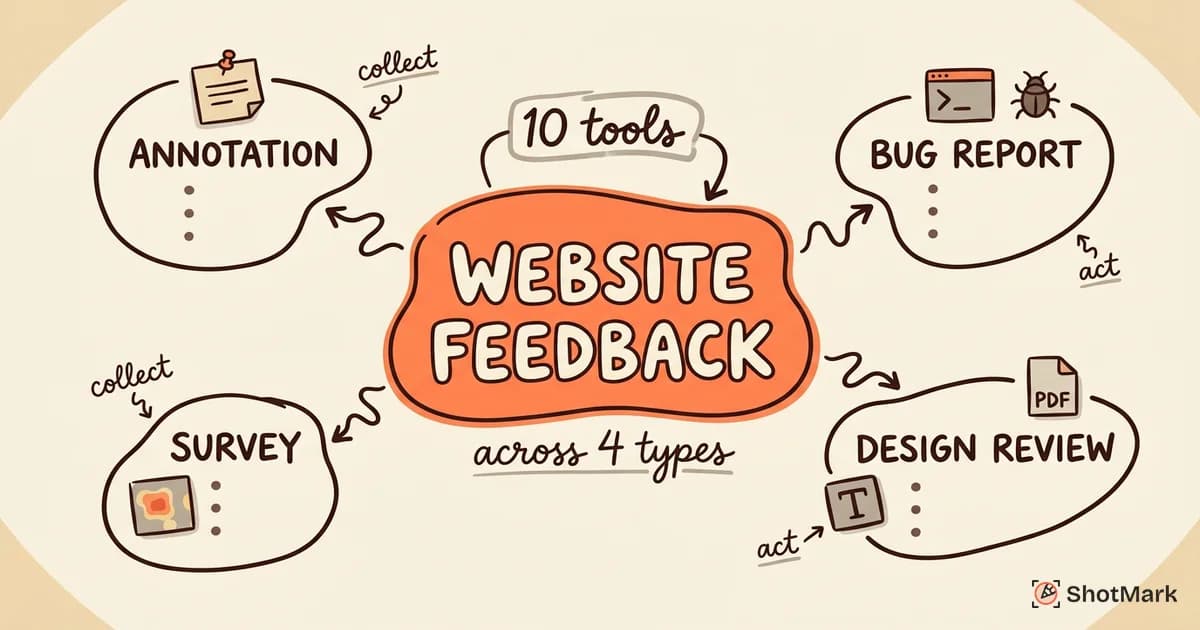
Agency owners on r/webdesign regularly complain that three-round revision projects balloon into five, six, or seven. Our cornerstone guide on website feedback tools and how to collect and act on feedback digs deeper into why email is the worst channel for this. Scope creep hides inside “just one more small change” requests that never feel big enough to push back on in the moment. By the time you notice, you’ve eaten 30 extra hours and the client still isn’t happy.
A structured workflow fixes this. Not by making clients behave better, but by giving them a clear path to follow and giving your team a defensible process to point to when requests drift out of scope. The same problem shows up with internal stakeholders too, which we covered in our guide on how to collect stakeholder feedback without chaos.
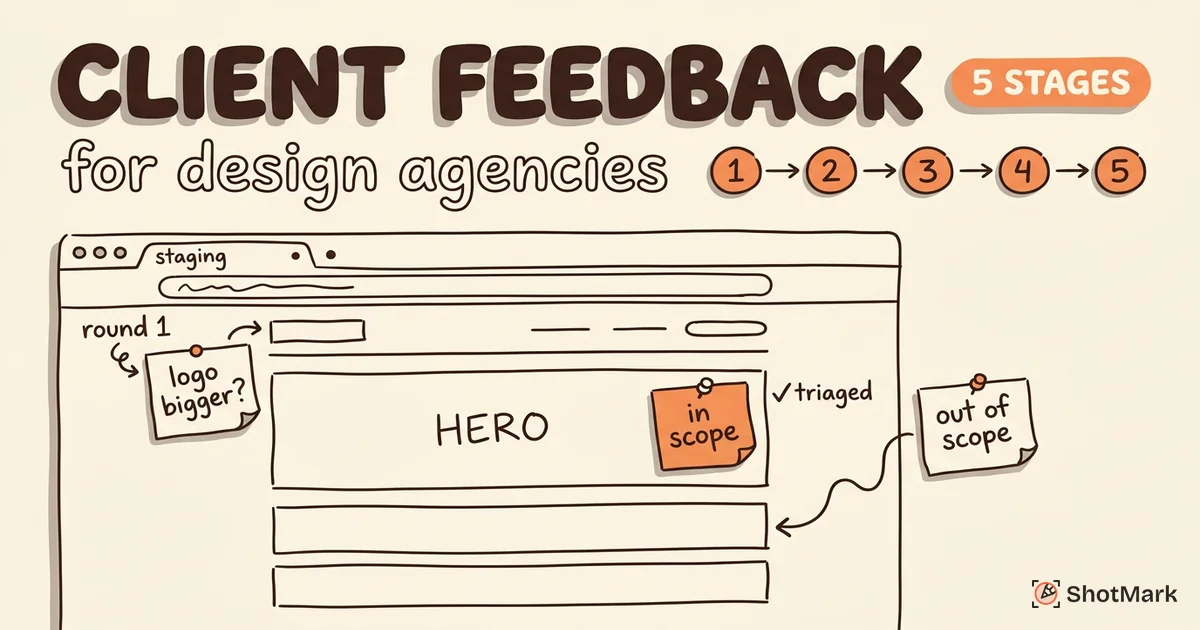
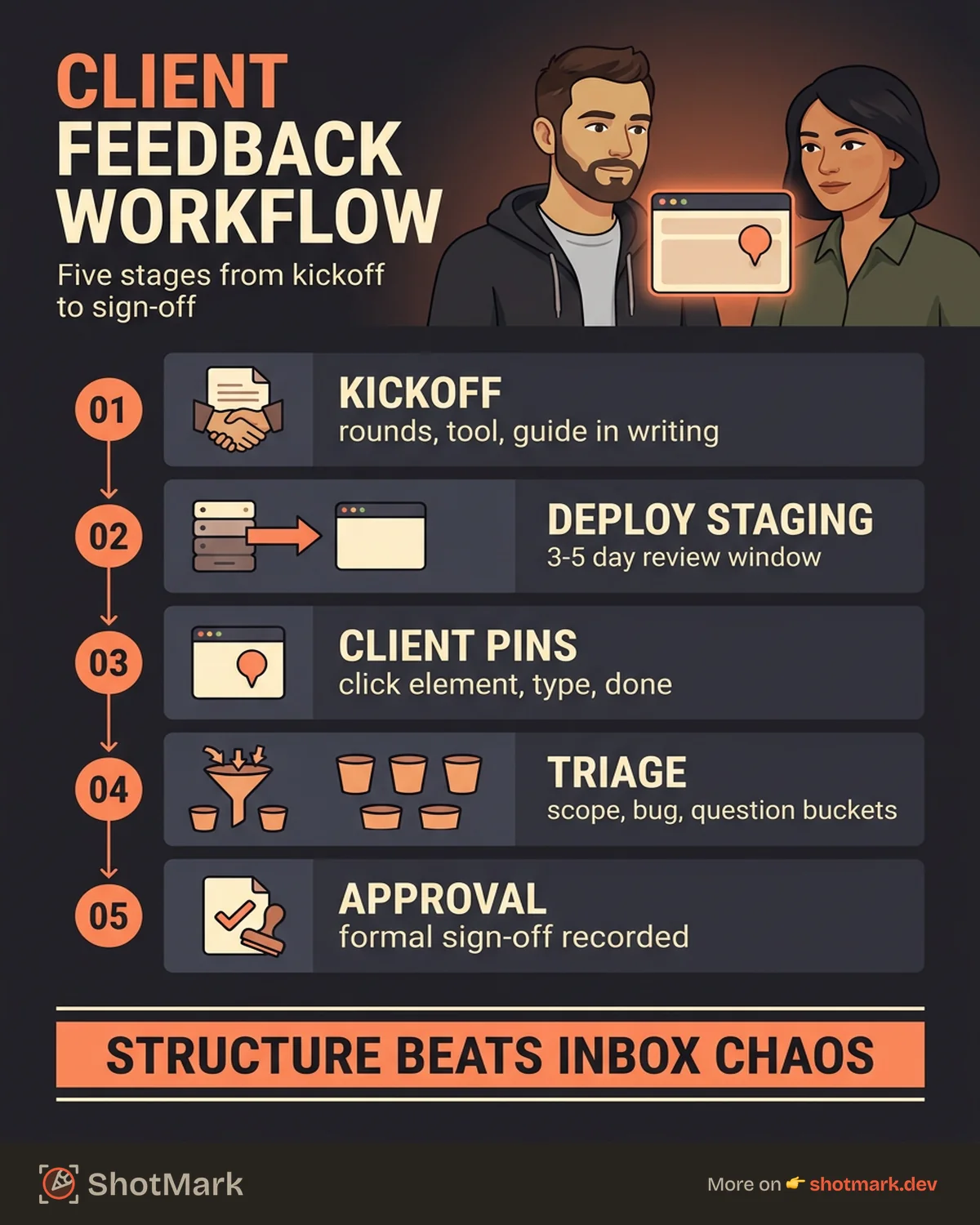
The Five-Stage Client Feedback Workflow
Every project moves through the same five stages, regardless of whether you’re building a 10-page marketing site or a 200-page enterprise redesign. Each stage has a clear owner, a clear output, and a clear exit criterion.
Stage 1: Set Expectations at Project Kickoff
The feedback workflow starts before any design work begins. At kickoff, you put three things in writing.
First, define the number of included revision rounds in the contract. Two or three is standard for most agency projects. Anything beyond that triggers a change order.
Second, explain how feedback will be collected. Name the specific tool your team uses and say explicitly that email replies, Slack messages, and phone calls won’t be tracked as official feedback. This sounds strict, but clients appreciate knowing where their input actually goes.
Third, share a one-page guide titled “How to give us feedback” with annotated screenshots of the tool. Include a video walkthrough under two minutes. The goal is to remove every possible excuse for a client to default back to email.
Set review deadlines for each milestone and add them to the project timeline. A review window without a deadline is an open invitation for delay.
Stage 2: Deploy to Staging and Open the Review Window
When a milestone build is ready, deploy it to a staging URL that’s password-protected. Share the link through your feedback tool, not through email. Email-shared links get forwarded, lost, and replied-to in ways that bypass your workflow.
The review window should be 3 to 5 business days for most milestones. Longer windows sound generous but actually reduce focus. Clients who have a week to review will review on day six.
Send a kickoff message with a fixed format: what they’re reviewing, the deadline, and what happens if feedback doesn’t arrive in time. Be specific. “All feedback must be submitted through [tool] by Thursday, April 24 at 5 PM ET. Anything submitted after this date moves to the next revision round.”
Stage 3: Client Reviews and Pins Feedback
The client opens the staging site and clicks directly on elements to leave comments. Tools like BugHerd and Pastel handle this with a browser extension or an embedded widget. ShotMark does it with a one-click capture that grabs the screenshot, console logs, and network requests at the same moment the client comments.
No login is required for guest access. Every friction point you add to the review process increases the chance your client defaults back to email. The ideal flow is: open link, click element, type comment, done.
Comments are contextual. They’re attached to specific pages, specific elements, and specific states (mobile vs desktop, logged-in vs logged-out). All feedback lives in one queue, not scattered across channels.
This contextual approach matters because it forces specificity. A client can’t write “the header feels off” when they have to click directly on the logo, the nav, or the background. They have to point at something.
Stage 4: Agency Triages and Implements
Once the review window closes, the project manager reviews every piece of feedback and categorizes it. This is the most important step in the entire workflow.
Each item goes into one of four buckets:
- In scope: A legitimate design or copy adjustment within the agreed work.
- Out of scope: A new feature or significant redesign not covered by the contract.
- Bug: Something broken rather than a preference (button doesn’t click, image doesn’t load).
- Question: Needs clarification before it can be actioned.
Out-of-scope items get a written response with cost and timeline attached. Never silently add them to the backlog. Never silently reject them either. The response should read: “This is a great addition and we can build it. Adding a blog archive filter will take 6 hours and costs $X. If you approve, we’ll add it to the next milestone.”
In-scope items get assigned to designers and developers with a clear target for the next staging deploy. Each one gets marked resolved in the tool when the code is pushed.
Stage 5: Client Reviews Fixes and Approves
Deploy the updated build to staging and notify the client through the feedback tool. They work through the resolved items and confirm each one is addressed.
If something isn’t quite right, it stays open and the designer takes another pass. If it’s correct, the client marks it approved.
At the end of the round, request formal approval for the milestone as a whole. This can be a click on an “Approve” button in the tool or a written sign-off message. Without explicit approval, you have no defensible position when a client asks to “just tweak that one thing” three weeks later.
Move to production deployment once approval is recorded.
How to Handle “Just One More Thing” Requests
Every agency faces scope creep disguised as feedback. The request sounds small in isolation: “Can you also swap this icon?” or “One more thing, can we add a testimonial slider here?”
Individually, none of these kill a project. Collectively, they add 20 to 40 hours of unbilled work across a typical engagement. The solution isn’t to say no. The solution is to categorize.
Every piece of feedback gets labeled “in scope” or “change request” at triage. Change requests get a written response with hours, cost, and timeline. Clients rarely argue with a clear change order because it’s transparent: they can say yes, no, or “let’s push this to phase two.”
Being clear is not being difficult. Clients who work with structured agencies often prefer the process because they know exactly what each decision costs. Our deeper dive on the tooling side of this covers website review tools agencies use for approvals if you want to see how specific platforms handle change orders.
Communication Templates for Client Reviews
Templates save your project managers from writing the same email 40 times a year. Here are five that every agency should have in a shared doc.
Template 1: Review Window Open
Subject: [Project Name] Milestone 2 ready for review
Hi [Client], Milestone 2 is deployed to staging. Review window: Monday, April 21 through Friday, April 25 at 5 PM ET. Please submit all feedback through [tool link]. Email replies, Slack messages, and calls won’t be tracked. Let me know if you run into any issues accessing the tool.
Template 2: How to Leave Feedback
A one-page PDF or Notion doc with screenshots showing: how to open the tool, how to click on an element, how to leave a comment, and how to mark something resolved. Include a 90-second video walkthrough. Attach it to every review window message.
Template 3: Feedback Triage Summary
Subject: [Project Name] Feedback triage complete
Hi [Client], we’ve reviewed all 23 items from Milestone 2. Breakdown:
- 18 items in scope, starting implementation today
- 3 items are change requests with costs attached (see tool)
- 2 items need clarification, see questions on items #7 and #15 Target for next staging deploy: May 2.
Template 4: Revision Round Complete
Subject: [Project Name] Milestone 2 revisions ready for review
Hi [Client], all 18 in-scope items from the previous round are resolved. Staging is updated. Please review by Wednesday, April 30 and approve each resolved item in the tool.
Template 5: Approval Request
Subject: [Project Name] Milestone 2 approval requested
Hi [Client], all feedback is addressed and ready for final sign-off. Please click “Approve Milestone” in the tool or reply to confirm. Once approved, we’ll deploy to production on [date].
Tools That Support This Workflow
No workflow runs on process alone. The right tools make each stage faster and keep everyone on the same page.
For feedback collection, the major options include Pastel , BugHerd , Marker.io , and ShotMark. Each handles the core “click to comment” pattern but differs on technical context capture, mobile support, and integrations.
For project management, Jira, Asana, Linear, and ClickUp all work. What matters is that your feedback tool syncs to whichever PM tool your team already lives in. Manual copy-paste between tools is where context gets lost.
For communication, a dedicated Slack channel per client project keeps side conversations out of your main agency workspace. Use it for quick questions, not for feedback. Feedback goes in the tool.
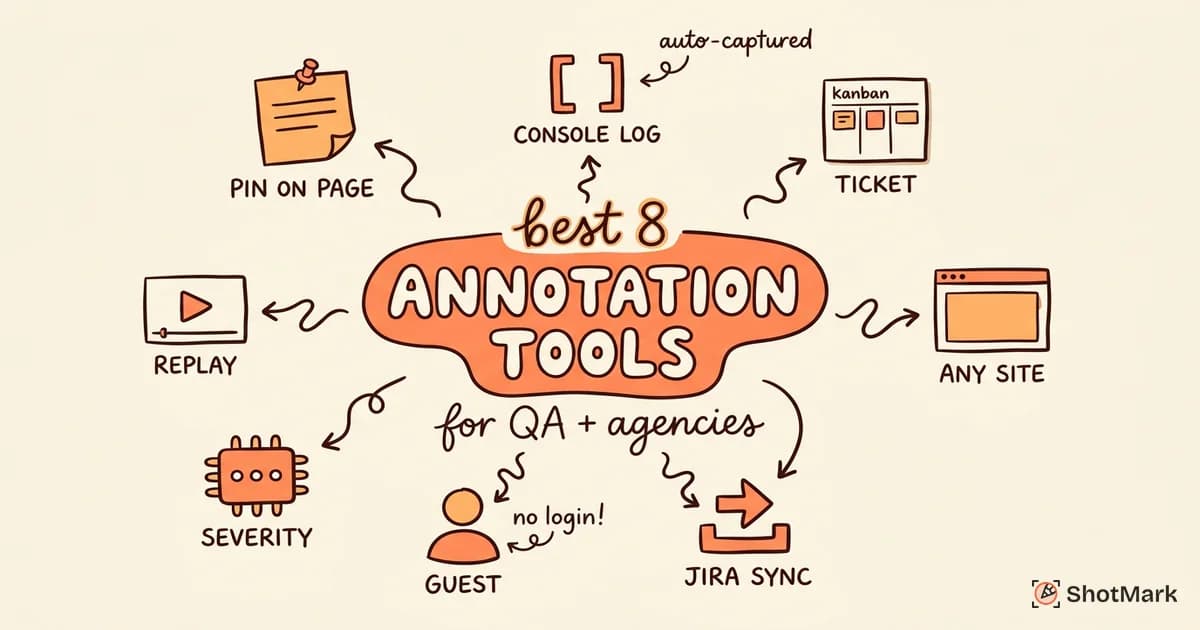
Our comparison of annotation tools for QA and agencies breaks down the specific strengths of each option if you’re still evaluating.
When Client Feedback Reveals Bugs
Not every piece of client feedback is a design preference. Some of it is actual bugs. A button that doesn’t click on iPad. A form that fails silently on Firefox. A hero image that loads at 4MB on mobile.
When a client says “this is broken,” your developer needs more than a screenshot. They need the URL, the browser, the viewport size, and ideally the console error and network request that caused the failure. Without that context, your dev team spends 20 minutes reproducing the issue before they can fix it.
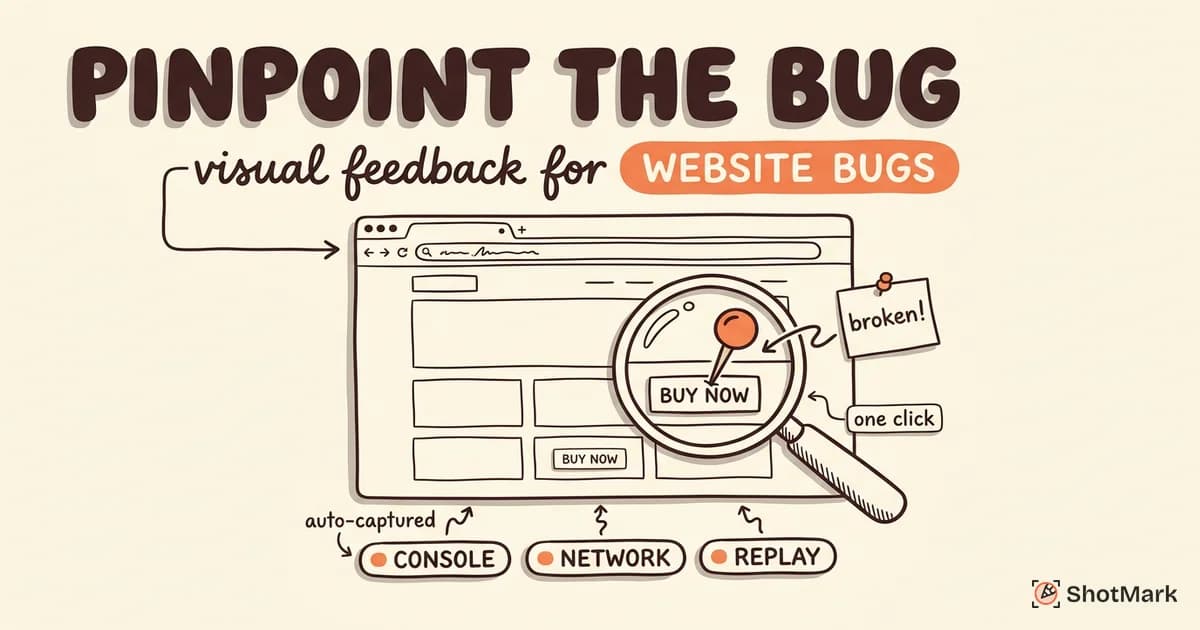
This is where a feedback tool that captures technical context pays for itself. ShotMark handles one-click capture of screenshots, console logs, network requests, and full session replay the moment a client flags something. The agency’s developers get a reproducible bug report without a single follow-up email.
ShotMark is open source (the capture SDK ships with a permissive license) and currently accepting waitlist signups for early access. Agencies that sign up during the beta get free team seats for their first three client projects.
A well-built client feedback workflow turns the messiest part of agency work into a predictable, repeatable process. You get fewer revision rounds, less scope creep, and clients who feel heard because their feedback isn’t vanishing into someone’s inbox. The five-stage structure above, combined with the right tools and a handful of templates, is enough to take most agencies from chaotic to calm within a single project cycle. Start with your next kickoff: write the revision rounds into the contract, pick your tool, and send the “how to give us feedback” guide before the first design ever ships. That one client feedback workflow change alone will save more hours this quarter than any new design system or automation you could roll out.
Get new posts in your inbox.
One email when we publish: notes on QA, AI, and shipping faster. No spam, unsubscribe anytime.